Pay As You GoPrueba gratuita de 7 días; no se requiere tarjeta de crédito



Las plataformas de flujo de trabajo de IA están remodelando la forma en que operan las empresas al automatizar los procesos, conectar herramientas y reducir el trabajo manual. Ya sea que tenga un equipo pequeño o una gran empresa, la plataforma adecuada puede ayudarlo a ahorrar tiempo, reducir costos y mejorar la eficiencia. He aquí un vistazo rápido a las principales plataformas y a lo que ofrecen:
Consejo rápido: Comience con un plan o proyecto piloto gratuito para evaluar los costos y el rendimiento según sus necesidades específicas. Ya sea que busque simplicidad o profundidad técnica, hay una plataforma adaptada a sus objetivos.
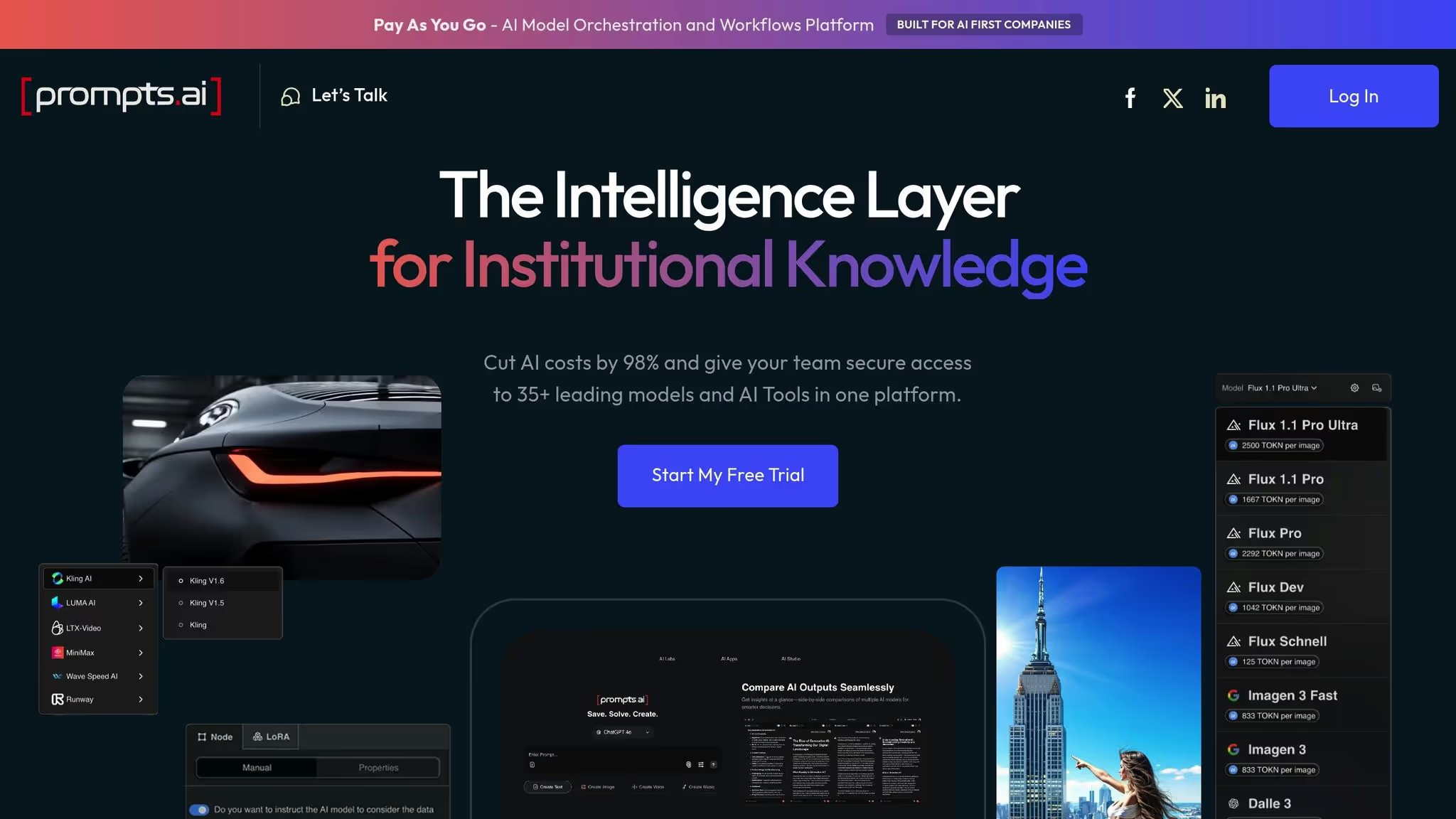
Prompts.ai reúne más de 35 modelos de lenguaje de IA, que incluyen GPT, Claudio, Llama, y Géminis, en una interfaz única y optimizada. De este modo, elimina el caos que supone gestionar múltiples herramientas y simplifica la adopción de la IA por parte de los equipos. Los usuarios pueden comparar, probar e implementar modelos fácilmente desde un espacio de trabajo centralizado, abordando las ineficiencias comunes en los flujos de trabajo de la IA.
La plataforma conecta las herramientas de IA con las aplicaciones empresariales cotidianas sin necesidad de integraciones personalizadas. Se integra perfectamente con herramientas populares como Slack, Gmail, y Trello, lo que permite a los equipos activar flujos de trabajo impulsados por la IA directamente en las plataformas en las que ya confían. Por ejemplo, un equipo de ventas puede usar Gmail para crear automáticamente respuestas personalizadas por correo electrónico, mientras que un equipo de gestión de proyectos puede resumir las actualizaciones de Trello mediante IA, todo ello sin salir de sus espacios de trabajo habituales.
Prompts.ai también admite flujos de trabajo creativos al permitir a los usuarios combinar varios servicios de IA de forma secuencial. En mayo de 2025, Johannes Vorillon, director independiente de IA, demostró esta capacidad al crear un vídeo promocional ficticio para Breitling y la Fuerza Aérea Francesa. Utilizó Prompts.ai para integrar varias herramientas de inteligencia artificial, lo que demuestra su función como centro de orquestación central para proyectos complejos.
Este enfoque unificado es particularmente útil para los equipos que necesitan realizar iteraciones rápidas en diferentes modelos. Por ejemplo, en abril de 2025, Vorillon usó Prompts.ai para diseñar un Land Rover anuncio. Al ejecutar las mismas instrucciones en varios modelos simultáneamente, pudo evaluar al instante qué modelo ofrecía los mejores resultados, ahorrando tiempo y agilizando su proceso creativo.
Prompts.ai simplifica los flujos de trabajo complejos al automatizar los procesos mediante activadores y programaciones. Permite a los usuarios encadenar modelos de IA y herramientas empresariales, creando flujos de trabajo de extremo a extremo. Por ejemplo, un equipo de contenido podría configurar un sistema en el que un modelo de IA resuma automáticamente los documentos nuevos de una carpeta compartida, otro los convierta en publicaciones en redes sociales y, a continuación, los envíe a Slack para que el equipo los revise.
Con más de 35 modelos de IA accesibles en una interfaz, los equipos pueden diseñar flujos de trabajo que aprovechen las fortalezas únicas de los diferentes modelos en varias etapas. Un equipo de investigación, por ejemplo, podría utilizar un modelo para el análisis de datos, otro para la generación de hipótesis y un tercero para la redacción de informes, todo ello en una secuencia uniforme. Esto enfoque independiente del modelo garantiza la flexibilidad, lo que permite a las organizaciones adaptarse a medida que estén disponibles modelos más nuevos y avanzados.
En febrero de 2025, Vorillon destacó esta flexibilidad al usar Prompts.ai para integrar herramientas de inteligencia artificial para generar imágenes, refinar diseños y crear un vídeo promocional coherente. Este ejemplo subraya cómo la plataforma admite flujos de trabajo iterativos y creativos al unir herramientas de inteligencia artificial especializadas en un sistema único y eficiente.
Prompts.ai aborda las preocupaciones empresariales sobre la seguridad y el cumplimiento normativo con sólidas funciones de gobierno. Ofrece seguimiento completo de la auditoría, lo que permite a los administradores supervisar quién accedió a qué modelos, qué indicaciones se utilizaron y cómo se gestionaron los datos confidenciales. Este nivel de transparencia es especialmente importante para sectores como los de la salud, las finanzas y los servicios legales, donde mantener registros detallados del uso de la IA suele ser una necesidad normativa.
La plataforma centraliza los controles de acceso y las políticas de uso, lo que permite a los equipos de TI hacer cumplir las reglas de toda la empresa. En lugar de administrar los permisos de docenas de servicios de IA de forma individual, los administradores pueden definir qué modelos pueden usar los empleados, qué tipos de datos se pueden procesar y cómo se deben almacenar los resultados. Este enfoque minimiza el riesgo de TI en la sombra, donde los departamentos adoptan herramientas no autorizadas sin la supervisión adecuada.
Según Prompts.ai, la plataforma «conecta a los usuarios empresariales con los principales modelos de lenguaje de IA, como GPT, Claude, LLama y Gemini, a través de una interfaz. Elimine la proliferación de herramientas, optimice los flujos de trabajo y refuerce la gobernanza a gran escala».
Estas funciones de gobierno hacen que la plataforma sea particularmente atractiva para las organizaciones que priorizan la seguridad y el cumplimiento normativo.
Prompts.ai está dirigido tanto a usuarios técnicos como no técnicos, y ofrece funciones que abordan los desafíos de adopción de IA a escala empresarial. Su interfaz intuitiva reduce las barreras para los usuarios empresariales que carecen de conocimientos de codificación, mientras que su compatibilidad con varios modelos y la flexibilidad del flujo de trabajo satisfacen las necesidades de los equipos técnicos que gestionan proyectos más complejos.
Los profesionales creativos son un grupo de usuarios clave para Prompts.ai. Los proyectos de Johannes Vorillon, que incluyen campañas publicitarias y vídeos promocionales, destacan cómo la plataforma permite a los usuarios combinar múltiples herramientas de inteligencia artificial en flujos de trabajo cohesivos sin necesidad de conocimientos técnicos avanzados.
Además, la plataforma atrae a las organizaciones que buscan optimizar sus gastos en IA. Prompts.ai afirma que puede «reemplazar más de 35 herramientas de IA desconectadas y reducir los costos en un 95% en menos de 10 minutos». Este potencial de ahorro de costes repercute en los equipos de finanzas y operaciones que buscan controlar los gastos de software y, al mismo tiempo, empoderar a sus organizaciones para que exploren e implementen soluciones de inteligencia artificial.
Reconocido por Genai.works como plataforma líder para la automatización y la resolución de problemas de inteligencia artificial empresarial, Prompts.ai sigue destacando por su capacidad para combinar accesibilidad, gobernanza y un amplio acceso a modelos. Los comentarios de los usuarios suelen destacar sus funciones de comparación de modelos en paralelo, creación de contenido optimizada y automatización del flujo de trabajo, todo lo cual permite a los equipos centrarse en tareas estratégicas en lugar de gestionar múltiples herramientas de inteligencia artificial.
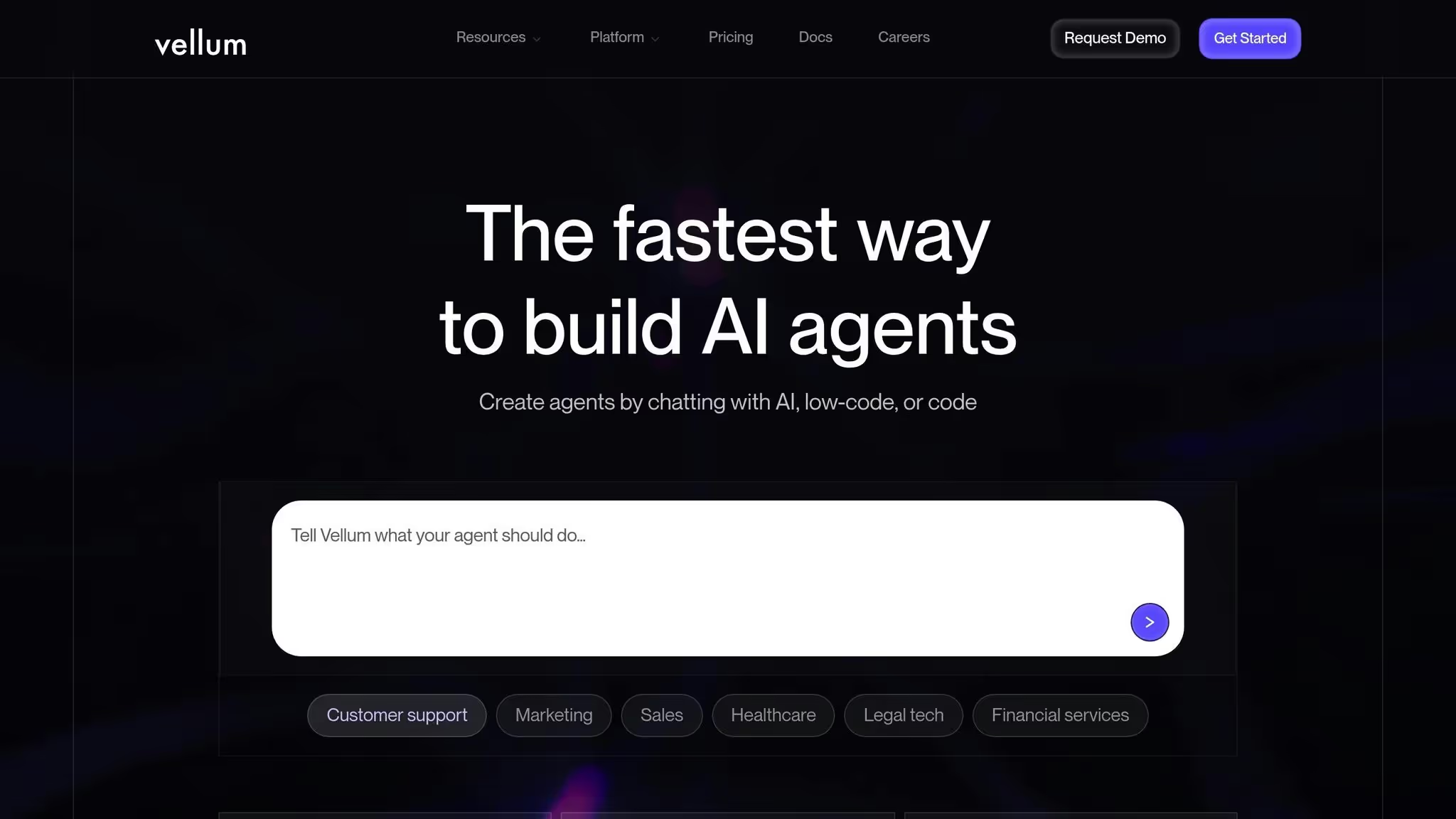
Vellum AI se destaca como una plataforma de desarrollo diseñada para crear agentes de inteligencia artificial y chatbots a través de instrucciones en lenguaje natural. Con el respaldo de 25,5 millones de dólares en financiación, sigue la filosofía de orquestación simplificada de Prompts.ai y, al mismo tiempo, ofrece un espacio de trabajo centrado en los desarrolladores. Esta plataforma integra herramientas rápidas de ingeniería, orquestación del flujo de trabajo y colaboración, lo que la hace ideal para los equipos que crean aplicaciones de IA a nivel de producción.
Diseñada pensando en los desarrolladores, Vellum AI hace hincapié en la flexibilidad y la integración. Proporciona los SDK de TypeScript y Python, que permiten a los ingenieros crear nodos personalizados, exportar código e integrarse sin problemas con las herramientas existentes mediante ganchos de interfaz de usuario. Como plataforma «nativa de la IA», está diseñada específicamente para satisfacer las demandas del desarrollo de la IA.
La plataforma incluye funciones como la recuperación, el enrutamiento semántico, el uso de herramientas y la orquestación de agentes, todas las cuales funcionan sin esfuerzo con varios modelos y servicios de IA. Ya sea que se implemente en la nube, en una VPC o en las instalaciones, Vellum AI garantiza el cumplimiento y el control de los datos. A diferencia de las herramientas de automatización de uso general, se centra en la orquestación específica de la IA con funciones como las evaluaciones integradas, el control de versiones y la capacidad de observación, todo ello orientado a los entornos de producción.
Su herramienta Prompt Builder mejora la integración al permitir a los usuarios diseñar, iterar y versionar las instrucciones en varios modelos de IA. Los usuarios pueden encadenar las solicitudes, añadir variables y previsualizar las respuestas de diferentes modelos una al lado de la otra, lo que simplifica el proceso de selección del mejor modelo para cada etapa del flujo de trabajo.
Vellum AI permite a los usuarios automatizar los flujos de trabajo mediante instrucciones en lenguaje natural. Esta capacidad va más allá de la automatización básica de tareas y permite la creación de agentes de IA de varios pasos que interactúan con sistemas empresariales reales y gestionan procesos dinámicos y de gran tamaño basados en modelos lingüísticos.
El Prompt Builder desempeña un papel central en este sentido, ya que permite a los equipos diseñar y refinar las indicaciones en tiempo real sin necesidad de programar. Los usuarios pueden encadenar las solicitudes, configurar la lógica, agregar variables y ajustar los resultados a través de una interfaz visual intuitiva. Este enfoque reduce el esfuerzo de desarrollo necesario para crear secuencias de automatización avanzadas.
La colaboración es otra característica clave. La plataforma proporciona un entorno visual compartido en el que los equipos técnicos y no técnicos pueden trabajar juntos para diseñar y perfeccionar los flujos de trabajo de inteligencia artificial. Los desarrolladores pueden centrarse en las integraciones personalizadas y en la exportación de código, mientras que los usuarios empresariales gestionan rápidamente el diseño y la lógica de los procesos. Esta colaboración garantiza que los flujos de trabajo se beneficien de una amplia gama de conocimientos, lo que hace que los proyectos de automatización sean más eficaces.
Vellum AI está diseñado para organizaciones que necesitan aplicaciones de IA listas para la producción con capacidades sólidas de prueba, control de versiones y monitoreo. Sus funciones centradas en los desarrolladores, como la compatibilidad con el SDK y las herramientas de exportación de código, la hacen especialmente atractiva para los equipos de ingeniería que gestionan proyectos complejos de IA.
Al mismo tiempo, su generador visual de flujo de trabajo y su interfaz de lenguaje natural lo hacen accesible para usuarios no técnicos. Los gerentes de producto, los analistas empresariales y otras partes interesadas pueden contribuir al diseño del flujo de trabajo sin necesidad de escribir código, mientras que los desarrolladores mantienen el control sobre las integraciones e implementaciones técnicas. Este doble enfoque en la profundidad técnica y la usabilidad empresarial convierte a Vellum AI en una opción versátil para equipos de todos los niveles de habilidad.
La plataforma ofrece un plan gratuito para los equipos que recién comienzan, con planes de pago a partir de 25 dólares al mes. Esta estructura de precios garantiza la accesibilidad para los equipos más pequeños y, al mismo tiempo, se amplía para satisfacer las necesidades de las organizaciones más grandes que gestionan los flujos de trabajo de IA a nivel empresarial.
Zapier se ha convertido en un nombre muy conocido en la automatización de flujos de trabajo, ya que conecta más de 8000 aplicaciones a través de sus flujos de trabajo sencillos y basados en activadores conocidos como «Zaps». Con el tiempo, la plataforma ha ampliado sus capacidades para incluir funciones basadas en la inteligencia artificial, como el diseño de flujos de trabajo en lenguaje natural y la creación de Zap basada en la inteligencia artificial. Esta evolución posiciona a Zapier como un actor destacado en el ámbito de Automatización del flujo de trabajo basada en inteligencia artificial.
Uno de los puntos fuertes que definen a Zapier es su amplia red de integraciones. Con soporte para más de 8000 aplicaciones, conecta una amplia gama de herramientas, desde herramientas básicas de productividad como Gmail y Slack hasta plataformas empresariales como Fuerza de ventas, Hojas de cálculo de Google, y Trello. Esto permite a las empresas vincular sus ecosistemas de software existentes sin necesidad de un desarrollo personalizado, lo que fomenta la interoperabilidad perfecta entre diversas aplicaciones.
El proceso es sencillo: los usuarios definen un disparador y lo asignan a una acción, mientras que Zapier gestiona la autenticación y las llamadas a la API entre bastidores. Como comparte Maddy Osman de n8n:
A menudo uso Zapier cuando empiezo a crear la lógica de un flujo de trabajo. Considero que su servicio de atención al cliente es de primera categoría; sin embargo, ha habido ocasiones en las que he tenido que abandonar los flujos de trabajo a los que he dedicado horas, incluso después de que el servicio de atención al cliente haya intervenido.
Si bien Zapier hace hincapié en la facilidad de uso, tiene limitaciones en áreas como la administración de secretos y las conexiones de API personalizadas reutilizables, que pueden no satisfacer a los usuarios que buscan una personalización avanzada.
Zapier se destaca a la hora de simplificar las tareas de automatización, ya sea transferir los envíos de formularios a hojas de cálculo, sincronizar los eventos del calendario o automatizar las actualizaciones de las redes sociales, todo ello sin necesidad de conocimientos de programación. Los avances recientes de la IA mejoran aún más la plataforma, ya que permiten a los usuarios describir los flujos de trabajo en un lenguaje sencillo y hacer que Zapier los cree automáticamente. Los agentes de IA añaden otra capa de funcionalidad al gestionar tareas más dinámicas. Flo Crivello, director ejecutivo de Lindy.ai, señala:
Zapier es una de las plataformas de automatización de IA más conocidas que ha agregado funciones de IA que te permiten describir las automatizaciones en lenguaje natural y crear un Zap para ti.
Sin embargo, si bien Zapier es muy eficaz para tareas lineales y repetitivas, puede tener problemas con flujos de trabajo más complejos y de varios pasos.
Los precios de la plataforma se basan en el uso. El plan gratuito ofrece 100 tareas al mes para la organización de la IA y 400 actividades para los agentes. Professional AI Orchestration cuesta desde 19,99$ al mes (facturados anualmente) para 750 tareas, mientras que Agents Pro cuesta 33,33$ al mes (facturados anualmente) para 1500 actividades. Los costes pueden aumentar rápidamente a medida que aumentan la escala y la complejidad de las necesidades de automatización.
Zapier es especialmente adecuado para equipos no técnicos en pequeñas y medianas empresas (pymes) y empresas emergentes. Su interfaz sin código y sus plantillas prediseñadas hacen que la automatización sea accesible y rápida de implementar.
Para los equipos técnicos que trabajan en intrincados proyectos de IA o flujos de trabajo a nivel de producción, las limitaciones de Zapier pueden resultar evidentes. Si bien la plataforma ofrece pasos de código para una mayor flexibilidad, los desarrolladores suelen necesitar las opciones de personalización más profundas que ofrecen las plataformas más abiertas.
En última instancia, Zapier brilla para los equipos que valoran la simplicidad y la velocidad por encima del control técnico detallado. Su facilidad de uso y su asequibilidad lo convierten en un punto de partida práctico para las empresas que exploran la automatización del flujo de trabajo, lo que consolida aún más su papel a la hora de hacer que la automatización impulsada por la inteligencia artificial sea más accesible.
Make es una plataforma de automatización de IA visual diseñada para crear flujos de trabajo complejos sin necesidad de codificación. Su característica más destacada es una interfaz basada en lienzos en la que los flujos de trabajo se muestran como diagramas visuales. Este enfoque está dirigido a pensadores visuales y no ingenieros que desean más personalización que la que ofrecen las herramientas básicas, eliminando por completo la necesidad de programar. El diseño fácil de usar de la plataforma hace que la integración de sistemas y la automatización de tareas sean más accesibles.
Make se destaca en la conexión de varias aplicaciones a través de su sistema de mapeo visual. Este sistema muestra claramente cómo fluyen los datos entre los sistemas, lo que ayuda a los equipos a identificar los cuellos de botella, solucionar problemas y gestionar las complejas transformaciones de datos o la lógica condicional con mayor eficiencia.
La plataforma utiliza un motor de automatización modular para gestionar flujos de trabajo que van desde los más simples hasta los más complejos. Cada módulo, ya sea que se centre en la inteligencia artificial, la transformación de datos o la gestión de errores, funciona de forma independiente, lo que permite una configuración precisa. Si bien esta modularidad proporciona una flexibilidad significativa, también puede agregar una capa de complejidad que las plataformas más simples evitan. Make funciona con un sistema basado en créditos: el plan gratuito incluye 1000 créditos mensuales, mientras que el plan Core tiene un precio inicial de 9 USD al mes (se factura anualmente) y ofrece 10 000 créditos por adelantado durante el año. Los flujos de trabajo que implican una gestión exhaustiva de errores o múltiples operaciones de inteligencia artificial pueden consumir créditos a un ritmo más rápido. Este equilibrio entre flexibilidad y precisión convierte a Make en una opción atractiva para los usuarios que buscan claridad y control.
Make ocupa una posición única en el mercado de la automatización. Es ideal para los usuarios que han dejado atrás las herramientas de nivel principiante, pero no requieren toda la experiencia de las plataformas avanzadas. La plataforma atrae a los expertos visuales y a los equipos técnicos, ya que ofrece flujos de trabajo personalizables que pueden adaptarse a las crecientes necesidades de automatización. Si bien su interfaz es accesible, requiere más preparación y configuración que las alternativas aptas para principiantes. Los desarrolladores, en particular, aprecian la libertad de ajustar los flujos de trabajo sin verse limitados por plantillas rígidas, por lo que Make es una buena elección para las organizaciones que anticipan demandas de automatización más complejas en el futuro.
n8n es un plataforma de automatización del flujo de trabajo de código abierto diseñado para desarrolladores y equipos técnicos que desean un control total sobre su infraestructura de automatización. A diferencia de las soluciones exclusivamente en la nube, n8n ofrece la opción de autohospedarse, lo que permite a las organizaciones ejecutarlo en sus propios servidores y mantener la propiedad total de sus datos. Esto lo hace especialmente atractivo para las empresas con requisitos estrictos de privacidad de datos o aquellas que pertenecen a sectores altamente regulados. Al combinar un editor visual con la personalización a nivel de código, n8n logra un equilibrio entre simplicidad y control, lo que lo hace adaptable a una amplia gama de casos de uso.
La base de n8n admite una amplia gama de integraciones, incluidas aplicaciones empresariales, herramientas de inteligencia artificial y bases de datos. Los desarrolladores también pueden crear conectores personalizados con JavaScript, ampliando su funcionalidad según sea necesario. Es arquitectura basada en nodos organiza cada integración en componentes modulares, lo que garantiza que los datos fluyan sin problemas entre los nodos. Además, los activadores de webhooks permiten a los sistemas externos iniciar automáticamente los flujos de trabajo en función de eventos específicos, lo que hace que la automatización sea aún más dinámica.
La plataforma es lo suficientemente versátil como para gestionar todo, desde la automatización sencilla de tareas hasta intrincados flujos de trabajo de varios pasos. Es compatible con la lógica condicional, los bucles y el manejo de errores, lo que permite diseñar operaciones muy complejas. Los flujos de trabajo se pueden ejecutar de forma sincrónica o asincrónica, lo que permite encadenar varios modelos de IA y gestionar procesos de larga duración sin alcanzar los límites de tiempo de espera.
Para las organizaciones que ejecutan operaciones intensivas de IA, la opción de alojamiento propio de n8n ofrece una ventaja clave: la capacidad de asignar recursos informáticos dedicados y escalar la infraestructura en función de las necesidades de uso reales. Para quienes prefieren una solución basada en la nube, n8n ofrece un nivel gratuito junto con planes de precios flexibles para adaptarse a empresas de diferentes tamaños.
n8n es una excelente opción para las organizaciones con requisitos de cumplimiento estrictos. Al alojar automáticamente la plataforma, las empresas pueden garantizar que todos los datos del flujo de trabajo, las credenciales y los registros de ejecución permanezcan en su propia infraestructura. Esto es particularmente beneficioso para las empresas que manejan información confidencial o que operan bajo regulaciones como la HIPAA, el GDPR o el SOC 2.
La plataforma también incorpora funciones sólidas de gobierno, como la administración de credenciales cifradas para datos confidenciales, como claves de API y contraseñas. Los administradores pueden establecer permisos granulares mediante controles de acceso integrados, mientras que los registros de auditoría proporcionan un registro detallado de las entradas, las salidas y los errores para garantizar la rendición de cuentas.
n8n está diseñado para usuarios técnicos que valoran la flexibilidad y se sienten cómodos trabajando con el código. Los desarrolladores aprecian su capacidad para incorporar expresiones de JavaScript en los flujos de trabajo, crear funciones personalizadas y depurar errores con herramientas de programación conocidas. Los equipos de DevOps también se benefician de la opción de alojamiento automático, que se integra perfectamente en la infraestructura y los procesos de implementación existentes.
Si bien el editor visual simplifica la creación de flujos de trabajo, n8n requiere conocimientos técnicos. Los usuarios deben entender conceptos como la autenticación mediante API, la transformación de datos y la gestión de errores. Por lo tanto, no es ideal para los usuarios sin conocimientos técnicos que buscan una solución lista para usar. Sin embargo, para las organizaciones con equipos de ingeniería cualificados, n8n ofrece las herramientas necesarias para abordar las complejas y cambiantes demandas de automatización.
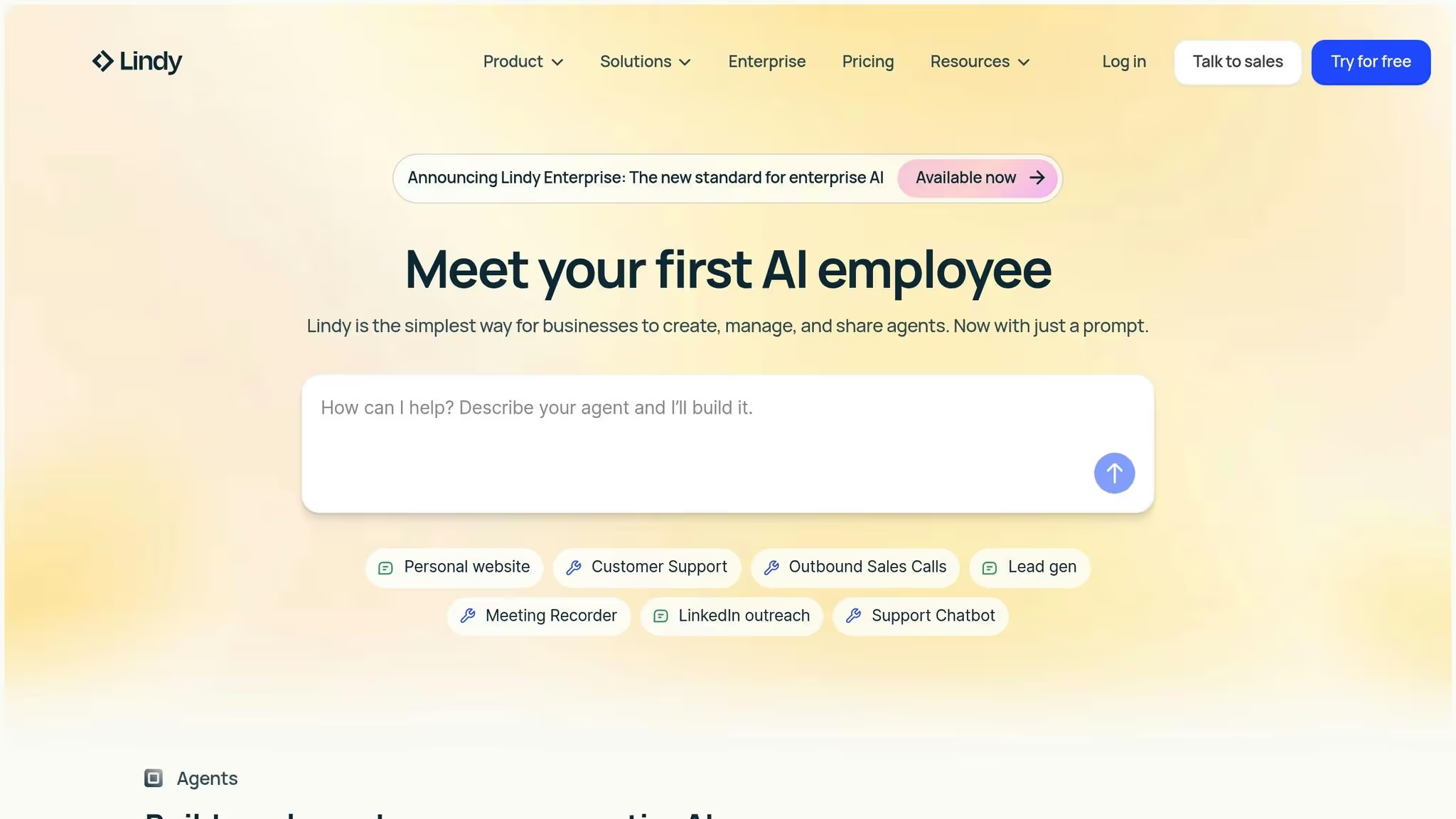
Lindy.ai destaca por sus amplias capacidades de integración y su capacidad para trabajar con múltiples modelos de IA. Con miles de integraciones disponibles, vincula sus aplicaciones sin esfuerzo, lo que le brinda la libertad de elegir el mejor modelo de IA para cada tarea. Esta adaptabilidad permite a los equipos crear agentes de IA personalizados diseñados específicamente para sus necesidades empresariales, sin tener que depender de un solo proveedor de modelos.
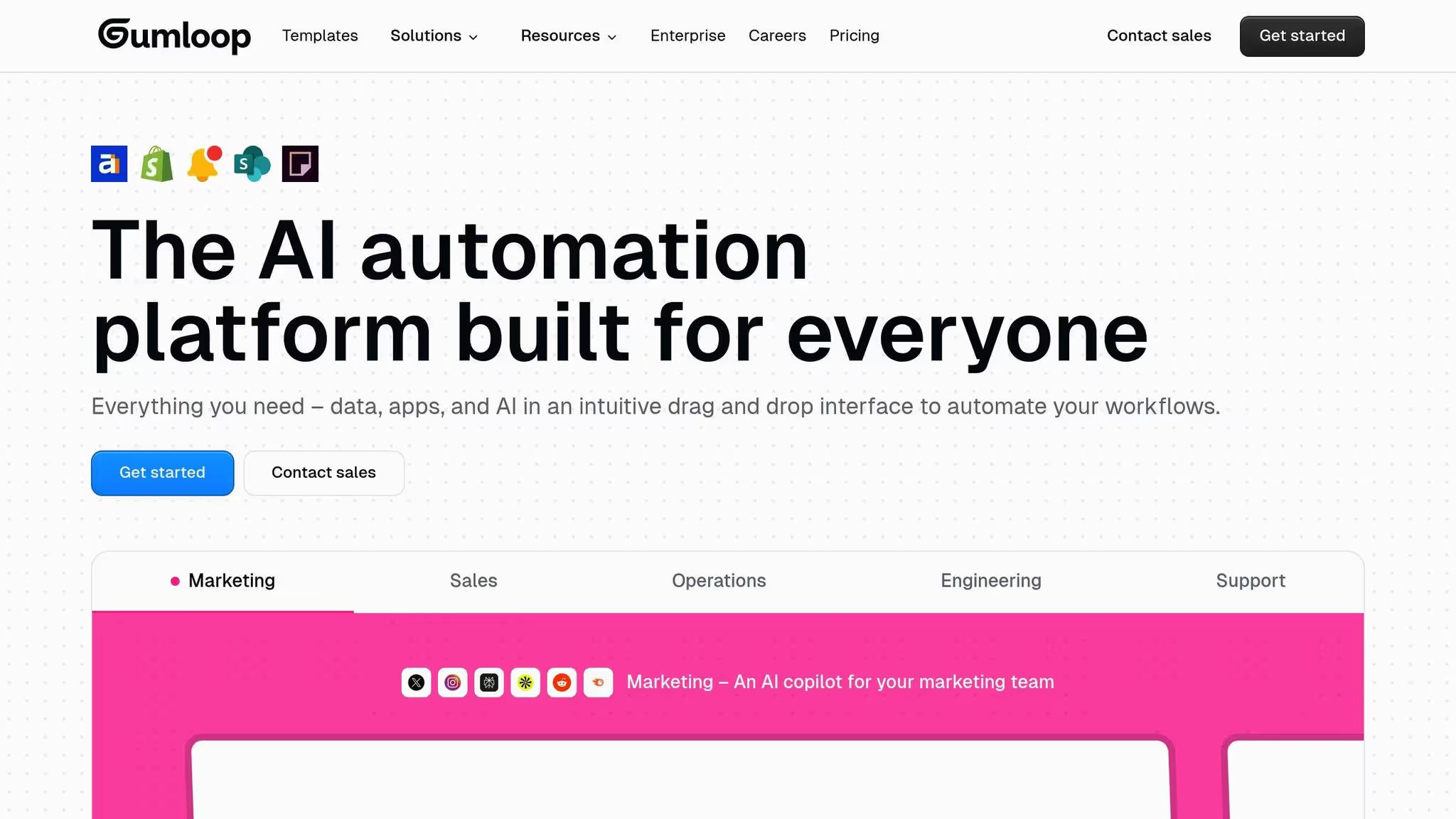
Gumloop es una plataforma centrada en el desarrollador diseñada para simplificar la automatización del flujo de trabajo de la IA, especialmente para integraciones complejas. Lanzada en 2024 con una financiación de 20 millones de dólares, ha ganado terreno rápidamente entre los usuarios dispuestos a hacer frente a los desafíos técnicos. A continuación, analizamos sus características más destacadas en cuanto a integraciones y automatización y su enfoque en los usuarios técnicos.
Gumloop cuenta con más de 100 integraciones prediseñadas, que cubren una amplia gama de herramientas. Para los usuarios con necesidades únicas, también admite API personalizadas, lo que ofrece una flexibilidad que va más allá de las opciones estándar.
Con la compatibilidad con webhooks, los usuarios pueden crear automatizaciones en tiempo real basadas en eventos. La inclusión de claves de API personalizadas brinda a los usuarios un mayor control sobre sus flujos de trabajo.
Una de sus características más destacables es una extensión de Chrome que transforma las acciones grabadas del navegador en automatizaciones reutilizables. Esto es particularmente útil para tareas como la extracción de datos o la interacción con plataformas que carecen de API. Además, su función de interfaces permite que las entradas de datos externas activen automatizaciones específicas.
Gumloop también es compatible con el Protocolo de comunicación multiagente (MCP), lo que permite una coordinación perfecta entre varios agentes de IA.
La plataforma cuenta con una interfaz de arrastrar y soltar sin código, lo que facilita la conexión de nodos modulares. Para flujos de trabajo más complejos, las opciones avanzadas, como los «subflujos», permiten a los usuarios crear secuencias de acciones anidadas.
Gumloop se destaca en la organización y prueba de múltiples modelos de IA de varios proveedores y entornos de nube. Esta funcionalidad ayuda a los usuarios a identificar el modelo de lenguaje grande con mejor rendimiento para tareas específicas.
Para acelerar la implementación, Gumloop incluye una biblioteca de 90 flujos de trabajo listos para usar y un asistente de inteligencia artificial llamado «Gummie» que ayuda a los usuarios a comenzar rápidamente.
Gumloop está diseñado para usuarios con inclinaciones técnicas en campos como ventas, marketing, operaciones, soporte e ingeniería. Si te sientes cómodo trabajando con conceptos técnicos y necesitas una plataforma capaz de gestionar automatizaciones complejas que vayan más allá de las simples configuraciones de activación, Gumloop ofrece las herramientas que se adaptan a tus necesidades. Su diseño hace hincapié en la extensibilidad y la escalabilidad, por lo que es ideal para las cambiantes demandas de integración.
En cuanto a los precios, Gumloop ofrece un plan gratuito que incluye 24 000 créditos anuales. El plan Solo, con un precio inicial de 30 dólares al mes (facturado anualmente), ofrece 120 000 créditos, activadores ilimitados, cuatro ejecuciones simultáneas, soporte por correo electrónico, webhooks e integración de claves de API personalizadas. Sin embargo, su sistema basado en créditos puede dificultar la predicción de costos a medida que aumenta tu uso.
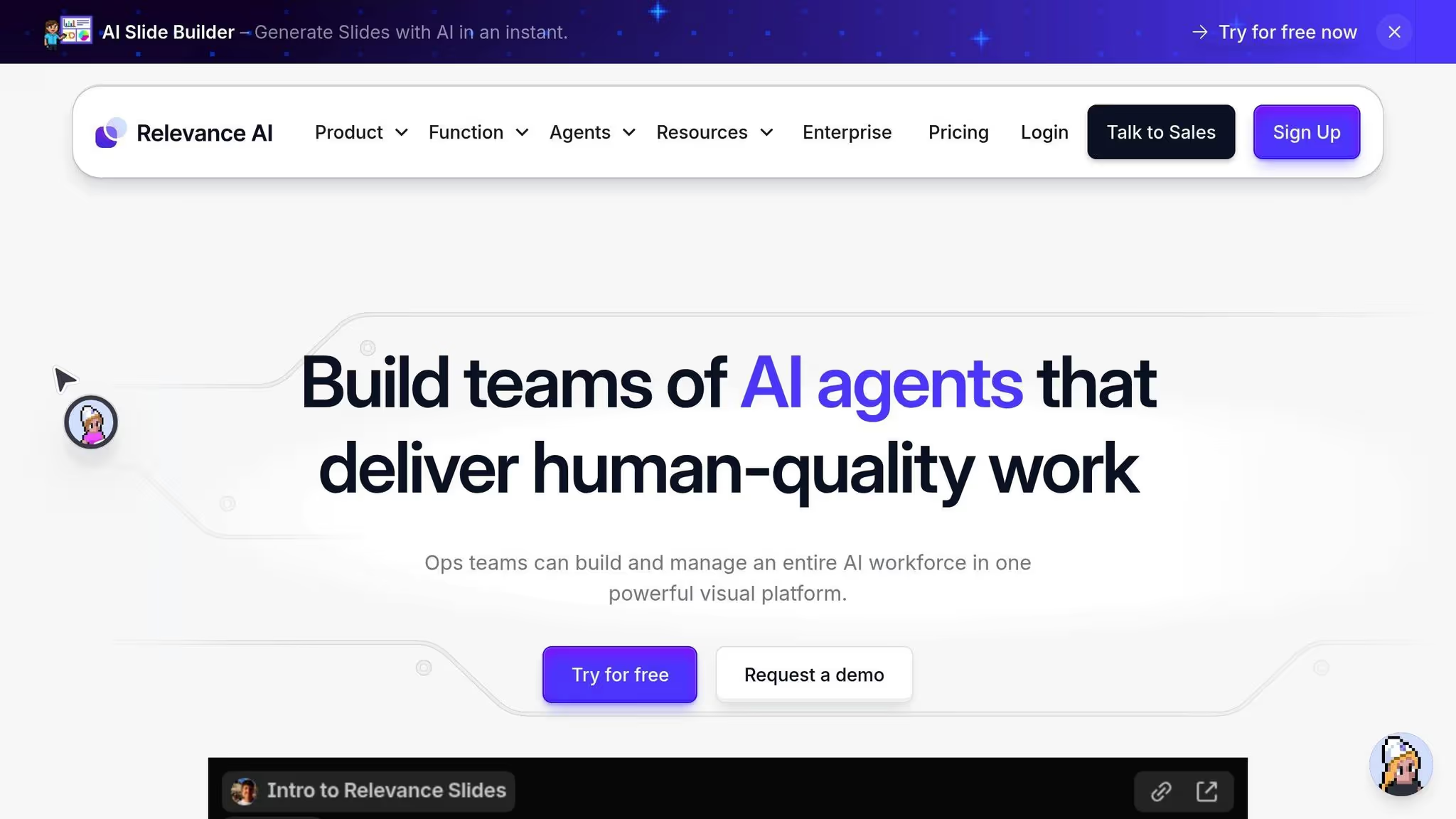
Relevance AI se especializa en crear agentes de IA personalizados diseñados para optimizar y automatizar diversas operaciones comerciales. La plataforma admite el desarrollo, las pruebas y la gestión colaborativos de estos agentes de IA, lo que la convierte en una herramienta versátil para las empresas que desean mejorar la eficiencia.
Relevance AI integra a la perfección a sus agentes en los flujos de trabajo empresariales existentes, lo que garantiza una adopción fluida sin interrumpir los sistemas actuales. Los interesados en las especificaciones técnicas pueden solicitar documentación detallada sobre la API y la integración. Ponte en contacto con el equipo de Relevance AI para obtener más ayuda. Este diseño centrado en la integración refleja el objetivo más amplio de hacer que la automatización sea accesible y eficaz en los diversos procesos empresariales.
Relevance La IA está dirigida a los usuarios empresariales que buscan simplificar y automatizar los flujos de trabajo complejos. Su diseño colaborativo permite a los equipos trabajar juntos en el desarrollo de agentes de inteligencia artificial, lo que la convierte en una opción excelente para las organizaciones en las que múltiples partes interesadas desempeñan un papel a la hora de diseñar las estrategias de automatización. Este enfoque impulsado por el equipo garantiza que la plataforma satisfaga las diversas necesidades de sus usuarios y, al mismo tiempo, fomente la innovación y la eficiencia.
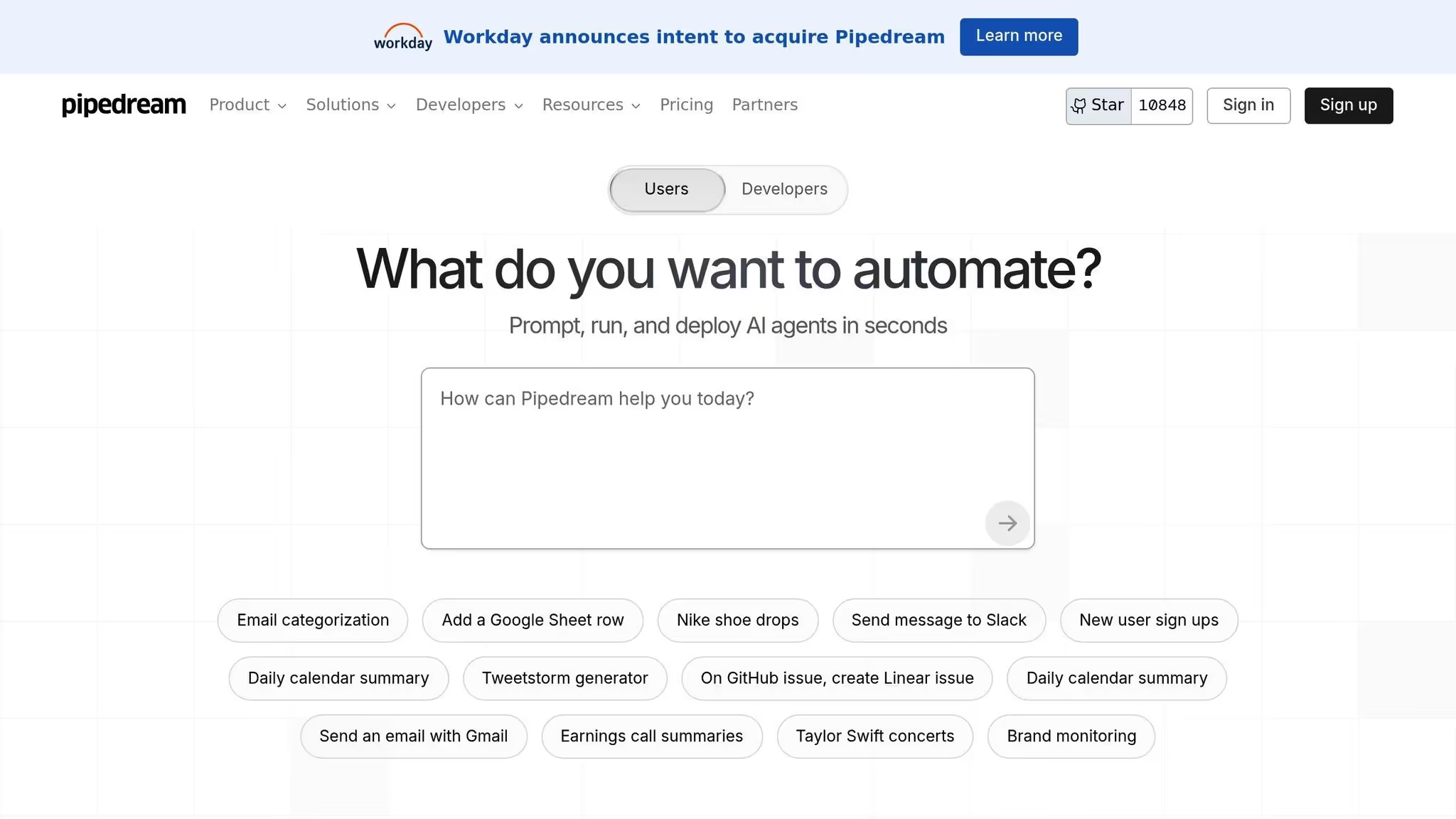
Pipedream es una plataforma de automatización centrada en los desarrolladores que pone la codificación en primer plano, lo que permite a los usuarios conectar las API, crear una lógica personalizada e implementar flujos de trabajo sin problemas. A diferencia de las plataformas que dan prioridad a las interfaces de arrastrar y soltar, Pipedream se dirige a quienes prefieren el control directo de sus procesos de automatización.
La plataforma admite una variedad de lenguajes de programación, incluidos JavaScript, TypeScript, Python, Go y Bash. Esta versatilidad la hace ideal para abordar escenarios complejos o crear una lógica compleja que podría resultar inalcanzable para las soluciones sin código. Al centrarse en la personalización basada en código, Pipedream ofrece un enfoque único para la organización del flujo de trabajo con inteligencia artificial, que complementa las opciones más amplias que se analizan en este artículo.
Pipedream destaca cuando se trata de flujos de trabajo impulsados por API, ya que permiten a los usuarios conectar servicios e implementar una lógica empresarial personalizada. Con integraciones para API de IA como IA abierta, los desarrolladores pueden crear automatizaciones inteligentes adaptadas a necesidades específicas. Su generador integrado en el navegador, que prioriza el código, permite crear prototipos, probar e implementar rápidamente, lo que agiliza el proceso de desarrollo.
Creado con una filosofía que prioriza las API, Pipedream garantiza una integración fluida con casi cualquier servicio. Cuando no hay un conector prediseñado disponible, los desarrolladores pueden escribir código de integración personalizado sin problemas, lo que lo hace altamente adaptable a requisitos únicos.
En cuanto a los precios, Pipedream ofrece un plan gratuito con 300 créditos mensuales, un plan básico a 45$ al mes y un plan avanzado a 74$ al mes. Estos niveles están diseñados para adaptarse a diferentes tamaños de equipos y complejidades de flujo de trabajo.
Pipedream está diseñado para usuarios técnicos que se sienten cómodos con la codificación, las interacciones de API y la creación de flujos de trabajo a través del código. Si bien la plataforma puede presentar una curva de aprendizaje pronunciada para los usuarios sin conocimientos técnicos, proporciona a los equipos de ingeniería las herramientas y la flexibilidad necesarias para diseñar y ejecutar automatizaciones sofisticadas.
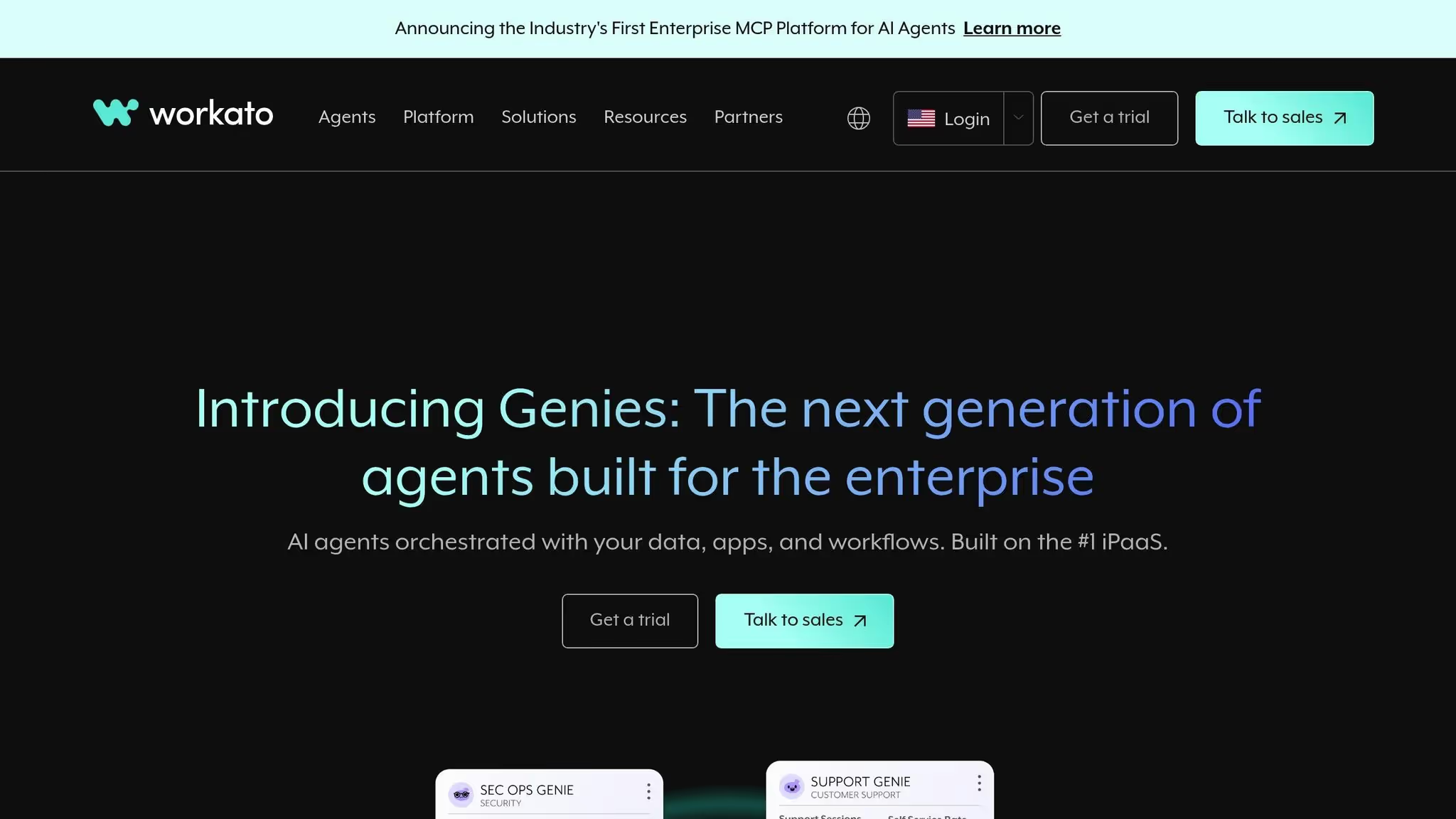
Workato es una plataforma diseñada para la integración a nivel empresarial, que ayuda a las grandes organizaciones a optimizar las operaciones en los departamentos de TI, finanzas, recursos humanos y marketing. Con su interfaz sin código y más de 1200 conectores prediseñados, simplifica los flujos de trabajo complejos. La plataforma también incluye herramientas impulsadas por la inteligencia artificial, como AIRO y Genies prediseñados, para mejorar la automatización. A continuación, analizamos sus funciones de automatización, sus herramientas de gobierno y su base de usuarios ideal.
Workato permite flujos de trabajo fluidos en todos los departamentos a través de conectores prediseñados, control de versiones, seguimiento granular de errores y garantías de tiempo de actividad confiables. Si bien estas funciones simplifican la automatización, la plataforma tiene una personalización limitada del código en línea y carece de opciones de control de código fuente dedicadas, lo que puede ser un inconveniente para los equipos que necesitan una personalización avanzada.
La seguridad es la piedra angular de la plataforma de Workato. Cuenta con la certificación SOC 2 de tipo II, lo que refleja su compromiso con la protección de los datos y la privacidad. Los paneles centralizados y los controles de acceso basados en funciones proporcionan a los equipos de TI una supervisión integral y la capacidad de gestionar el acceso de forma segura, lo que reduce los posibles riesgos.
Workato es ideal para las grandes empresas, especialmente para los equipos de TI encargados de crear integraciones para las operaciones de ventas y marketing. Su interfaz sin código satisface las necesidades básicas de automatización, pero su implementación a escala empresarial suele requerir un equipo técnico especializado. Para las organizaciones con la experiencia adecuada, Workato ofrece una solución sólida para gestionar las integraciones en todo su ecosistema tecnológico.
La elección de la plataforma adecuada requiere equilibrar las funciones con los costos, ya que las diferentes soluciones se adaptan a una variedad de necesidades empresariales. A continuación se muestra una comparación detallada de las plataformas, que van desde herramientas de código abierto hasta sistemas de nivel empresarial, para ayudarlo a tomar una decisión informada.
En esta tabla se muestra cómo los modelos de precios y las funciones se alinean con los diversos requisitos empresariales. Algunas plataformas cobran por ejecución, mientras que otras utilizan sistemas basados en el crédito, que pueden volverse menos predecibles a medida que aumenta el uso.
Al evaluar las plataformas, tenga en cuenta la coste total de propiedad. Algunas herramientas pueden parecer asequibles al principio, pero pueden resultar costosas con un mayor uso debido a los límites de las tareas, las ejecuciones, las llamadas a la API o las funciones premium. Llevar a cabo un proyecto piloto breve con un caso de uso real es una forma práctica de evaluar el rendimiento y los costes antes de comprometerse con una plataforma.
Esta guía destaca la importancia de una interoperabilidad perfecta y una automatización sólida para aprovechar todo el potencial de la IA. La selección de la plataforma de flujo de trabajo de IA adecuada depende de factores como la experiencia de su equipo, las restricciones presupuestarias y los objetivos de automatización. Ya sea que te decantes por herramientas centradas en el código, como Pipedream y n8n, plataformas sin código como Zapier y Make, o soluciones empresariales como Workato y Prompts.ai, hay una opción que se adapta a tus necesidades.
A medida que aumentan sus esfuerzos de automatización, el costo total de propiedad se convierte en una consideración clave. Si bien los niveles gratuitos o los bajos costos de suscripción pueden parecer atractivos al principio, lo que realmente importa son los gastos a largo plazo asociados con el aumento de los flujos de trabajo. Además, el conjunto de habilidades de tu equipo desempeña un papel importante. Los equipos no técnicos se benefician de las plataformas con generadores visuales de flujos de trabajo y una amplia gama de integraciones prediseñadas, mientras que los equipos con muchos desarrolladores suelen preferir herramientas que prioricen el código para crear soluciones personalizadas. Para los equipos que se centran en la IA, las plataformas que consolidan el acceso a varios LLM tienen un valor incalculable, ya que simplifican los flujos de trabajo centrados en la IA y reducen la molestia de gestionar varios proveedores.
La seguridad y el cumplimiento son igualmente críticos a la hora de evaluar las plataformas. Durante las pruebas, asegúrese de que la solución cumple los requisitos de su organización comprobando características como la certificación SOC 2 de tipo II, los controles de acceso basados en funciones y los registros de auditoría detallados. En este sentido, Workato destaca entre las empresas más grandes, mientras que plataformas como Vellum AI ofrecen flexibilidad de implementación e incluyen opciones locales para aquellas que requieren un control de datos más estricto.
Antes de comprometerse con una plataforma, ejecute un proyecto piloto para descubrir posibles costos ocultos o problemas de rendimiento. Este enfoque práctico ayuda a identificar los desafíos de integración y garantiza que la solución se adapte a sus necesidades. En última instancia, la plataforma de flujo de trabajo de IA adecuada debería simplificar las operaciones y ayudar a su equipo a alcanzar sus objetivos de manera eficiente.
Al elegir una plataforma de flujo de trabajo de IA, es fundamental centrarse en las funciones que coincidan con las prioridades de su empresa. Comience por asegurarse de que la plataforma permita flujos de trabajo flexibles que se pueden adaptar para satisfacer sus necesidades específicas. Igualmente importante es su capacidad para integrar a la perfección con las herramientas y los servicios en los que su equipo ya confía. UN interfaz sencilla e intuitiva, como los creadores de flujos de trabajo visuales, pueden facilitar mucho la configuración y la administración.
También querrás considerar escalabilidad, para que la plataforma pueda crecer junto con su empresa, y seguridad de nivel empresarial para proteger sus datos confidenciales. Por último, evalúe la plataforma rentabilidad, lo que garantiza que ofrece valor sin agotar su presupuesto. En conjunto, estas funciones pueden agilizar las operaciones y hacer que sus procesos de IA sean más eficientes.
Para seleccionar una plataforma de flujo de trabajo de IA que funcione bien para los equipos técnicos y no técnicos, priorice facilidad de uso, adaptabilidad, y opciones de integración. La plataforma debe ser lo suficientemente sencilla para que los usuarios no técnicos naveguen sin dejar de ofrecer funciones avanzadas para que los equipos técnicos las personalicen según sea necesario.
Otras consideraciones clave incluyen coste, escalabilidad, y seguridad. Estos factores garantizan que la plataforma respalde las necesidades actuales y el crecimiento futuro de su equipo. Al evaluar cuidadosamente estos elementos, puedes encontrar una herramienta que simplifique los procesos y mejore el trabajo en equipo en toda la organización.
Para asegurarse de que la plataforma de flujo de trabajo de IA que elija cumpla con los estándares de seguridad y cumplimiento de su organización, concéntrese en estos elementos críticos:
Al enfatizar estas prioridades, puede seleccionar una plataforma que no solo se alinee con los requisitos de su organización, sino que también garantice una automatización segura y eficiente del flujo de trabajo.