Pay As You GoPrueba gratuita de 7 días; no se requiere tarjeta de crédito



Elegir el sistema de gestión del flujo de trabajo de IA adecuado puede ayudar a su equipo reducir los costos, impulsar la productividad, y agilizar las operaciones. Tanto si se trata de una pequeña empresa como de una gran empresa, estas plataformas simplifican la gestión de múltiples herramientas de IA, la automatización de las tareas y la garantía de la gobernanza.
He aquí un resumen rápido de las principales plataformas:
Comparación rápida:
Con estas herramientas, puede simplificar la adopción de la IA, automatizar las tareas y garantizar el cumplimiento, todo ello sin salirse del presupuesto. Elija la que mejor se adapte a las necesidades de su equipo y comience a optimizar las operaciones hoy mismo.
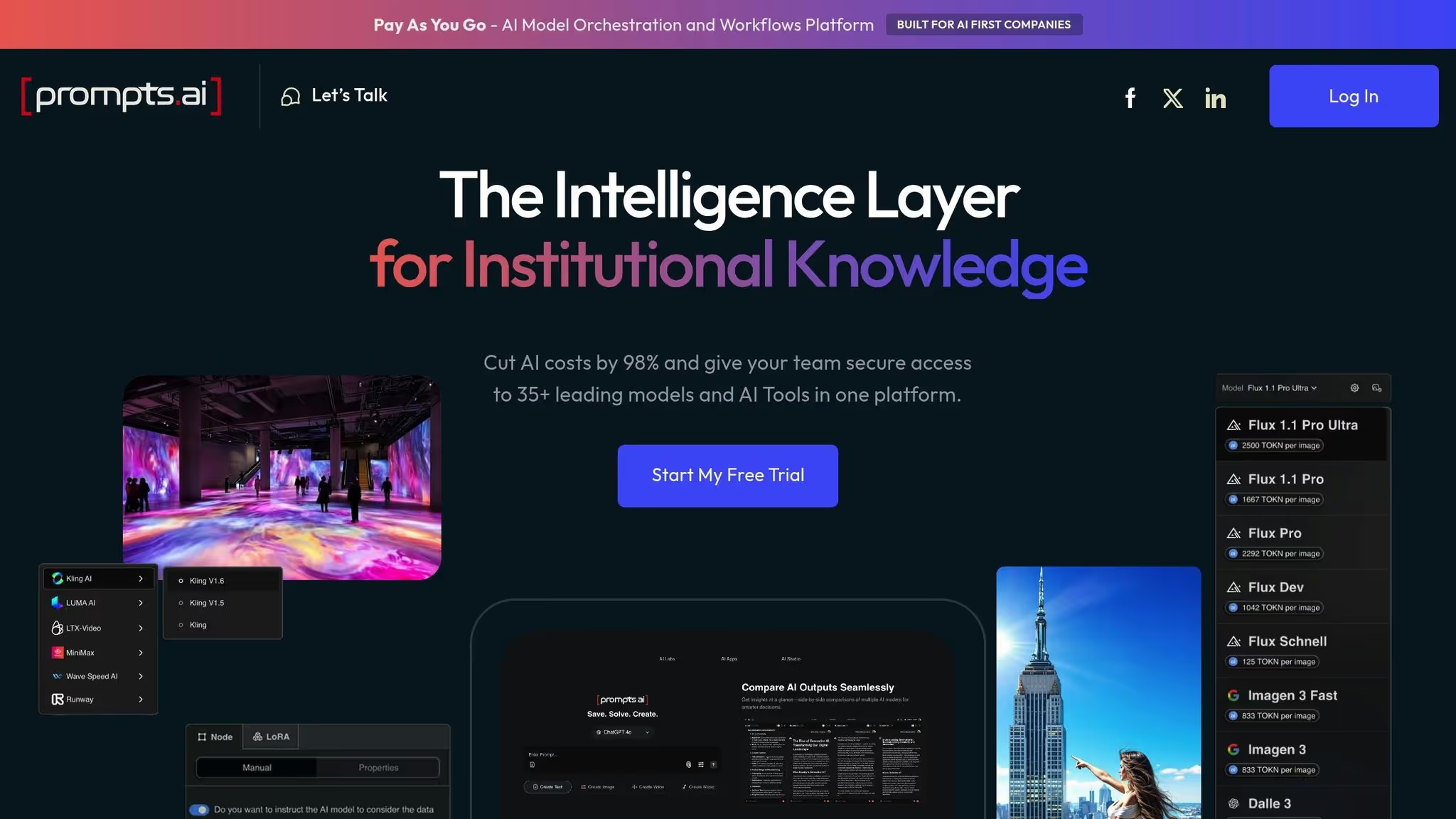
Prompts.ai es una plataforma sólida diseñada para simplificar la administración de múltiples herramientas de inteligencia artificial para los usuarios empresariales. Consolida más de 35 modelos principales de grandes lenguajes, incluidos el GPT-5, Claude, Llama, Géminis, Grok-4, Flux Pro, y Kling - en una interfaz centralizada y segura. Esta integración aborda el problema de la proliferación de herramientas y, al mismo tiempo, ofrece una visión clara y unificada del uso de la IA.
La plataforma fue fundada por el director creativo ganador del premio Emmy Steven P. Simmons con el objetivo de hacer más accesible la adopción de la IA a gran escala. Al eliminar la molestia de tener que hacer malabares con suscripciones e interfaces independientes, Prompts.ai se posiciona como «la capa de inteligencia del conocimiento institucional». Sirve como un centro centralizado para implementar, monitorear y optimizar las herramientas de inteligencia artificial. Las empresas que utilizan Prompts.ai pueden reducir significativamente los costos de software gracias a su flexible sistema de crédito TOKN y aumentar la productividad hasta 10 veces.
Prompts.ai permite una colaboración fluida entre los modelos de IA y las herramientas de SaaS, lo que permite a los equipos trabajar con varios proveedores dentro de un único flujo de trabajo. Por ejemplo, un equipo de marketing puede utilizar Claude para generar contenido, GPT-5 para el análisis estratégico y Flux Pro para la creación de imágenes, todo ello sin salir de la plataforma. Además, se integra con las herramientas SaaS más populares, lo que permite flujos de trabajo que extraen datos de un CRM, los procesan mediante modelos de inteligencia artificial y devuelven los resultados a los sistemas de gestión de proyectos. Este enfoque simplificado simplifica las operaciones y mejora la eficiencia.
Prompts.ai se basa en la gobernanza y el cumplimiento como pilares, lo que garantiza que las organizaciones mantengan el control y la transparencia sobre sus actividades de IA. La plataforma proporciona una visibilidad y auditabilidad totales para cada interacción, y cumple con marcos reconocidos como el SOC 2 de tipo II, la HIPAA y el RGPD para proteger los datos confidenciales. La empresa inició su proceso de auditoría del SOC 2 de tipo 2 el 19 de junio de 2025 y se asocia con Vanta para la supervisión continua de los controles de seguridad. Los usuarios pueden visitar el Trust Center en https://trust.prompts.ai/ para acceder a actualizaciones en tiempo real sobre las políticas, los controles y el progreso del cumplimiento.
Los administradores se benefician de las herramientas para realizar un seguimiento del uso de los modelos, hacer cumplir los límites de gasto y mantener registros de auditoría detallados, lo que garantiza que la adopción de la IA se mantenga organizada y cumpla con las normas en todos los departamentos.
Prompts.ai permite a los equipos crear flujos de trabajo de IA complejos y de varios pasos sin necesidad de conocimientos de codificación. Los usuarios pueden vincular diferentes modelos, aplicar lógica condicional, incluir pasos de revisión humana y crear plantillas reutilizables para estandarizar los procesos en toda la organización. La plataforma también ofrece un programa de certificación inmediata para ingenieros y un mercado comunitario llamado «Time Savers», donde los usuarios pueden acceder a flujos de trabajo prediseñados para tareas como el análisis de documentos, la creación de contenido, la extracción de datos y la investigación. Estas herramientas ayudan a los equipos a adoptar rápidamente flujos de trabajo eficaces sin empezar desde cero.
Cuando se lanzan nuevos modelos o se actualizan los existentes, Prompts.ai los integra rápidamente, lo que permite a las organizaciones explorar y adoptar los avances con facilidad. Los controles FinOps en tiempo real están integrados en todas partes, lo que permite a los usuarios monitorear el costo de cada paso del flujo de trabajo, comparar los gastos del modelo y optimizar el rendimiento o el presupuesto. Esto garantiza que el gasto en inteligencia artificial respalde directamente los objetivos empresariales.
Prompts.ai ofrece precios flexibles para adaptarse a una variedad de usuarios, desde creadores individuales hasta grandes empresas. Los planes personales están disponibles a partir de 0$ al mes, mientras que los planes empresariales oscilan entre 99 y 129$ por miembro y mes. Los niveles centrados en la empresa incluyen funciones como herramientas de control y supervisión del cumplimiento. El sistema de crédito TOKN de pago por uso garantiza que las organizaciones solo paguen por la computación de IA que utilizan, lo que elimina la necesidad de varias suscripciones.
El diseño escalable de la plataforma permite a las empresas agregar nuevos modelos, usuarios y equipos en cuestión de minutos, sin obstáculos técnicos. Esto garantiza que las organizaciones puedan pasar sin problemas de proyectos piloto a despliegues a gran escala y, al mismo tiempo, mantener una gobernanza y una supervisión centralizadas.
En conjunto, estas funciones convierten a Prompts.ai en una solución potente para optimizar los flujos de trabajo de IA en cualquier organización. A continuación, analizaremos cómo sus capacidades de integración, gobierno y automatización funcionan en conjunto para ofrecer resultados mensurables.
Zapier se destaca como una poderosa herramienta para automatizar los flujos de trabajo entre aplicaciones web, lo que elimina la necesidad de tener experiencia en codificación. Diseñado inicialmente para integraciones de SaaS, ahora incorpora automatizaciones impulsadas por la inteligencia artificial para agilizar aún más las operaciones.
Zapier conecta una amplia gama de herramientas empresariales, que incluyen Gmail, Slack, Hojas de cálculo de Google, Fuerza de ventas, y HubSpot, a través de su gran biblioteca de integraciones prediseñadas. También admite integraciones específicas de IA, como IA abiertade modelos GPT, que permiten flujos de trabajo que gestionan tareas como la generación de texto, el análisis de datos y la creación de contenido.
Con Zapier, los usuarios pueden crear «Zaps», flujos de trabajo personalizados activados por eventos específicos. Por ejemplo, un equipo de ventas puede configurar un Zap que registre automáticamente los nuevos clientes potenciales de un formulario web en su CRM, genere un correo electrónico personalizado con una herramienta de inteligencia artificial y envíe una notificación al equipo en Slack. Estos flujos de trabajo ahorran tiempo al reducir la entrada manual de datos y garantizar un seguimiento coherente.
Para necesidades más avanzadas, Zapier admite integraciones personalizadas a través de webhooks y API, lo que permite a los equipos técnicos conectar sistemas propietarios con herramientas empresariales ampliamente utilizadas. Esta flexibilidad se combina con controles de administración sólidos, que se describen a continuación.
Zapier incluye herramientas para ayudar a las organizaciones a administrar y proteger sus flujos de trabajo automatizados. Los planes para equipos y empresas ofrecen controles de acceso basados en roles, que permiten a los administradores definir quién puede crear, editar o ver Zaps específicos. Esto garantiza que los flujos de trabajo permanezcan organizados y seguros.
En cuanto al cumplimiento, Zapier cuenta con la certificación SOC 2 de tipo II y cumple con los estándares del RGPD, lo que demuestra su compromiso con el manejo seguro de los datos. La plataforma cifra los datos tanto en tránsito como en reposo, y ofrece opciones para que los usuarios gestionen las políticas de retención de datos.
Los planes de nivel superior incluyen capacidades de auditoría, como los registros de actividad de los eventos de Zap, que brindan a los administradores visibilidad de la actividad del flujo de trabajo. Estas herramientas de gobierno permiten a las empresas automatizar los procesos con confianza.
El generador de flujo de trabajo visual de Zapier utiliza un modelo sencillo de acción de activación, lo que facilita el diseño de automatizaciones. Los usuarios seleccionan un evento desencadenante desde una aplicación (por ejemplo, «Nuevo correo electrónico en Gmail») y definen las acciones correspondientes (por ejemplo, «Añadir una fila en Google Sheets» y «Enviar un mensaje de Slack»).
Los Zaps de varios pasos pueden incorporar lógica condicional mediante la función «Rutas», lo que permite que los flujos de trabajo se bifurquen en función de criterios específicos. Por ejemplo, un equipo de servicio al cliente podría enviar los tickets a diferentes departamentos en función de las palabras clave del asunto o del nivel de suscripción del cliente. Se pueden añadir filtros para garantizar que las acciones solo se ejecuten en determinadas condiciones, y se pueden introducir retrasos para espaciar las tareas a lo largo del tiempo.
Zapier también ofrece Herramientas impulsadas por IA para mejorar los flujos de trabajo. La aplicación Formatter gestiona tareas como la manipulación de texto, fechas y números, mientras que la aplicación Code permite a los usuarios ejecutar Python o JavaScript personalizados en sus flujos de trabajo. Una biblioteca de miles de plantillas prediseñadas ayuda a los equipos a comenzar rápidamente con casos de uso comunes, como el seguimiento de clientes potenciales o la administración de redes sociales.
Zapier ofrece una variedad de planes de precios para adaptarse a diferentes necesidades. El plan gratuito incluye 100 tareas al mes y admite Zaps de un solo paso, mientras que los planes de pago comienzan en 19,99$ al mes para el nivel Starter (750 tareas). El plan Professional cuesta 49$ al mes e incluye 2000 tareas, mientras que el plan Team, de 299$ al mes, ofrece 50 000 tareas. Para las organizaciones más grandes, el plan Empresa ofrece límites de tareas personalizados y funciones avanzadas, y los precios están disponibles a pedido.
Cada tarea representa una acción única dentro de un flujo de trabajo. Por ejemplo, un Zap de cinco pasos que se ejecuta 100 veces consumiría 500 tareas. Estos precios basados en el uso permiten a las empresas ampliar sus planes según sea necesario.
Zapier es ideal para equipos de todos los tamaños, desde pequeñas empresas hasta grandes empresas. Para los usuarios del plan Company, la plataforma proporciona soporte adicional a través de Premier Support y gestores de éxito especializados, lo que garantiza una implementación fluida de los flujos de trabajo complejos.
n8n se distingue como una plataforma de automatización del flujo de trabajo de código abierto que hace hincapié en la flexibilidad y el control técnico. A diferencia de las plataformas propietarias, n8n proporciona código disponible en el código fuente y opciones de autoalojamiento, lo que la hace especialmente atractiva para los desarrolladores y equipos que buscan amplias capacidades de personalización.
n8n cuenta con más de 4.000 plantillas creadas por la comunidad, con flujos de trabajo adicionales disponibles como importaciones de JSON desde GitHub. Se integra perfectamente con herramientas populares como Google Sheets, Slack, Gmail, Noción, Airtable, Telegrama, Discordia, MySQL y Postgres.
Lo que realmente destaca es su enfoque de las integraciones de IA. Con un generador de flujos de trabajo de inteligencia artificial y un asistente de inteligencia artificial, n8n simplifica el proceso de creación de flujos de trabajo al ofrecer funciones como los flujos de trabajo con múltiples agentes y la generación aumentada por recuperación (RAG). Por ejemplo, los usuarios pueden diseñar flujos de trabajo para generar publicaciones en redes sociales a partir de fuentes RSS o crear chatbots RAG que hagan referencia a los documentos de la empresa almacenados en Google Drive, o combinar Once laboratorios IA para síntesis de voz con Cal.com para programar, crear un sistema de reserva de citas por voz que gestione las llamadas de los clientes automáticamente.
Su sistema basado en nodos admite integraciones prediseñadas y código personalizado en Python o JavaScript, lo que permite una automatización segura y altamente personalizable.
Además de sus sólidas opciones de integración, n8n incluye funciones de seguridad de nivel empresarial que cumplen con los estándares de cumplimiento. La plataforma cuenta con la certificación SOC 2, lo que refleja su compromiso con la seguridad y la privacidad de los datos.
Para las empresas, n8n admite la administración de secretos a través de los principales proveedores de nube, como AWS, GCP, Azure y Bóveda. Esto garantiza que las credenciales confidenciales se almacenen de forma segura, evitando el riesgo de codificarlas en los flujos de trabajo. La plataforma también ofrece herramientas detalladas de registro y depuración, que permiten a los administradores ver las opciones de ejecución del flujo de trabajo y solución de problemas.
El control de acceso basado en roles (RBAC) añade otra capa de seguridad, lo que permite a los equipos definir permisos granulares para crear, editar o ver los flujos de trabajo. Esta estructura de gobierno garantiza que la automatización permanezca organizada y segura en todos los departamentos.
El generador de flujo de trabajo visual de n8n utiliza una interfaz basada en nodos en la que cada nodo representa una acción específica. Los usuarios pueden conectar estos nodos para crear secuencias de automatización complejas, incorporando lógica condicional, bucles y gestión de errores según sea necesario.
«n8n es líder en extensibilidad con opciones de codificación personalizadas además de nodos preconfigurados para los principales socios de integración».
- Maddy Osman
Los equipos pueden diseñar flujos de trabajo de varios pasos que se ramifiquen en función de las condiciones, transformen los datos y organicen las interacciones en varios sistemas. Por ejemplo, un equipo de ventas podría crear un flujo de trabajo que escanee su calendario para ver las próximas reuniones, obtenga noticias recientes sobre la empresa de un cliente potencial a través de newsapi.org, envíe información a través de Gmail, use OpenAI para redactar contenido para redes sociales, registre los datos en Google Sheets y publique actualizaciones en Twitter, LinkedIn y Facebook, todo ello de forma automática.
La compatibilidad de la plataforma con los flujos de trabajo de RAG permite casos de uso avanzados. Los equipos pueden crear sistemas que generen respuestas que hagan referencia a documentos específicos, como las transcripciones de podcasts con las URL almacenadas como metadatos, para garantizar que las respuestas sean precisas desde el punto de vista del contexto y no genéricas.
n8n ofrece un modelo de precios flexible. La opción gratuita de alojamiento automático permite a los usuarios técnicos implementar n8n en su propia infraestructura, lo que proporciona un control total sobre su entorno y sus datos.
«n8n es la única herramienta de automatización del flujo de trabajo con IA de esta lista que ofrece una opción gratuita de autohospedaje para que los usuarios técnicos la aprovechen».
- Maddy Osman
Para quienes prefieren una solución gestionada, la plataforma en la nube de n8n cuesta 20 USD al mes (facturados anualmente) para 2500 ejecuciones de flujos de trabajo con pasos ilimitados. Esta estructura de precios basada en la ejecución garantiza unos costes predecibles a medida que aumenta el uso, lo que la convierte en una opción escalable tanto para desarrolladores individuales como para equipos empresariales.
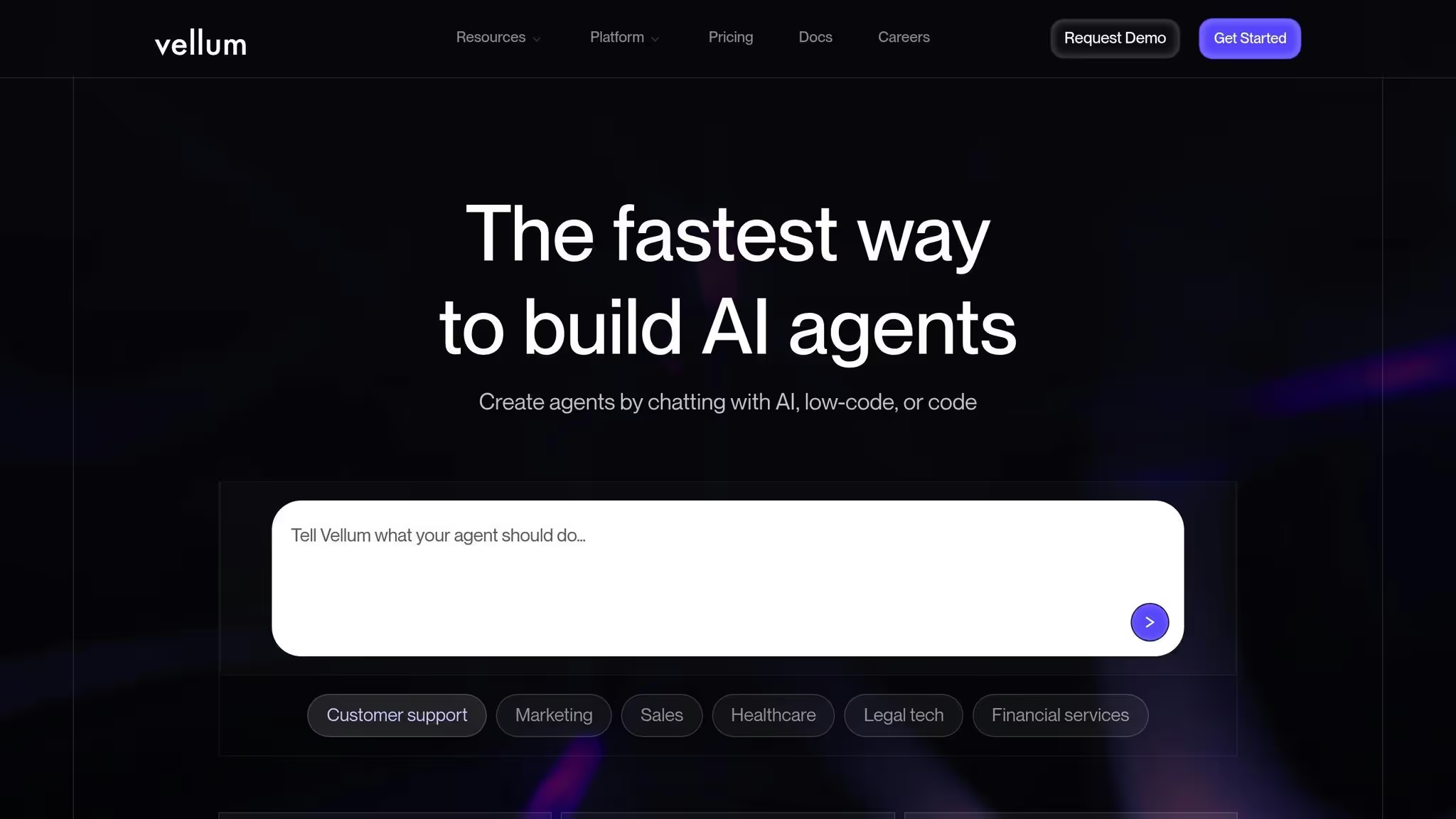
Vellum AI es una plataforma diseñada para crear agentes y flujos de trabajo de IA dinámicos impulsados por grandes modelos lingüísticos (LLM). Reúne herramientas para la creación rápida, la gestión del flujo de trabajo y la colaboración en equipo, todo en un único espacio de trabajo. Esta configuración permite a los equipos diseñar, probar e implementar agentes de IA de varios pasos sin problemas desde un entorno integrado.
Una característica destacada de Vellum AI es la Prompt Builder, que permite a los usuarios crear, refinar y gestionar las solicitudes en tiempo real en varios LLM. La plataforma también conecta los agentes y flujos de trabajo de IA con las herramientas SaaS existentes, lo que garantiza una automatización fluida incluso de los flujos de trabajo más complejos.
Vellum AI simplifica el proceso de desarrollo e implementación de agentes de IA de varios pasos al combinar herramientas rápidas de ingeniería y colaboración en un espacio de trabajo unificado. Esta integración ayuda a los equipos a trabajar de manera eficiente y a centrarse en crear soluciones impactantes.
Vellum AI ofrece un plan gratuito para empezar, con planes de pago a partir de 25 dólares al mes, lo que lo hace accesible tanto para particulares como para empresas.
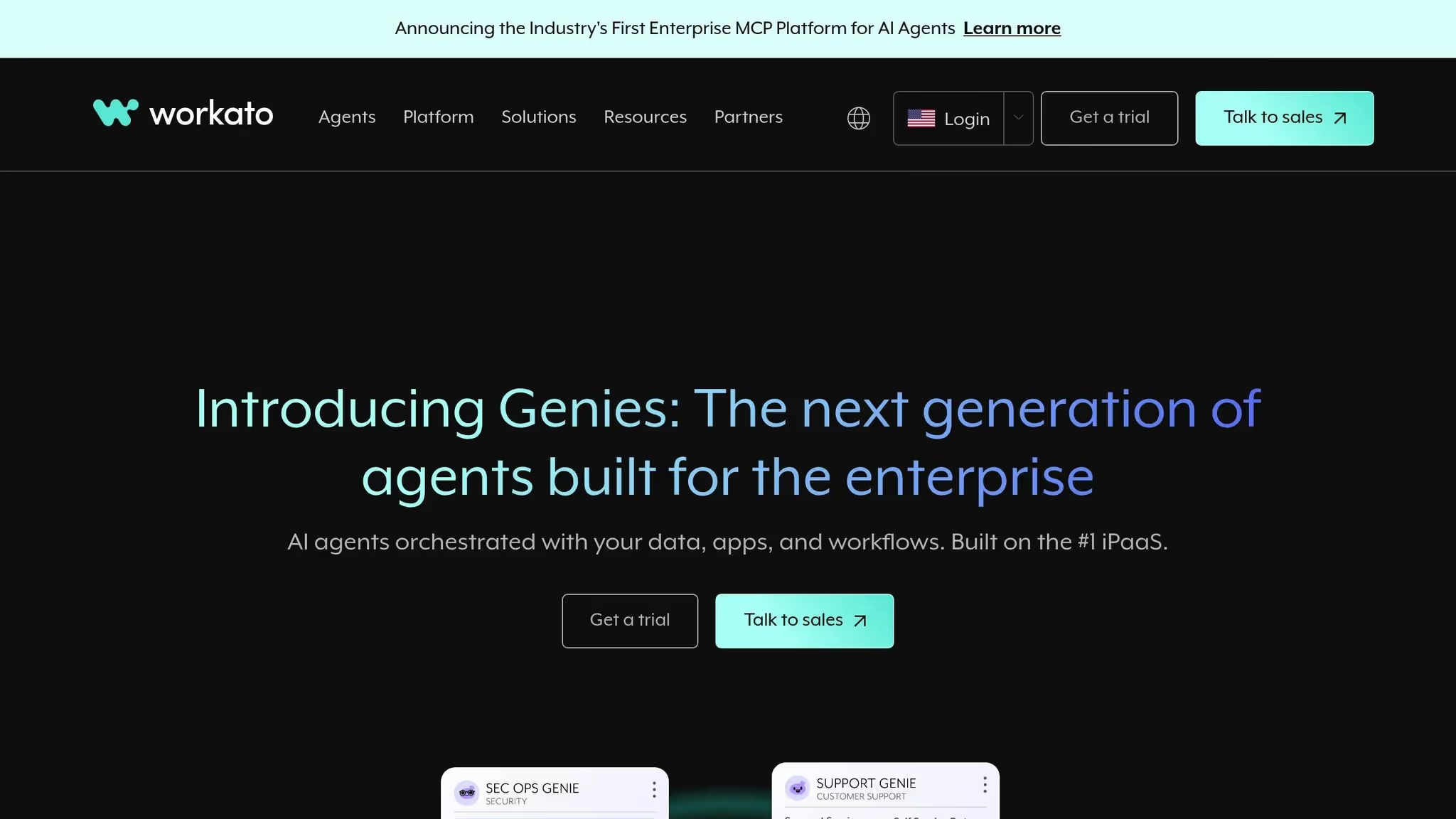
Workato se destaca como una solución poderosa para las grandes organizaciones que buscan la automatización a nivel empresarial. Diseñada para operaciones extensas, agiliza los procesos interdepartamentales y, al mismo tiempo, mantiene estándares estrictos de gobierno y cumplimiento.
Workato se conecta sin problemas con más de 1200 conectores prediseñados, que ofrece acceso a una amplia gama de aplicaciones empresariales. Esta amplia capacidad de integración garantiza que las organizaciones puedan unificar sus herramientas y sistemas de manera eficiente.
La plataforma incorpora la IA a través de su Protocolo de contexto modelo (MCP) y agentes de IA prediseñados llamados «Genios». Estos agentes están diseñados para implementarse rápidamente y adaptarse a las necesidades empresariales específicas, lo que reduce significativamente el tiempo de configuración. Además, Workato cuenta con EL CAIRO, un asistente de inteligencia artificial que simplifica el diseño del flujo de trabajo. AIRO ofrece sugerencias inteligentes, lo que facilita a los usuarios técnicos y no técnicos la creación de flujos de trabajo sofisticados.
Estas herramientas impulsadas por la IA mejoran la capacidad de la plataforma para ofrecer una automatización perfecta y, al mismo tiempo, respaldan medidas de gobierno sólidas.
Workato es especialmente adecuado para industrias con requisitos reglamentarios estrictos. La plataforma es Certificado SOC 2 tipo II, que cumple con altos estándares operativos y de seguridad para sectores como el financiero y el sanitario.
Las herramientas clave de gobierno incluyen control de acceso basado en funciones (RBAC), que garantiza un acceso seguro y específico para cada departamento, y paneles de control centralizados. Estos paneles proporcionan a los equipos de TI y cumplimiento una visibilidad total de las actividades de automatización, lo que les permite monitorear el uso, hacer cumplir las políticas y auditar los flujos de trabajo de manera efectiva. Este control centralizado garantiza la coherencia y evita los cambios no autorizados a medida que los esfuerzos de automatización se extienden por toda la empresa.
De Workato interfaz de arrastrar y soltar y el sólido motor de plataforma de integración como servicio (iPaaS) facilitan el diseño rápido de flujos de trabajo complejos. La plataforma también ofrece visibilidad y monitoreo en tiempo real herramientas que permiten a los equipos realizar un seguimiento del rendimiento del flujo de trabajo, identificar los cuellos de botella y garantizar una ejecución fiable.
Las organizaciones pueden crear Agentes de IA adaptados a funciones y KPI específicos, integrándolos en varios sistemas para que actúen como asistentes inteligentes que entienden el contexto organizacional. Para acelerar aún más la implementación, Workato ofrece aceleradores listos para usar, que ayudan a las organizaciones a implementar rápidamente las mejores prácticas de automatización.
Esta combinación de herramientas de diseño intuitivas y monitoreo en tiempo real permite una automatización escalable y confiable para las tareas de misión crítica.
Workato emplea un modelo de precios exclusivo para empresas, y los costos se determinan mediante consulta directa. Este enfoque permite a la plataforma ofrecer soluciones personalizadas en función de factores como los requisitos de integración, la complejidad del flujo de trabajo, el número de usuarios y las necesidades de cumplimiento.
Diseñado para operaciones a gran escala, Workato gestiona con facilidad flujos de trabajo complejos y procesamiento de grandes volúmenes de datos. Su arquitectura escalable permite a las organizaciones ampliar sus esfuerzos de automatización sin encontrar limitaciones, ya sea añadiendo más flujos de trabajo, usuarios o integraciones.
Make, anteriormente conocido como Integromat, toma un enfoque centrado en lo visual a la automatización del flujo de trabajo. Al utilizar la función de arrastrar y soltar, los usuarios pueden crear flujos de trabajo de varios pasos, denominados «escenarios». Esta plataforma es especialmente adecuada para los equipos técnicos de empresas emergentes o agencias creativas que buscan agilizar la creación de contenido o mejorar el procesamiento de datos con API de IA externas.
Haga que se integre con más de 2500 herramientas prediseñadas y más de 400 aplicaciones de IA, que abarca áreas como TI, marketing, ventas, finanzas y operaciones. Su amplia biblioteca permite a las empresas conectar su software existente con una necesidad mínima de desarrollo personalizado.
La plataforma admite la incorporación de modelos de IA externos, como OpenAI o Google Cloud API: directamente en los flujos de trabajo. Gracias a las llamadas a las API integradas, la funcionalidad de webhooks y los módulos HTTP, los desarrolladores pueden conectar y ampliar sin problemas los servicios de IA personalizados.
Esta adaptabilidad es especialmente útil para los equipos que buscan combinar varias herramientas de IA en un solo flujo de trabajo. Por ejemplo, los datos pueden fluir a través de un modelo de IA para su análisis y luego enviarse a otro para la generación de contenido, todo ello en el mismo escenario.
Las capacidades de automatización de Make se basan en sus integraciones flexibles y interfaz visual, que apoya rutas de bifurcación, variables personalizadas y flujos de datos en tiempo real. Las funciones avanzadas incluyen la lógica condicional, los bucles, el control de versiones de escenarios, la programación y un sólido manejo de errores con registros e historiales de ejecución detallados.
Para los usuarios empresariales, la plataforma ofrece una «Cuadrícula» para la orquestación de la IA. Esta función proporciona una visión general de alto nivel de los agentes, las aplicaciones y los flujos de trabajo, lo que mejora la visibilidad y simplifica la supervisión y la depuración del rendimiento en configuraciones de automatización complejas. Además, Make incluye plantillas de flujo de trabajo prediseñadas y múltiples integraciones de modelos de IA para acelerar la implementación.
Haga uso de un modelo de precios basado en créditos, donde cada paso del flujo de trabajo consume créditos. Algunas acciones, como la gestión de errores o las operaciones relacionadas con la IA, pueden consumir más créditos, lo que hace que la previsión de costes sea más compleja en comparación con los modelos de precios basados en la ejecución. La optimización cuidadosa es crucial a la hora de escalar los flujos de trabajo.
La plataforma ofrece una Plan gratuito con 1000 créditos al mes. Para necesidades más avanzadas, el El plan básico comienza en 9$ al mes (facturado anualmente), proporcionando 10 000 créditos al mes, escenarios activos ilimitados, límites de transferencia de datos más altos y acceso a la API Make. Los planes anuales también otorgan acceso inmediato a todos los créditos anuales por adelantado.
Si bien Make ofrece herramientas de automatización sólidas, existen algunos inconvenientes para los usuarios empresariales. Es control de acceso basado en funciones (RBAC) es menos avanzada en comparación con otras plataformas centradas en la empresa y sus funciones de administración secreta no son tan completas. Además, la plataforma requiere más instalación y configuración, lo que la hace más adecuada para usuarios con experiencia técnica.
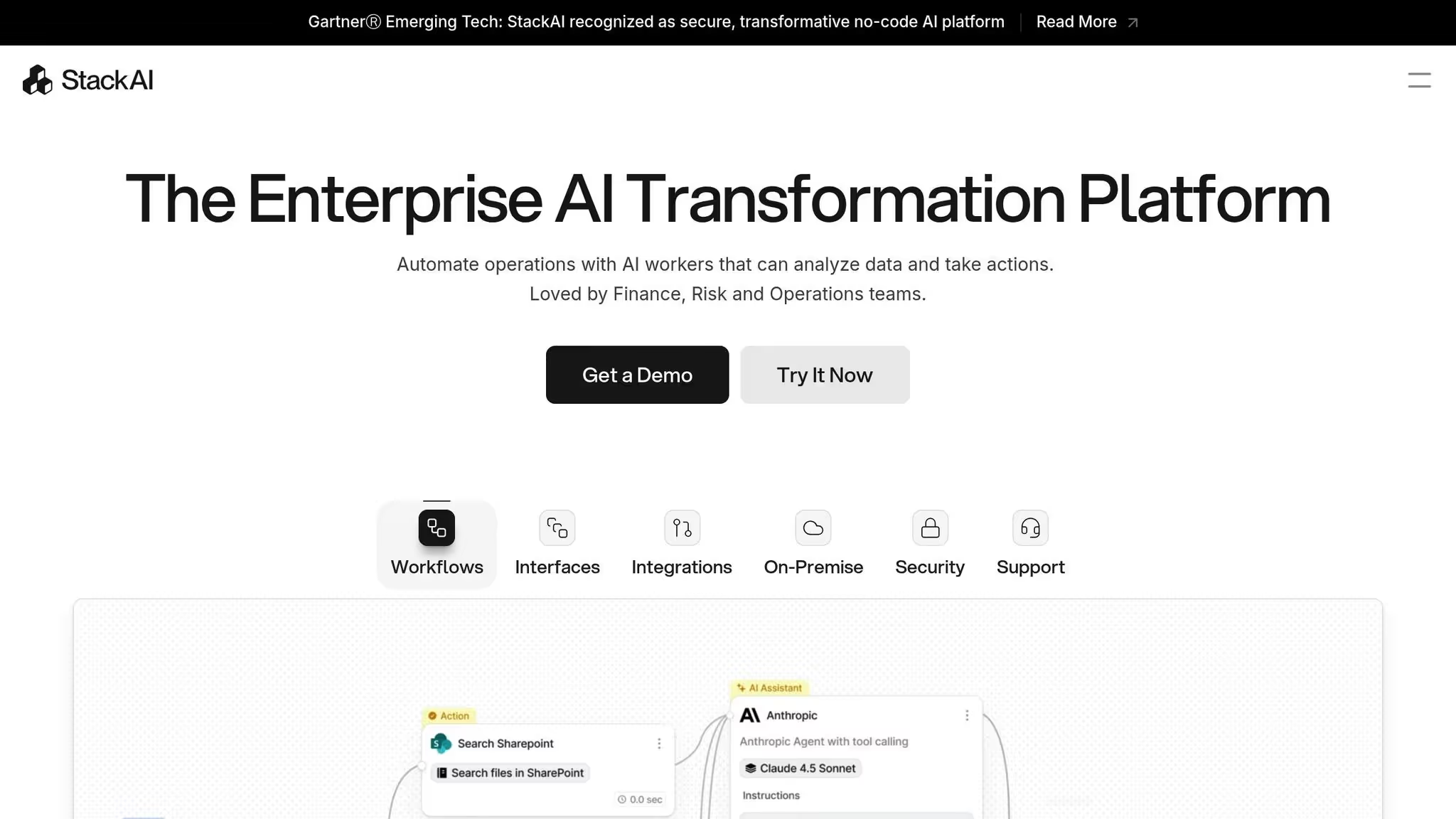
Stack AI es una plataforma sólida diseñada para agilizar los flujos de trabajo de la IA, lo que permite a los equipos crear aplicaciones que funcionen sin esfuerzo con las herramientas empresariales existentes.
Stack AI admite la integración con las principales LLM y las aplicaciones SaaS más utilizadas, y ofrece un marco flexible y multimodelo. Esto permite a los equipos elegir la solución de IA más adecuada para cada tarea, equilibrando el costo, el rendimiento y las necesidades específicas. Con conectores prediseñados para herramientas como Slack, Espacio de trabajo de Google, Salesforce, HubSpot y Airtable, junto con la compatibilidad con puntos finales de API y webhooks, los usuarios pueden conectarse fácilmente a bases de datos propias o sistemas internos. Esta configuración cohesiva garantiza un funcionamiento fluido y, al mismo tiempo, se alinea con los protocolos de gobierno.
Para complementar sus capacidades de integración, Stack AI incorpora sólidas funciones de gobierno. Los controles de acceso basados en roles (RBAC) y los registros de auditoría exhaustivos garantizan que solo los miembros autorizados del equipo puedan crear, modificar o ejecutar flujos de trabajo. Además, la plataforma emplea el cifrado para los datos tanto en tránsito como en reposo, lo que cumple con los estrictos requisitos de cumplimiento del sector y protege la información confidencial.
Stack AI mejora la productividad con su generador de flujo de trabajo visual intuitivo, que permite a los usuarios conectar los procesos de IA, las transformaciones de datos y la lógica condicional, todo ello sin necesidad de programar. Las tareas pueden automatizarse mediante flujos de trabajo programados o activarse mediante eventos externos, lo que garantiza la capacidad de respuesta en tiempo real. La plataforma también incluye funciones integradas de control de versiones y gestión de errores, que permiten a los equipos realizar un seguimiento de los cambios y recuperarse rápidamente de cualquier problema que surja.

Lindy AI es una plataforma fácil de usar diseñada para la automatización del flujo de trabajo impulsada por la IA. Clasificada entre las principales herramientas de automatización del flujo de trabajo de IA para 2025, destaca por su interfaz visual intuitiva, que ofrece una nueva alternativa a las herramientas de automatización tradicionales que carecen de una orquestación nativa de la IA.
La plataforma generador de arrastrar y soltar sin código facilita la creación y ejecución de flujos de trabajo de IA complejos. Lindy AI se centra en los flujos de trabajo coordinados de IA, lo que permite a los usuarios diseñar procesos de automatización de varios pasos en los que varias tareas de IA funcionan juntas dentro de un único marco.
Este enfoque simplificado acelera el desarrollo de la automatización, lo que permite a los usuarios empresariales y a los desarrolladores colaborar de forma eficaz. La mayoría de los equipos pueden crear flujos de trabajo funcionales en solo unos días, y la implementación completa suele completarse en una o dos semanas.
La IA de Lindy se destaca en el manejo de tareas repetitivas, especialmente en áreas como automatización del servicio al cliente, generación de contenido y procesamiento de datos. Su diseño visual de flujo de trabajo permite a los usuarios planificar rápidamente los procesos actuales, conectar modelos de IA y probar la lógica de automatización, todo ello sin tener que recurrir a una codificación complicada.
Lindy AI va más allá de la automatización con sus integraciones perfectas. Su creciente biblioteca de conectores se centra en los flujos de trabajo nativos de la IA y, al mismo tiempo, respalda las inversiones en software existentes. Esto lo convierte en una excelente opción para los equipos que están pasando de la automatización tradicional a las soluciones impulsadas por la inteligencia artificial.
A diferencia de las plataformas que gestionan principalmente las conexiones entre aplicaciones con capacidades de IA limitadas, Lindy AI está diseñada específicamente para orquestar a los agentes de IA. Las organizaciones que necesitan algo más que integraciones básicas de aplicaciones y buscan una coordinación avanzada de la IA encontrarán que esta plataforma es especialmente útil.
El modelo de implementación basado en la nube simplifica aún más el proceso y elimina la necesidad de aprovisionar servidores o administrar la infraestructura. Los equipos pueden empezar a crear flujos de trabajo de inmediato, aunque cabe señalar que las opciones de nube híbrida y local no están disponibles.
Los precios de Lindy AI comienzan en 25 dólares al mes y ofrecen planes escalables para adaptarse a los equipos en crecimiento. Esta flexibilidad permite a las organizaciones comenzar con usuarios individuales o equipos pequeños y expandirse gradualmente a grupos más grandes e interfuncionales que administran flujos de trabajo más complejos. Resulta especialmente atractiva para las empresas medianas y los departamentos de las grandes empresas, ya que permite la adopción de la IA sin necesidad de realizar grandes cambios en la infraestructura ni de contar con conocimientos especializados.
Si bien Lindy AI proporciona controles básicos para la gestión del flujo de trabajo, sus funciones de gobierno y cumplimiento son algo limitadas en comparación con las plataformas más establecidas. Para los equipos con necesidades de gobierno moderadas, estos controles son suficientes para administrar los flujos de trabajo y el acceso. Sin embargo, las organizaciones con requisitos de cumplimiento más estrictos deben evaluar cuidadosamente si las ofertas actuales de la plataforma cumplen con sus estándares regulatorios y de seguridad.
La plataforma incluye un monitoreo básico para la ejecución del flujo de trabajo, pero carece de funciones de observabilidad avanzadas. Es posible que los equipos que requieran un análisis detallado del rendimiento o una supervisión de nivel empresarial necesiten utilizar herramientas adicionales para complementar las capacidades de Lindy AI.
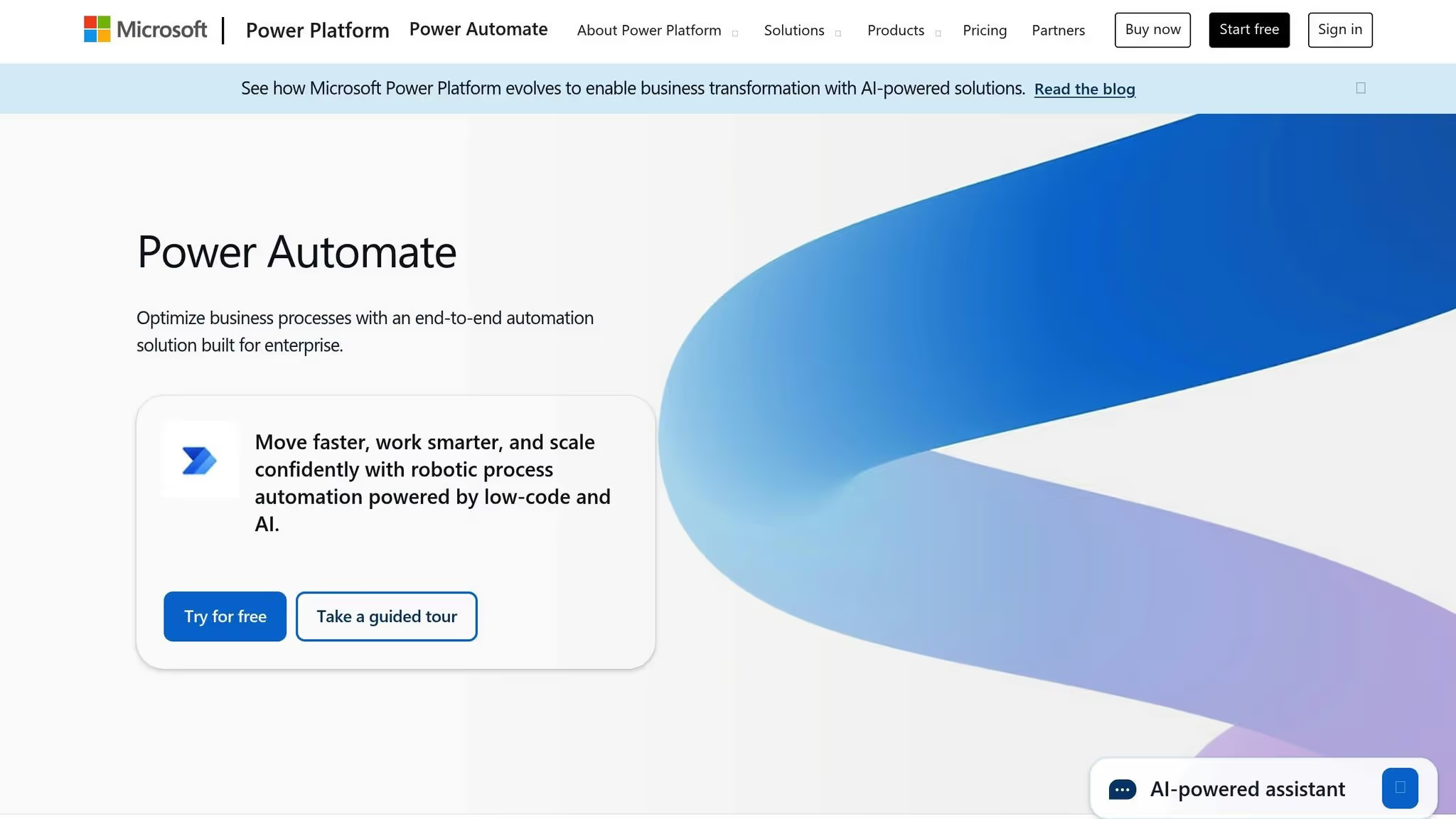
Microsoft Power Automate ofrece una solución de bajo código para automatizar tareas, diseñada específicamente para las organizaciones que utilizan Microsoft 365, Dinámica, o Azure. Permite a los equipos de Office optimizar los procesos con herramientas como Teams, Excel, SharePoint, y Power BI. Al conectar aplicaciones conocidas dentro de un marco, simplifica la administración del flujo de trabajo y lo hace accesible incluso para usuarios sin experiencia técnica.
El generador de arrastrar y soltar de la plataforma facilita el diseño de flujos de trabajo que integren aplicaciones de Microsoft y servicios externos. Este enfoque fácil de usar ayuda a los equipos a automatizar las tareas sin necesidad de conocimientos avanzados de codificación. Power Automate también incluye un generador de inteligencia artificial que permite integrar funciones como el análisis de imágenes y textos, junto con el análisis de opiniones, directamente en los flujos de trabajo. Otras funciones, como la minería de procesos y Copilot, ayudan a identificar las ineficiencias y proporcionan recomendaciones en tiempo real para optimizar las operaciones. Si bien la plataforma es muy eficaz en el ecosistema de Microsoft, la creación de flujos de trabajo complejos puede requerir una formación adicional para los usuarios no técnicos.
Power Automate destaca por su perfecta integración con Microsoft 365 y Dynamics, lo que permite a los equipos conectar sus herramientas existentes sin esfuerzo. Además de las aplicaciones de Microsoft, también es compatible con una amplia gama de plataformas SaaS externas. Esta flexibilidad permite a las empresas crear flujos de trabajo integrales que incorporen capacidades de inteligencia artificial en múltiples fuentes de datos y aplicaciones, lo que mejora la eficiencia y la colaboración.
La plataforma ofrece un plan gratuito, con opciones de pago a partir de 15$ al mes.
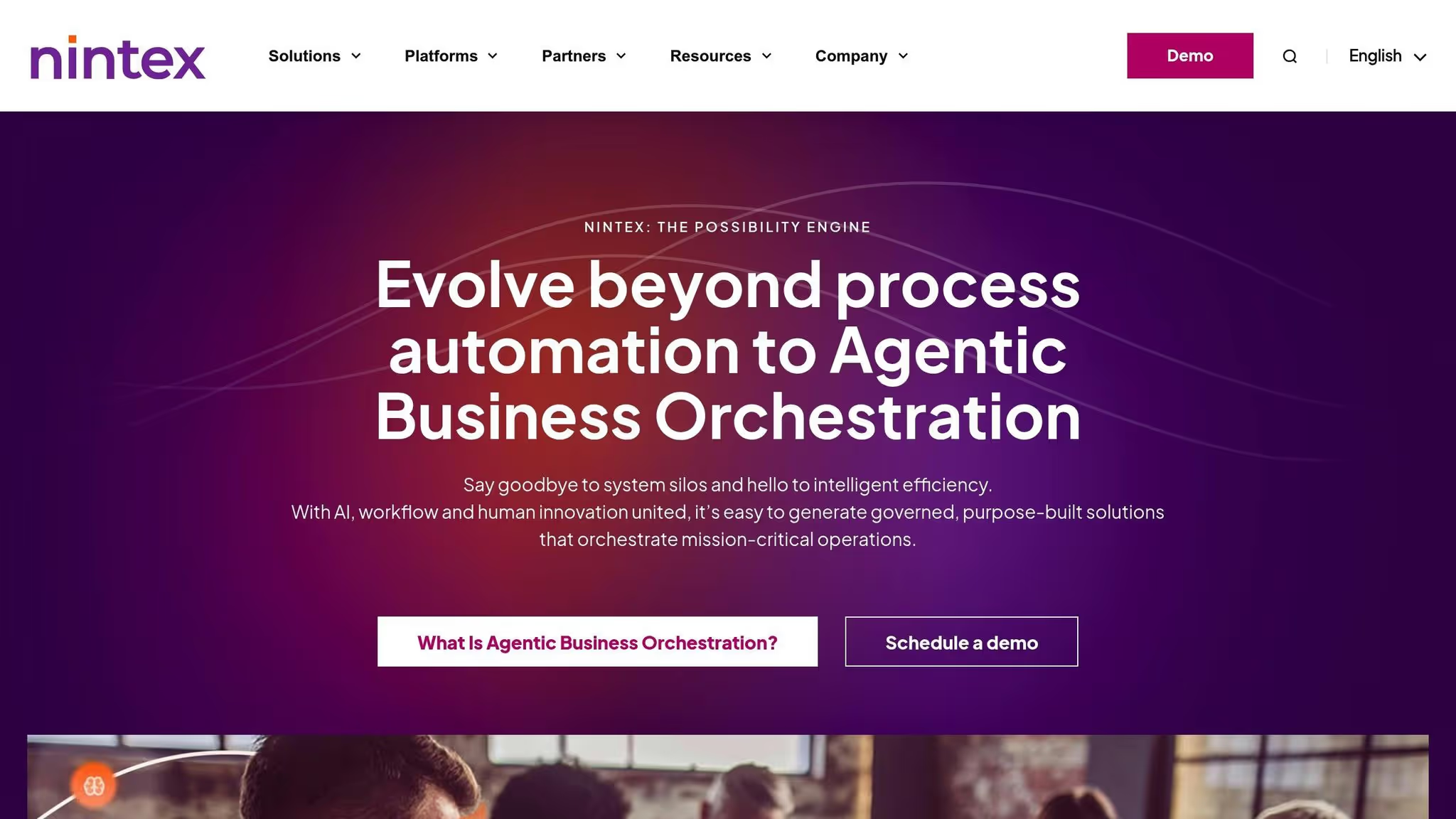
Nintex ofrece una sólida automatización del flujo de trabajo diseñada para las necesidades de nivel empresarial, lo que la convierte en una opción sólida para las organizaciones que gestionan procesos complejos. Sin embargo, sus funciones avanzadas conllevan una curva de aprendizaje pronunciada y costos más altos, lo que lo posiciona como la opción más adecuada para las empresas más grandes con demandas operativas complejas. Esto posiciona a Nintex como un actor importante en el creciente campo de la automatización del flujo de trabajo impulsada por la IA.
Este es un análisis detallado de varias plataformas, centrándose en sus capacidades de integración, funciones de gobierno, herramientas de automatización y modelos de precios. Estos aspectos se evaluaron en función de su capacidad para gestionar la integración de modelos, la gestión de costes, la automatización, la gobernanza y la escalabilidad.
Para 2025, se espera que el uso de flujos de trabajo basados en la IA crezca significativamente, pasando del 3% al 25% de los procesos empresariales.
Las plataformas modernas están diseñadas para integrar la automatización, la conectividad de datos y el enrutamiento inteligente, lo que permite flujos de trabajo más rápidos, escalables y seguros. Para las empresas que se centran en el control de costos y la adaptabilidad, las plataformas con capacidades de FinOps proporcionan un seguimiento preciso de los costos. Por otro lado, los desarrolladores visuales con amplias opciones de integración simplifican la implementación, y las plataformas autohospedadas o aquellas con registros de auditoría sólidos garantizan el cumplimiento y la seguridad.
Los sistemas de gestión del flujo de trabajo de IA son ahora una piedra angular para las organizaciones que buscan: reducir los costos operativos y impulsar la productividad en el intrincado panorama de la automatización actual. Las plataformas que se exploran aquí abordan varios desafíos, desde reducir el desorden de herramientas y garantizar la gobernanza hasta proporcionar un seguimiento de los costos en tiempo real y habilitar soluciones sin código para usuarios sin conocimientos técnicos.
Al seleccionar una plataforma, es importante tener en cuenta factores como el tamaño de la empresa, las habilidades técnicas y las demandas específicas del flujo de trabajo. Para equipos pequeños o profesionales en solitario, las plataformas con niveles gratuitos y generadores visuales intuitivos son ideales, ya que ofrecen la posibilidad de automatizar las tareas sin necesidad de conocimientos de codificación. Las organizaciones medianas suelen necesitar herramientas con funciones de colaboración avanzadas, amplias opciones de integración y lógica condicional para conectar diversos sistemas y departamentos. Por otro lado, los equipos de nivel empresarial requieren herramientas de gobierno sólidas, capacidades de auditoría detalladas, certificaciones de cumplimiento y soluciones de administración de costos diseñadas para operaciones a gran escala.
Los equipos con experiencia en codificación pueden inclinarse por plataformas autohospedadas, que permiten una personalización completa y una mayor privacidad de los datos. Mientras tanto, otros pueden beneficiarse de las plataformas que cuentan con interfaces de arrastrar y soltar, plantillas prediseñadas y asistentes de inteligencia artificial capaces de generar flujos de trabajo directamente a partir de entradas en lenguaje natural. Para las organizaciones que utilizan varios modelos de IA y aumentan sus gastos, las plataformas que ofrecen el seguimiento de las FinOps a nivel de fichas tienen un valor incalculable a la hora de gestionar y optimizar los costes.
Hacer coincidir las capacidades de la plataforma con casos de uso específicos es igualmente fundamental. Por ejemplo, las empresas que se centran en conectar aplicaciones y automatizar los flujos de trabajo de aprobación serán las que más se beneficien de las plataformas con amplias integraciones empresariales y conectores prediseñados. Quienes creen aplicaciones o agentes de IA personalizados basados en modelos lingüísticos extensos (LLM) deberían buscar plataformas adaptadas para agilizar la ingeniería, el cambio de modelo y el procesamiento de documentos. Las empresas que operan siguiendo directrices normativas estrictas deben dar prioridad a las soluciones con funciones de seguridad de nivel empresarial, controles de acceso basados en funciones y registros de auditoría listos para el cumplimiento. Al alinear las funciones de la plataforma con sus requisitos específicos, la IA puede convertirse en una ventaja estratégica y no solo en una herramienta.
El auge de los flujos de trabajo basados en la inteligencia artificial va más allá de la mera automatización: sienta las bases para procesos escalables y repetibles que permiten a los equipos centrarse en iniciativas estratégicas en lugar de en tareas rutinarias. Ya sea para reducir los gastos de software, centralizar el acceso a los modelos o crear sistemas sofisticados con múltiples agentes, la plataforma de gestión del flujo de trabajo adecuada convierte la IA en una fortaleza operativa fundamental.
Al elegir un sistema de gestión del flujo de trabajo de IA, hay algunas consideraciones importantes a tener en cuenta. En primer lugar, piensa en la de tu equipo experiencia técnica. ¿La plataforma requiere conocimientos avanzados de codificación o es lo suficientemente intuitiva para quienes no tienen conocimientos técnicos? Esto puede marcar una gran diferencia en la facilidad con la que su equipo puede adoptar y utilizar el sistema de forma eficaz.
A continuación, evalúe el complejidad de sus flujos de trabajo. Asegúrese de que la solución pueda gestionar sus requisitos específicos de automatización e integración sin comprometer el rendimiento. Un buen sistema debe estar alineado con las demandas únicas de sus procesos.
El presupuesto es otro punto clave que hay que abordar. Busca una plataforma que cumpla con tus límites financieros y, al mismo tiempo, ofrezca las funciones que más necesita tu equipo. Por último, confirma que es compatible integración fluida con herramientas esenciales, como modelos lingüísticos de gran tamaño y otros sistemas cruciales para sus operaciones. Si sopesa cuidadosamente estos factores, estará mejor preparado para elegir un sistema que mejore sus flujos de trabajo de inteligencia artificial y aumente la eficiencia en general.
Los sistemas de gestión del flujo de trabajo de IA simplifican el cumplimiento y la gobernanza al automatizar las tareas esenciales, como el mapeo regulatorio, la recopilación de pruebas y la supervisión en tiempo real. Esto garantiza que las organizaciones puedan mantenerse alineadas con los estándares legales y del sector y, al mismo tiempo, producir sin esfuerzo documentación lista para la auditoría.
Además, estos sistemas respaldan la implementación de los marcos de gobernanza de la IA, abordando riesgos como el sesgo, el uso indebido o la falta de transparencia. Al integrar el cumplimiento directamente en los flujos de trabajo, las empresas pueden mantener la confianza y la responsabilidad y, al mismo tiempo, mejorar la eficiencia operativa.
Prompts.ai facilita la gestión de los flujos de trabajo de IA al consolidar más de 35 modelos lingüísticos de gran tamaño en una sola plataforma. Este enfoque unificado permite a los usuarios comparar fácilmente los modelos uno al lado del otro, lo que ofrece un control total sobre las instrucciones, los resultados y el rendimiento. ¿El resultado? Procesos simplificados y toma de decisiones más inteligentes al navegar por intrincados sistemas de IA.
La plataforma también cuenta con un Capa FinOps, diseñado para ayudar a los usuarios a mantener los costos bajo control y, al mismo tiempo, mantener una alta eficiencia. Diseñado para profesionales, proporciona una solución sólida y centralizada para organizar los flujos de trabajo de IA con precisión y facilidad.