Pay As You Go - AI Model Orchestration and Workflows Platform



In a fast-moving business world, repetitive tasks like email management, document summarization, and ticket routing waste valuable time. AI workflow automation tools solve this by handling these duties, allowing teams to focus on impactful work. Modern AI tools go beyond traditional rule-based systems, offering context-aware capabilities that integrate seamlessly with platforms like Salesforce, Slack, and project management software. The results? Teams save time, cut costs, and boost productivity significantly.
Here’s a quick breakdown of the top AI workflow automation tools:
These tools cater to businesses of all sizes, offering solutions for both non-technical users and advanced developers. Whether you’re looking to save time, reduce costs, or optimize workflows, there’s a tool to meet your needs. Below is a quick comparison of their features and pricing.
| Tool | Key Features | Pricing | Best For |
|---|---|---|---|
| Prompts.ai | Natural language workflows, 35+ AI models, pay-as-you-go TOKN credits | Starting at $0/month | Teams needing flexible, scalable AI |
| Zapier | No-code workflows, 10,000+ app integrations, task-based pricing | Free tier, paid plans from $0/task | Small to medium businesses |
| UiPath | RPA + AI, legacy system support, enterprise-grade governance | Custom enterprise pricing | Large enterprises |
| Microsoft Power Automate | RPA, process mining, deep Microsoft 365 integration | $15/user/month (Premium) | Microsoft 365 users |
| Make | Drag-and-drop workflows, 3,000+ integrations, robust error handling | Free plan, paid plans from $9/month | Creative teams, startups |
| Automation Anywhere | AI-driven automation, document processing, enterprise security | Custom enterprise pricing | Enterprise-level automation |
| Workato | Pre-built connectors, AI workflow optimization, enterprise iPaaS | Custom enterprise pricing | Large-scale integrations |
Choose the tool that aligns with your goals, technical expertise, and budget. Start small with a high-impact task, and scale automation as you see results.

AI Workflow Automation Tools Comparison: Features, Pricing, and Best Use Cases
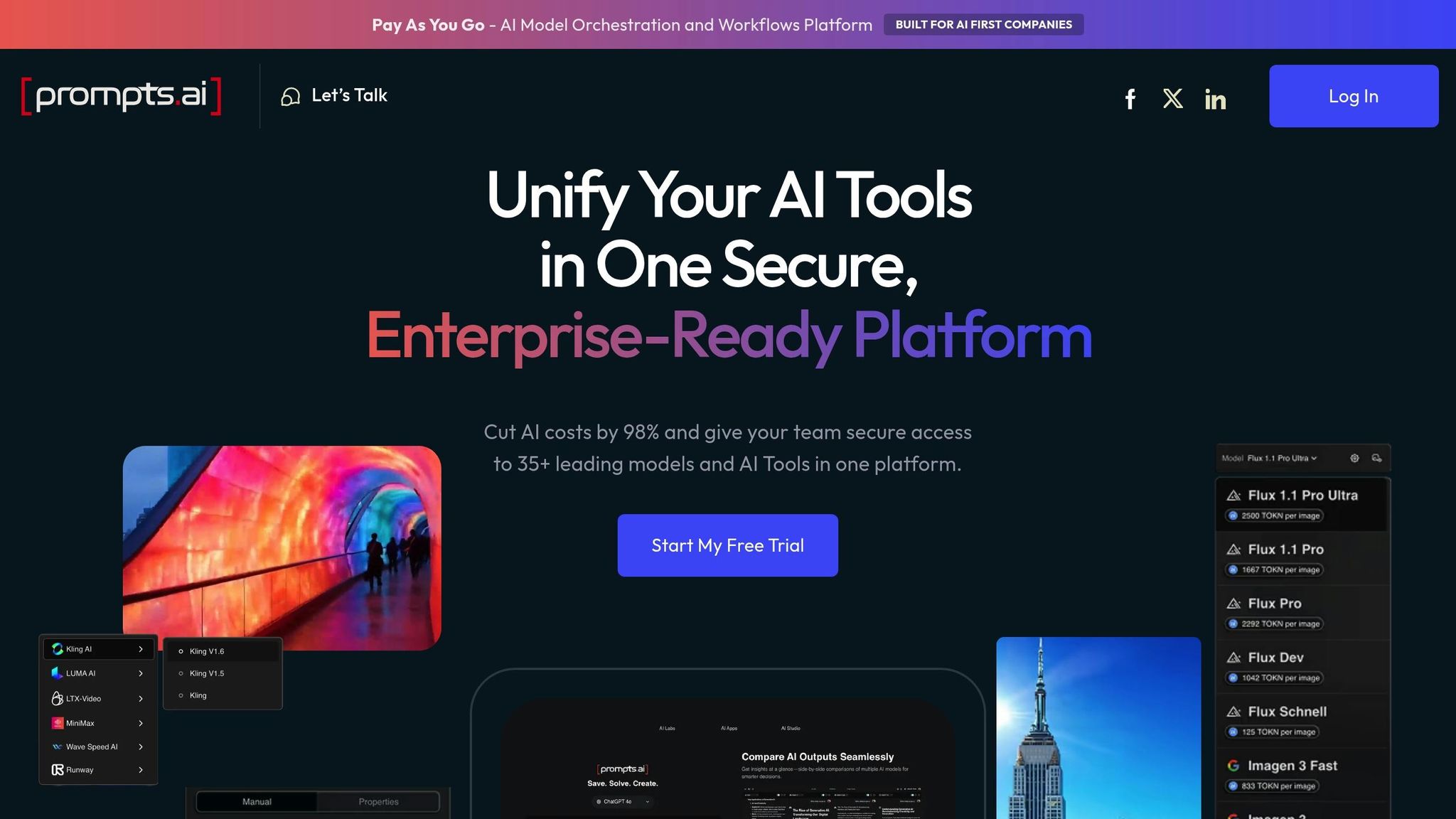
Prompts.ai empowers teams to create AI workflow automations in just minutes using natural language prompts, bypassing the need for complex interfaces or coding skills. By simplifying the process, the platform enables non-technical users to design workflows by simply describing their needs in plain English. Here’s what makes it stand out:
Prompts.ai connects business and engineering teams seamlessly with its dual-layer functionality. Marketing managers or operations staff can quickly draft automations using conversational prompts, while developers can refine and enhance these workflows using TypeScript or Python SDKs and nodes. This approach lets startups deploy straightforward workflows immediately and later scale them into enterprise-grade systems - all without switching platforms.
The platform consolidates over 35 top-tier language models - including GPT-5, Claude, LLaMA, Gemini, and Grok-4 - into a single interface. Instead of managing multiple subscriptions and logins for various AI tools, teams can access everything through one central dashboard. This unified setup integrates smoothly with existing tools like CRM platforms, communication apps, and project management software, eliminating the hassle of tool sprawl.
Prompts.ai operates on a pay-as-you-go TOKN credit system, ensuring businesses only pay for what they use. Its built-in FinOps tracking provides real-time insights into AI spending, helping finance teams monitor token usage across models and workflows. Many organizations report reducing AI software expenses by up to 98% by optimizing model selection and cutting out redundant subscriptions.
For enterprise users, Prompts.ai offers robust governance tools, including audit logs, change tracking, and version control. Role-based access ensures team members only interact with approved models and data, while compliance features help organizations meet regulatory standards without compromising innovation or speed.
Zapier connects more than 10,000 systems through its no-code automation platform, serving as a powerful tool for streamlining workflows. Over 3.4 million companies worldwide rely on it to link widely-used business apps like Salesforce, HubSpot, Slack, and Google Workspace. At its core are "Zaps" - automated workflows that use triggers and actions to transfer data effortlessly between applications.
Zapier’s standout feature is its ability to integrate with nearly any business tool, whether through its extensive library of pre-built connections or custom webhooks. Even for proprietary or niche systems, Zapier supports custom API integrations, ensuring compatibility. The built-in Formatter tool simplifies data handling by automatically converting dates, currency, and text into the required formats for different systems, eliminating the need for manual adjustments. Many businesses have significantly boosted efficiency by using Zapier’s integration ecosystem to automate intricate workflows across multiple systems.
Beyond its integrations, Zapier offers extensive customization options to meet a wide range of business needs. Users can create tailored workflows using logic paths, filters, and scheduling tools - all without the need for coding. For teams with technical expertise, the "Code by Zapier" feature allows the inclusion of custom JavaScript or Python steps in workflows. Additional tools like Zapier Canvas enable users to visually map out complex processes before building them, while Zapier Tables centralize data to trigger workflows. Importantly, these tools are included in all plans and do not count against monthly task limits.
Arden Insurance Services provides a compelling example of Zapier’s potential. By implementing Zapier workflows, they automated over 34,000 work hours, saving approximately $500,000 annually in overhead. Their system now facilitates the collection of $150 million in payments each year. With 99.99% uptime, Zapier supports everything from simple two-step automations to enterprise-grade workflows for mission-critical operations.
Zapier’s pricing model is task-based, meaning businesses only pay for completed actions within their workflows. Features like Filters, Paths, and Formatter execute without consuming additional tasks, making even complex workflows cost-efficient. The platform becomes increasingly economical at scale, with plans starting at $0 for 100 tasks per month and extending to custom Enterprise agreements with annual task limits.
A great example of cost savings comes from Popl, a digital business card company. In August 2025, they replaced a specialized integration with over 100 Zapier workflows, saving $20,000 annually while managing hundreds of daily leads. This shift eliminated the need for pricey third-party tools without sacrificing functionality. To avoid disruptions, Zapier’s flexible overage protection automatically switches to pay-per-task billing at 1.25 times the base rate when task limits are exceeded, ensuring workflows continue to run smoothly.
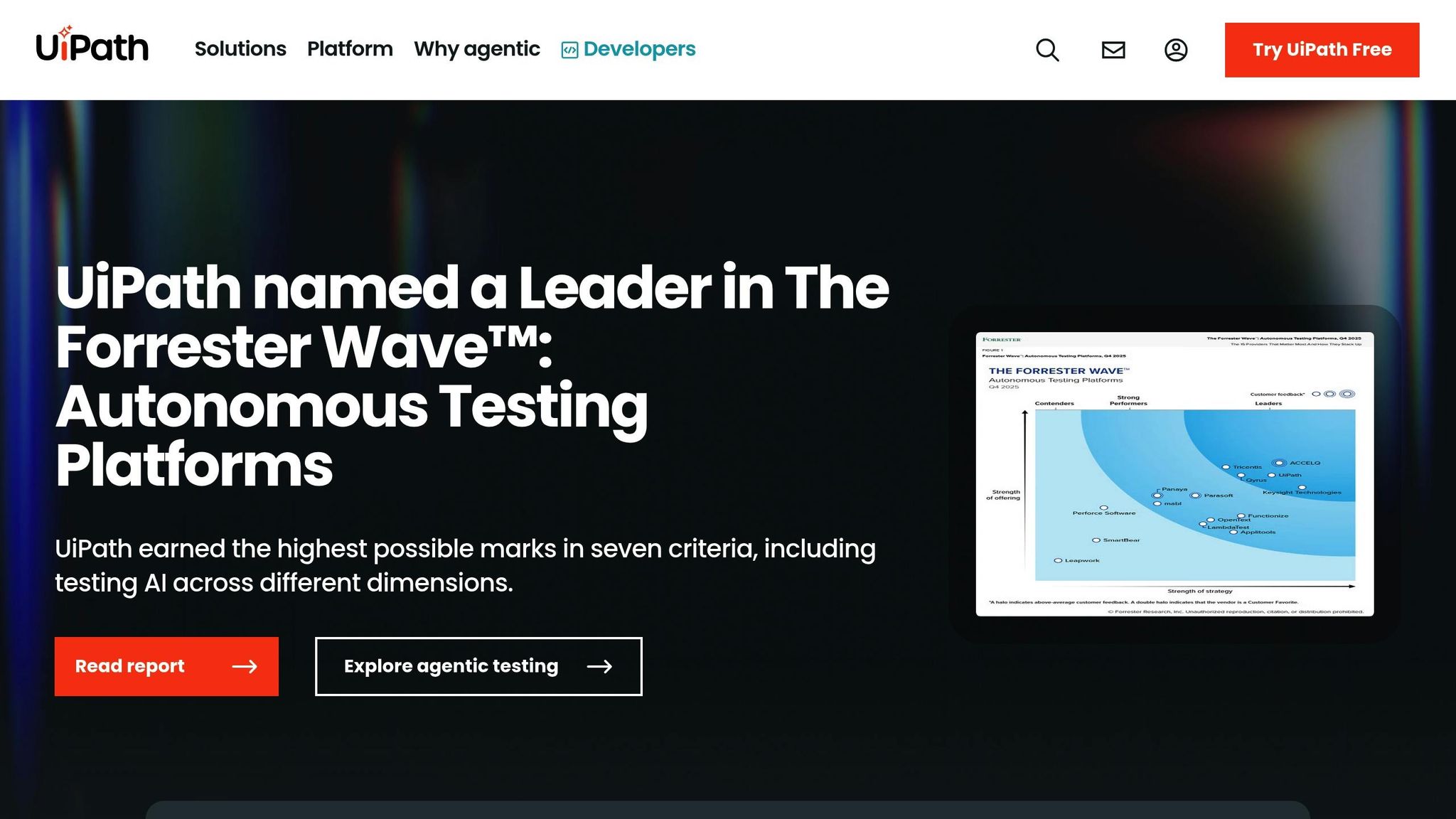
UiPath stands out as a leader in workflow automation by seamlessly bridging legacy systems with modern technologies. Its platform combines Robotic Process Automation (RPA) with AI-driven decision-making to enable smarter, more efficient automation. Thanks to its Integration Service, UiPath connects with virtually any system, whether it’s a modern API-based application or an older, non-API-supported system. This capability allows businesses to automate processes across their entire tech ecosystem without needing to overhaul existing tools, providing a scalable and efficient solution.
UiPath's Integration Service unites UI automation with API connectivity in a single platform, ensuring stable and efficient workflows. It supports enterprise systems like SAP HR and Microsoft 365 while remaining open to custom integrations. Using UiPath Maestro, organizations can manage hybrid workforces - coordinating AI agents, robots, and human workers across lengthy, intricate processes. UiPath also integrates with advanced AI models like Anthropic's Claude 3.5 Sonnet and OpenAI, powering features like Autopilot, which allows users to trigger automations directly within Microsoft Teams using natural language commands.
Real-world examples demonstrate the platform's transformative potential:
These examples highlight how UiPath can streamline complex operations and deliver measurable results.
UiPath offers tools tailored for users of all skill levels:
The Autopilot for Developers feature simplifies workflow creation by translating natural language descriptions into functional workflows. For businesses tackling intricate tasks, the Agent Builder allows the development of custom AI agents, such as those designed for resolving invoice disputes.
"Leveraging agentic automation in our UiPath integration is providing massive ROIs. Exploring applications in sales and customer service is proving especially promising. These automated agents carry out the heavy lifting, allowing our sales team to focus on driving revenue." - Akash Rana, Senior Manager IT Digital Automation, Regal Rexnor
Additionally, UiPath includes a Healing Agent that automatically adjusts workflows when interface changes occur, reducing maintenance needs. For example, VITAL managed to serve 450% more agencies while saving 15,000 work hours by implementing scalable UiPath workflows.
UiPath prioritizes security and compliance with its AI Trust Layer, a framework designed to ensure responsible AI use at scale. Features like PII In-flight Masking automatically identify and redact sensitive information before it’s shared with AI models, safeguarding personal data. Agent Guardrails further ensure AI agents operate safely and within defined parameters.
For centralized governance, UiPath offers Automation Ops, which enables IT teams to enforce consistent policies across the organization. The Unified Audit system tracks all activities, including automations, AI agent actions, and human interactions, simplifying compliance reporting. With ISO/IEC 42001 certification and FedRAMP authorization, UiPath meets rigorous security and regulatory standards. For instance, Gold Coast Health saved 40,000 hours annually by automating over 20 workflows using UiPath's secure automation framework.
Microsoft Power Automate delivers enterprise-level automation seamlessly integrated with Microsoft 365. It combines Digital Process Automation (DPA) and Robotic Process Automation (RPA) to streamline legacy system processes through UI-based interactions. With over 1,400 prebuilt connectors for platforms like SAP, Salesforce, and Dynamics 365, businesses can connect their systems effortlessly. Users have reported achieving a 248% ROI over three years while saving 200 hours annually on high-impact RPA tasks.
Power Automate offers a robust library of connectors, enabling smooth integration across both modern and legacy systems. The platform also includes an on-premises data gateway, which securely links cloud workflows to on-site data sources. For niche systems, custom API connectors provide added flexibility. Companies like Uber have leveraged Power Automate to achieve significant results, saving 3,400 hours and $30 million annually, according to Chad Aronson, Global Head of Intelligent Automation. Similarly, Nsure has seen transformative outcomes. John Haisch, VP of AI and Automation, shared that by implementing Copilot in Power Automate, the company reduced data validation efforts from over 100 people to just a few, achieving 60% time savings and 50% cost reductions.
"It used to take over 100 people to validate and standardize data to and from carriers. With generative AI and Power Automate, this same process can be managed by just a few people." - John Haisch, VP of AI and Automation, Nsure
These integration capabilities set the stage for customizable workflows and scalable automation.
Power Automate’s Copilot feature allows users without technical expertise to create and adjust workflows using natural language. The AI Builder offers tools for document processing and predictive modeling, while process mining identifies inefficiencies and highlights automation opportunities. For instance, Komatsu Australia saved over 300 manual-entry hours for a single supplier during a three-week trial of automated invoice processing. The platform’s hosted infrastructure adapts to workload demands, ensuring smooth operation even during peak times. This flexibility has led to a 20% reduction in developer time spent managing automated workflows.
With pricing set at $15 per user/month (Premium) and $150 per bot/month (Process), Power Automate offers an affordable automation solution, backed by a 30-day free trial. Businesses like Aon have seen tangible benefits, eliminating 20,000 redundant processes and achieving 8% cost savings by integrating Power Automate with Power BI and Power Apps. Automated processes also significantly reduce error rates - by as much as 90% compared to manual workflows - resulting in substantial operational savings.
Power Automate ensures robust governance with features like Managed Environments, which give administrators full oversight of automation processes. Data Loss Prevention (DLP) policies enable control over which connectors can share data, safeguarding sensitive information. The Power Platform Admin Center serves as a centralized hub for managing resources and monitoring automation activities with 360-degree live monitoring. Additionally, Power Automate inherits Microsoft 365’s permissions, sensitivity labels, and retention policies, ensuring secure data access. Integration with Microsoft Entra ID further enhances security by managing identities and access for all workflows. Granular access controls and detailed audit trails provide administrators with the tools needed to regulate who can view, modify, or deploy automated processes. This strong governance framework complements the platform’s automation and scalability strengths.
Make stands out among AI workflow platforms with its user-friendly, visual interface designed for seamless automation. It offers a drag-and-drop canvas that simplifies the creation of intricate, multi-step workflows - no coding required. With connections to over 3,000 pre-built applications like Salesforce, HubSpot, Slack, Microsoft Teams, and OpenAI tools such as ChatGPT and DALL-E, Make ensures versatility. Additionally, its 99.9% availability and integration response times under 200 ms make it a reliable choice for businesses. Serving more than 350,000 active customers globally, Make has established itself as a trusted tool across industries.
Make excels in integrating with existing systems, offering universal connectivity. Its extensive app library is complemented by built-in HTTP and Webhook modules, enabling connections to any public API, including proprietary systems. The Model Context Protocol (MCP) server allows users to access automation scenarios directly from various AI interfaces without needing separate server management. For data manipulation, Make includes native modules for JSON/XML parsing, data transformers, iterators, and aggregators. For instance, in September 2025, FranklinCovey automated internal processes using Make, saving hundreds of thousands of dollars and freeing up significant staff hours. Similarly, GoJob adopted Make in December 2024, achieving a 50% boost in yearly net revenue through AI-driven integrations.
Make’s visual canvas supports advanced features like branching, loops, and filters, while its Make Grid offers real-time visual maps of workflows. The Maia AI assistant further simplifies setup and troubleshooting by allowing users to create integrations with natural language input. In 2025, a marketing agency used Make to automate lead generation funnels, leading to a 340% increase in team productivity and an 89% reduction in manual errors. The platform also includes an Internal Data Store to maintain state between scenario runs, eliminating the need for external databases. Intelligent error handling and automatic retries enhance reliability, ensuring workflows run smoothly.
"Make drives significant efficiency gains within our business in ways we never imagined. It's having an extra employee (or 10) for a fraction of the cost." - Cayden Phipps, COO, Shop Accelerator Martech
Make offers flexible pricing plans to suit different needs. It starts with a Free Plan offering 1,000 operations per month, a Core Plan at $9/month for 10,000 operations (billed annually), and Pro Plans ranging from $16–$29/month, with custom Enterprise options available. This affordability, paired with its robust features, earns consistent praise. Philipp Weidenbach, Head of Operations at Teleclinic, shared:
"Make really helped us to scale our operations, take the friction out of our processes, reduce costs, and relieved our support team."
Make prioritizes security and compliance, adhering to SOC 2 Type II and GDPR standards. It ensures end-to-end encryption for all data transfers and includes features like Single Sign-On (SSO), role-based access control, and team-specific usage limits. The analytics dashboard provides full visibility into automation scenarios, while granular permissions enable precise control over who can view, modify, or deploy workflows. This governance structure delivers robust security without compromising the platform’s accessibility for both technical and non-technical users.
Automation Anywhere provides enterprise-level automation through its Agentic Process Automation (APA) platform, handling over 400 million automations annually and completing 1.8 million AI agent tasks. By blending rule-based automation with AI-driven insights, the platform enables businesses to automate up to 80% of their enterprise tasks. Its Process Reasoning Engine (PRE), trained on 400 million enterprise workflows, can grasp the context and dependencies within complex processes. For instance, AccentCare used the platform to process 337,000 records, saving $100,000 in the first year and reducing the need for 5.6 full-time equivalent positions annually.
Automation Anywhere excels in connecting with existing enterprise systems. The platform includes native connectors for major tools like SAP, Salesforce, ServiceNow, and Workday. It also supports REST and SOAP APIs and can quickly create custom connectors for proprietary systems. Its Mozart Orchestrator ensures seamless coordination between AI agents, legacy systems, data, and human teams. For enhanced connectivity, it integrates with leading iPaaS providers such as MuleSoft, SnapLogic, and Workato. Additionally, its Document Automation feature achieves near-perfect accuracy - up to 99.9% - in processing unstructured data. As Gagnish R., an ETL Analyst, noted:
"The Document Automation is the best in class. You won't find that even in UiPath."
The platform offers versatile tools for creating and scaling workflows. The AI Agent Studio provides a low-code environment for building custom AI agents, while Process Composer features a no-code, drag-and-drop interface for managing complex processes. Automation Co-Pilot allows both experienced developers and non-technical users to create automations using natural language. For advanced needs, professional developers can enhance capabilities with custom scripts. Thanks to its cloud-native architecture, the platform supports millions of concurrent executions across 16 global data centers, delivering an SLA of over 99%. These tools empower businesses to align automation with their unique needs, achieving measurable results - such as a 186% return on investment in the first year. One enterprise customer reported saving $120 million through automation, with projected savings surpassing $1 billion.
Automation Anywhere provides a free Cloud Community Edition for students and developers, while enterprises can explore tailored pricing through demos. Many users highlight its affordability. Somasundaram N., Managing Director at Finixel Technologies Private Limited, explained:
"We had to switch to Automation Anywhere due to the high initial license fee associated with Blue Prism. Automation Anywhere is more cost-effective."
The Bot Store marketplace further enhances cost efficiency by offering pre-built automation solutions that speed up deployment and lower development expenses. Its enterprise licensing model also ensures predictable costs for businesses.
Automation Anywhere prioritizes security and compliance, holding certifications like SOC 1/2 Type 2, ISO 27001, HITRUST, ISO 22301, and ISO 42001:2023. Built-in AI Guardrails and PII data masking safeguard sensitive information, while immutable audit logs support GDPR compliance. Security measures include role-based access control, SAML, multi-factor authentication, Active Directory integration, and single sign-on. The platform uses FIPS140-certified AES256 encryption and integrates with external credential vaults like CyberArk, HashiCorp, Azure, and AWS. Additionally, a dedicated CoE Manager dashboard allows Centers of Excellence to monitor and manage automation performance across the organization. These robust governance features make Automation Anywhere a trusted choice for modern AI-driven workflow automation.
Workato is a powerful enterprise integration platform that has been recognized as a Leader in the Gartner® Magic Quadrant™ for iPaaS for an impressive seven years in a row. With over 1,200 pre-built connectors, the platform ensures 99.9% uptime while helping businesses save more than 100,000 hours. It bridges modern cloud applications and legacy systems with workflow templates tailored for enterprise automation.
Workato excels in connecting a wide range of systems, from modern SaaS platforms like Salesforce and Workday to on-premises solutions such as SAP and ServiceNow. It also integrates databases like Oracle, SQL Server, and Snowflake, extending even to legacy systems like mainframes and SFTP servers. For systems without native connectors, Workato offers a Software Development Kit (SDK) to build custom connectors. Secure on-premise agents ensure safe connections to applications and databases behind corporate firewalls, maintaining robust security standards.
The platform’s Enterprise MCP (Model Context Protocol) empowers AI agents with contextual business understanding, enabling them to operate seamlessly across enterprise systems. One organization shared that after adopting Workato’s automation tools, they processed employee relocation requests 98% faster.
Workato simplifies workflow creation with its visual low-code studio, while also supporting custom scripting in Ruby, Python, and JavaScript for more complex tasks. The platform’s "Recipe Functions" allow workflows to call on one another, enabling modular designs and parallel processing. Workato AIRO™, an AI-powered solution architect, offers real-time diagnostics and performance optimization suggestions to enhance automation efficiency.
Built on a cloud-native architecture, Workato automatically scales to meet fluctuating demands or geographic expansion, all without any downtime. As Mohit Rao, Head of Intelligent Automation, explained:
"Business users have organically started using Workato. Once we identify those business users, we elevate them to be champions to empower other teams or other people, and use them to get the next wave of scale."
Workato prioritizes security and governance through its Aegis system, which provides full enterprise visibility and enforces strict access policies. Role-based access control (RBAC) ensures users only have the permissions they need, while admins can create custom roles with precise access to folders, recipes, and connections. Data is protected with AES-256 encryption at rest, and job history data benefits from double-encryption.
The platform meets rigorous compliance standards, holding certifications like SOC 2 Type II, ISO 27001, ISO 27701, PCI-DSS v4.0.1 (Level 1), HIPAA, and GDPR. Additional advanced security features include Bring Your Own Key (BYOK), hourly key rotation, container isolation, and IP allowlists. Activity audit logs provide detailed tracking of user actions to support regulatory data retention needs, while Recipe Lifecycle Management (RLCM) ensures workflows are smoothly transitioned across development, testing, and production stages.
Prompts.ai combines powerful workflow capabilities with a pricing model designed for clarity and flexibility. Costs are based on actual usage, offering plans tailored for individuals, families, and teams. Users can choose between Pay-As-You-Go TOKN credits or monthly memberships, granting access to over 35 leading AI models, including GPT-5, Claude, LLaMA, Gemini, and advanced tools like Flux Pro and Kling.
For those new to AI automation, the Pay-As-You-Go plan starts at $0/month, providing a no-risk way to explore the platform. The Creator plan at $29/month is ideal for managing personal workflows, while the Family Plan at $99/month extends AI capabilities to multiple household members. Businesses can select from three team-oriented tiers:
This pricing structure emphasizes scalability and transparency, ensuring users only pay for what they need.
Unlike traditional credit-per-step pricing, Prompts.ai employs an execution-based model, supported by a built-in FinOps layer. This system tracks token usage in real time, helping organizations reduce AI software costs by up to 98%. Whether you're running simple automations or coordinating complex, multi-model workflows across departments, pricing adapts seamlessly. Every plan includes features like side-by-side model comparisons, prompt workflow libraries, and enterprise-grade governance tools.
Business plans also come with additional perks, such as access to the Prompt Engineer Certification program and expertly designed workflow templates. These resources enable teams to launch production-ready automations in minutes, not months. The platform’s unified interface eliminates the hassle of managing separate tools, API keys, or vendor contracts. With Prompts.ai, you get one streamlined solution with costs directly tied to measurable business outcomes.
Select an AI tool that directly tackles your most pressing challenges. Begin by auditing your current workflows to pinpoint where manual tasks consume excessive time and resources. For instance, in 2024, Cineplex reclaimed over 30,000 hours annually by enabling more than 100 employees to create AI-driven solutions tailored to their finance and guest service needs. This highlights how aligning tools with specific, real-world problems can deliver measurable benefits. Once you’ve identified your bottlenecks, focus on evaluating technical usability and integration potential.
Ease of use is just as critical as functionality. If your team lacks coding expertise, consider low-code or no-code platforms to simplify adoption and reduce reliance on IT support. Employees are more likely to embrace AI when clear guidelines and boundaries are in place, so set up guardrails early. Also, ensure the tool integrates seamlessly with your existing systems - whether it’s Slack, Salesforce, or Microsoft 365 - to avoid creating data silos that hinder productivity.
Beyond usability, security and scalability should be key considerations. With 70% of IT leaders expressing concerns about AI output accuracy, prioritize tools with strong compliance measures like SOC 2, GDPR, and role-based access controls. Evaluate whether a cloud-based, on-premises, or hybrid deployment best suits your data residency and growth requirements. A tool that can’t scale alongside your business might lead to costly migrations down the road.
Start small by piloting AI on a high-impact, repetitive task - such as lead triage or support ticket management - to demonstrate ROI before expanding its use across the organization. Map out your ideal workflow, including data triggers, AI steps, and human oversight, to refine automation and maximize efficiency.
Ultimately, the right AI tool should reduce friction, ensure proper governance, and align costs with tangible outcomes. Whether your needs are as simple as connecting a few apps or as complex as orchestrating multiple models, focus on how well the tool addresses your specific goals - not just on flashy product demonstrations.
AI tools make automating workflows easier by effortlessly connecting with existing business platforms like CRM systems, email applications, and project management tools. They leverage pre-built connectors, APIs, and no-code interfaces to ensure smooth integration, eliminating the need for advanced technical skills.
These tools handle repetitive tasks such as transferring data, sending notifications, and managing updates. By using logical triggers and actions, businesses can design workflows that boost efficiency while keeping their current systems intact. This streamlined approach helps teams work more cohesively and scale operations effectively across departments.
Automating workflows with AI tools can lead to substantial financial gains by cutting down on manual labor and streamlining operations. These tools take over repetitive tasks like data entry and document handling, which not only reduces labor expenses but also frees up employees to tackle more impactful, strategic projects. Additionally, automation minimizes errors, helping businesses save on corrections and rework, while also accelerating task completion.
By leveraging AI-driven automation, companies can expand their operations without needing to proportionally increase resources, leading to cost efficiencies. Many organizations have seen measurable improvements in time savings and productivity, particularly in areas like finance and customer service. Incorporating AI into daily workflows doesn’t just lower costs - it enhances accuracy and efficiency, delivering long-term financial benefits for businesses.
Non-technical users can now design and manage AI-driven workflows with easy-to-use, no-code tools. These platforms simplify complex processes by offering drag-and-drop interfaces or natural language prompts, eliminating the need for programming skills.
For instance, many systems let users describe their workflow goals in plain English, and the platform automatically creates the necessary automation. Features like conditional logic, smooth app integrations, and step-by-step guidance make it possible for even first-time users to build workflows that save time and cut down on repetitive tasks.
To refine and improve these workflows, users can rely on built-in tutorials, helpful support materials, and AI-driven suggestions. These tools are crafted to help professionals in various fields increase efficiency and get more done - all without needing to dive into technical details.