Pay As You Go - AI Model Orchestration and Workflows Platform



AI workflow tools are transforming how businesses handle tasks by automating processes, integrating apps, and leveraging advanced decision-making capabilities. From managing unstructured data to streamlining operations across industries, these tools save time and boost productivity. Here’s a quick look at the top platforms:
These tools cater to different needs - whether you’re a solo entrepreneur, a technical developer, or an enterprise leader. Start by identifying your goals and testing free tiers where available.
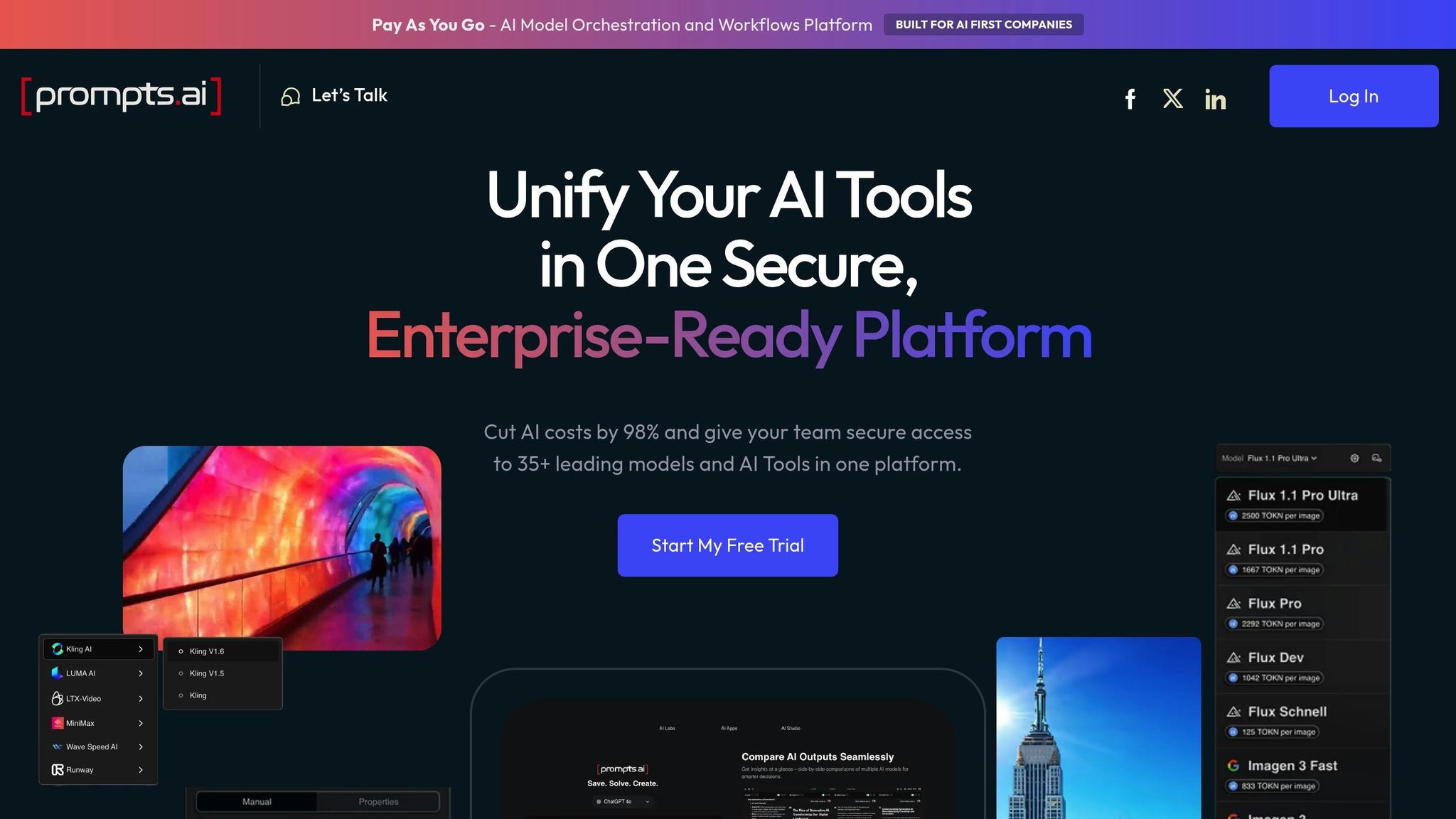
Prompts.ai is an enterprise-level AI orchestration platform that brings together more than 35 top-tier large language models - including GPT-5, Claude, LLaMA, Gemini, Grok-4, and Flux Pro - into one secure and streamlined interface. By consolidating these models into a single dashboard, organizations can cut subscription costs by up to 98%, while maintaining full control over spending and compliance.
The platform doesn’t just provide access to these models; it integrates real-time FinOps cost controls, enabling users to track every token and directly connect expenditures to business outcomes. This allows organizations to compare model performance side-by-side, apply governance policies across teams, and audit AI interactions without risking sensitive data exposure. These features make Prompts.ai a go-to solution for Fortune 500 companies, creative agencies, and research labs looking to scale AI adoption securely and transparently.
Prompts.ai also offers pricing options that adapt to your specific requirements.
Prompts.ai operates on a pay-as-you-go system using TOKN credits, ensuring costs align with usage. Personal plans range from free to $29/month (Creator) and $99/month (Family). Business plans are priced between $99 and $129 per member/month.
This pricing approach supports a variety of applications, such as unifying workflows across departments. For example, marketing teams can use different models for A/B testing content, while operations teams can automate data processing workflows by selecting the most cost-efficient model for each task. Additionally, the platform's Prompt Engineer Certification program trains internal experts to create repeatable, compliant workflows, boosting team productivity by up to 10×.
Prompts.ai offers more than just cost savings and control - it also introduces standout collaborative tools. The platform combines model access with a community of prompt engineers who share expert-designed Time Savers - ready-to-use prompt workflows that teams can implement immediately. Its unified interface allows for quick model switching and side-by-side output comparisons, while built-in audit trails and governance features ensure consistency in AI experimentation. This approach simplifies subscription management and encourages collaboration, transforming one-off experiments into scalable processes across the organization.
Zapier connects over 8,000 business apps without requiring any coding knowledge. It has facilitated more than 350 million AI tasks and offers nearly 500 AI integrations, making it a powerful tool for creating automation systems across multiple departments. Unlike platforms aimed at developers, Zapier is designed for non-technical users, enabling anyone on the team to build advanced workflows.
One of its standout features is its AI-first approach to automation. Tools like "AI by Zapier" provide direct access to models such as GPT-4o mini and Gemini 2.0 Flash, eliminating the need for separate API keys. For more advanced processes, Zapier Agents act as autonomous AI assistants capable of conducting web research, accessing live company data, and making independent decisions to support larger goals. These integrations make it a go-to solution for streamlining operations across various business areas.
Zapier offers a Free Plan for basic two-step workflows, while the Pro Plan starts at $19.99/month. For enterprises needing advanced features like enhanced security and audit logs, Enterprise Plans are available with custom pricing. A 14-day trial gives users access to premium features and apps.
In December 2025, Remote's IT team, led by Marcus Saito, Head of IT and AI Automation, handled 1,100 monthly tickets for 1,800 employees. By integrating tools like ChatGPT, Okta, Notion, and Slack, they automated 28% of tickets, saving over 600 hours each month. ActiveCampaign achieved a 440% boost in webinar attendance and reduced early churn by 15% by using Zapier to enroll new signups in personalized onboarding sessions based on language preferences. Additionally, Popl’s sales team saved $20,000 annually by leveraging workflows with OpenAI to filter spam, enrich lead data, and route opportunities through HubSpot and Salesforce.
Zapier connects with essential tools across various categories, including CRM (Salesforce, HubSpot), Communication (Slack, Gmail), Project Management (Notion, Jira, Asana), and Data Management (Google Sheets, Airtable). Its Model Context Protocol (MCP) allows users to complete over 30,000 actions directly within external AI platforms like ChatGPT or Claude, transforming standalone chat interactions into fully integrated systems that connect with thousands of applications.
Zapier Copilot enables users to create comprehensive cross-product systems - such as workflows, tables, forms, and chatbots - using simple natural language prompts. Zapier Canvas offers a visual mapping tool to refine complex processes and pinpoint inefficiencies. Advanced users can also run Python code using libraries like Pandas or NumPy within workflows. Spencer Siviglia, Director of Operations at Toyota of Orlando, shared:
"With Agents, I'm getting insights I didn't even know to look for. They flag when something's off, answer questions in plain language, and save me hours every week."
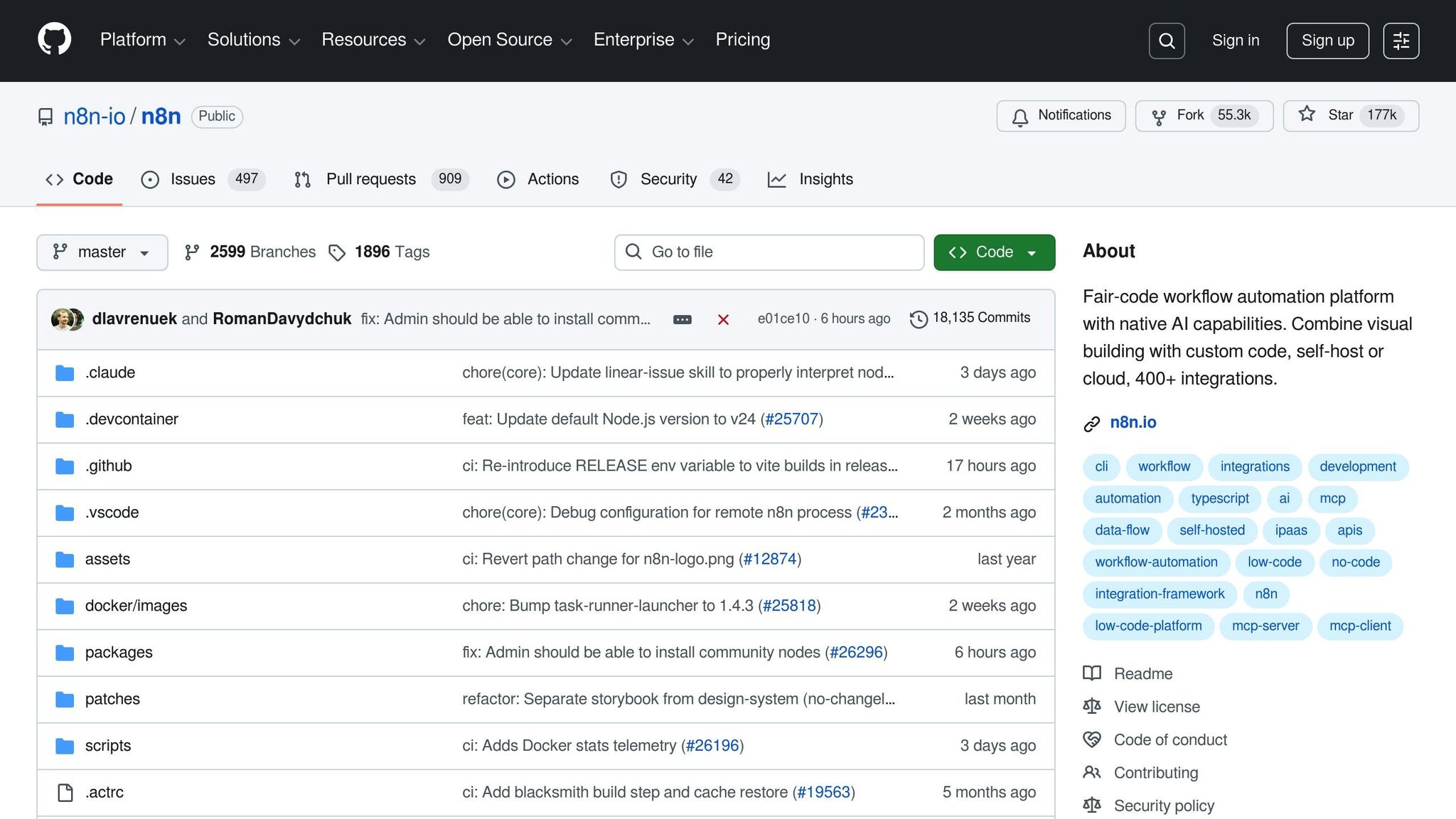
n8n is an open-source automation platform designed to give technical teams the freedom to create workflows visually or by writing custom JavaScript and Python code directly within their automations. With over 176,700 stars on GitHub, it ranks among the most popular open-source automation tools today. The platform boasts more than 400 pre-configured integrations and supports a thriving community of over 200,000 members.
One key advantage of n8n is its self-hosting option, which allows organizations to maintain control over sensitive data and execution logic by keeping them on-premises or in a private cloud. Additionally, n8n uses execution-based pricing instead of charging per step, often leading to considerable cost savings. These features make it appealing to both open-source enthusiasts and enterprise users seeking budget-friendly automation solutions.
For high-volume users, n8n can deliver savings of over $500 per month compared to task-based pricing models. A single instance of n8n can handle up to 220 workflow executions per second. Enterprise plans are available with custom pricing and advanced features such as SSO, RBAC, and dedicated support.
n8n has proven its value across various industries by dramatically improving efficiency. For example:
These examples highlight how n8n's capabilities can transform processes and save time across diverse sectors.
n8n integrates with top LLM providers such as OpenAI, Anthropic, Google Gemini, Groq, and Perplexity. It also features a native LangChain integration, enabling the creation of modular AI systems, and supports local LLM integration via Ollama for enhanced data privacy. Additional integrations include vector databases like Pinecone and Weaviate for Retrieval-Augmented Generation (RAG), along with 400+ pre-built integrations for popular tools like Google Workspace, Slack, Salesforce, and HubSpot.
n8n stands out for its advanced AI capabilities, which simplify automation and enhance productivity. The AI Workflow Builder allows users to describe workflows in plain English, converting natural language prompts into fully functional automations. Meanwhile, the AI Agent Node creates autonomous agents that can use other workflow nodes as "tools", deciding which actions to take based on the input provided.
Dennis Zahrt from Delivery Hero shared his experience:
"We have seen drastic efficiency improvements since we started using n8n for user management. It's incredibly powerful, but also simple to use."
Luka Pilic from StepStone echoed this sentiment:
"It takes me 2 hours max to connect up APIs and transform the data we need. You can't do this that fast in code."
With its flexible architecture and cutting-edge features, n8n empowers users to streamline processes and achieve impressive results.
Make stands out as a visual-first automation platform, offering an intuitive drag-and-drop interface for building complex workflows. With over 3,000 pre-built app integrations and more than 400 AI-specific connections, the platform's AI usage has skyrocketed, with scenarios quadrupling throughout 2024. What makes Make unique is its ability to seamlessly combine automations with autonomous agents on the same visual canvas, giving teams complete control over data flow across systems. This design aligns perfectly with the interoperable approach seen in other platforms.
The platform's AI Agent feature is particularly noteworthy. It can interpret goals, select the right tools, and logically work through steps to deliver results. A Reasoning Panel provides a detailed breakdown of every decision the agent makes, ensuring transparency. Additionally, the Human-in-the-Loop feature lets users pause workflows for manual review before any AI-generated content is finalized or sent.
| Plan | Price/Month | Operations | Minimum Interval | Key Features |
|---|---|---|---|---|
| Free | $0 | 1,000 | 15 min | 2 active scenarios, test projects |
| Core | $9 | 10,000 | 5 min | Unlimited scenarios, API access |
| Pro | $29 | 40,000 | 1 min | Priority execution, custom variables |
| Teams | $99 | 150,000 | 1 min | Team roles, high-performance execution |
| Enterprise | Custom | Custom | 1 min | SSO, SOC-2 compliance, priority SLA |
Annual plans include two months free, and educational institutions with valid .edu emails can enjoy a 30% discount.
Make has delivered impressive results across various industries. For instance, in November 2025, Celonis used Make AI Agents to automate expense auditing, cutting annual costs from $50,000 to just $150. Similarly, farmers in September 2025 reduced invoicing time from 15 minutes to just 20 seconds using Make.
Other success stories include GoJob, which reported a 50% boost in yearly net revenue in December 2024 after implementing AI-driven automation. FranklinCovey saved hundreds of thousands of dollars and reclaimed hundreds of staff hours by automating internal processes in September 2025. In June 2025, Brilu enhanced their AI agents' response accuracy by 55% with Make Bridge, which fine-tunes data inputs and logic.
Make connects with leading LLM providers such as OpenAI (GPT-4o, DALL-E, Sora), Anthropic Claude, Google Vertex AI (Gemini), Mistral AI, and Hugging Face. It also integrates with specialized AI tools like Perplexity AI for search, ElevenLabs for voice, Synthesia for video, and Whisper for speech-to-text. On the business side, Make supports platforms like Salesforce, HubSpot CRM, NetSuite, monday.com, Slack, Airtable, and Notion. Its support for Model Context Protocol (MCP) ensures secure and centralized connections between internal and external AI services.
Make offers several standout AI tools. The AI Assistant can create complete workflows from natural language prompts and automatically troubleshoot errors. The Fill by AI feature simplifies data mapping and formula creation by interpreting plain English descriptions, removing the need for manual input. Make Grid provides a live map of agents, apps, and workflows, making it easy to identify bottlenecks. Additionally, users can test and refine AI agents directly within the platform's builder interface, significantly reducing the time spent on prompt engineering.
Gumloop stands out among AI workflow platforms by combining user-friendly design with robust automation capabilities. Its seamless integration of advanced AI models and intuitive tools makes it a go-to solution for teams aiming to simplify processes and boost efficiency.
Gumloop is built specifically for AI-driven automation, offering direct access to top-tier LLMs like GPT-4o, Claude 3.5 Sonnet, and Gemini 2.5 Pro. Unlike traditional platforms where AI feels like an afterthought, Gumloop integrates these models into its core. Its drag-and-drop interface allows users to link modular nodes, making it approachable for non-technical users while meeting the demands of complex enterprise workflows.
Adopted by organizations like Shopify, Instacart, and Webflow, Gumloop has proven its value across industries. Fidji Simo, CEO of Instacart, shared:
"Gumloop has been critical in helping all teams at Instacart - including those without technical skills - adopt AI and automate their workflows."
By early 2026, Gumloop had automated 987 million tasks, earning stellar ratings of 4.9/5 stars on G2 and 5/5 stars on Capterra.
| Plan | Price/Month | Credits | Seats | Key Features |
|---|---|---|---|---|
| Free | $0 | 2,000 | 1 | 1 active trigger, 2 concurrent runs |
| Solo | $37 | 10,000+ | 1 | Unlimited triggers, webhooks, email support |
| Team | $244 | 60,000+ | 10 | Unlimited workspaces, Slack support |
| Enterprise | Custom | Custom | Custom | SSO/SCIM, audit logs, VPC deployment |
Gumloop shines in optimizing workflows across industries, particularly through its Generative Engine Optimization (GEO) feature. This allows businesses to audit how their brand is represented in AI search engines like Perplexity and ChatGPT. One standout tool is its browser extension, enabling users to trigger workflows directly from web pages - whether scraping data from a LinkedIn profile or gathering insights from a TikTok creator's page. For instance, teams can use Apollo and LinkedIn nodes to automatically retrieve profile URLs from email lists. David Phelps, VP of Academics at Albert, remarked:
"With Gumloop, any team member can now identify a manual process and turn it into an automated workflow without writing a single line of code."
With 130+ native nodes and MCP capabilities, Gumloop connects to thousands of tools, offering a truly integrated experience. Its connections include major CRMs like Salesforce and HubSpot, communication platforms such as Slack and Gmail, and data tools like Google Sheets and Airtable. It also supports AI research platforms like Apollo, Perplexity, and Semrush, as well as social media networks including LinkedIn, Instagram, TikTok, and YouTube. The platform’s "all-in-one" subscription model eliminates the need for separate tools, saving users money on web scraping, video transcription, and SEO tools.
Gumloop's standout features take automation to the next level. The AI Router node allows workflows to adapt dynamically, making decisions based on processed data. Gummie, the platform's AI assistant, can build entire workflows from natural language prompts, simplifying setup for users. Additionally, Error Shield uses AI to manage errors, while the AI Proxy feature enables enterprises to route requests through their own infrastructure. With over 7,500 pre-built workflow templates, users can hit the ground running. As Bryant Chou, Co-Founder of Webflow, put it:
"Gumloop wins time back across an org. It puts the tools into the hands of people who understand a task and lets them completely automate it away."
Gumloop’s advanced features and integrations demonstrate how AI-powered platforms are reshaping how organizations operate, offering both simplicity and efficiency.
Workato is a high-level automation platform designed to integrate AI into essential business operations. Recognized as a Leader in the Gartner Magic Quadrant for iPaaS for seven consecutive years, Workato has demonstrated impressive growth, reporting a 35% year-over-year ARR increase and a 50% growth in Net New ARR. It boasts a strong customer base, with over 700 clients generating more than $100K in ARR.
A standout feature of Workato is its Enterprise Model Context Protocol (MCP). This technology transforms existing integrations and APIs into secure, governed, and AI-ready "skills" that LLM-based agents can use effectively. This addresses a critical challenge - only 6% of technology decision-makers currently trust agentic AI to manage core business processes autonomously. Workato bridges this gap by providing a governance and security framework that builds confidence. Vijay Tella, CEO and Co-founder, summed it up well:
"We're past the pilot phase. The question now is how to put AI into the core of the business - where it can access real data and drive real outcomes."
Workato's pricing is tailored to enterprise needs and is not publicly listed. Costs depend on factors such as tasks, advanced connectors, and user count. The platform operates on a Flex Credits system, with some AI features starting at $500 for 100,000 actions.
Workato shines in orchestrating AI agents that collaborate with both people and systems to deliver tangible results. For example:
Overall, Workato has automated over 100 million tasks using Enterprise MCP, with clients reporting a 200% improvement in ticket resolution times.
Workato supports a vast range of tools critical to enterprise operations. It offers 1,200+ pre-built connectors, including:
The platform also adheres to strict security standards, such as SOC 2 Type II, ISO 27001, PCI DSS, and GDPR, and incorporates advanced security features like hourly rotating encryption keys for data isolation.
Workato's Agent Studio offers a low-code environment for building AI agents tailored to specific business needs and KPIs. Additional features include:
The implementation of Workato's Enterprise MCP has driven a 700% increase in AI usage and boosted seller productivity by 127%. Angela Stewart, VP of Enterprise Solutions, highlighted the platform's impact:
"Workato is leading the charge in MCP by creating a standard for organizations to turn their systems, data, and processes into AI-ready service."
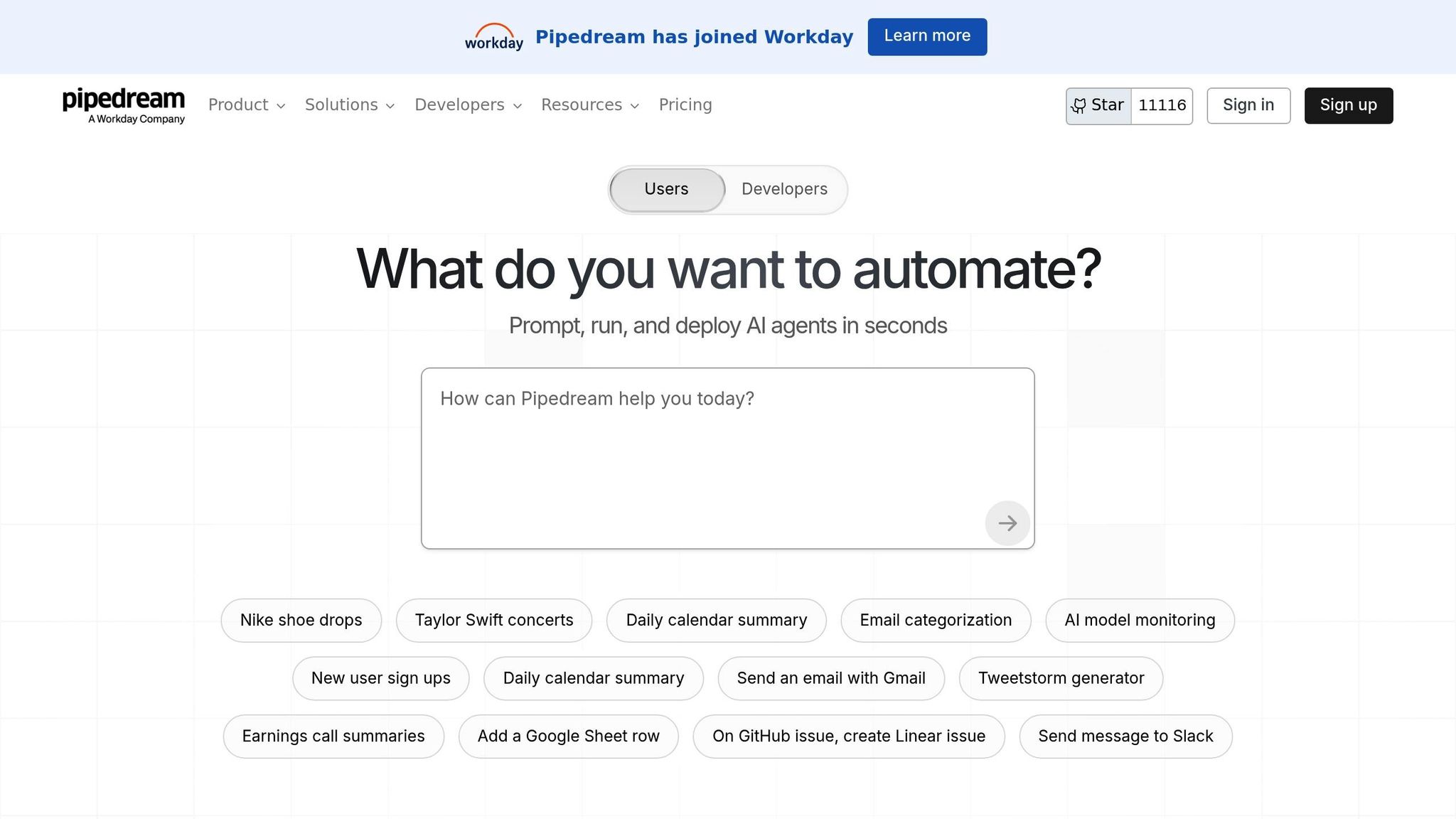
Pipedream stands out among automation platforms by offering a mix of no-code accessibility and the flexibility of custom coding. Since its acquisition by Workday in late 2025, the platform has grown to serve over 1 million developers. What makes Pipedream particularly appealing is its hybrid approach: users can connect apps through visual triggers while diving into custom JavaScript, Python, Go, or Bash code for more complex AI logic.
A key feature is its support for the Model Context Protocol (MCP), which allows AI agents like Claude Desktop or ChatGPT to interact with Pipedream workflows as tools. This eliminates the need to create custom API connectors for every service, streamlining secure access to SaaS ecosystems. The platform is also testing its String AI Assistant (currently in alpha), which enables users to build workflows using natural language descriptions - a game-changer for those without coding skills.
"Pipedream's String AI Assistant will be a game changer in the future as it will build workflow for you even you have 0 coding experience." - Harry Xiong, Find Your Best AI
These advanced integrations and features simplify AI-driven automation, making it more accessible and efficient.
| Plan | Monthly Cost | Credits | AI Tokens | Active Workflows |
|---|---|---|---|---|
| Free | $0 | 100 | 2M | 3 |
| Basic | $45 | 2,000 | 20M | 10 |
| Advanced | $74 | 2,000 | 50M | Unlimited |
| Connect | $150 | 10,000 | N/A | Production mode |
| Business | Custom | Volume-based | Custom | SSO, HIPAA support |
Pipedream’s features bring real-world functionality to AI agents. For instance, you can use Data Stores to save information like "Last Run Times" or "Deduplication IDs", ensuring that AI agents avoid processing duplicate data. The "Debug with AI" option is another standout, as it analyzes errors and suggests automated fixes, significantly reducing troubleshooting time. Developers working on custom AI tools will find it particularly useful for tasks like scraping news sites or retrieving live data, which can provide updated context to large language models beyond their initial training.
With over 2,700 integrated apps and more than 10,000 prebuilt triggers and actions, Pipedream connects seamlessly to a wide range of services. Key integrations include OpenAI, AWS, Salesforce, Slack, HubSpot, Airtable, Notion, and Stripe. Additionally, its compliance with SOC 2 Type II, HIPAA, and GDPR standards ensures secure handling of sensitive enterprise data.
Pipedream’s "Edit with AI" feature allows users to modify workflows or specific code steps using natural language instructions. For example, you can prompt it to "Add error handling to the HTTP request step that retries 3 times with exponential backoff" to fine-tune automation. However, this feature currently has some limitations: it only supports Node.js code steps (not Python), does not work with workflows containing multiple triggers, and is incompatible with workflows using GitHub Sync. Despite these restrictions, it remains a powerful tool for refining automation processes.
Vellum AI stands out by zeroing in on AI orchestration rather than offering broad, general-purpose integrations. With its "Agent Builder", you can outline your requirements in plain English, and the platform takes care of creating the workflow structure - nodes, logic, and all. This eliminates the need for time-consuming manual setup, making prototyping much faster.
The platform emphasizes an evaluation-first approach. Using "Golden Sets", you can test workflows by comparing different prompt versions or evaluating multiple LLM providers side by side. This ensures consistent AI performance over time. Its control flow graph execution, which uses edges to define operation order, allows for easy referencing of upstream outputs. This system integrates smoothly with oversight tools, adding another layer of reliability.
Vellum also incorporates human-in-the-loop functionality, pausing workflows at key decision points to allow for manual approvals. This feature is especially helpful for tasks requiring extra scrutiny. Additionally, workflows can be packaged into shareable "AI Apps" with user-friendly interfaces, making them accessible to non-technical team members without exposing the backend complexity.
"Vellum made it so much easier to quickly validate AI ideas and focus on the ones that matter most. The product team can build POCs with little to no assistance within a week!" - Pratik Bhat, Senior Product Manager, AI Product
| Plan | Monthly Cost | Credits | Concurrent Runs | Data Retention |
|---|---|---|---|---|
| Free | $0 | 50 | 1 | 30 days |
| Pro | $25 | 200 | 4 | 90 days |
| Business | $79/user | 500 | 12 | 1 year |
| Enterprise | Custom | Unlimited | Custom | Custom |
Vellum excels in tasks that blend rules with AI-driven decision-making. For example, Max Bryan, VP of Technology and Design, used the platform to cut a 9-month development timeline in half while achieving what he described as "bulletproof accuracy" for a virtual assistant. Sales teams have also leveraged Vellum to build lead-scoring assistants that enrich CRM records, route leads based on intent, and trigger personalized follow-ups. Its semantic routing capabilities ensure tasks are directed along the right paths, making it ideal for workflows like ticket triage, data enrichment, and summarization.
With support for over 1,000 integrations, Vellum connects seamlessly with tools like Notion, Slack, HubSpot, Salesforce, Linear, Stripe, and Google Drive. Its model-agnostic design lets you switch between providers such as OpenAI, Anthropic, and Google. Developers can use TypeScript and Python SDKs for deeper customization, and the platform offers deployment options in the Cloud, Private VPC, or on-premise environments to meet strict data residency standards.
Vellum includes advanced capabilities such as loops, recursion, and parallel branch execution - features that go beyond basic linear automations. Its end-to-end tracing logs every input and output at the node level, enabling real-time failure diagnosis and cost tracking. The platform also supports the Model Context Protocol, simplifying interactions between AI agents and external services. These features make Vellum a powerful tool for managing and refining complex AI workflows.
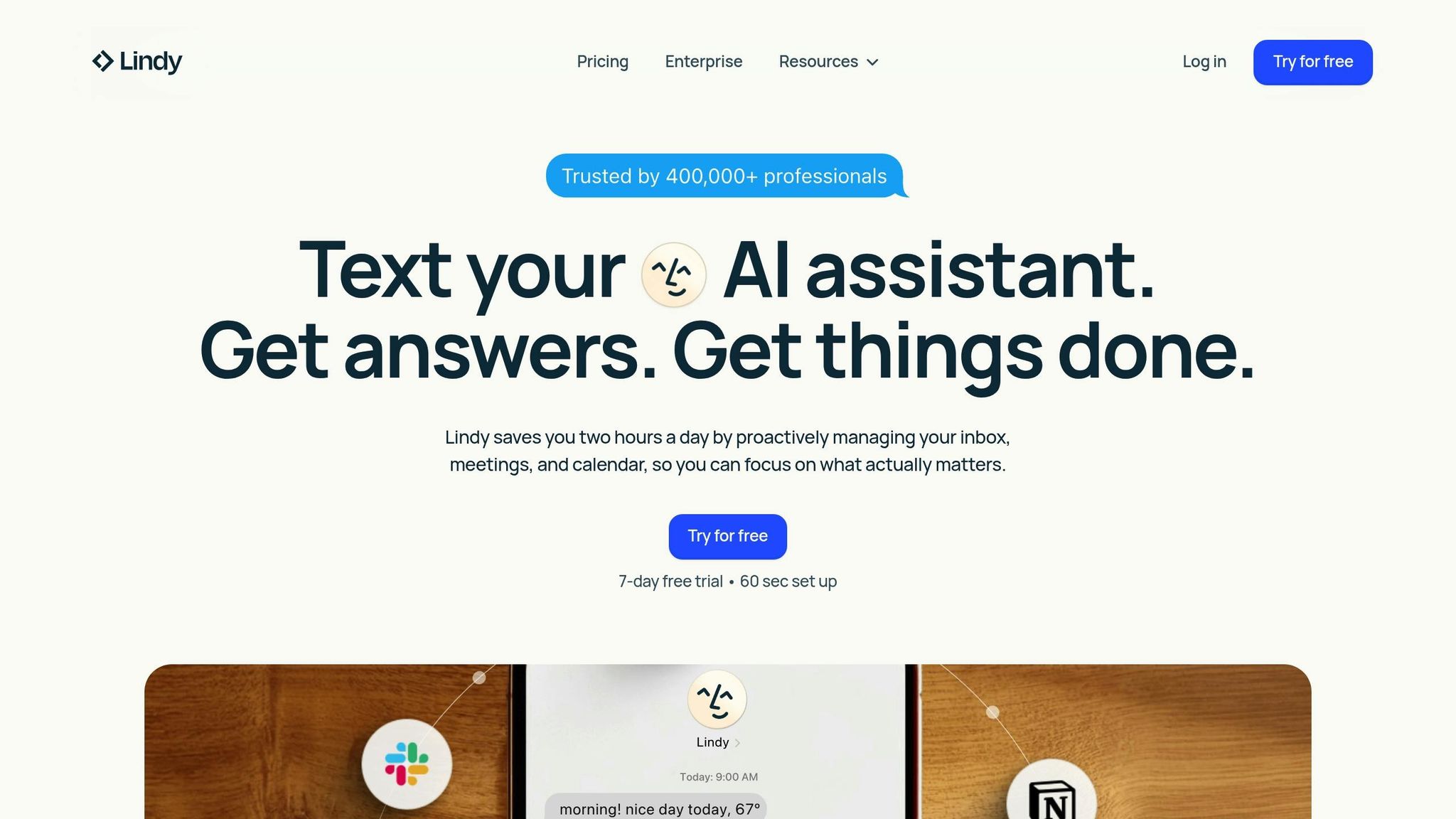
Lindy.ai offers autonomous AI agents designed to function as digital teammates. Rather than relying on rigid "if-this-then-that" setups, users simply describe their needs in plain English, and the platform creates agents capable of reasoning, remembering, and adapting. This approach, called "vibe coding", enables users to configure and deploy agents within minutes - no coding required.
One standout feature is Agent Swarms, which allows a single agent to handle up to 1,000 items simultaneously, ideal for bulk processing tasks. These agents operate seamlessly across various channels, including email, web apps, iMessage, and phone calls. With built-in memory, agents adapt to your preferences and priorities over time. These capabilities not only improve productivity but also offer flexible pricing tailored to individual or business needs.
"I've exchanged 100+ messages with Lindy in a week. I'm getting real work done from my phone - walking through airports, sitting on a couch - stuff I thought required being at a desk. That shift is genuinely new." - Brandon Gleken, VC investor
Used by over 400,000 professionals, Lindy.ai saves users an average of 2 hours daily by managing tasks like inbox organization, meeting scheduling, and calendar coordination.
| Plan | Monthly Cost | Credits | Additional Features |
|---|---|---|---|
| Free | $0 | 400 | Basic agent functionality |
| Pro | $49.99 | 5,000 | Advanced automation |
| Business | $299.99 | 30,000 | Team collaboration |
| AI Phone Calling | Pay-as-you-go | 20 credits/minute (US) | Voice agent capabilities |
| AI Phone Numbers | $10/number/month | - | Dedicated phone lines |
| Enterprise | Custom | Custom | SSO, HIPAA compliance |
The pricing structure reflects the platform's extensive range of features, delivering measurable benefits to users.
Lindy.ai shines in managing unstructured tasks that traditional automation tools often struggle to handle. Some practical applications include:
Lindy.ai connects to over 1,600 apps with more than 7,000 integrations, including Gmail, Slack, HubSpot, Salesforce, Notion, Zoom, Google Drive, Linear, GitHub, and Jira. The platform uses Pipedream for extended connectivity and Apify scrapers to gather data from over 4,000 web sources. For custom needs, the HTTP Request action enables connections to unsupported APIs, while Zapier Webhooks allow cross-platform workflow triggers.
Lindy.ai offers several advanced features to tackle complex tasks:
The platform ensures compliance with SOC 2, HIPAA, GDPR, and PIPEDA standards, making it suitable for industries with strict regulatory requirements. Lindy.ai's intelligent agents simplify complex, unstructured workflows, meeting the growing demand for adaptable and efficient AI solutions.
Automate.io is a cloud-based platform designed to streamline multi-step workflows with ease. Its drag-and-drop interface allows users to create Bots that connect apps, trigger actions, and sync data in real time - all without requiring any coding skills.
The platform integrates with hundreds of widely-used apps across CRM, marketing, project management, e-commerce, and customer support. Popular options include Salesforce, HubSpot, Zoho CRM, Mailchimp, Facebook Ads, Asana, Trello, Shopify, WooCommerce, Gmail, Slack, and Google Sheets. However, some integrations, such as Salesforce, Zendesk, and Shopify, are considered premium and may only be available with higher-tier subscriptions.
"Automate.io is a powerful automation platform that's getting a major upgrade with AI agents. These digital teammates are transforming how businesses handle workflows, bringing adaptive learning, natural language processing, and predictive analytics to the table." - Relevance AI
Automate.io offers flexible pricing plans to accommodate businesses with varying automation needs. Costs depend on the number of actions and access to premium integrations. For example, the Business plan supports up to 100,000 actions, making it suitable for organizations with high-volume workflows.
The platform is a go-to solution for simplifying automation across various departments:
Automate.io stands out with its advanced AI capabilities that go beyond basic automation:
These AI features enable teams to streamline operations, address challenges proactively, and maintain productivity in ever-changing work environments.

AI Workflow Platforms Comparison: Features, Pricing & Best Use Cases
Here’s a quick-reference table summarizing the standout features of leading AI workflow platforms. It covers pricing, best use cases, integrations, and unique AI capabilities to help you evaluate the options effectively.
| Tool | Pricing (USD) | Best Use Cases | Key Integrations | AI Features |
|---|---|---|---|---|
| Prompts.ai | Pay As You Go: $0/month; Creator: $29/month; Core: $99/member/month; Pro: $119/member/month; Elite: $129/member/month | Enterprise orchestration, multi-model integration, cost management | 35+ LLMs (GPT-5, Claude, LLaMA, Gemini, Grok-4, Flux Pro, Kling) | Unified model selection, real-time FinOps cost controls, side-by-side model comparisons, prompt automation |
| Zapier | Free tier available; paid plans scale with task volume | Quick app connections, marketing automation, CRM syncing | 8,000+ apps including Salesforce, Slack, Google Workspace, HubSpot | AI by Zapier, Zapier Agents, Copilot, Canvas |
| n8n | Free self-hosted option; cloud plans available at low monthly rates | Technical teams, custom integrations, self-hosted deployments | Native integrations with robust API connectivity | AI Workflow Builder, AI Agent Node |
| Make | Credit-based system; free tier with limited operations | Visual workflow design, complex multi-step automations | 1,500+ apps including Airtable, Shopify, Mailchimp | AI Agent, Reasoning Panel, Human-in-the-Loop, AI Assistant |
| Gumloop | Credit-based pricing; contact for enterprise rates | AI-first data processing, GEO audits, browser automation | 130+ native nodes, CRMs, social platforms, AI research tools | AI Router, Gummie AI assistant, Error Shield, AI Proxy |
| Workato | Enterprise pricing (contact sales) | Enterprise-scale integration, complex business processes | Integrates with major enterprise systems such as SAP, Oracle, ServiceNow | Enterprise MCP, Agent Studio, AIRO™, Acumen |
| Pipedream | Free tier; paid plans based on compute time and invocations | Developer-focused workflows, API integrations, event-driven automation | Extensive app support with flexible API access | String AI Assistant, Edit with AI, Debug with AI, MCP support |
| Vellum AI | Custom enterprise pricing; contact for quotes | Enterprise AI pipelines, evaluation-first workflows | 1,000+ integrations including Notion, Slack, HubSpot, Salesforce | Agent Builder, Golden Sets, semantic routing, end-to-end tracing |
| Lindy.ai | Paid plans offering access to 1,600+ integrations; contact for pricing details | Sales automation and customer support | 1,600+ apps including CRMs, email platforms, communication tools | Agent Swarms, Autopilot, iMessage integration, Human-in-the-Loop |
| Automate.io | Tiered plans | Multi-step workflows, cross-department automation, e-commerce syncing | Integrates with popular tools such as Salesforce, HubSpot, Shopify, WooCommerce, Mailchimp, Asana, Trello | Adaptive learning, natural language processing, predictive analytics |
This comparison highlights how each platform caters to specific needs. For instance, Zapier leads with its massive library of 8,000+ app integrations, making it ideal for users seeking broad connectivity. Meanwhile, n8n and Pipedream appeal to technical teams who need flexibility and control, with n8n offering a completely free self-hosted option. On the enterprise side, Workato and Vellum AI excel in handling large-scale operations, while Prompts.ai stands out by integrating 35+ top language models and offering real-time cost tracking, potentially slashing AI software expenses by up to 98%.
Most platforms provide free tiers to get started, making it easier to test their capabilities before committing. With these distinctions, you’re better equipped to find the right AI workflow solution for your needs.
Choose an AI workflow tool that aligns with your technical expertise, team size, and automation objectives.
Different platforms cater to various needs: some are ideal for non-technical teams looking for quick app integrations, while others target developers with options for self-hosting and custom coding. Visual workflow tools simplify complex processes with branching logic, while enterprise-level platforms emphasize governance and compliance.
For AI-driven workflows, Prompts.ai stands out by integrating 35+ top language models in a secure interface with real-time FinOps cost controls, cutting AI software costs by up to 98%. Gumloop focuses on predefined templates for AI-powered data processing, and Lindy.ai excels at lightweight tasks like inbox management and scheduling. For those seeking more technical solutions, Pipedream offers a developer-first platform built for intricate automation needs.
Automation is rapidly advancing, shifting from basic data transfers to systems capable of decision-making through natural language. Alexander Heyman from Midpoint highlights this evolution:
"The first wave focused on connecting applications. Moving data from one system to another... The second wave is about delegating thinking."
This progression highlights the importance of selecting tools that meet your specific needs. Many newer platforms now handle error correction automatically, minimizing the need for manual debugging.
Each tool has its own advantages, so take the time to assess which one fits your operational goals. Start by mapping out your processes and testing a high-volume task to evaluate the workflow. Be sure to include human oversight for critical steps before scaling. With free tiers available on many platforms, experimenting is low-risk. Whether you’re automating simple tasks or managing complex enterprise systems, the right tool will support your team’s capabilities and future growth.
The best AI workflow tool often hinges on your team’s size and technical know-how. For smaller teams or those with limited technical skills, Prompts.ai provides a user-friendly platform featuring access to over 35 AI models and flexible pay-as-you-go pricing. This makes it ideal for teams seeking simplicity and room to grow. On the other hand, larger teams or those with advanced technical expertise might lean toward open-source solutions that allow for deeper customization. For accessible and centralized workflow management, Prompts.ai stands out as an excellent option.
To get a clear picture of total costs before scaling, take a close look at the pricing of your AI workflow tools. This includes subscription fees, API usage rates, and any charges tied to scaling. Some platforms bundle services, which can lead to notable cost reductions. Be sure to examine pricing models carefully and account for task-specific or integration-related costs to create an accurate expense forecast. By combining these elements, you can plan for scaling automation while keeping costs under control.
Human involvement is crucial in AI workflows when dealing with high-stakes or sensitive decisions. For example, tasks like validating expense approvals that exceed a certain threshold or monitoring critical process steps require oversight. This approach helps minimize errors, ensures accountability, and provides the necessary checks in important areas.