Pay As You Go - AI Model Orchestration and Workflows Platform


Struggling with repetitive tasks and inefficient workflows? AI workflow management tools are here to simplify operations, reduce errors, and save time by automating processes like data entry, file transfers, and app integrations. This article highlights 10 top platforms for 2025, breaking down their features, pricing, and strengths to help you find the right fit for your needs.
| Platform | Key Features | Free Plan | Starting Price (Paid) | Best For |
|---|---|---|---|---|
| Prompts.ai | Access 35+ LLMs, real-time cost tracking | Yes | $0/month (pay-as-you-go) | Teams managing multiple AI tools |
| Vellum AI | Build/test AI agents, easy collaboration | Yes | $25/month | Non-technical users |
| Zapier | 6,000+ app integrations, multi-step Zaps | Yes (100 tasks) | $19.99/month | Simple automations |
| Make | Visual builder, credit-based pricing | Yes (1,000 credits) | $9/month | Advanced workflows |
| n8n | Open-source, self-hosted, custom nodes | Yes | Free | Developers |
| Lindy.ai | AI agents for business tasks | Yes | Custom pricing | Business automation |
| Gumloop | Modular workflows, browser action recorder | Yes (24,000 credits) | $30/month | Technical teams |
| Workato | Enterprise integrations, AI-driven tools | No | Custom pricing | Large enterprises |
| Pipedream | Developer-focused, evolving features | Limited | N/A | Developers |
| Relay.app | No-code AI agents, plain English prompts | Yes | Scalable | Non-technical teams |
Each platform caters to different needs, from startups to large enterprises. Whether you're looking for cost-effective tools, advanced customization, or enterprise-grade automation, there's an option for you. Let’s dive deeper into the specifics of each platform.
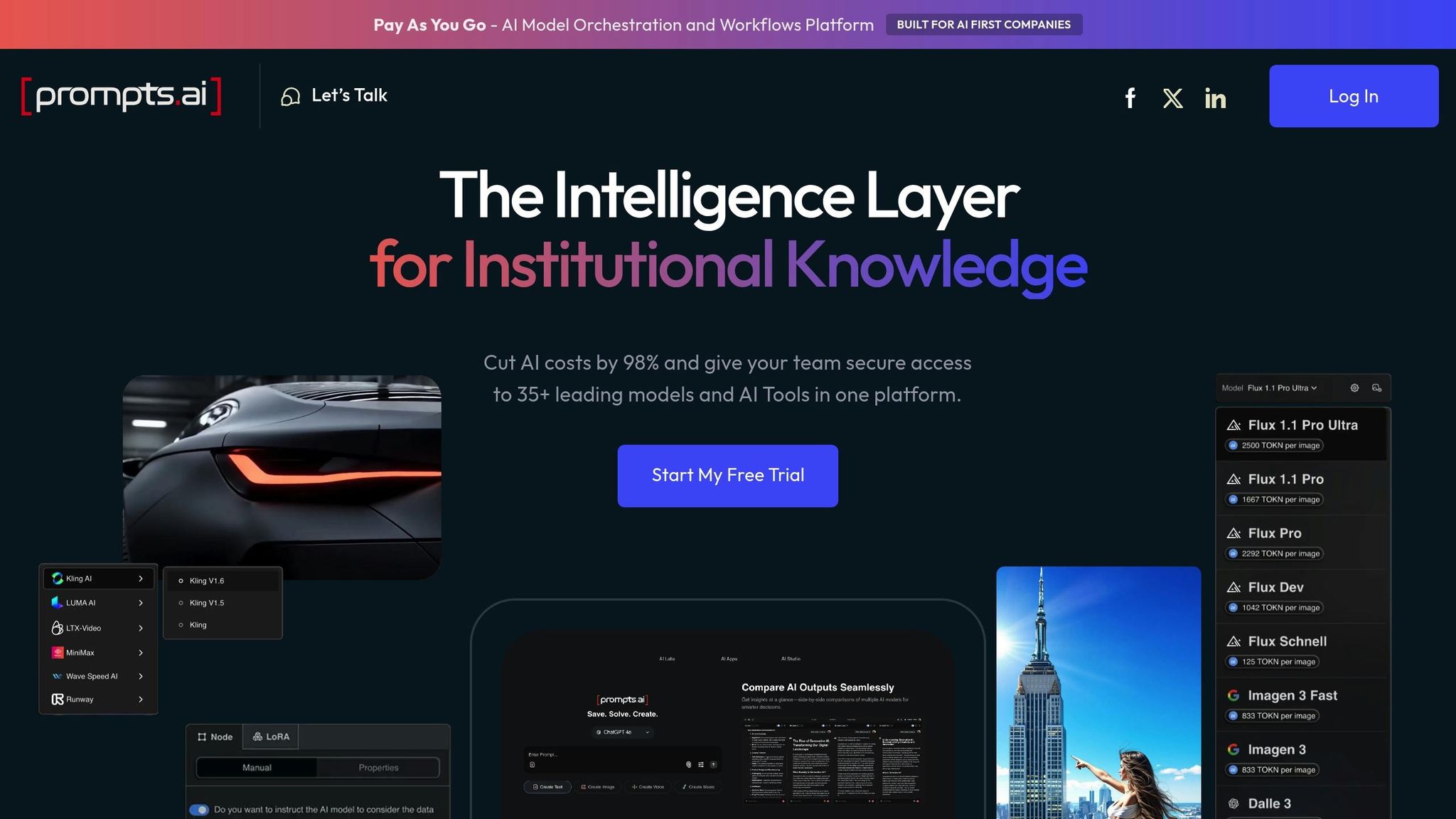
Prompts.ai brings together over 35 leading language models - like GPT-5, Claude, LLaMA, Gemini, Grok-4, Flux Pro, and Kling - into a single, secure platform. By consolidating these tools, it eliminates the hassle of managing multiple systems, allowing teams in Fortune 500 companies, creative agencies, and research labs to streamline their workflows while maintaining strict oversight. Let’s break down the features that set Prompts.ai apart.
With Prompts.ai, accessing and managing multiple models becomes effortless. The platform provides a centralized dashboard where teams can compare and select the best model for their needs, simplifying operations and saving time.
Beyond unifying access, Prompts.ai offers sophisticated governance tools. Its built-in FinOps layer ensures real-time tracking of token usage, giving teams clear insights into their costs. The platform prioritizes accountability and compliance, helping users protect their data and meet regulatory requirements. Additionally, Prompts.ai nurtures a thriving community of prompt engineers, offering a Prompt Engineer Certification program to encourage knowledge sharing and continuous improvement in AI workflows.
Prompts.ai is designed to adapt as new models are introduced. Its ability to integrate emerging models quickly ensures that teams always have access to the latest advancements without the headache of complex updates. This adaptability translates into smoother operations and improved efficiency.
Prompts.ai uses a Pay-As-You-Go pricing model, powered by TOKN credits, to align costs directly with usage. Personal plans include:
For businesses, plans start at $99 per member per month, with premium tiers available at $119 and $129. Organizations leveraging Prompts.ai can cut AI software expenses by up to 98%, making it a cost-effective solution for teams of all sizes.
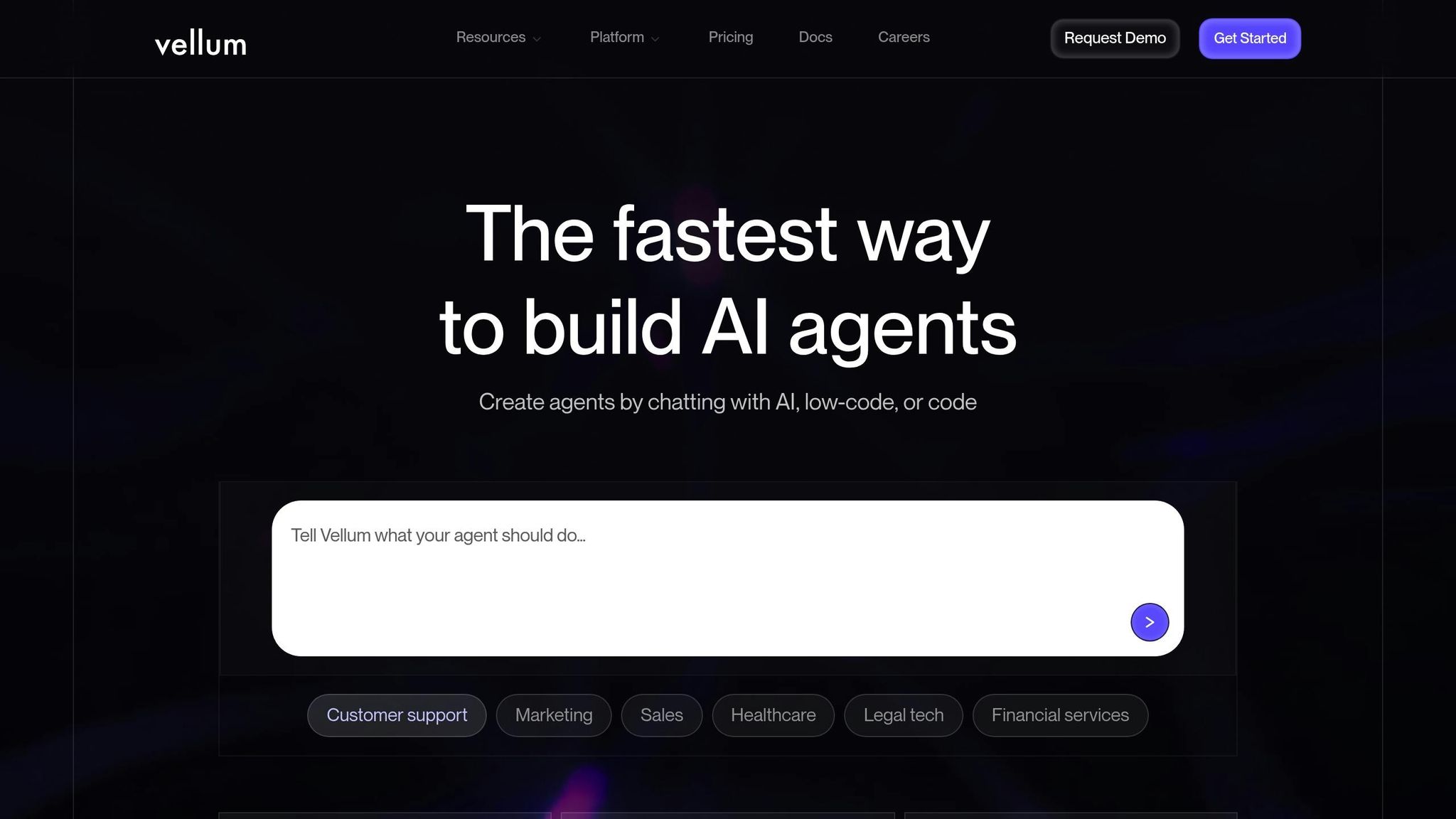
Vellum AI provides a user-friendly platform for both technical experts and those without technical backgrounds to design, test, and launch AI agents using natural language prompts. By integrating prompt engineering, workflow coordination, and collaboration tools into one workspace, it simplifies the creation of automations and chatbots, making the process more efficient.
Vellum AI seamlessly links AI agents with real-world business systems. It enables the creation of dynamic workflows powered by large language models (LLMs) that integrate directly with CRMs, databases, and enterprise tools. This setup creates a unified operational environment, allowing team members across various skill levels to work together on refining prompts and configuring logic.
Built specifically for developing intelligent agents, Vellum AI allows users to orchestrate adaptable workflows that respond to different contexts and inputs. The platform supports teams in testing and fine-tuning their prompts and agent logic within the same environment, ensuring that the AI solutions are tailored to meet specific requirements.
Vellum AI provides a free plan, with advanced features available starting at $25 per month. Up next, discover how Zapier enhances workflows through its powerful integration capabilities.
Zapier brings thousands of applications together, allowing users to build automated workflows - called Zaps - that streamline data movement and trigger specific actions. It’s a simple yet effective tool for managing workflows and automating repetitive tasks.
With connections to over 6,000 apps, Zapier supports multi-step workflows to ensure smooth data transfers. The Professional plan even includes webhooks for creating custom integrations tailored to unique business needs.
Zapier offers additional tools like Agents, Chatbots, Tables, and Interfaces to expand automation capabilities. These add-ons are available through specific pricing plans and can be tailored to fit individual requirements.
Zapier uses a usage-based pricing model, where each action in a workflow counts as one task. The free tier includes 100 tasks per month, while higher-tier plans provide more capacity. For the Agents add-on, the free plan includes 400 monthly activities, while the Pro plan offers 1,500. For Chatbots, the free tier allows for 2 chatbots, while the Pro plan expands to 5 chatbots, enhanced knowledge bases, and up to 100,000 Table records.
Zapier’s pricing starts with a free tier offering 100 tasks per month. The Professional plan, billed annually, costs $19.99/month and includes 750 tasks, multi-step Zaps, webhooks, and premium support. The Agents add-on Pro plan starts at $33.33/month, and the Chatbots add-on Pro plan is priced at $13.33/month, both billed annually.
As workflows grow in complexity, costs increase proportionally - something to keep in mind when planning automation strategies. Up next, let’s explore how Make uses its visual builder to simplify automation.
Make, previously known as Integromat, provides a visual workflow automation platform designed for technical teams. Its user-friendly interface allows users to create multi-branch workflows, incorporating conditional logic and error handling.
Make connects to a vast array of apps and services, enabling users to build intricate workflows. Its visual design simplifies the process of managing decision points and data transformations, eliminating the need for custom coding. This flexibility makes it a powerful tool for handling complex automation tasks.
Make operates on a credit-based pricing model, where every action, including error handling, consumes credits. More complex actions require additional credits. The Free plan includes 1,000 monthly credits for testing purposes. Paid plans start at $9 per month (billed annually) and offer 10,000 credits, along with benefits like unlimited scenarios, higher data transfer limits, and API access. For businesses opting for annual billing, all yearly credits are made available upfront, allowing for flexible usage throughout the year.
However, the credit-based system can make cost estimation tricky as workflows grow in complexity. Additionally, while Make's interface is relatively intuitive, it requires more setup effort compared to beginner-friendly platforms. This pricing structure and the initial setup process make it a better fit for teams ready to handle more advanced automation needs.
Next, we’ll explore n8n and its open-source approach to workflow automation.
n8n is an open-source workflow automation platform designed to give technical teams complete control over their automation setup. Unlike cloud-only tools, n8n can be self-hosted, letting organizations keep sensitive data within their own systems while creating advanced workflows. Its open-source model aligns with the diverse integration options seen in other platforms.
n8n provides hundreds of integrations through its extensive library of pre-built nodes. Popular connections include tools like Google Sheets, Telegram, MySQL, Slack, Discord, Postgres, Notion, Gmail, Airtable, and Google Drive, offering a wide range of integration possibilities.
What makes n8n stand out is its ability to handle custom integrations. If a pre-built node isn’t available, users can write custom code in JavaScript or Python or connect using HTTP/webhook nodes. This flexibility allows for automating workflows that vary from simple data transfers to intricate AI-driven processes. Additionally, its community has contributed over 4,000 starter templates, providing customizable, ready-to-use automation solutions.
n8n supports AI workflows natively through its integration with Langchain. This feature enables teams to seamlessly incorporate large language models, vector databases, and other AI tools into their workflows, offering precise control over automation logic.
n8n provides versatile deployment options. Teams can opt for the open-source, self-hosted version to maintain full control over their automation infrastructure or choose managed hosting for ease of use. It’s particularly suited for teams skilled in API authentication, data transformation, and debugging custom code. This combination of flexibility and control sets the stage for the next discussion on Lindy.ai's AI-powered workflow automation.
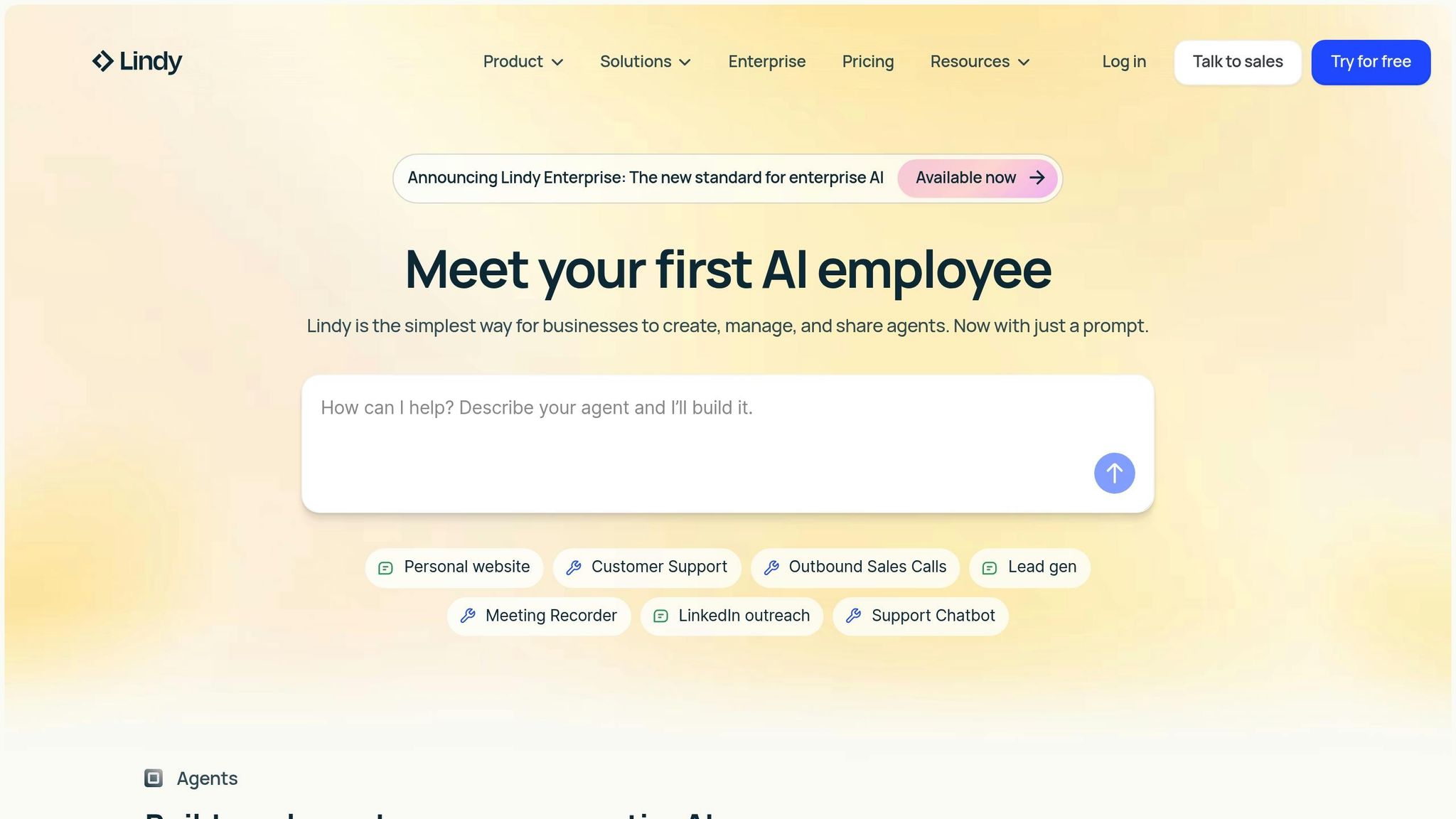
Lindy.ai takes workflow automation to the next level by introducing autonomous AI agents that handle specific business tasks through natural language prompts. This platform is designed for organizations aiming to integrate AI agents seamlessly into their teams, working alongside human employees to enhance productivity.
Lindy.ai connects with thousands of applications across departments like support, sales, marketing, operations, and finance. These integrations allow its AI agents to automatically access and act on data, enabling them to operate independently across various business functions.
As John Nye, Head of Marketing at The Sauna Place, put it, "Lindy operates like the perfect SDR - reliable, scalable, and fully integrated into our sales stack."
Lindy.ai’s no-code agent builder makes it easy to turn simple prompts into fully operational assistants. These AI agents can autonomously handle tasks such as resolving support tickets in real time, qualifying leads, and managing marketing campaigns. Beyond that, they can maintain searchable knowledge bases, oversee outreach sequences, analyze performance metrics, and take care of routine tasks like data entry and document processing.
For example, Truemed used Lindy’s support agent to process over 6,000 emails, managing 36% of their tickets and cutting support costs by 67%. Similarly, VC CFO saved 6–8 hours each week by automating valuation memos, with their CEO describing it as akin to hiring a 24/7 team member.
Lindy.ai is built to accommodate businesses of all sizes, offering options from free individual accounts to large-scale enterprise deployments. It ensures centralized management, adheres to strict AI governance, and complies with regulations like GDPR, SOC 2, HIPAA, and PIPEDA. Companies like Ankor Software have built AI workforces of 30 agents, achieving a 5x ROI, while The Sauna Place saved 15–20 hours per week in sales development. Additionally, built-in performance evaluations help teams measure and refine agent effectiveness as they scale their AI-powered operations.
Lindy.ai’s focus on autonomous AI agents adds depth to the landscape of AI-driven workflow solutions, showcasing its potential to transform how businesses operate.
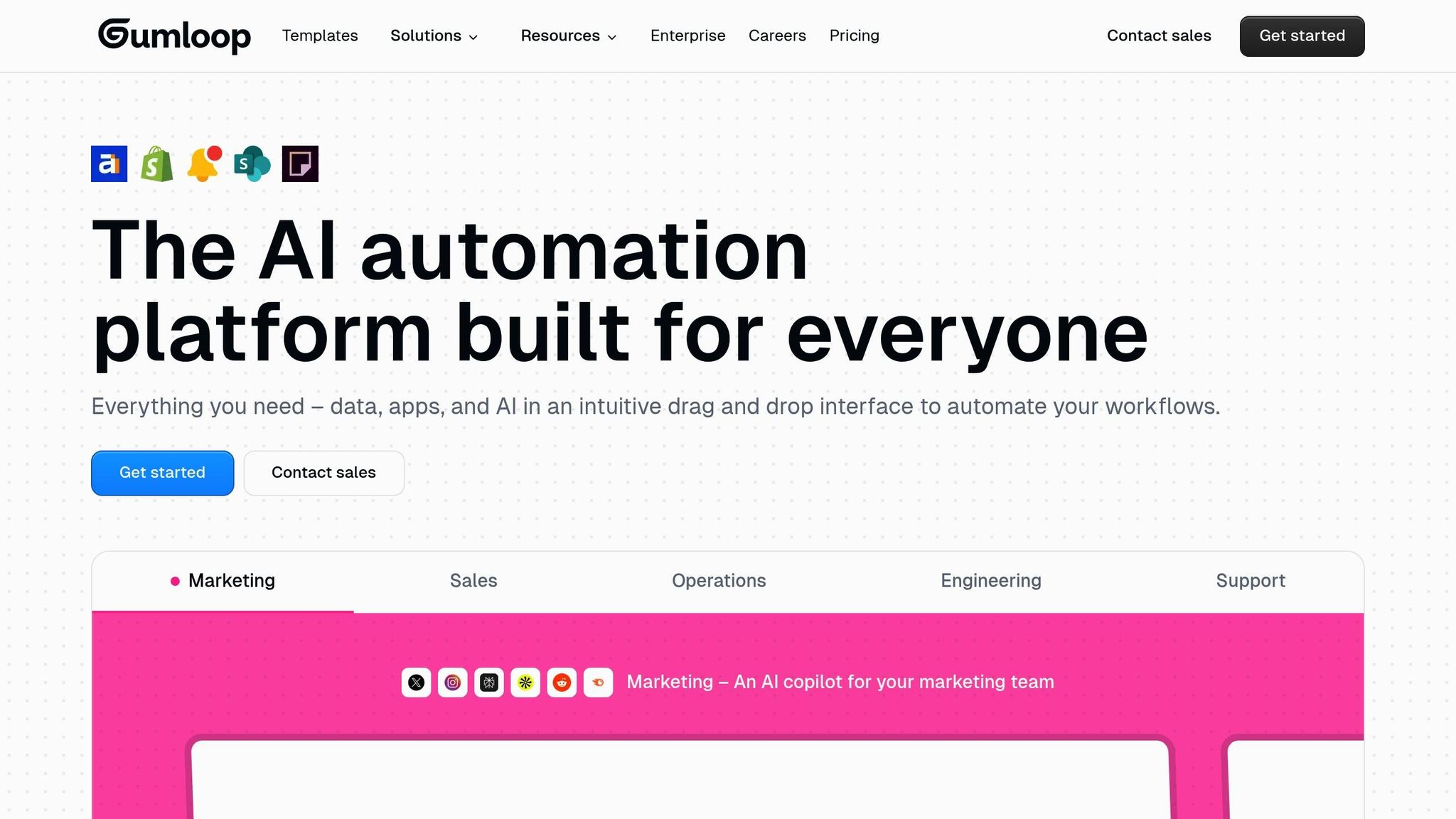
Gumloop is a no-code AI workflow platform designed with technical users in mind. As a fresh player in the AI workflow automation space, it brings a distinct approach to handling complex business processes across departments like sales, marketing, operations, support, and engineering. Its emphasis on advanced integrations and modular design aligns with the goal of creating interoperable AI workflows.
Gumloop boasts over 100 built-in integrations while also supporting custom APIs, webhooks, and a "bring your own API keys" approach. Its Chrome extension is particularly useful, as it can record browser actions to create repeatable automations, making it ideal for tasks like web scraping or interacting with websites that lack APIs. The platform also includes "Interfaces", which allow external users to trigger automations, and a drag-and-drop node system that enables the creation of advanced workflows. Additionally, it supports Multi-Cloud Platforms, enhancing its versatility.
Gumloop offers 90 pre-built workflows that serve as customizable templates, giving users a head start on automation. For those who need more control, its node system allows for the creation of intricate sequences. However, the interface can feel cluttered, which may present a steeper learning curve for some users.
The platform is designed to grow with businesses, starting with simple automations and expanding to handle more complex workflows as needs evolve. Its modular architecture, combined with support for custom APIs and webhooks, ensures that technical teams can push the boundaries of automation without being constrained by the platform's capabilities.
Gumloop uses a variable credit system based on workflow complexity, which can make cost estimation challenging for larger enterprises. The Free plan includes 24,000 annual credits. For more features, the Solo plan starts at $30/month (billed annually) and offers 120,000 credits, unlimited triggers, four concurrent runs, email support, webhooks, and the ability to use personal API keys. Some sources mention paid plans starting at $97/month, so it’s advisable to confirm pricing directly with Gumloop.
With its technical flexibility and deep integration options, Gumloop provides a strong foundation for building and scaling AI workflows, setting the stage for further comparisons with other platforms.
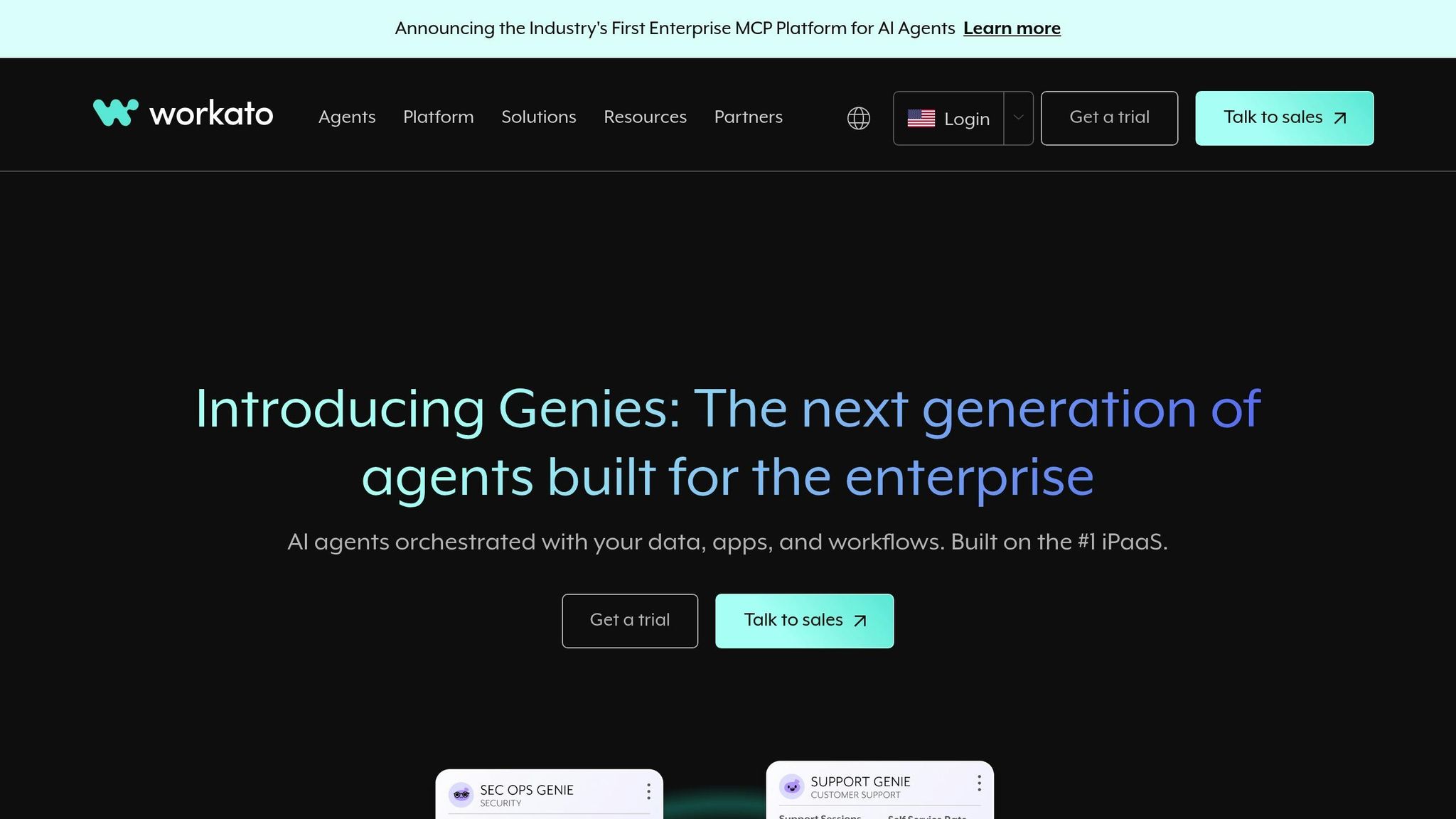
Workato is a powerful integration and automation platform tailored for enterprises managing complex, cross-departmental workflows. It handles intricate business processes, layered automation logic, and even incorporates AI to extend its capabilities beyond routine tasks. Let’s dive into what makes Workato stand out.
Workato connects seamlessly with over 1,200 applications, including enterprise staples like Salesforce, NetSuite, and Slack. Its prebuilt Recipe templates allow businesses to quickly implement common automation workflows, saving time and effort. The platform securely links business rules, AI-driven decisions, and actions across these applications. To simplify the setup process, its AI-powered data mapping feature suggests field connections between different systems, reducing manual configuration time.
Building on its comprehensive integration capabilities, Workato incorporates AI-driven tools to enhance automation. Features like predictive analytics, document classification, and sentiment analysis make it a versatile solution. For instance, its document processing functionality extracts and categorizes information from invoices, contracts, or support tickets, then routes them based on the content.
Workato also offers an AI copilot named "AIRO" and a library of prebuilt agents called "Genies", which streamline automation deployment for technical teams. Additionally, its human-in-the-loop functionality allows workflows to pause for manual review, ensuring flexibility and accuracy when automation alone isn’t enough.
Designed for enterprise-scale operations, Workato provides advanced governance tools to maintain security and compliance. Features like role-based access control (RBAC), centralized governance dashboards, and detailed audit trails help IT teams monitor and manage workflows effectively. The platform also guarantees reliable performance with service level agreements (SLAs) for uptime and support, even under high-volume usage. These capabilities ensure that businesses can scale operations without sacrificing control or reliability.
Pricing is available upon request. The enterprise-focused pricing model factors in elements such as the number of tasks performed, advanced connector usage, and the number of users, offering a tailored solution for businesses with complex automation needs.

Pipedream offers a workflow automation platform designed specifically with developers in mind. While detailed information on its integrations, architecture, and pricing remains sparse, verified sources hint at its potential. To get a clearer picture of what Pipedream can deliver, exploring official documentation and user experiences will be essential as its features continue to develop.
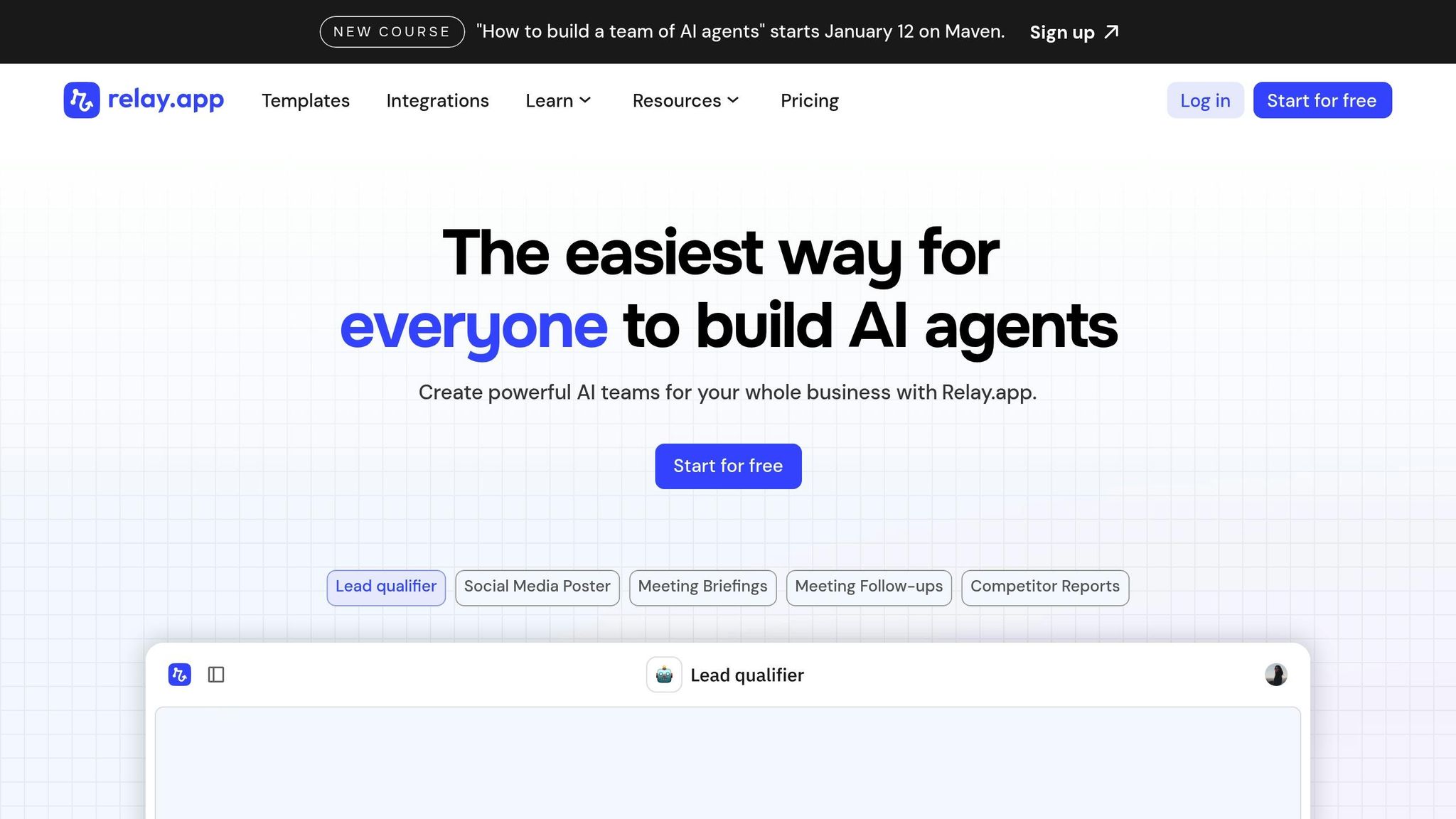
Relay.app stands out as a user-friendly platform for building AI agents through natural language, simplifying workflow automation for everyone. By allowing users to create AI agents using plain English, the platform eliminates the need for coding expertise, making it accessible to a broad audience.
One of Relay.app's key strengths lies in its AI agent creation system, which enables users to design automation workflows simply by describing tasks in plain English. These agents can handle a variety of tasks, including research, data analysis, content summarization, and decision-making.
The platform also incorporates a "human in the loop" model, which ensures that automation workflows can pause for manual input, review, or approval when needed. As Benjamin Borowski observed:
Relay's 'human in the loop' model is effective for teams. Not only is this one of the best UIs for building automation, they've really thought about how not everything can be automated. Fantastic for building operationalized SOPs.
To help users get started, Relay.app provides pre-built AI agent templates tailored to common business needs. These include templates for tasks such as person and company research, qualifying sales demo requests, writing LinkedIn posts from content ideas, drafting meeting follow-ups (using Fireflies.ai transcripts), tracking SEO rankings, summarizing daily support issues, monitoring news, finding LinkedIn profiles, analyzing influencers, and researching LinkedIn hooks. Each template serves as a customizable foundation for specific workflows.
Relay.app also integrates with a variety of AI models and services, such as Anthropic, Google Gemini, Groq, Mistral, OpenAI, and xAI, giving users flexibility in selecting the AI technology that best fits their needs.
The platform connects seamlessly with a wide range of tools across CRM, marketing, communication, and project management. Supported integrations include Airtable, Asana, ClickUp, Coda, Fireflies.ai, Gmail, Google Calendar, Google Docs, Google Sheets, HubSpot, Intercom, Jira, LinkedIn, Mailchimp, Microsoft Excel, Notion, Outlook, Pipedrive, Salesforce, Slack, Stripe, Trello, Typeform, Webflow, WhatsApp, X (Twitter), Zendesk, and Zoom.
Users frequently highlight the platform's intuitive interface and ease of use. Salama shared their experience:
Just ran my first automation workflow with @relay! I wanted to send newsletters from Outlook to Notion, and it was so easy I almost cried - after struggling and giving up with other tools like Make. Huge thanks to @relay for empowering non-tech folks like me!
Lucas Grey echoed this sentiment, focusing on its practical benefits:
Falling in love with @relay. Tried make and zapier and this uiux worked the simplest. It gets the job done. Automated our waitlist collection and replying process. Used gpt in the workflow to parse the replies to our waitlist email qtns & saved them into our notion database.
These integrations and user-friendly features make Relay.app a powerful tool for streamlining business operations.
Relay.app is built to grow with its users, scaling from individual workflows to complex business-wide automation. The platform supports the creation of AI teams that can operate across departments, enabling organizations to develop interconnected agents for a variety of functions. Peter Jauhal shared their perspective:
Relay is a fantastic app. I keep finding new uses for it everyday. I am not a programmer but I can make some really complicated work flows work pretty quickly.
The platform also includes a clear and user-friendly testing interface, helping users troubleshoot and refine their automations. As Davo noted:
I truly appreciate how @relay presents testing info. You can easily see what you are testing, and the messages are very clear if there's an error.
Relay.app's ability to scale and adapt makes it a valuable tool for businesses aiming to leverage AI for operational efficiency.
When evaluating AI workflow platforms, it's essential to look at features, integrations, and costs. While many tools claim to solve these challenges, one platform stands out with clear, measurable benefits.
Prompts.ai provides access to over 35 leading language models through a single, secure interface. This streamlined system can reduce AI software expenses by up to 98%. With enterprise-grade governance and real-time FinOps controls, users gain complete visibility into both spending and usage. Its pay-as-you-go TOKN credit system ensures you’re only charged for what you actually use, making budgeting straightforward and predictable. These features highlight how this platform delivers a distinct advantage in the crowded workflow automation market.
Ultimately, the right choice depends on your team's priorities - whether it's centralizing AI tools, achieving cost transparency, or enhancing governance. For teams aiming to scale AI efficiently, Prompts.ai sets a strong standard with its proven benefits.
Selecting the ideal AI workflow management tool hinges on identifying your team’s unique needs and priorities. Whether your focus is on controlling costs, ensuring technical flexibility, or adhering to enterprise-level governance, the right platform should align with your team’s size and operational demands.
For small teams and startups, simplicity and affordability are key. Free or low-cost platforms often provide an accessible way to automate workflows without requiring complicated setups - perfect for teams just starting out.
Mid-sized organizations, on the other hand, often grapple with managing multiple tools and hidden costs. Centralized platforms can simplify operations by offering a single interface to access multiple language models. This eliminates the headache of juggling separate subscriptions and provides valuable insights into usage patterns. Additionally, features like side-by-side model comparisons empower teams to make informed decisions about which AI tools best suit specific tasks.
When it comes to large enterprises and technical teams, governance and security take center stage. These organizations require platforms equipped with real-time FinOps tools, role-based access controls, and detailed usage tracking to avoid security vulnerabilities and unpredictable spending. The ability to shift from unused subscriptions to pay-as-you-go models can result in substantial savings, especially when managing AI access for hundreds or thousands of users.
For technical users and developers crafting custom workflows, platforms that offer API access, webhook integrations, and advanced automation are indispensable. Teams with strict data residency requirements will also benefit from tools that allow self-hosting or running workflows on custom infrastructure.
As the landscape evolves, platforms must be able to scale alongside your needs - whether that means integrating the latest language models, adjusting team permissions instantly, or scaling usage up or down without incurring penalties.
If your primary aim is to cut AI software costs while retaining access to top-tier models, seek platforms that eliminate recurring subscription fees and charge only for actual token usage. For those prioritizing technical control and customization, tools with robust API capabilities and self-hosting options are essential. Meanwhile, teams focused on efficiency and ease of use will benefit most from no-code automation tools with pre-built templates.
Ultimately, the right platform should fit your organization’s workflow complexity, budget, and AI objectives. Choose a solution that meets your immediate needs while offering the flexibility to grow with your long-term AI strategy.
To choose the best AI workflow management platform for your organization, focus on factors that align with your specific goals and operations. Prioritize platforms with built-in AI features to streamline automation, real-time data connectivity for up-to-the-minute insights, and low-code or no-code tools that make setup and use straightforward.
It’s also important to look for solutions offering seamless integrations with your current systems, the ability to scale alongside your business, and robust security and governance measures to safeguard sensitive information. Platforms that excel in automation orchestration and provide comprehensive model lifecycle management can help ensure long-term efficiency. By carefully weighing these elements, you’ll find a platform that simplifies workflows and boosts overall productivity.
Free plans for AI workflow management tools usually come with basic features. These often include limited automation, fewer integration options, and usage caps. They’re a solid starting point for individuals or small teams who want to test the platform without spending money.
Paid plans, by contrast, open the door to more advanced features. These might include improved automation, priority customer support, broader integration options, and higher usage limits. For teams handling more intricate workflows, these upgrades can make a noticeable difference in streamlining operations and boosting productivity.
The choice between free and paid plans depends on what you need, the size of your team, and how complex your workflows are. For larger-scale tasks or businesses, a paid plan often offers the tools and flexibility to manage processes more effectively.
AI-driven workflow management tools streamline operations and cut costs by automating repetitive tasks, minimizing manual labor. They integrate effortlessly with your current systems, promoting smoother workflows and reducing the likelihood of errors.
These tools also analyze data to support smarter, data-driven decisions, freeing your team to concentrate on high-impact tasks. The result? Faster processes, optimized resource use, and the agility to respond effectively to evolving business demands.