Pay As You Go - AI Model Orchestration and Workflows Platform



Effective AI prompts can save time, cut costs, and improve outcomes. Whether you're an enterprise team or an independent creator, the right tools simplify the process, reduce errors, and enhance results. Here's a quick guide to seven tools designed to optimize every stage of prompt creation, from drafting to deployment:
These tools cater to different needs, from beginner-friendly interfaces to advanced enterprise-grade features. Choose based on your team size, technical expertise, and budget. Below is a quick comparison to help you decide.
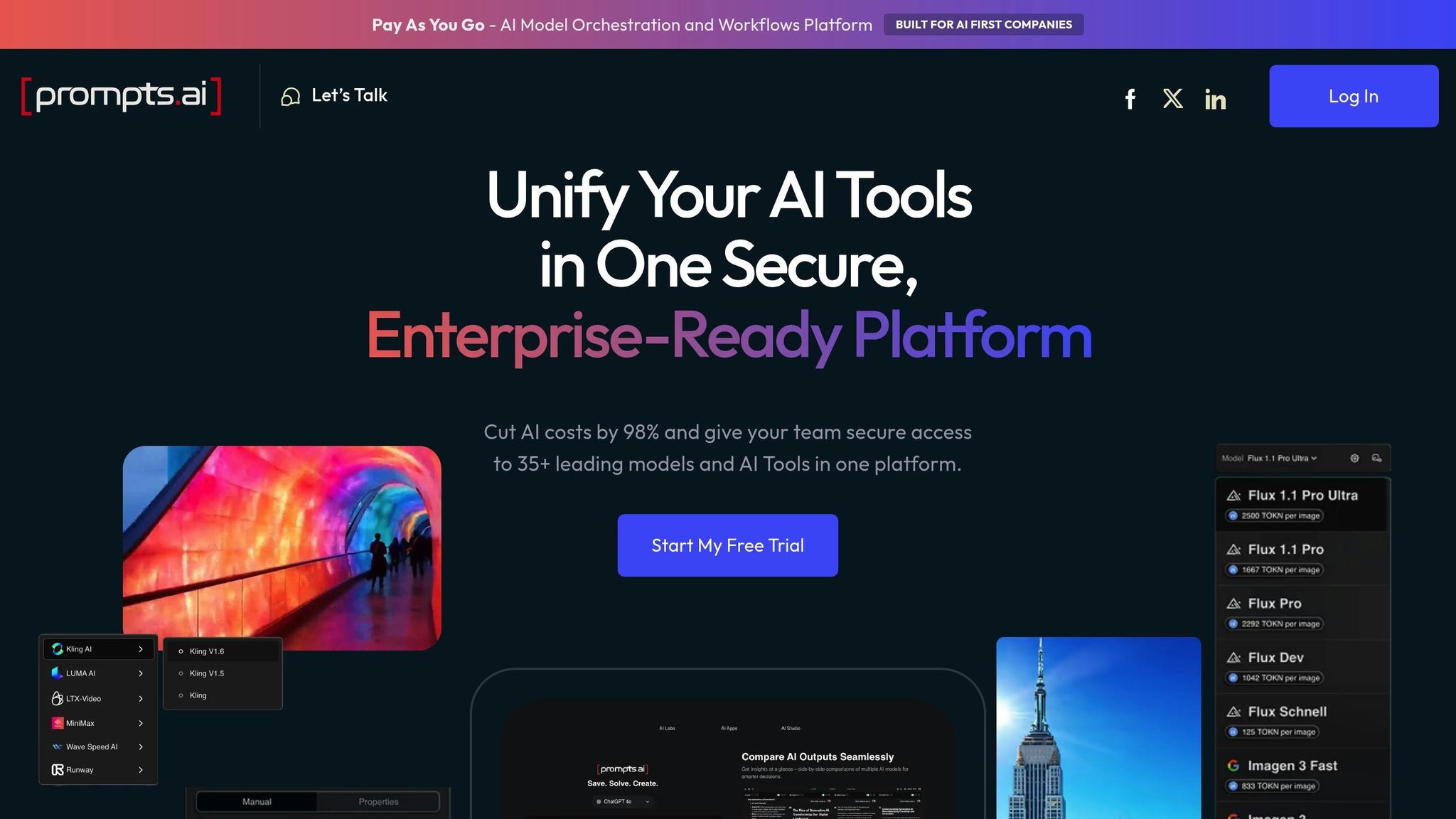
Prompts.ai brings together over 35 AI models - including GPT-5, Claude, LLaMA, and Gemini - into a single, easy-to-use platform, eliminating the need for multiple subscriptions and logins. Founded by Emmy Award-winning Creative Director Steven P. Simmons, the platform solves a common enterprise challenge: managing fragmented AI tools. With Prompts.ai, teams can compare model outputs side-by-side, test prompts across various AI families, and pinpoint the best model for specific tasks - all in real time. This streamlined approach simplifies workflows and enhances prompt performance.
Crafting effective prompts is essential for accurate AI results, and Prompts.ai makes this process easier with its side-by-side comparison tool. This feature allows users to test the same prompt across multiple models - like comparing Claude's analytical strengths with GPT's flair for creativity - to identify the best fit for a particular task. By minimizing trial and error, teams can work more efficiently. The platform also offers an expert prompt library, filled with pre-designed workflows tailored for tasks in marketing, sales, and operations. For advanced users, LoRA training and fine-tuning enable model customization to achieve specific styles or performance goals.
Prompts.ai streamlines API requests across providers, allowing users to switch between AI models without needing to rewrite code or adjust workflows. The platform tracks important metadata, such as max tokens and model capabilities, ensuring smooth compatibility whether you're working with GPT, Claude, or open-source options. Additionally, it integrates seamlessly with tools like Slack, Gmail, and Trello, creating automated workflows that connect AI outputs directly to existing systems. Steven Simmons shared how this has transformed his work:
"With Prompts.ai's LoRAs and workflows, I now complete renders and proposals in a single day."
Prompts.ai can cut AI-related expenses by up to 98% through tool consolidation and efficient token usage, managed via its TOKN credit system. Pricing options include a free Pay As You Go plan, which offers 1 workspace and access to MediaGen models. For individual professionals or small teams, the Creator plan at $29 per month provides 250,000 TOKN credits, 5 workspaces, and 5 collaborators. Larger teams can opt for the Business Elite plan at $129 per member per month, which includes 1,000,000 TOKN credits and advanced creative tools.
Prompts.ai's business plans offer TOKN pooling, which allows departments to share credits and avoid usage bottlenecks. The platform also provides comprehensive visibility and auditability for all AI interactions, featuring built-in compliance monitoring and centralized governance. Teams can collaborate efficiently, with the Problem Solver plan ($99/month) supporting up to 99 collaborators, while higher-tier plans allow for unlimited team members. Users have praised the platform's ability to consolidate over 35 disconnected AI tools into one system in under 10 minutes, significantly reducing onboarding time and administrative complexity. These features make Prompts.ai a powerful tool for streamlining enterprise workflows and optimizing costs.
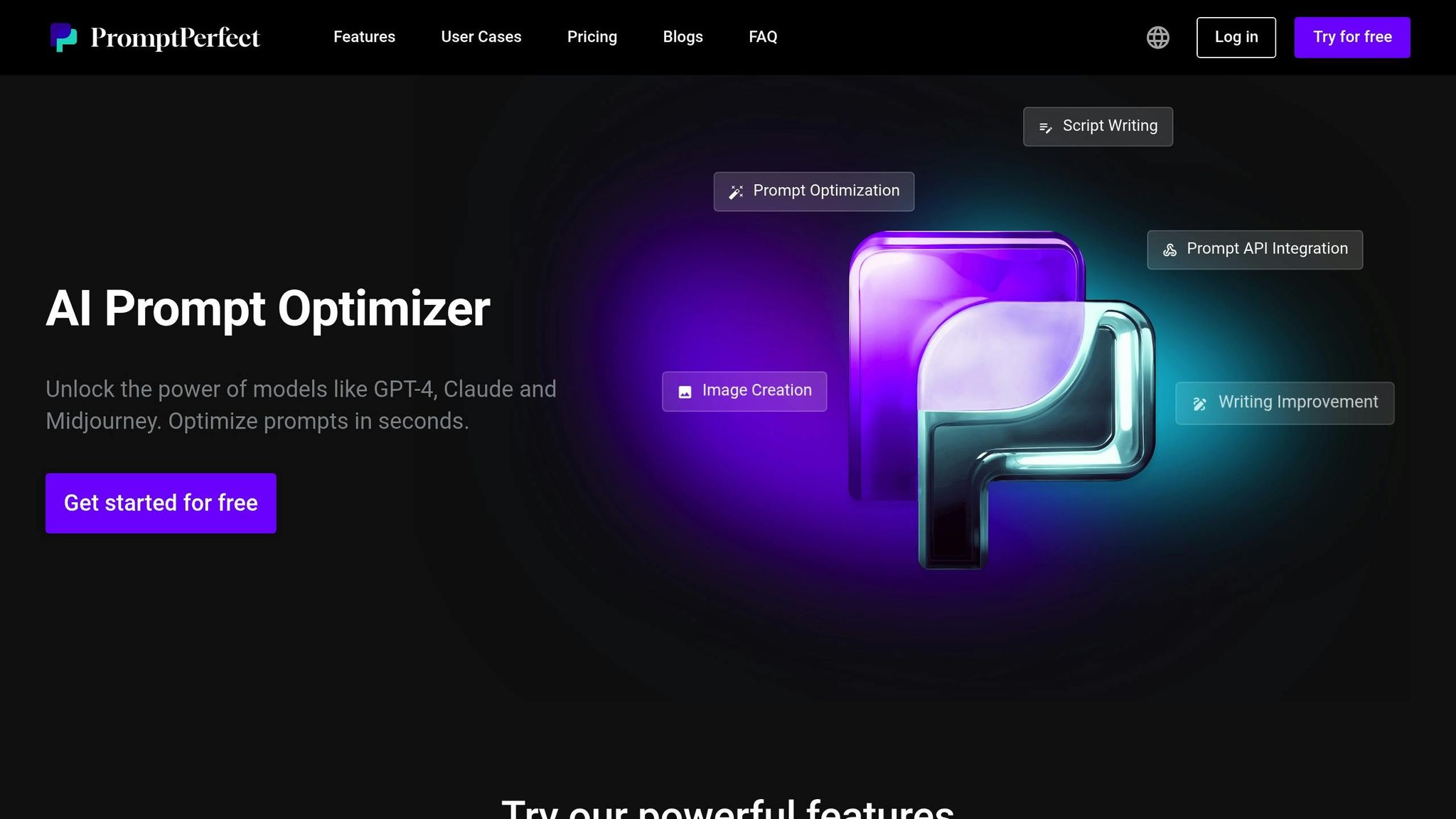
PromptPerfect focuses on automated prompt engineering, turning simple inputs into highly detailed and optimized prompts in less than 10 seconds. It supports more than 80 LLMs, covering both text-based systems like ChatGPT, GPT-4, and Claude, as well as image generators such as Midjourney, DALL-E, and Stable Diffusion. This versatility makes it a valuable tool for teams working across diverse AI applications, offering a solid foundation for its advanced prompt refinement tools.
The platform’s multi-goal optimization tailors prompts to meet specific needs, whether you’re aiming for speed, conciseness, or superior quality. For example, it can transform a 31-word input into a detailed 200-word prompt, automatically enriching it to generate better AI responses. The Arena Mode feature allows users to compare optimized prompts across multiple models side by side, making it easier to determine which model performs best for a specific task. For visual workflows, the reverse prompt engineering feature enables users to upload an image and generate a corresponding text prompt, which can then be fine-tuned further.
PromptPerfect enhances productivity with seamless integrations into platforms like Google Docs, Notion, and WordPress, simplifying content creation workflows. Developers can take advantage of its API access, compatible with cURL, JavaScript, and Python, to embed its optimization features directly into their applications. The tool also supports few-shot prompting, allowing users to create prompts with specific examples to guide models toward desired results. Additionally, its variable substitution feature enables reusable prompt templates by using placeholders such as $variable.
PromptPerfect uses a credit-based system, with each optimization costing 1 credit. The platform offers a free plan with 10 daily requests, while the Lite plan is priced at $9.99 per month for 100 credits. For heavier usage, the Pro plan at $19.99 per month includes 500 daily requests, and the Pro Max plan at $99.99 per month offers 1,500 daily requests. With an overall rating of 4.5/5 from eWeek, users appreciate its user-friendly interface and ability to deliver quick, high-quality results. However, some have mentioned that the interface could benefit from updates and noted the absence of robust version control features.
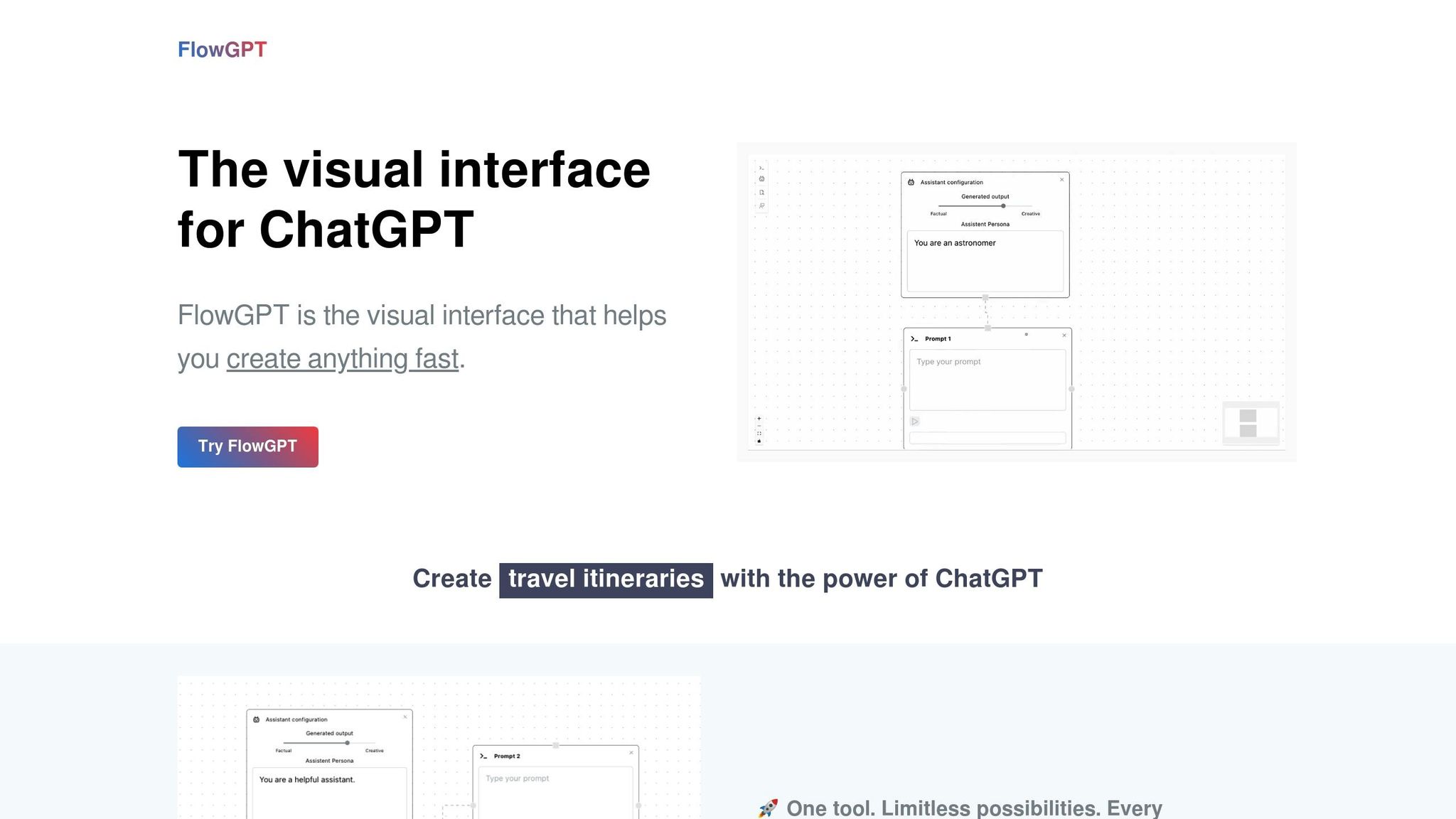
FlowGPT brings together a community-driven platform with a rich library of tested prompts and powerful creation tools. It integrates advanced models like GPT-4 Turbo, Claude 3.5 Sonnet, GPT-4 Vision, and Code Llama, offering users a comprehensive suite for prompt optimization and customization.
The AI Prompt Creator allows users to design, test, and publish custom prompts with real-time adjustments. For more intricate tasks, Prompt Chains automate multi-step processes, creating interactive workflows that simplify complex research. Features like Parallelism make it possible to generate multiple outputs simultaneously, while rhetorical templates, such as antithesis and epistrophe, add stylistic refinement to AI responses. Community collaboration further enhances prompts, enabling shared improvements and identifying high-performing instructions. Additionally, the Any Prompt Generator transforms simple ideas into detailed, ready-to-use prompts with ease.
FlowGPT extends its functionality through seamless integration with over 500+ platforms, including Slack, Notion, and GitHub, making it a versatile tool for managing workflows. It supports a 128K token context window for advanced models, ensuring detailed and expansive interactions. With a 99.9% uptime and response times under 100ms, the platform is built for reliability. Users can also upload files like PDFs, docx, or txt documents, and include web links to query AI about specific content. For added security, FlowGPT is SOC 2 Type II certified and employs 256-bit AES encryption, meeting enterprise-level standards.
FlowGPT combines essential features and community-driven input to improve prompt quality while offering affordable options. The platform provides a free plan with access to a public prompt library, a Plus plan for $14.99 per month (1,500 Flux), and an Ultra plan for $24.99 per month (2,500 Flux). Enterprise solutions are also available for larger-scale needs. While FlowGPT receives high praise with a 4.9/5 rating for its prompt generator, some users note that the interface can feel cluttered, and prompt quality may vary.
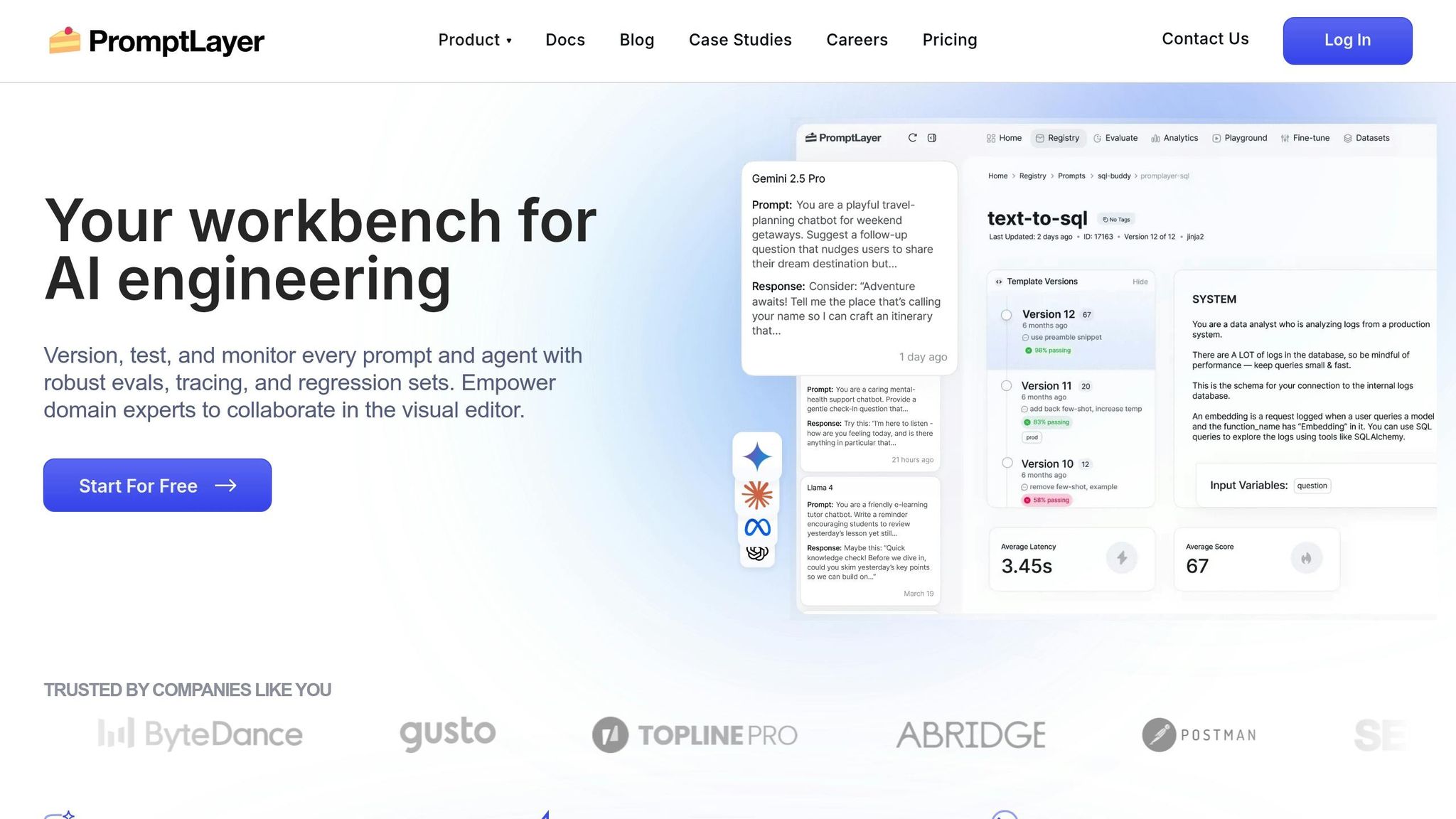
PromptLayer takes prompt management to the next level by offering precise control and clarity in handling AI interactions. Acting as middleware, it separates prompt logic from application code, making it accessible to both technical and non-technical users. Its Visual Prompt Registry serves as a user-friendly content management system, enabling teams to create, version, and retrieve prompt templates without embedding them into the code. This separation allows for thorough testing and continuous refinement of prompts.
PromptLayer includes powerful tools for refining prompts. With A/B testing, teams can test multiple prompt versions simultaneously, directing specific traffic percentages to assess performance. The platform also features a comprehensive evaluation suite, which includes "LLM-as-judge" scoring, historical backtesting using production data, and scheduled regression tests to maintain prompt quality. Users can track requests with detailed metadata, using this information to test new prompt versions against past production traffic.
The platform’s model-agnostic design ensures compatibility with a wide range of LLM providers, such as OpenAI, Anthropic, Google (Gemini), and Mistral. It supports Python and JavaScript through native libraries, offers a REST API, and is compatible with the Model Context Protocol (MCP). All LLM requests are executed locally, keeping API keys secure. Teams can integrate PromptLayer into their workflows using methods like run() to fetch templates or log_request to track LLM calls.
PromptLayer emphasizes collaboration and version control. It maintains an immutable version history, complete with detailed change tracking, side-by-side visual comparisons, and rollback capabilities. Teams can manage environments by tagging specific prompt versions as "production", "staging", or "development", ensuring the correct version is dynamically fetched. Role-based permissions and approval workflows add an extra layer of security.
ParentLab, for instance, used PromptLayer to manage 700 prompt revisions over six months, saving over 400 engineering hours while significantly improving AI personalization speed. Victor Duprez, Director of Engineering at Gorgias, highlighted its importance:
We iterate on prompts 10s of times every single day. It would be impossible to do this in a SAFE way without PromptLayer.
PromptLayer offers a free plan with 5,000 requests and 7-day log retention. The Pro plan, priced at $50 per user per month, includes 100,000 requests, unlimited log retention, and advanced features like evaluations and workspaces. For larger needs, Enterprise plans provide custom pricing, SOC 2 compliance, self-hosted options, dedicated evaluation workers, and shared Slack support channels.
Promptist by Grammarly leverages Grammarly's expertise in writing to enhance prompt creation. By automatically adding contextual details that reflect your tone and style, it ensures AI-generated content aligns with your voice and feels relevant. This thoughtful design lays the groundwork for advanced refinement through its dual-algorithm prompt generation.
Promptist employs a dual-algorithm system with two modes: "primer" for basic drafts and "professional" for more detailed prompts. The professional mode includes model roles, precise instructions, and specific output formats. As you type, the tool offers hundreds of real-time keyword suggestions to help fine-tune your prompts. Additionally, Promptist includes rewriting tools to adjust tone, length, and clarity. For email workflows, it analyzes email content and generates three context-aware "Reply quickly" suggestions to streamline responses.
Promptist is compatible with various AI platforms through its browser extension, which integrates seamlessly with ChatGPT, Gemini, and Claude. This allows users to compare how different AI models handle the same prompt, helping pinpoint the best fit for specific tasks. BestAITables.com rated it 8/10 for its ability to polish prompts, highlighting its effectiveness in making them clearer and easier to reuse.
Promptist offers three pricing tiers:
Organizations using Grammarly report saving an average of $5,000 per employee annually, while individual users gain back about 30 minutes of editing time daily - adding up to nearly 2.5 hours a week. Neil Hamilton, Head of Editorial, shared:
Grammarly has cut that [reviewing and coaching] by at least half, and that's allowed my team to scale without scaling.
AIPRM for ChatGPT tackles the challenge of prompt drift while refining prompt design, ensuring precision in AI interactions. With a library of 5,400 community-approved templates and 345,000 private prompts, used by over 2,000,000 users, the platform revolutionizes prompt engineering. One standout feature, Model Tagging and Filtering, prevents prompts designed for GPT-4 from losing effectiveness when mistakenly used with GPT-3.5 Turbo. This saves users from hours of troubleshooting when a previously effective prompt suddenly underperforms.
AIPRM's Prompt Variables transform static templates into dynamic workflows by allowing personalized inputs or dropdown choices. For instance, the [PROMPT] variable ensures user input is placed correctly within the logic, while [TARGETLANGUAGE] automatically adapts content to the desired language. With Power Continue, users can refine AI responses effortlessly - clarify, rewrite, summarize, or shorten with a single click.
Live Crawling brings real-time data into ChatGPT by extracting text or HTML directly from URLs, cutting out manual copy-pasting. Custom Profiles allow users to store personal or company details for instant context injection into prompts. Meanwhile, Custom Tone and Writing Styles ensure outputs match a consistent brand voice. Aleyda Solis, Founder of Orainti, highlighted its value:
If you're using ChatGPT to support your SEO-related tasks, and you're not using AIPRM prompts, you're totally missing out!
These features, combined with seamless integration across platforms, make AIPRM a powerful tool for AI-driven workflows.
AIPRM extends its functionality beyond ChatGPT, offering optimized templates for platforms like Midjourney, DALL-E, and Leonardo AI. A separate extension supports Claude. The AIPRM Everywhere feature allows users to highlight text on any webpage and inject it into a prompt, while AIPRM Omnibox lets users start prompts directly from their browser's address bar by typing "AIPRM." Compatible with all Chromium-based browsers - including Google Chrome, Microsoft Edge, Brave, and Arc - the extension has earned a 3.9/5 rating from over 3,300 reviews on the Chrome Web Store. These integrations enable cost-efficient and versatile adoption across various AI use cases.
AIPRM offers a free plan with access to community prompts, 2 private templates, and 1 custom profile - ideal for trying out the platform. Paid plans unlock more features:
Business plans cater to teams, starting at $199/month for 5 seats (Team), $499/month for 15 seats (Business), and $2,990/month for 150 seats (Enterprise). Annual subscriptions offer savings of about 17%, equating to 4 free months per year. While all sales are final with no refunds, users can cancel anytime to avoid future charges. These plans balance affordability with robust features, enhancing collaborative efficiency.
The Prompt Forking feature, available in the Elite tier, allows users to clone and customize public prompts without affecting the original. Additionally, AIPRM Teams enables companies to assign licenses and share prompt lists across teams, ensuring consistent outputs. Luis André Munoz, Adobe Experience Manager Web Content Developer at Critical Mass, expressed the platform’s impact:
I think this tech is revolutionary and it is going to change the world. It is awesome!
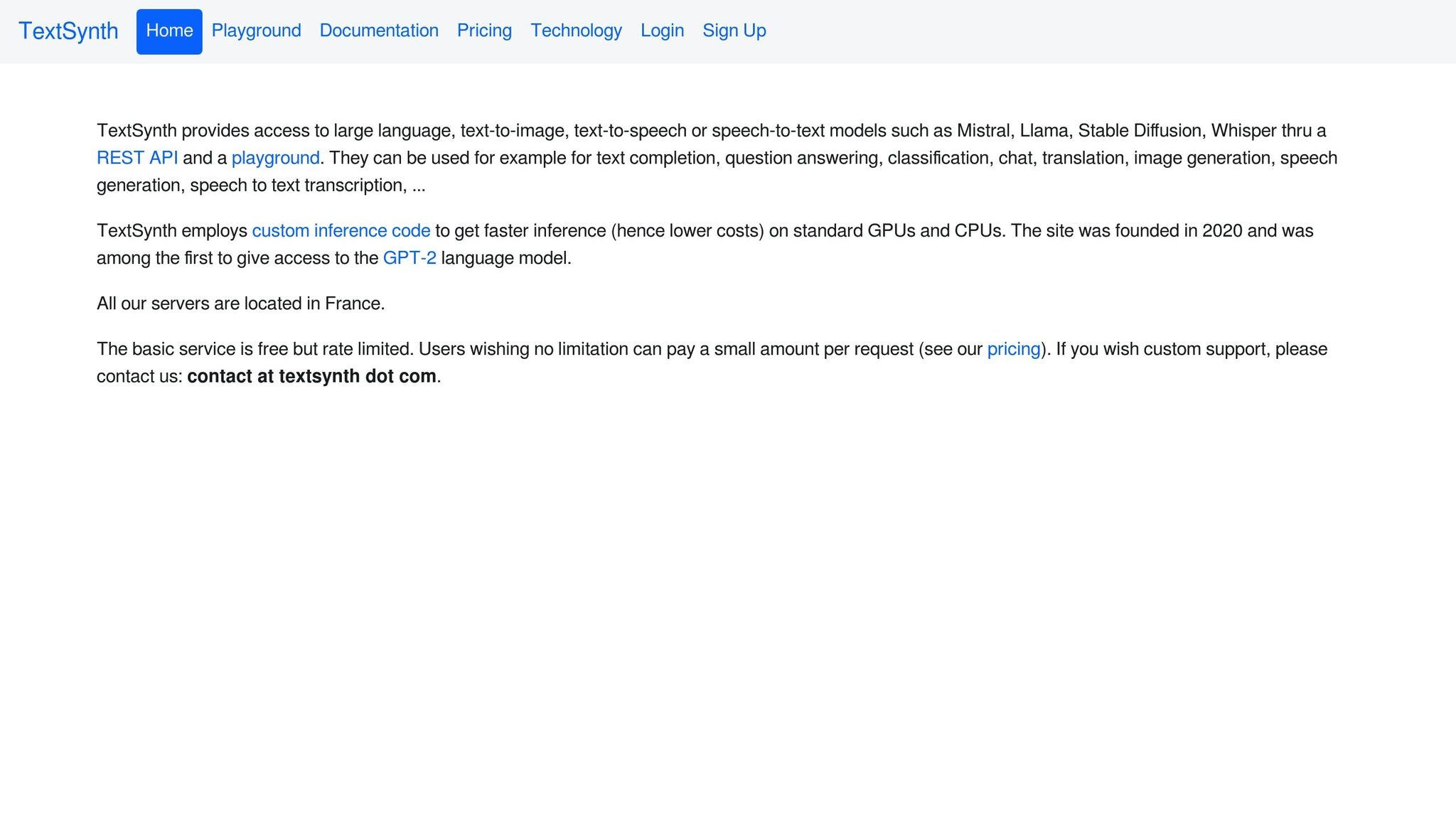
TextSynth Playground provides a practical way to experiment with open-source language models, allowing users to refine and test prompts in a hands-on environment.
The platform enables fine-tuning of open-source large language models by adjusting parameters like top-k, top-p, temperature, max tokens, and stop-length. This customization ensures more precise and diverse outputs. It also supports real-time text generation with randomized completions, making it a useful tool for exploring prompt variations. While it has a modest 2/5 star rating on Opentools, its detailed documentation and compatibility with models such as Mistral 7B and Llama 2 7B make it a helpful resource for experimentation.
TextSynth Playground supports a variety of large language models, each suited to specific tasks:
Additionally, the platform includes a REST JSON API, which allows users to integrate features like text completion, translation, and text-to-image services into external applications. This makes it possible to test workflows programmatically and expand its utility across different projects.
TextSynth follows a subscription-based pricing model, with plans starting at $20. It positions itself as a budget-friendly alternative for businesses looking to generate large volumes of text internally rather than outsourcing. As AI Journey highlighted:
TextSynth Playground offers a cost-effective in-house text generation solution.
To help users get started, the platform includes pre-loaded examples for tasks such as writing letters, brainstorming article ideas, and generating code snippets. However, mastering its technical settings can involve a bit of a learning curve initially.

AI Prompt Design Tools Comparison: Features, Pricing, and Best Use Cases
Choosing the right prompt design tool depends on factors like your team's skill level, workflow requirements, and budget. The platforms listed here cater to a range of needs, from user-friendly, no-code solutions to tools designed for rapid experimentation. This table highlights key features such as supported models, pricing, collaboration capabilities, and primary use cases. For instance, Prompts.ai provides access to over 35 LLMs, including GPT-5, Claude, LLaMA, Gemini, Grok-4, Flux Pro, and Kling, while PromptPerfect and FlowGPT focus on optimization and community sharing. Meanwhile, PromptLayer simplifies live changes for non-technical teams, and TextSynth Playground offers a budget-conscious option for experimenting with open-source models at $20 per month. Use the comparison below to find the tool that best fits your needs.
| Tool | Supported Models | Starting Price | Free Tier | Collaboration Features | Best For |
|---|---|---|---|---|---|
| Prompts.ai | 35+ models (GPT-5, Claude, LLaMA, Gemini, Grok-4, Flux Pro, Kling) | $0/month (Pay-As-You-Go) | Yes (TOKN credits) | Team workspaces, role-based permissions, version control | Enterprises seeking broad model access and cost efficiency |
| PromptPerfect | OpenAI, Anthropic, Google, Mistral | Not specified | Limited trial | Shared prompt libraries | Automated prompt optimization |
| FlowGPT | OpenAI, Anthropic, open-source models | Free (community tier) | Yes | Public prompt sharing, community templates | Community-driven experimentation and beginners |
| PromptLayer | OpenAI, Anthropic, multi-provider | $49/month | 2,500 requests/month | Real-time co-editing, visual version history, A/B testing | Non-technical teams and collaborative workflows |
| Promptist by Grammarly | Models for image prompt refinement | Free | Yes | Limited (individual focus) | Image-based prompts and creative tasks |
| AIPRM for ChatGPT | ChatGPT (OpenAI) | Free (basic) | Yes | Shared prompt templates | ChatGPT users managing templates |
| TextSynth Playground | GPT-NeoX, GPT-J, CodeGen-6B, Flan-T5-XXL, Mistral 7B, Llama 2 7B | $20/month | Pre-loaded examples | REST JSON API for integrations | Budget-conscious teams using open-source models |
PromptLayer offers a free tier with 10 prompts and 2,500 requests monthly, making it a solid choice for smaller teams exploring collaborative workflows. On the other hand, Prompts.ai stands out by eliminating subscription fees entirely, using its pay-as-you-go TOKN credit system to potentially cut AI costs by up to 98% compared to traditional SaaS pricing.
Choose a tool that aligns with your workflow and specific needs. Different users, from beginners to enterprise teams, prioritize different features and capabilities.
If you're just starting and prefer a straightforward approach to prompt creation, PromptPerfect stands out with its user-friendly interface, making the process simple and accessible without the need to navigate complex settings.
For those managing advanced, production-level workflows, Prompts.ai delivers a robust solution with its pay-as-you-go TOKN credit system, access to over 35 leading models, and enterprise-level features like governance and version control.
For users focused on budget-friendly options, there are several great tools to consider:
Match the tool's features to your technical expertise and project scale. Non-technical teams often benefit from visual builders, while developers may require API integrations and custom logic. Enterprises typically need tools with SOC2 compliance, GDPR adherence, and detailed audit trails. Take advantage of free tiers to ensure the tool meets your project’s demands before committing.
The right tool should reduce friction - whether through quicker prototyping, better cost management, or smoother team collaboration. Each option discussed in this guide offers distinct workflows tailored to different aspects of AI prompt creation. Pinpoint your primary challenge, experiment with the tools that address it, and expand your usage as your needs grow.
To choose the right prompt tool, consider your team’s size, workflow demands, and integration requirements. Focus on tools offering collaboration features, version tracking, and cost management to meet your objectives. Options that work with various AI models, monitor token usage, and simplify processes can improve productivity. Ensure the tool is user-friendly and scalable to match your team’s skill level and operational needs.
The quickest solution is to use a platform designed for multi-model comparisons, real-time output analysis, and cost monitoring. Prompts.ai lets you test across 35+ models, including GPT-4 and Claude, all at once. This simplifies the process of comparing and fine-tuning prompts to achieve the best possible results.
To keep prompts consistent and avoid issues like prompt drift in production, implement prompt versioning and robust management strategies. Regularly test and compare different versions, maintain a detailed change log, and use version control systems to track updates. Tools such as Prompts.ai can assist in enforcing governance and monitoring performance, ensuring that prompts remain aligned with intended goals. These practices allow for quick adjustments, minimizing drift and maintaining dependable AI outputs.