Pay As You Go - AI Model Orchestration and Workflows Platform



AI workflow platforms have become essential for data scientists, offering tools to simplify complex tasks, improve collaboration, and manage costs effectively. This article highlights five platforms - prompts.ai, Databricks, Vertex AI, Hugging Face, and Dify - each designed to address specific challenges in the data science lifecycle. Here's what you need to know:
These platforms help teams unify their tools, manage resources, and scale operations efficiently. Below is a quick comparison to help you decide which fits your needs.
| Platform | Starting Price | Strengths | Best For |
|---|---|---|---|
| prompts.ai | $0/month (Pay As You Go) | Unified LLM access, cost tracking, governance | Reducing tool sprawl, AI spending |
| Databricks | Included in enterprise | Spark-based processing, centralized tools | Large-scale data workflows |
| Vertex AI | Usage-based (GCP) | Google Cloud integration, Model Garden | GCP users, analytics integration |
| Hugging Face | Free (community) | Pre-trained models, open-source tools | Transformer model users |
| Dify | $59/month (Pro plan) | Modular LLM components, role-based access | Workflow creation, team sharing |
Each platform is tailored for different use cases, from enterprise-grade governance to open-source flexibility. Choose one based on your team's expertise, existing tools, and project scale.

AI Workflow Platforms Comparison: Features, Pricing, and Best Use Cases for Data Scientists
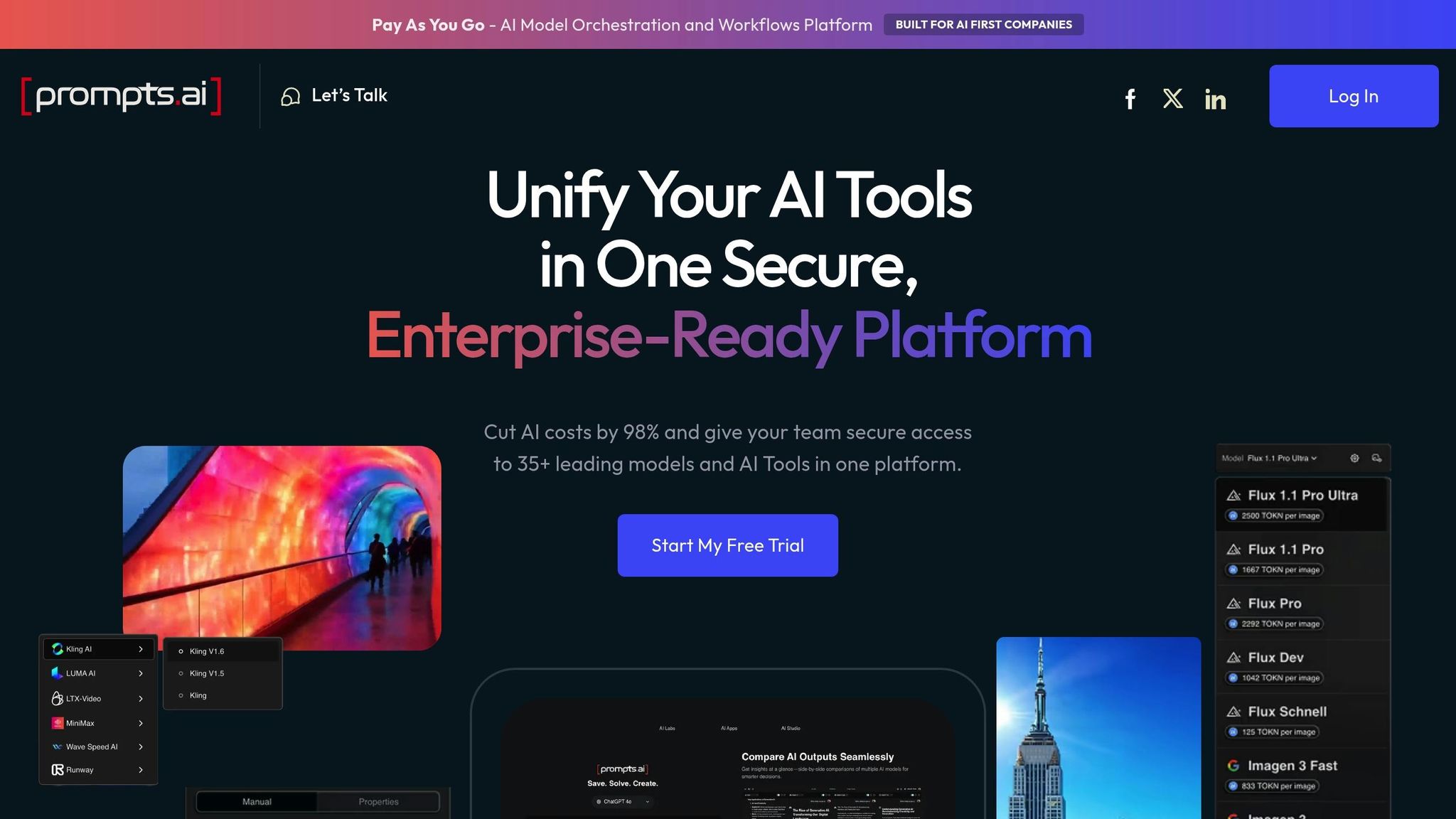
prompts.ai is a high-level AI orchestration platform designed for enterprises, providing seamless access to over 35 top-performing large language models (LLMs) through a secure, unified interface. Founded by Emmy Award-winning Creative Director Steven P. Simmons, the platform empowers data scientists with complete oversight and control over every interaction, simplifying workflows and enhancing productivity.
prompts.ai brings together more than 35 LLMs - including GPT-5, Grok-4, Claude, LLaMA, and Gemini - into one centralized dashboard. This reduces integration complexities by up to 60% and accelerates workflows by 50%, particularly in tasks like fraud detection preprocessing. Data scientists can effortlessly compare, access, and switch between models, enabling multimodal workflows that handle text, images, and tabular data. By consolidating model evaluation into a single interface, teams can cut evaluation time from days to mere hours, fostering faster and more collaborative project execution.
The platform includes real-time shared workspaces, version-controlled prompt libraries, and native integrations with tools like Jupyter, MLflow, and Hugging Face, making collaboration and deployment smoother than ever. Teams can co-edit prompts, track revisions, and share inference results through interactive dashboards. Integration with Python libraries such as Pandas and PyTorch ensures AI prompts can be seamlessly incorporated into daily workflows, eliminating the need for multiple disconnected tools. This cohesive setup improves operational efficiency and reduces unnecessary expenses.
With a pay-per-use pricing model of $0.0001 per token, prompts.ai significantly reduces compute costs - up to 70% in some cases. For instance, monthly expenses can drop from $5,000 to $1,500. The platform also eliminates redundant API subscriptions, with business plans starting at $99 per member/month. Built-in optimization tools automatically select the most cost-effective models for each task, potentially slashing overall AI software costs by as much as 98%, all without compromising performance.
prompts.ai is designed to handle enterprise-scale demands, offering auto-scaling inference engines capable of managing 1,000 concurrent requests per user. It supports both hybrid cloud and on-premises deployments, with integration into distributed computing frameworks that simplify scaling from single-GPU prototypes to production environments running on 100+ GPUs. This architecture reduces deployment friction by 60%, making it ideal for real-time generative AI pipelines and other large-scale applications.
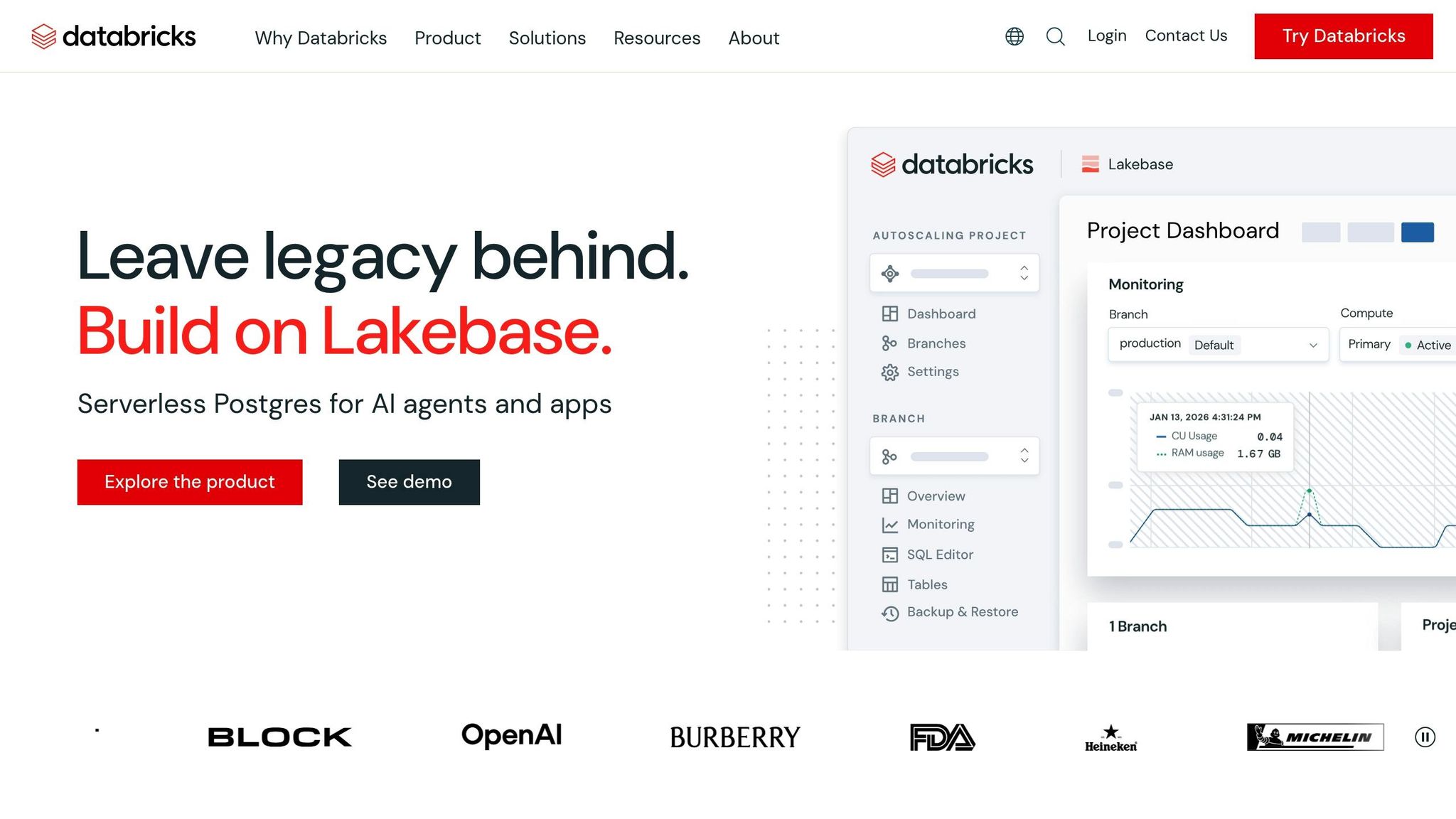
Databricks is a comprehensive platform for data and AI, built on Apache Spark, that streamlines the entire machine learning lifecycle. It integrates data engineering, model development, and deployment, allowing data scientists to work directly with their data without needing to transfer it between different systems.
Unity Catalog acts as the central governance layer, managing models, data, and features across various environments. Integrated with MLflow, it connects every model artifact to its source data and code. The platform supports "Champion" and "Challenger" model aliases, making it easier to promote models and compare them automatically during deployment. The ai_query SQL function offers a single interface to interact with foundation models like Llama or Claude, custom-trained ML models, and external models hosted outside Databricks. With a single workspace capable of handling 12,000 saved jobs and 2,000 concurrent tasks, workflows can include up to 1,000 steps, fostering collaboration across tools and teams.
Databricks Notebooks enable real-time coauthoring in Python, SQL, Scala, and R, with features like automatic versioning and built-in commenting. Teams can use Catalog Explorer to browse data objects and trace lineage, helping them understand data flows through pipelines. Delta Sharing allows secure data sharing with external partners, even if they don’t use Databricks. Additionally, Lakeflow Jobs provides centralized visibility into workflows, simplifying orchestration and management.
Databricks is built to scale effortlessly for enterprise requirements. Serverless GPU compute and auto-managed clusters ensure efficient training using Apache Spark and Ray. Lakeflow Jobs can manage up to 10,000 jobs per hour, using conditional logic and dependencies to handle complex workflows. Delta Lake serves as the storage backbone, managing massive datasets for both batch and streaming workloads. The Repair and Rerun feature minimizes costs by retrying only failed tasks, avoiding unnecessary re-execution.
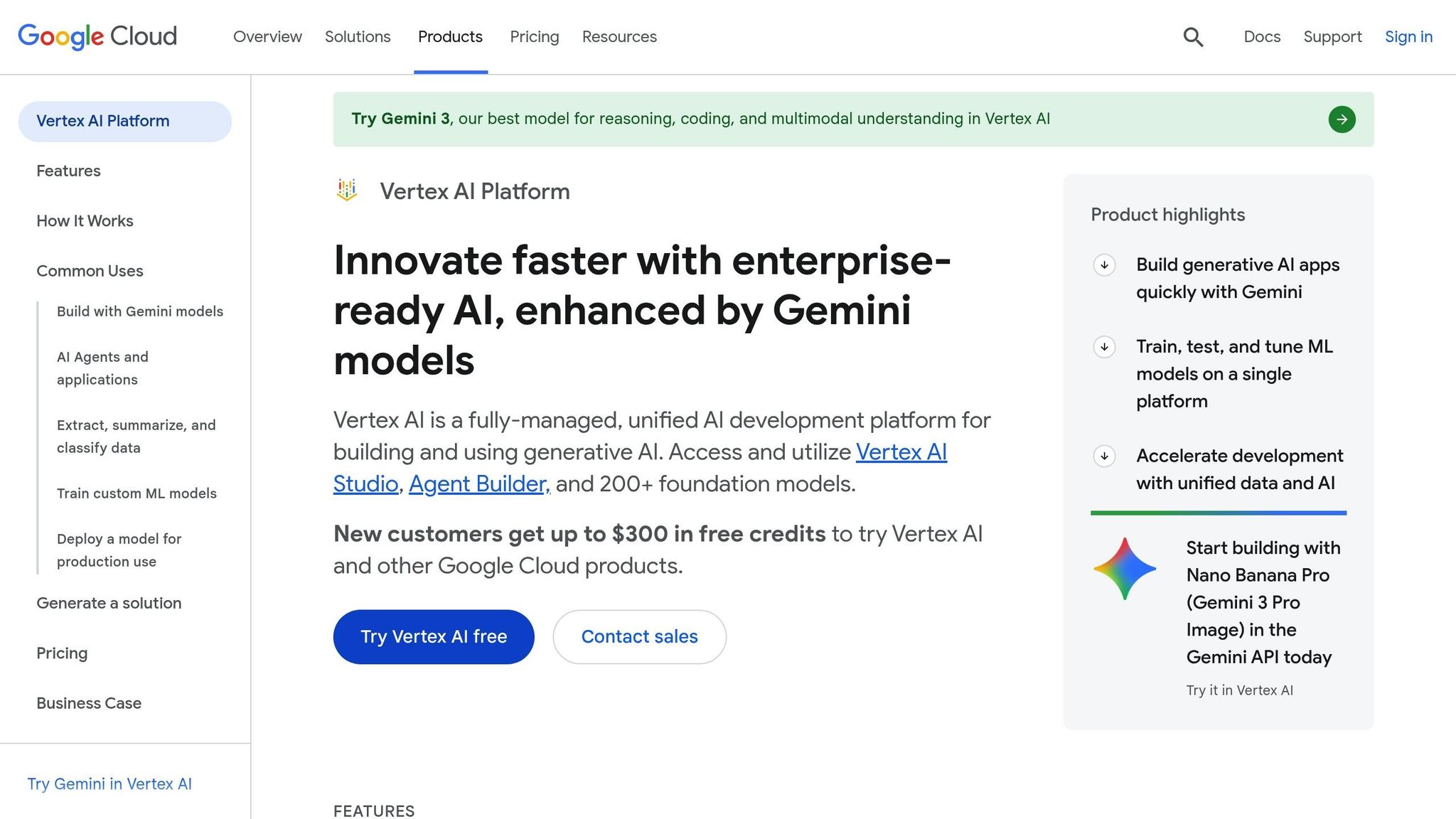
Vertex AI is Google Cloud's unified platform designed to streamline predictive and generative AI workflows. By integrating with tools like BigQuery and Cloud Storage, it allows data scientists to transition smoothly from preparing data to deploying models.
The Model Garden provides access to over 200 enterprise models in a single catalog. This includes Google's own foundation models, such as Gemini 3 and Imagen, alongside third-party models like Anthropic's Claude and open-source options such as Llama and Gemma. The Vertex AI Model Registry serves as a centralized hub for managing model versions, tracking deployment endpoints, and monitoring for issues like input skew or drift.
The Vertex AI Feature Store simplifies collaboration by acting as a shared repository for ML features, reducing duplication. Tools like Colab Enterprise and Vertex AI Workbench provide shared notebook environments with GitHub integration for version control. For example, in 2026, Poland's largest cable operator leveraged Gemini and Vertex AI to analyze over 300,000 monthly calls, achieving a 500% increase in analysis speed [2].
Vertex AI is built to handle workloads of any size. It offers serverless training for fluctuating demands, reserved clusters for consistent operations, and distributed computing through Ray, all with minimal code adjustments. Vertex AI Pipelines organizes complex ML workflows into containerized tasks, with pipeline runs starting at just $0.03. New users can take advantage of up to $300 in free credits. Additionally, automated shutdowns for Workbench instances help manage costs by powering down idle environments. These scalable capabilities position Vertex AI as a strong contender against other top platforms.
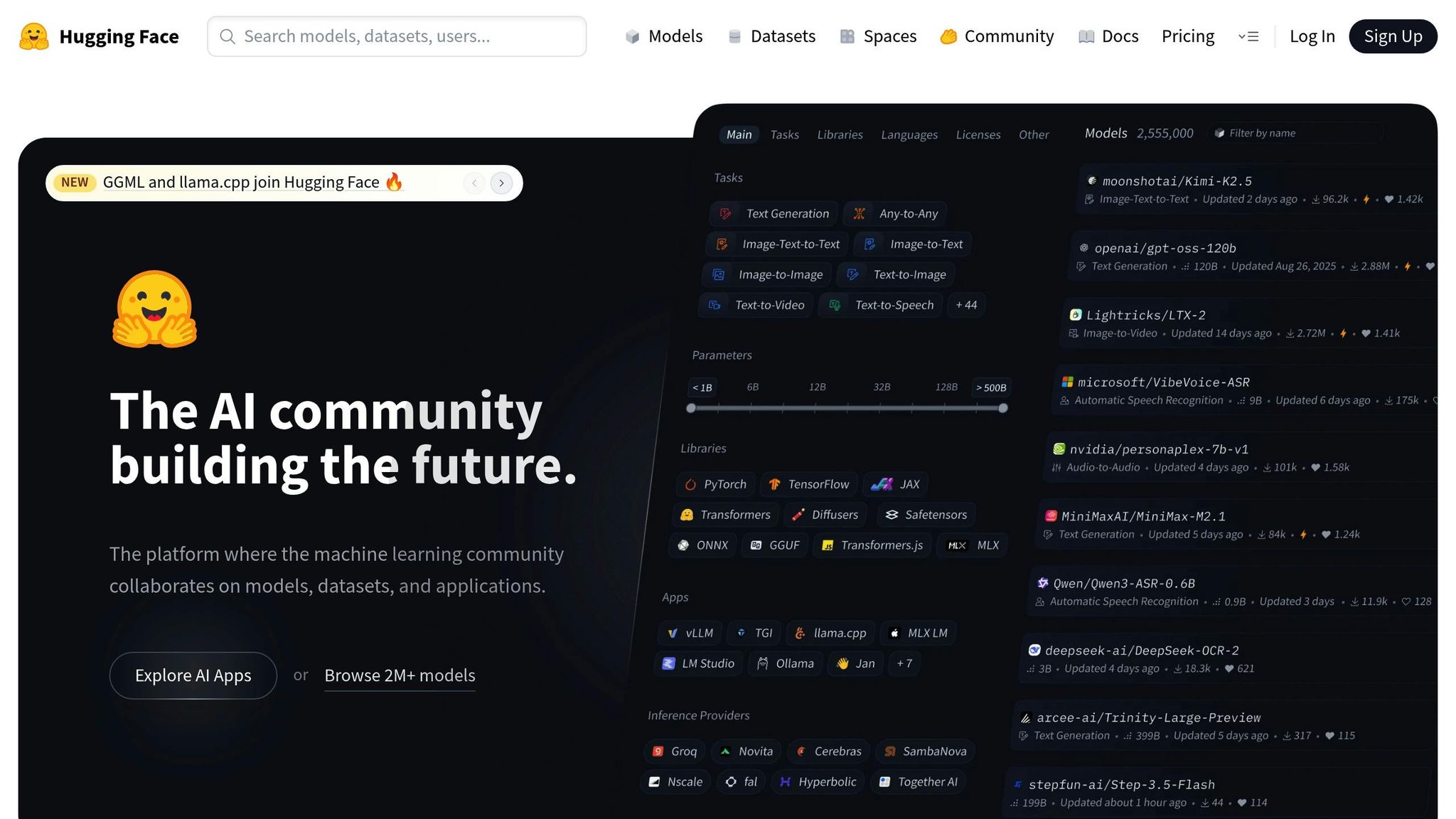
Hugging Face takes an open-source approach to machine learning, offering tools that simplify workflows and encourage collaboration. As a hub for machine learning, Hugging Face hosts over 2 million models, 500,000 datasets, and 1 million demo apps. Its Git-like functionality provides strong version control for AI assets, including branching and commit history for model weights and configurations. Major players like Meta (with 2,300 models), Google (1,080 models), Microsoft (457 models), and Amazon (24 models) rely on Hugging Face Organizations for managing their machine learning assets as of February 2026.
The Transformers library streamlines access to hundreds of architectures, such as BERT, GPT, and T5, all through a single interface. The Inference Providers gateway offers a unified API, enabling traffic routing across compute platforms like AWS, Azure, Groq, and Together AI with a single token and standardized format. Using the ModelHubMixin and huggingface_hub library, Python classes can easily implement push_to_hub() and from_pretrained() methods. This standardization ensures seamless handling of models built on frameworks like PyTorch, Keras, and FastAI.
Hugging Face incorporates Git-based workflows, including Pull Requests and Discussions, to review code and model updates. Spaces let teams create ML-powered demo apps using tools like Gradio, Streamlit, or Docker, making it easy to share projects with stakeholders. With more than 50,000 organizations leveraging Hugging Face for machine learning workflows, companies like Grammarly manage 11 models through Team-tier organizations while engaging with over 200 community followers. The ZeroGPU feature dynamically allocates NVIDIA H200 GPUs for demos, ensuring efficient resource use. These collaborative tools allow the platform to scale effectively, meeting a variety of computational needs.
The Accelerate library simplifies scaling from a single GPU to multi-GPU, TPU, and even multi-node clusters with minimal code adjustments. The Datasets library supports streaming large datasets directly into workflows, making it possible to handle data that exceeds local storage limits. Additionally, quantization tools like bitsandbytes reduce model VRAM usage by up to 75%, enabling large models to run on consumer-grade hardware. Parameter-Efficient Fine-Tuning (PEFT) further empowers data scientists to adapt large models without requiring extensive infrastructure, making advanced machine learning accessible to a broader range of users.
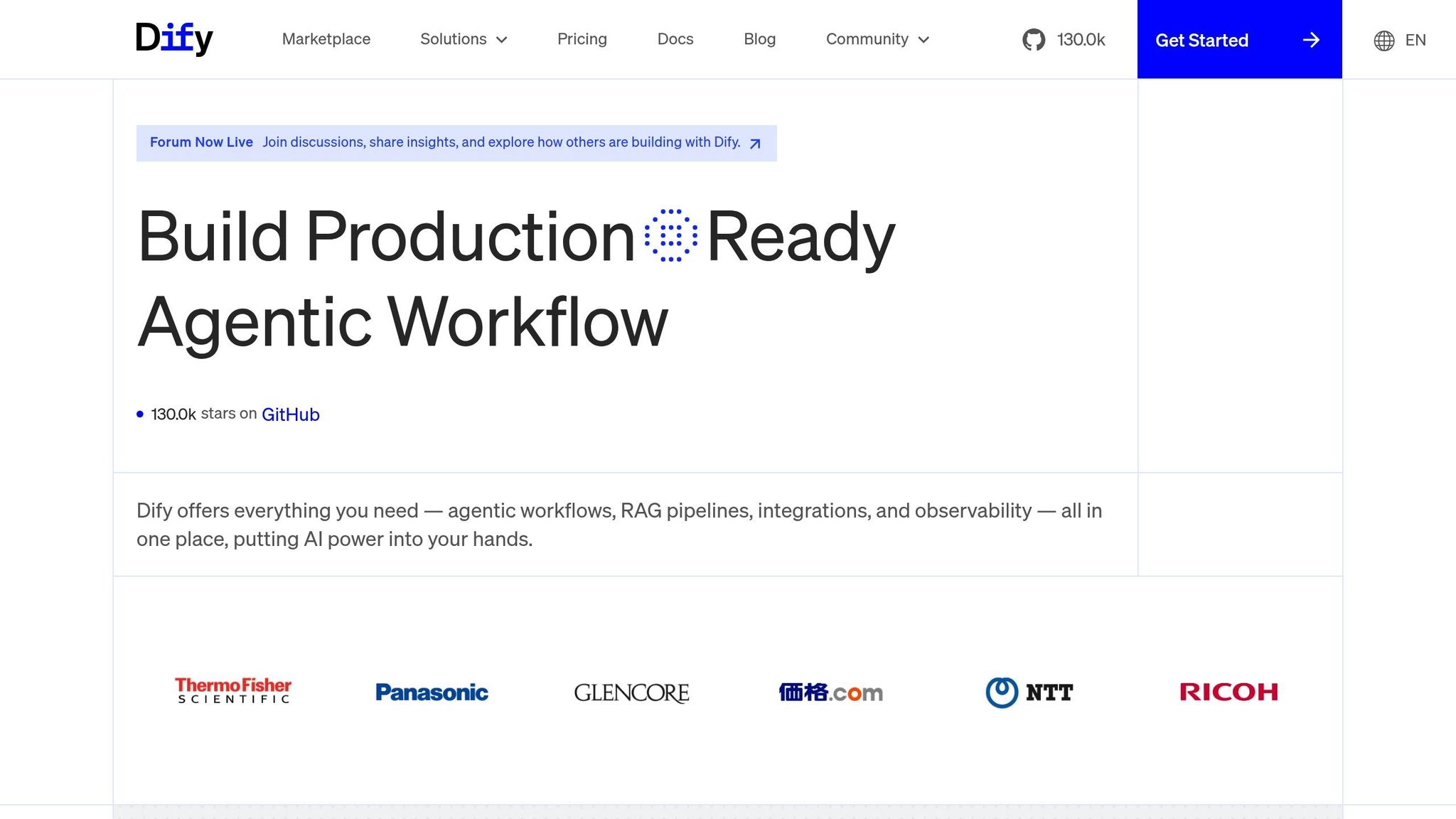
Dify focuses on simplifying workflows and fostering collaboration with its open-source platform designed for easy integration. Achieving over 100,000 GitHub stars in 2024, it embodies a "Do It For You" approach, offering both a self-hosted Community Edition and a Cloud-based Pro plan starting at around $59/month. Its workspace-centric design brings together applications, knowledge bases, and model configurations in a shared space, with access tailored to team roles.
Dify employs a plugin-based architecture, where each LLM provider functions as a modular component. This setup, powered by standardized LLM nodes, allows users to switch providers effortlessly without altering application logic. Model providers and API settings are configured once at the workspace level, and all applications within that workspace automatically inherit these configurations. Additionally, Dify includes a Domain Specific Language (DSL) to export and import workflows across workspaces, ensuring portability and avoiding vendor lock-in.
Collaboration is managed through role-based access control, with five specific roles:
Teams can create and share complex workflows as reusable "Workflow Tools." These tools can then be integrated into other projects as simplified single nodes. Gu, a DevRel at Dify, highlights the benefits of this feature:
DSL... expands collaboration possibilities and simplifies sharing and reuse of workflows.
Dify is built to handle production-level workloads, supporting deployment via Docker or Kubernetes. The Enterprise edition includes GPU-optimized model serving and SOC2-compliant audit trails. A batch processing feature allows users to handle hundreds of inputs at once through CSV uploads, with parallel execution for efficient scaling. To ensure reliability, the tool execution system includes up to 10 automatic retries with customizable intervals to address temporary disruptions. For advanced data transformations, users can inject custom Python or Node.js code through specialized nodes, making it possible to tailor workflows to specific needs.
This comparison focuses on pricing, core features, and the specific benefits each platform brings to data scientists. Here's how they stack up:
| Platform | Starting Price | Key Strengths | Best For Data Scientists |
|---|---|---|---|
| prompts.ai | $0/month (Pay As You Go) | Access to 35+ LLMs in one interface, integrated FinOps cost tracking, up to 98% cost savings, enterprise-grade governance | Teams aiming to reduce tool sprawl while keeping full visibility over AI spending and model performance |
| Databricks | Included with Premium/Enterprise plans | Strong integration with Apache Spark, Delta Lake, and MLflow; highly rated (4.5/5 from 319 Gartner reviews) | Teams managing large-scale data workflows requiring Spark-based processing and centralized governance |
| Vertex AI | Usage-based (GCP) | Offers a 1,000,000-token context window in Gemini Code Assist, seamless BigQuery integration, rated 4.2/5 from 150 Gartner reviews | Google Cloud users looking for integrated AI and analytics tools within the GCP environment |
| Hugging Face | Free (community); enterprise pricing upon request | Over 170,000 pre-trained models, 30,000 datasets, and compatibility with PyTorch, TensorFlow, and JAX | Researchers and engineers using cutting-edge transformer models while avoiding training costs |
Each platform caters to distinct needs, from framework-agnostic tools to ecosystem-specific solutions. Pricing varies from token-based pay-as-you-go models to bundled cloud subscriptions. Enterprise platforms often integrate AI features into broader cloud services, which can obscure actual AI costs without proper FinOps tracking.
When scaling AI projects, governance and observability are critical. Platforms offering real-time usage insights, support for multiple frameworks, and detailed audit trails help data science teams move from prototypes to production with confidence. Features like cost management, cross-framework compatibility, and effective oversight are key to enabling large-scale, efficient workflows.
This article explored how specialized AI workflow platforms tackle some of the toughest challenges in data science. From managing costs and unifying data sources to deploying models effectively, data scientists face a variety of obstacles. The five platforms discussed here each bring unique solutions, such as unified model access, Spark-based processing, cloud-native integration, pre-trained model libraries, and workflow automation.
When choosing a platform, focus on how well it integrates with your existing tech stack. Security is equally critical, especially since 70% of IT security leaders express concerns about the accuracy of AI outputs. Look for platforms with SOC 2 compliance and strong data privacy controls to ensure sensitive information remains secure.
Consider scheduling demos to evaluate how a platform fits your specific needs and resolves workflow inefficiencies. The ideal platform should align with your team's expertise, whether they prefer visual tools or code-driven environments.
"To lead an AI team (windsurf, Claude, code, and more) effectively, you need to know how to code, which helps you identify what needs to be done and get it done faster and more efficiently." - Nathan Rosidi, Data Scientist
Choose tools that your team can quickly adopt to maximize ROI and minimize disruptions. Prioritize platforms that integrate smoothly into your workflows, protect data integrity, and adapt to your growing needs. By simplifying complex, costly processes, these platforms enable data teams to achieve more in less time.
To select the best AI workflow platform, focus on crucial aspects such as compatibility with various AI models and tools, cost control options like real-time usage tracking and flexible credit systems, and scalability to manage intricate workflows effectively. Look for seamless integration with your existing infrastructure, robust automation capabilities, and reliable governance and security measures. Matching these features to your team’s specific requirements can enhance efficiency and simplify operations.
Before selecting an AI workflow platform, it's crucial to prioritize security and privacy. The platform should include role-based access control (RBAC) to ensure users only access what they need, audit trails to track activity for accountability, and encryption to protect data both at rest and during transmission. Verify compliance with key standards like SOC 2, GDPR, and HIPAA, and ensure it provides governance tools to control data sharing and access effectively. Additionally, features like runtime protections and threat detection are vital for identifying and addressing potential risks.
To manage and anticipate the costs of large language models (LLMs) as usage grows, rely on real-time cost tracking tools and predictive analytics. These tools help monitor spending and estimate future usage trends. A pay-as-you-go TOKN credit system simplifies budgeting by charging only for the tokens you use, avoiding surprise expenses. Combining multi-model strategies with workflow automation ensures resources are used efficiently, preventing unnecessary cost increases while maintaining scalability.