Pay As You Go - AI Model Orchestration and Workflows Platform



Choosing the right AI integration platform can save your business time, money, and headaches. With 43% of companies sticking to platforms that don’t fully meet their needs, selecting the right solution upfront is critical. The wrong choice can lead to costly migrations, operational disruptions, and inefficiencies.
Here’s a quick breakdown of what to look for:
Three platforms stand out for their strengths:
Key Insight: A payback period of 18 months or less is a good benchmark to justify investing in a new platform.
For a deeper look at how these platforms compare, including their strengths, weaknesses, and real-world examples, read on.
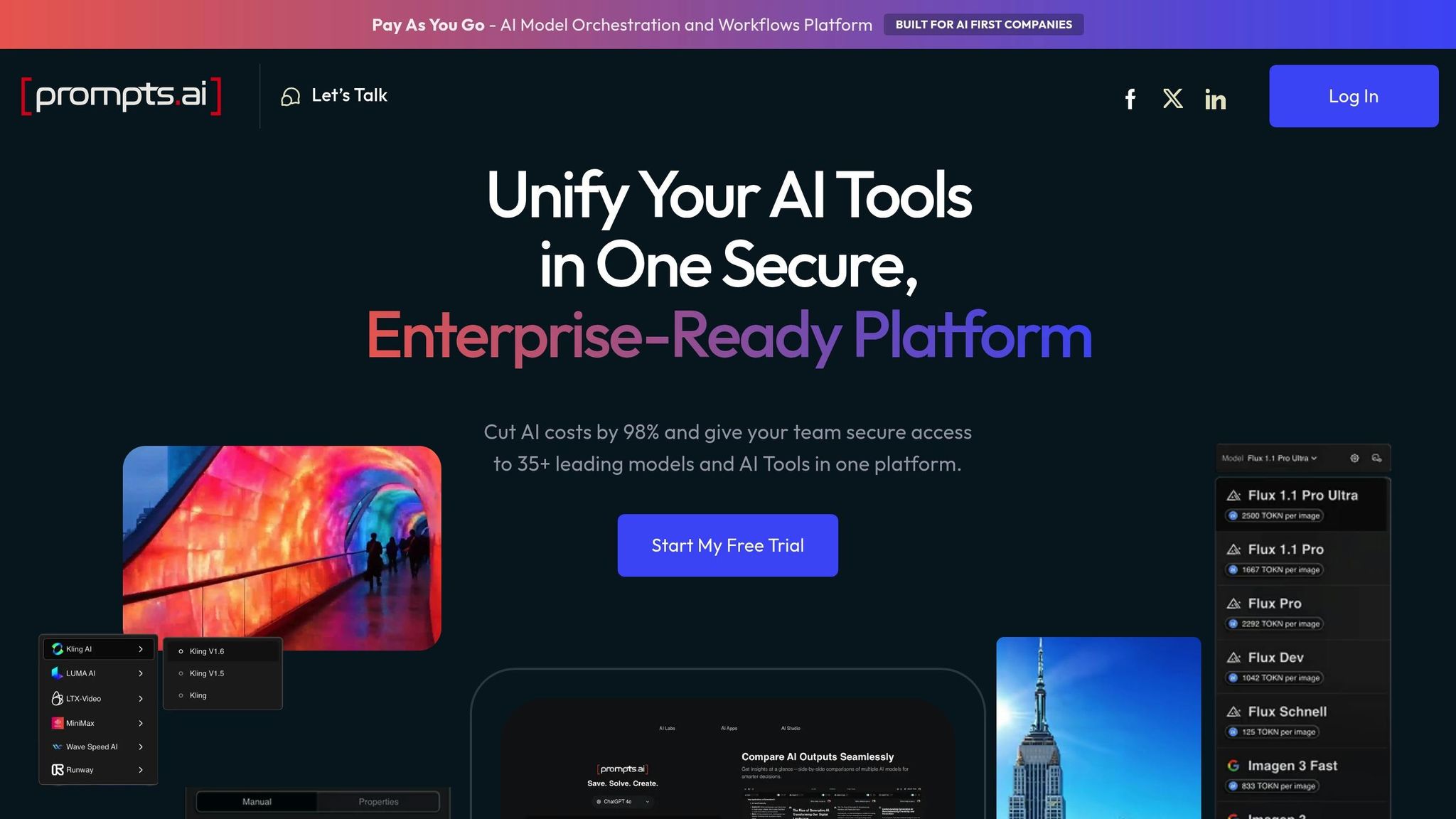
Prompts.ai simplifies AI integration by bringing together over 35 top-tier language models - including GPT-5, Claude, LLaMA, Gemini, Grok-4, Flux Pro, and Kling - into one unified platform. Instead of juggling multiple subscriptions and logins, users can streamline their AI tools while enjoying enterprise-grade security standards, such as SOC 2 Type 2, GDPR, and HIPAA compliance. This setup minimizes complexity and supports efficient workflow automation.
Prompts.ai integrates effortlessly with existing business systems using AI-generated integration code. By analyzing API documentation, it delivers production-ready connections in as little as 5 minutes. This functionality spans ERPs, CRMs, and cloud platforms like AWS, Azure, and GCP, as well as thousands of SaaS applications. Companies like PandaDoc and Dialpad have adopted similar approaches to speed up their development processes. With features like white-label authentication and microservices integration, IT teams can embed AI workflows into their systems without requiring a complete infrastructure overhaul.
Smooth integration requires strong oversight, and Prompts.ai delivers with built-in audit logs, role-based access control (RBAC), and real-time compliance monitoring. These tools ensure that every AI interaction adheres to regulatory standards. Additionally, the platform's self-healing capabilities automatically adapt to API changes, reducing the need for ongoing maintenance. For organizations managing sensitive data, these features are essential to maintaining compliance and minimizing risks.
Prompts.ai uses a pay-as-you-go TOKN credit system, replacing traditional subscription models with usage-based pricing. The real-time FinOps dashboard tracks token consumption, allowing teams to manage and optimize their spending across different models and use cases. By consolidating various tools into one platform, companies often see dramatic cost reductions - up to 98% in AI software expenses. This transparent pricing model enables secure and scalable workflows while keeping costs under control.
The platform empowers teams to create custom pipelines, RAG workflows, event streams, and agentic tools using its AI-driven integration features. For instance, RTS Labs helped a personal finance firm streamline workflow integrations across Sales Cloud, Five9, and Marketo, significantly speeding up development. Teams can also compare models in real time and benefit from resources like the Prompt Engineer Certification program and community "Time Savers", which help standardize best practices.
Platform X addresses the growing demand for smooth AI integration by offering powerful automation across a wide range of applications. Zapier connects more than 8,000 apps and over 300 AI tools, handling an impressive 23 million AI tasks monthly for 3.4 million companies. Its ability to turn intricate AI workflows into visual, manageable processes allows businesses to scale efficiently as they grow.
With Zapier Canvas, users can visually design AI workflows, easily identifying bottlenecks before they become major issues. The platform’s Autonomous AI Agents take automation to the next level by analyzing data and adjusting to changes, eliminating the need for multiple rigid connections as complexity grows. For instance, Marcus Saito, Head of IT and AI Automation at Remote.com, led a small team of three to support 1,700 employees by creating an AI-powered helpdesk. This system automated more than 11 million tasks in a single year, resolved 28% of IT tickets automatically, and saved an estimated $500,000 in hiring costs. Additionally, Zapier Tables acts as a centralized data hub, offering features like column-level permissions and AI-driven fields that auto-fill based on pre-set prompts. Enterprise-grade tools like SSO, SCIM, and VPC Peering ensure secure access to internal data, making workflows not only efficient but also secure.
Jacob Sirrs, Marketing Operations Specialist at Vendasta, used the platform to build an AI-powered lead enrichment system that recovered $1 million in potential pipeline revenue and saved 282 days of manual work annually. Zapier enables teams to manage budgets effectively by setting token limits and cost-cap alerts, preventing overspending. The flexibility to swap or add models based on changing technical needs - without altering infrastructure - further enhances cost management. Regular orchestration audits help clean up outdated logic and identify new opportunities for scaling, ensuring spending remains under control while driving operational efficiency.
Korey Marciniak, Senior Manager of Customer Support Strategy and Operations at Okta, leveraged the platform to create a Slack escalation bot that now handles 13% of support escalations. This innovation reduced response times from 10 minutes to just seconds. The platform also supports human-in-the-loop workflows, such as Slack-based approval actions for sensitive AI-generated content, ensuring quality control while speeding up processes. Comprehensive audit trails and version histories give IT teams full oversight as automation expands across departments.
"Zapier lets us spin up and test automations in hours, not full engineering sprints." - Korey Marciniak, Senior Manager of Customer Support Strategy and Operations, Okta
Platform Y offers a distinct method for integrating AI, prioritizing enterprise-level governance and a security-first design. It tackles a crucial issue many companies face: implementing AI workflows at scale while adhering to strict compliance standards and safeguarding data. Here's a closer look at what makes Platform Y stand out.
At the heart of Platform Y’s security measures is Tray Guardian, which acts as a protective layer for data throughout AI workflows. This system tokenizes and redacts sensitive information, ensuring that only authorized personnel have access. Companies can also decide where to host their data - whether in the US, EU, or APAC regions - to comply with local privacy laws and data transfer requirements. Moreover, the platform ensures that AI providers cannot use customer data for model training, and all prompts and responses are deleted immediately after processing.
Platform Y doesn’t just focus on security; it also shines in its ability to connect with other tools. It integrates with over 8,000 third-party applications and more than 300 AI tools through its orchestration layer. The platform supports the Model Context Protocol (MCP), enabling AI models and agents to take actions directly within AI tools. For businesses relying on legacy or on-premises systems, Platform Y ensures compatibility through webhooks and custom API integrations, removing barriers to AI adoption.
Managing the growth of AI operations is simplified with Platform Y’s centralized data management and visual workflow design. It supports enterprise-scale workflows while maintaining granular controls, such as column-level permissions and detailed audit trails. This gives IT teams full visibility into data flows and ensures robust oversight. By enabling secure and compliant expansion of AI usage across various departments, Platform Y helps businesses scale their operations without introducing vulnerabilities or compliance concerns. These features highlight the platform’s focus on delivering scalable, secure, and interconnected AI solutions, making it a reliable choice for organizations aiming to expand their AI capabilities.

AI Integration Platform Comparison: Prompts.ai vs Platform X vs Platform Y
Each platform comes with its own set of advantages and challenges. Prompts.ai stands out for its focus on cost transparency and flexibility. With real-time FinOps tracking, it can reduce AI software expenses by as much as 98%. Its unified interface simplifies operations by eliminating tool sprawl while maintaining enterprise-level security. However, for companies heavily reliant on third-party app integrations, it’s worth checking whether the available connectors meet all workflow requirements. This level of transparency allows teams to precisely forecast and manage spending, something traditional subscription models often lack.
Another option, Platform X, shines in its integration capabilities and quick deployment. Its extensive library of connectors and no-code visual builder make it particularly appealing for non-technical teams, significantly reducing setup time. However, its task-based pricing model can lead to higher costs as usage scales, and its ability to handle complex branching logic is somewhat limited. For organizations managing a high volume of workflows, costs could surpass $150,000 over three years for 100 workflows, making it a consideration for budget-conscious teams.
Lastly, Platform Y focuses on enterprise-grade governance and security. It offers robust data protection, audit trails, granular permissions, and centralized data management, making it a strong choice for industries with strict regulatory requirements. However, its premium pricing and complexity may not be ideal for smaller teams with simpler needs.
Choosing the right platform depends on your organization’s priorities. If your focus is on managing AI-heavy workflows with multiple models while keeping costs under control, Prompts.ai provides a transparent and flexible solution. For teams looking for quick deployment and pre-built connections, Platform X delivers a fast and efficient setup. Meanwhile, if security and governance are top priorities, Platform Y offers a comprehensive framework, though at a higher cost.
Ultimately, the best choice comes down to factors like workflow volume, technical expertise, compliance needs, and budget. Before making the switch, calculate the payback period - if migration costs can’t be offset within 18 months through operational savings, consider whether the move addresses critical gaps in scalability, interoperability, or governance to justify the investment.
Choosing the right AI integration platform hinges on aligning it with your organization's size, technical needs, and priorities. For small to medium-sized businesses, platforms with lower entry costs and simple interfaces are often the best fit. Larger enterprises, particularly those in regulated industries, typically need platforms that offer strong governance, detailed audit trails, and advanced data security features.
Understanding your team's technical proficiency is equally important. If your developers require full control over architecture and the ability to customize workflows in detail, developer-centric frameworks are ideal. On the other hand, if your focus is on empowering non-technical users to create and manage AI workflows, platforms with visual builders and pre-built connectors can streamline deployment and reduce reliance on technical resources.
Pricing models also play a key role. Usage-based pricing adapts to varying workloads, making it appealing for organizations with fluctuating demands. Meanwhile, task-based or subscription pricing provides cost predictability but may become costly as usage scales. Carefully weigh migration costs against the efficiency improvements the platform offers.
Integration capabilities shouldn’t be overlooked. The platform must work smoothly with your existing systems, such as CRM, ERP, data warehouses, or identity management tools. According to recent findings, 95% of IT leaders cite integration complexity as the top challenge to adopting AI.
Begin with smaller, high-impact projects before expanding to critical operations. Establish governance early by defining which data AI tools can access and setting rules for when human oversight is needed. This cautious approach helps ensure the platform aligns with your workflows while building your team's expertise and confidence in its capabilities.
To gauge the return on investment (ROI) and payback period for implementing AI, start by evaluating potential savings. These might come from improved efficiency, such as cutting labor costs or minimizing errors. Compare these savings against the total expenses, which include licensing fees, consulting services, and ongoing maintenance.
It’s essential to account for the time it takes to adopt the AI system, any associated risks, and how well the solution can scale with your needs. Use clear and measurable key performance indicators (KPIs) to monitor progress. This will help you identify when the cumulative savings surpass the initial and ongoing costs, providing a realistic view of both ROI and the time required to break even.
AI tools should initially be limited to accessing only the data necessary for their specific tasks, such as repository metadata, diffs, and file contents. Restricting access to sensitive or proprietary information from the start helps minimize potential security risks.
To manage AI workflow expenses as usage grows, consider strategies that streamline spending. Implementing a pay-as-you-go token system can help avoid unexpected charges. Keep an eye on project-level costs to pinpoint where expenses are coming from, and set up budget alerts to prevent overspending. Regularly audit prompts to minimize unnecessary token usage. You can also save resources by caching repetitive tasks and routing workloads based on their required quality tier, ensuring efficient use of resources while keeping costs under control.