Pay As You GoPrueba gratuita de 7 días; no se requiere tarjeta de crédito



Las soluciones de IA están transformando las empresas mediante la automatización de tareas repetitivas, la conexión de sistemas y la entrega de información procesable. Desde la gestión de los flujos de trabajo hasta la reducción de los costos, estas herramientas permiten equipos para centrarse en trabajos de mayor valor. He aquí un vistazo rápido a las siete plataformas que más destacan:
Cada plataforma satisface diferentes necesidades, desde empresas emergentes que buscan una automatización sencilla hasta empresas que requieren un cumplimiento y una escalabilidad sólidos. Elija en función de sus objetivos, la experiencia del equipo y el presupuesto.
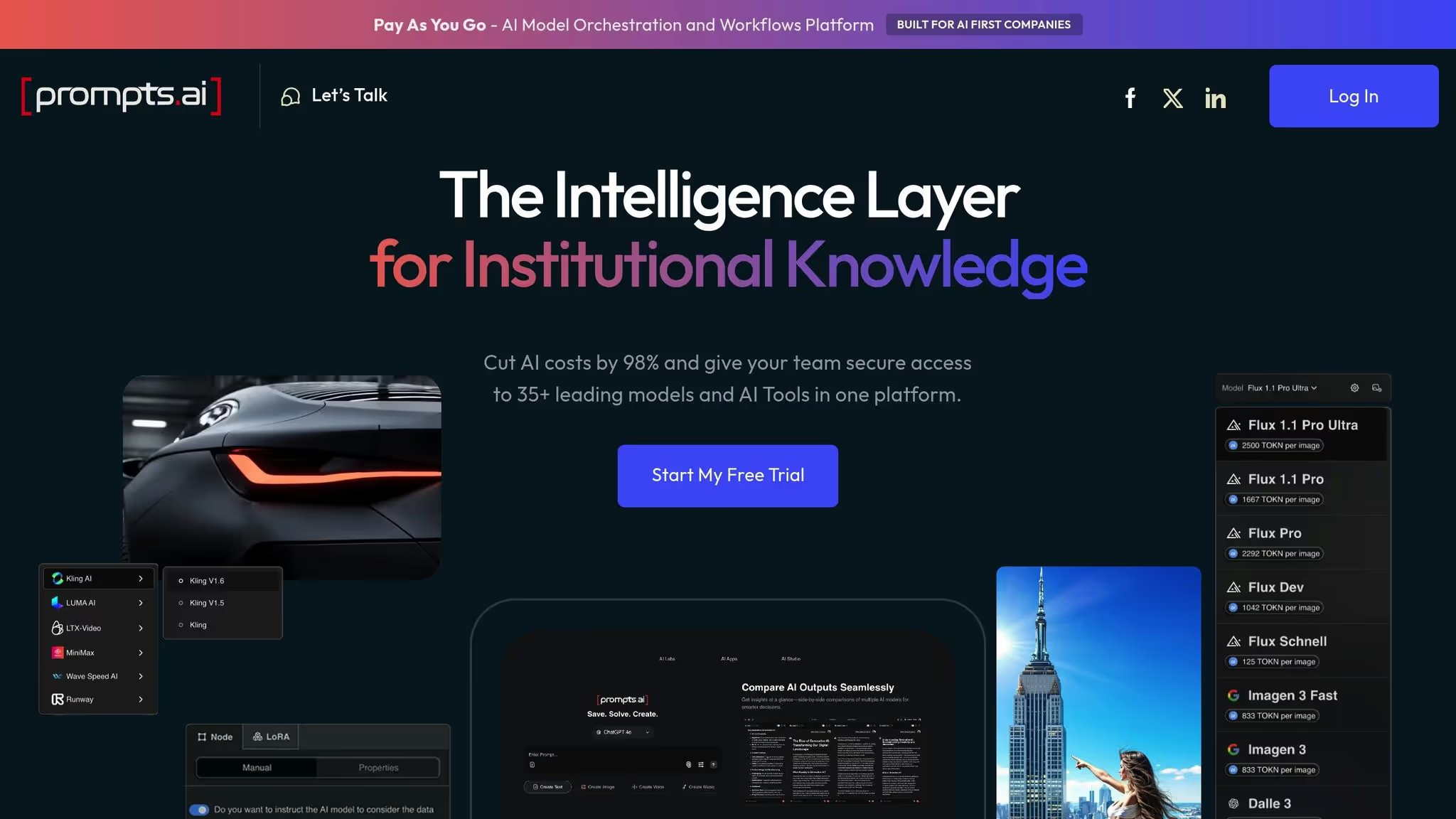
Prompts.ai se destaca como plataforma de orquestación de IA de nivel empresarial que reúne a más de 35 modelos lingüísticos líderes, incluidos el GPT-5, Claude, Llama, Géminis, Grok-4, y herramientas especializadas como Flux Pro y Kling - en una interfaz optimizada. Al eliminar la molestia de administrar múltiples suscripciones e inicios de sesión, aborda el problema común de la proliferación de herramientas que surge cuando diferentes departamentos utilizan soluciones de inteligencia artificial independientes.
La plataforma se basa en tres principios clave: eliminar la fragmentación, garantizar la gobernanza, y reducción de costos. Con un panel centralizado, los administradores pueden supervisar el uso, hacer cumplir las políticas y hacer un seguimiento de los gastos, lo que simplifica las operaciones en general.
En lugar de integrarse con innumerables aplicaciones empresariales individuales, Prompts.ai se centra en unificar el acceso a su conjunto de más de 35 modelos de IA avanzados. Los equipos pueden cambiar de modelo sin esfuerzo: usar GPT-5 para razonamientos complejos, Claude para realizar análisis en profundidad, LLama para tareas económicas o Gemini para proyectos multimodales, todo ello sin tener que hacer malabares con distintas claves de API o sistemas de facturación.
Este enfoque simplificado transforma los experimentos de IA dispersos en flujos de trabajo escalables y repetibles que se puede compartir entre departamentos. Por ejemplo, la secuencia de instrucciones eficaz de un equipo de marketing para la creación de contenido se puede almacenar en una biblioteca compartida, lo que permite a otros equipos adoptarla sin necesidad de integraciones personalizadas.
Para las organizaciones que antes dependían de suscripciones independientes, Prompts.ai estandariza las interacciones de la IA al consolidar las cuentas individuales en una plataforma única y transparente. Esto permite a los administradores supervisar las métricas de uso, costos y rendimiento en un solo lugar.
Prompts.ai está diseñado para crecer con sus usuarios, ya sean equipos pequeños o grandes empresas. Añadir nuevos modelos, usuarios o equipos es rápido y sencillo. Cuando hay un nuevo modelo de IA disponible o un departamento necesita acceso inmediato, los administradores pueden asignar los recursos en cuestión de minutos, lo que evita largas negociaciones con los proveedores.
La plataforma también admite la automatización del flujo de trabajo. Los equipos pueden empezar con instrucciones sencillas y desarrollar gradualmente procesos más avanzados de varios pasos a medida que aumentan sus necesidades. El integrado Sistema de crédito TOKN Pay-As-You-Go añade flexibilidad, lo que permite a las organizaciones pagar solo por lo que utilizan, garantizando que los costos se alineen directamente con el valor entregado.
Prompts.ai aborda las necesidades de gobierno empresarial con funciones de auditoría y controles integrados. La plataforma inició su Proceso de auditoría del SOC 2 de tipo 2 el 19 de junio de 2025, utilizando Vanta para una supervisión continua, lo que demuestra su compromiso con prácticas de seguridad sólidas.
Todos los planes de suscripción, que van desde las opciones Business (Core a 99$ por miembro al mes, Pro a 119$ por miembro al mes y Elite a 129$ por miembro al mes) hasta las opciones personales (Pay As You Go a 0$ al mes, Creator a 29$ al mes y el plan familiar a 99$ al mes), incluyen Supervisión del cumplimiento y administración de la gobernanza. Esto garantiza que las organizaciones de todos los tamaños tengan acceso a las herramientas de gobierno esenciales. Al alinearse con marcos como el SOC 2 de tipo II, la HIPAA y el RGPD, Prompts.ai simplifica el cumplimiento para las empresas de los sectores regulados. Su Trust Center (trust.prompts.ai) proporciona actualizaciones en tiempo real sobre las políticas de seguridad y los avances en materia de cumplimiento, mientras que el registro de auditoría completo de la plataforma garantiza un seguimiento de todas las interacciones de la IA para cumplir con las necesidades normativas y de gestión de riesgos empresariales.
Prompts.ai ofrece un valor financiero excepcional al reducir los costos de software de IA hasta en un 98% en comparación con la gestión de varias suscripciones individuales. Su seguimiento de costos en tiempo real vincula el uso de los tokens con usuarios, equipos o proyectos específicos, lo que ayuda a las organizaciones a identificar patrones de uso costosos y a optimizar la selección de modelos para diferentes tareas.
Si bien el costo inicial de la plataforma puede parecer más alto, su capa FinOps integrada genera ahorros significativos en general. Según McKinsey, las empresas que incorporan la IA en sus operaciones suelen ver una Aumento del 15 al 20% en la eficiencia operativa durante el primer año. Al consolidar los gastos de inteligencia artificial en una sola partida transparente, Prompts.ai no solo reduce los gastos administrativos, sino que también simplifica la presupuestación y la asignación de costos, lo que ofrece un claro retorno de la inversión.
Zapier agiliza los flujos de trabajo en más de 8000 aplicaciones, lo que ayuda a las empresas a reducir las tareas repetitivas. Al actuar como un puente entre varias herramientas de software, permite que los datos fluyan sin esfuerzo a través de flujos de trabajo automatizados denominados «Zaps».
La plataforma admite todo, desde procesos sencillos de dos pasos hasta flujos de trabajo más complejos y de varios pasos. Por ejemplo, puede añadir automáticamente nuevos clientes potenciales a un CRM, enviarles correos electrónicos de bienvenida y crear tareas de seguimiento, todo ello con el envío de un único formulario. Esta flexibilidad convierte a Zapier en un excelente complemento para otras herramientas de flujo de trabajo de inteligencia artificial, ya que satisface las necesidades de automatización básicas y complejas.
Zapier se conecta con más de 8000 aplicaciones, que abarcan prácticamente todas las categorías de herramientas empresariales. Los equipos de marketing pueden vincular plataformas de correo electrónico como Mailchimp con herramientas de análisis, mientras que otros departamentos se benefician de las integraciones en ventas, atención al cliente, gestión de proyectos, contabilidad y recursos humanos.
Para los usuarios avanzados, los Webhooks y las integraciones de aplicaciones premium abren la puerta a la gestión de necesidades más especializadas, incluidos sistemas internos personalizados o software especializado en la industria. Además, Zapier's Herramientas impulsadas por IA simplifican la creación, el mapeo y la resolución de problemas de los flujos de trabajo, haciendo que la automatización sea más accesible incluso para los usuarios no técnicos.
La estructura de precios de Zapier apoya a las empresas en diferentes etapas de crecimiento. El plan gratuito, que ofrece 100 tareas al mes, es perfecto para personas o equipos pequeños que recién comienzan con la automatización. A medida que aumentan las necesidades, el plan Pro (15,20$ al mes o 22,81$ al mes si se factura anualmente) introduce Zaps de varios pasos y el acceso a aplicaciones premium, lo que permite flujos de trabajo más avanzados.
Para los equipos en crecimiento, el plan Team (52,48$ al mes o 78,72$ al mes si se factura anualmente) añade Zaps compartidos y herramientas de gestión de equipos, lo que facilita la colaboración. Las organizaciones más grandes con requisitos complejos pueden optar por el plan Enterprise, que ofrece precios personalizados junto con administración avanzada, seguridad mejorada y análisis detallados.
El diseño de Zapier apoya la adopción gradual. Los equipos suelen comenzar con flujos de trabajo sencillos y, a medida que adquieren confianza, pasan a procesos más complejos de varios pasos. Este enfoque gradual permite a las empresas automatizar a su propio ritmo, aumentando así su experiencia con el paso del tiempo.
Las cuentas empresariales de Zapier incluyen herramientas administrativas para gestionar los permisos de los usuarios, realizar un seguimiento de la actividad del flujo de trabajo y analizar el rendimiento de la automatización. Estas funciones adquieren cada vez más importancia a medida que las empresas amplían sus esfuerzos de automatización.
Si bien Zapier cumple con los requisitos de seguridad empresarial estándar, las empresas de sectores altamente regulados deben asegurarse de que las certificaciones de cumplimiento de la plataforma se ajusten a sus necesidades específicas. El plan Enterprise incluye funciones de seguridad avanzadas, registros de auditoría detallados y capacidades de administración de usuarios para abordar estas preocupaciones.
Los precios de Zapier se basan en el volumen de tareas, lo que lo hace adaptable a diferentes niveles de automatización. Si bien las 100 tareas al mes de la capa gratuita pueden funcionar para necesidades mínimas, la mayoría de las empresas necesitarán planes de pago a medida que sus flujos de trabajo se amplíen.
El valor de la plataforma reside en el tiempo que ahorra. Al automatizar las tareas manuales, como la entrada de datos, Zapier permite a los empleados centrarse en el trabajo que aporta más valor. En el caso de las empresas que automatizan funciones de marketing, ventas y soporte, el tiempo que ahorran suele superar el coste de la suscripción. Evaluar las horas ahorradas cada semana puede ayudar a las empresas a determinar si los precios de Zapier se alinean con sus objetivos.
Make, anteriormente conocido como Integromat, simplifica el proceso de creación y gestión de los flujos de trabajo para las empresas. Si bien ocupa un lugar entre las herramientas de automatización del flujo de trabajo de la IA, la información sobre sus funciones específicas, integraciones, escalabilidad, precios y cumplimiento sigue siendo limitada. Para obtener los detalles más precisos y actualizados, lo mejor es consultar la documentación oficial.
Esta falta de transparencia detallada diferencia a Make de las plataformas que ofrecen desgloses más detallados, lo que deja espacio para un análisis más detallado en las secciones siguientes.
n8n es una herramienta de automatización del flujo de trabajo diseñada para conectar sistemas y automatizar procesos en varias herramientas empresariales. Su objetivo es simplificar los ecosistemas de software y reducir la necesidad de realizar tareas manuales. Sin embargo, su documentación actual proporciona información limitada sobre sus integraciones, las funcionalidades de la API y la compatibilidad a nivel empresarial. Como resultado, las empresas deben evaluar cuidadosamente si n8n se alinea con sus necesidades tecnológicas específicas. Esta falta de claridad hace que las pruebas en el mundo real sean un paso esencial.
La escalabilidad es otra consideración clave para el uso a largo plazo. Dado que no hay puntos de referencia de rendimiento detallados ni estudios de casos disponibles, se alienta a las empresas a realizar pruebas piloto. Estas evaluaciones pueden ayudar a determinar qué tan bien n8n gestiona los mayores volúmenes de flujo de trabajo y las operaciones simultáneas antes de comprometerse con una implementación a gran escala.
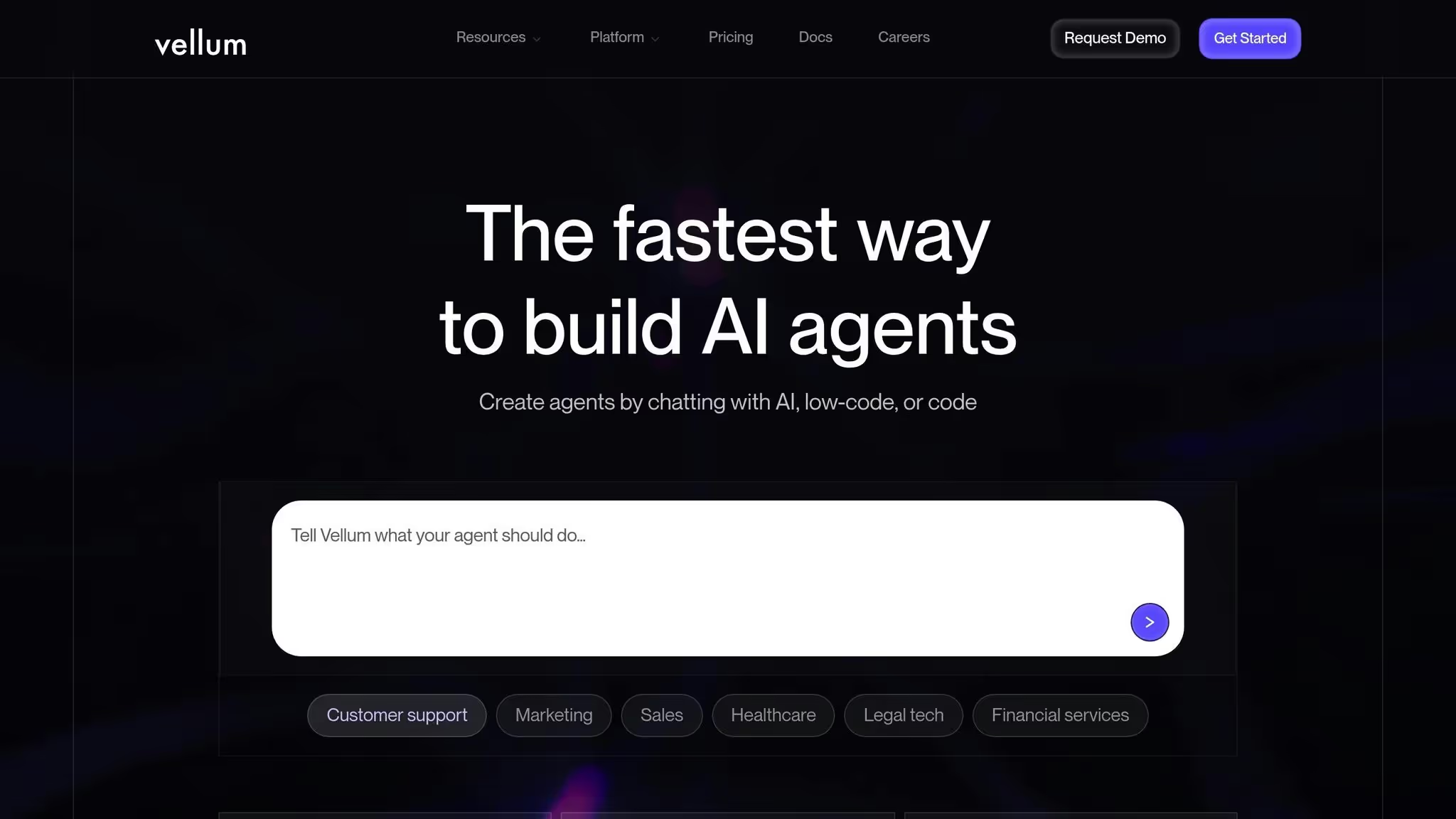
Vellum AI se centra en crear flujos de trabajo de IA personalizados utilizando modelos lingüísticos de gran tamaño. Sin embargo, la información disponible sobre sus funciones y rendimiento es limitada. A diferencia de las plataformas con una amplia documentación, Vellum AI requiere un enfoque práctico para evaluar sus capacidades. Los detalles sobre sus integraciones, escalabilidad, gobernanza y precios son escasos, por lo que es mejor ponerse en contacto directamente con el proveedor para determinar si se adapta a sus necesidades.
Los detalles sobre las integraciones de Vellum AI con otras herramientas no están claros. Antes de la implementación, confirme si funciona a la perfección con sus sistemas actuales.
La información sobre qué tan bien se adapta Vellum AI no está fácilmente disponible. Es importante preguntar al proveedor sobre sus métricas de rendimiento y su capacidad para gestionar el aumento de la demanda a medida que su empresa crece.
Hay poca información pública sobre los estándares de gobernanza y cumplimiento de Vellum AI. Si su organización opera bajo directrices normativas estrictas, asegúrese de que el proveedor pueda proporcionar las certificaciones y garantías necesarias.
La información de precios de Vellum AI no es transparente. Para saber cómo se ajusta a tu presupuesto, solicita al proveedor un desglose detallado de los costos.
Para comprender mejor estos aspectos, contactar directamente con el proveedor es la forma más eficaz de obtener la información adaptada a los requisitos de su empresa.
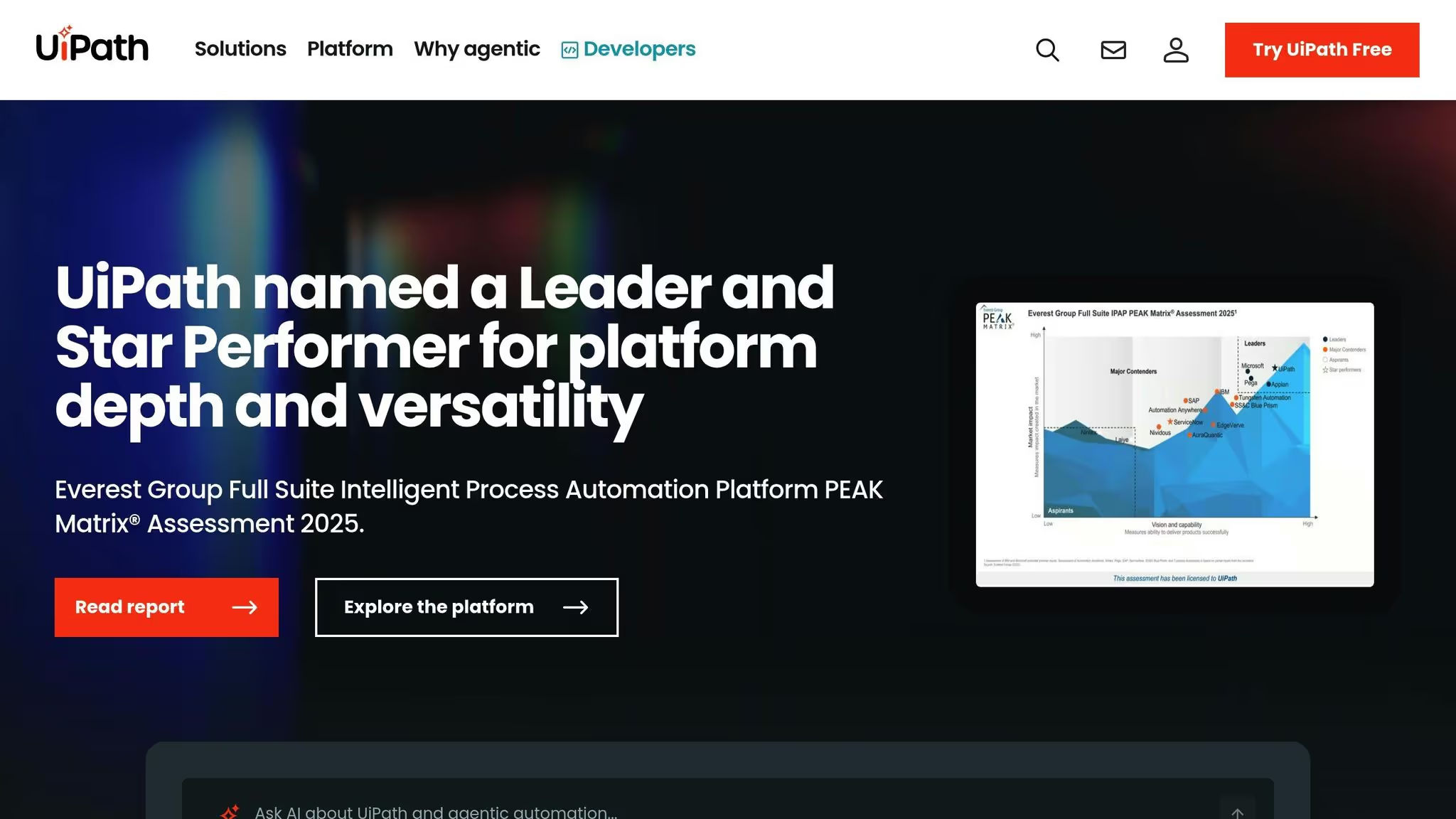
UiPath destaca como uno de los principales actores de la automatización robótica de procesos (RPA), ya que incorpora la IA a la perfección en cada paso de su proceso de automatización, desde la identificación de oportunidades hasta la gestión de los flujos de trabajo. Esta plataforma permite a las empresas automatizar las tareas repetitivas, simplificando las operaciones y aumentando la eficiencia. Al utilizar la minería de procesos y tareas, UiPath identifica los flujos de trabajo que pueden generar el mayor impacto cuando se automatizan. Sus herramientas de diseño de arrastrar y soltar, intuitivas y con bajo contenido de código, permiten a los equipos crear flujos de trabajo inteligentes, incluso sin conocimientos avanzados de programación. Además, la plataforma incluye inteligencia artificial conversacional para mejorar las interacciones tanto con los empleados como con los clientes.
Con estas capacidades, UiPath se adapta y crece para satisfacer las crecientes demandas operativas.
UiPath centraliza la automatización con la IA como eje central, y ofrece herramientas unificadas para la supervisión y la gobernanza que se amplían junto con las necesidades de la empresa. Su diseño flexible evoluciona con los requisitos cambiantes, lo que la convierte en una solución fiable para empresas de todos los sectores y de cualquier tamaño.
Para las empresas de sectores estrictamente regulados, UiPath refuerza el cumplimiento al mantener registros detallados y auditables dentro de sus flujos de trabajo impulsados por la inteligencia artificial. Todas las acciones se registran, lo que facilita la demostración del cumplimiento de las normas durante las auditorías. Esta funcionalidad es especialmente valiosa para sectores como los servicios financieros, la sanidad y la fabricación, donde la gestión de los procesos regulados y con gran cantidad de datos es fundamental. Al abordar estos desafíos, UiPath desempeña un papel clave a la hora de perfeccionar y optimizar las operaciones empresariales.
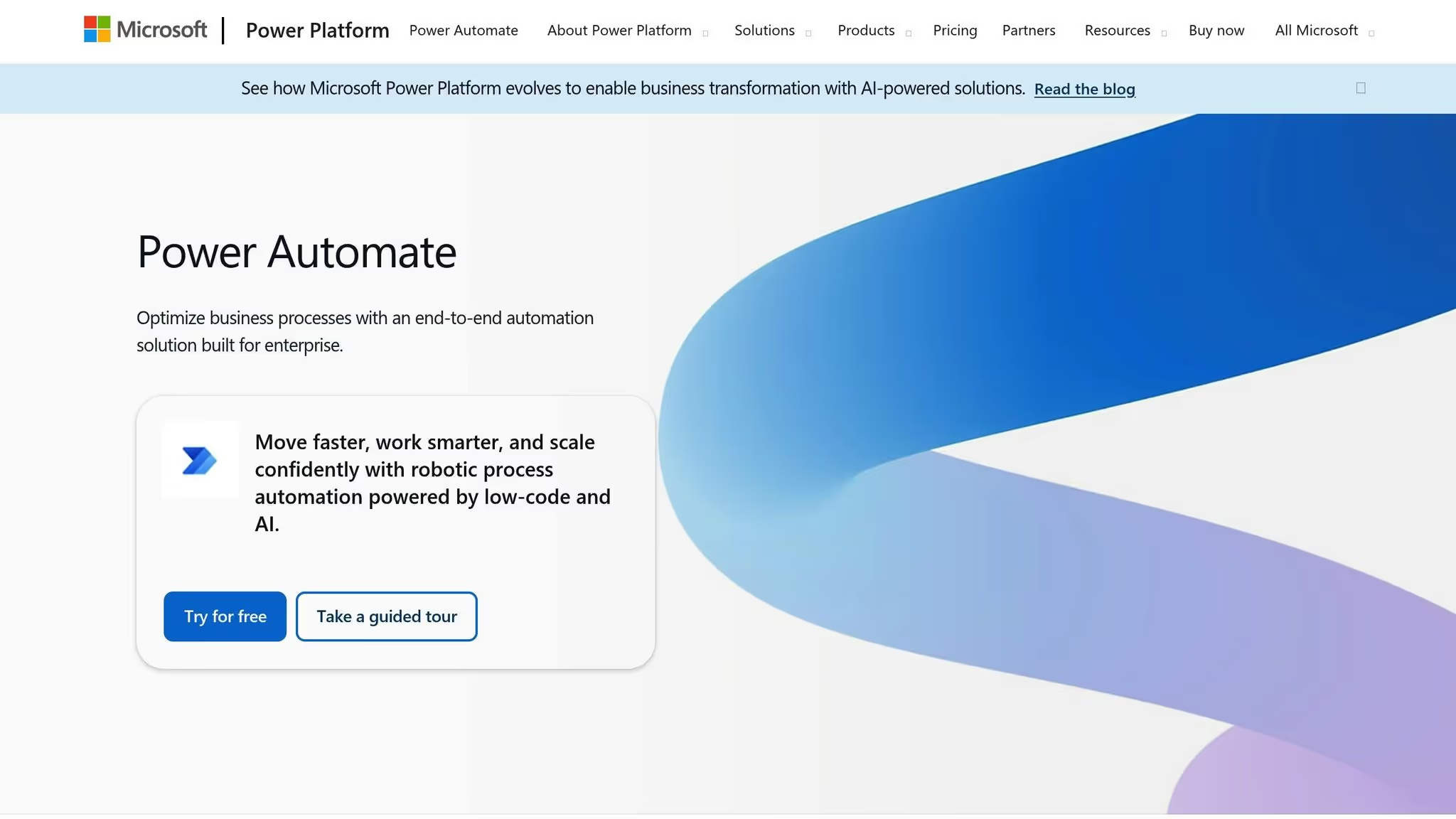
Microsoft Power Automate agiliza los flujos de trabajo en todo el ecosistema de Microsoft al integrarse sin problemas con herramientas como Microsoft 365, Dynamics 365, y otras aplicaciones empresariales. Permite a los equipos mejorar la productividad sin salir de sus entornos de trabajo habituales. Por ejemplo, puede automatizar los flujos de trabajo de aprobación rutinarios directamente en Teams y extraer los detalles clave de los correos electrónicos en panorama, o iniciar acciones basadas en las actualizaciones de SharePoint - hacer que los procesos críticos sean más fluidos y eficientes cuando la colaboración ya existe.
Power Automate refuerza la conectividad del flujo de trabajo a través de una amplia gama de conectores diseñados para automatizar los flujos de datos, reducir la entrada manual y reducir los errores. Estos conectores garantizan un funcionamiento más fluido y refuerzan la capacidad de Power Automate para mejorar la eficiencia en las organizaciones que ya utilizan el conjunto de herramientas de Microsoft.
Al evaluar las plataformas de flujo de trabajo de IA, comprender sus puntos fuertes y limitaciones es clave para elegir la herramienta adecuada para sus necesidades. Cada plataforma ofrece ventajas y desventajas distintas, por lo que es esencial alinear su elección con sus objetivos operativos y requisitos técnicos.
Cada plataforma satisface diferentes necesidades empresariales, desde la gestión de modelos de IA hasta la automatización de los sistemas heredados. Por ejemplo, Prompts.ai destaca entre las organizaciones que utilizan varios modelos de IA, ya que ofrece una orquestación unificada y un seguimiento transparente de los costes a través de sus créditos TOKN. Por otro lado, Microsoft Power Automate es una opción natural para las empresas que ya han invertido en herramientas de Microsoft, ya que permite una integración perfecta con una interrupción mínima.
Para una automatización de tareas sencilla, Zapier proporciona una solución rápida y fácil de usar, mientras que plataformas como Hacer o n8n ofrecen un mayor control para quienes manejan flujos de trabajo complejos. Si su objetivo es la automatización de sistemas antiguos, UiPath ofrece capacidades de RPA inigualables.
Las consideraciones presupuestarias también desempeñan un papel importante. Modelos de pago por uso, como Créditos TOKN de Prompts.ai, alinee los costos con el uso real, mientras que los planes de suscripción de plataformas como Zapier pueden resultar costosos a medida que la automatización se amplía.
La seguridad y el cumplimiento son igualmente importantes. Plataformas como Prompts.ai, UiPath, y Power Automate atienden a los sectores regulados con sólidas funciones de control y pistas de auditoría, mientras que las empresas más pequeñas pueden priorizar la facilidad de uso y la implementación rápida.
Elegir la herramienta adecuada significa alinear las fortalezas de cada plataforma con los desafíos específicos a los que se enfrenta su organización. Cada una de las plataformas analizadas tiene un propósito distinto, y comprender estas diferencias es clave para tomar una decisión informada.
Para organizaciones que utilizan varios modelos de IA, Prompts.ai proporciona una plataforma centralizada y rentable que simplifica el acceso a los modelos y elimina la molestia de tener varias suscripciones.
Empresas centradas en Microsoft apreciará cómo Power Automate se integra perfectamente en su infraestructura existente, lo que minimiza las necesidades de formación y aprovecha las herramientas de automatización integradas.
Pequeñas empresas y nuevas empresas si busca una automatización de tareas rápida y sencilla, debería explorar Zapier. Sin embargo, a medida que los flujos de trabajo se expanden, vale la pena vigilar los precios basados en tareas para evitar costos inesperados.
Equipos técnicos con experiencia en la gestión de infraestructuras podría encontrar n8n atractivo. Su opción de alojamiento automático permite ejecuciones ilimitadas y ofrece un control total sobre los datos.
Industrias con regulaciones estrictas y sistemas heredados debe considerar UiPath. Proporciona sólidas capacidades de RPA, pistas de auditoría detalladas y herramientas de gobierno diseñadas para despliegues a gran escala.
Para simplificar su decisión, identifique si sus prioridades radican en la orquestación multimodelo, la automatización del flujo de trabajo de Microsoft, la integración de aplicaciones en la nube o la modernización de los sistemas heredados. Ten en cuenta las habilidades técnicas de tu equipo y si prefieres gestionar la infraestructura u optar por una solución totalmente gestionada. Además, modele su uso previsto para evaluar los precios de cada plataforma a largo plazo.
Comenzar con un proyecto piloto es una forma inteligente de probar la compatibilidad. Mida los resultados (como el tiempo ahorrado, la reducción de errores o las mejoras de costos) antes de comprometerse con una implementación a gran escala.
Prompts.ai prioriza seguridad de datos y cumplimiento adhiriéndose a marcos establecidos como SOC 2 Tipo II, HIPAA y GDPR. Estos estándares están diseñados para proteger los datos confidenciales y, al mismo tiempo, garantizar que sus operaciones se ajusten a las exigencias reglamentarias.
Para fortalecer aún más este compromiso, Prompts.ai ofrece monitoreo de control continuo, lo que permite a las empresas mantener la visibilidad en tiempo real de sus sistemas de IA. Esta supervisión activa reduce los riesgos y garantiza el cumplimiento en todos los modelos de IA conectados.
Al seleccionar una plataforma de flujo de trabajo de IA, es esencial priorizar escalabilidad para que la solución pueda adaptarse a medida que su empresa crezca. Igualmente importante es facilidad de uso, lo que garantiza que su equipo pueda ponerse al día sin demoras innecesarias.
También querrás evaluar la plataforma capacidades de integración para confirmar que funciona a la perfección con sus herramientas y sistemas actuales. No pase por alto funciones de seguridad - la protección de los datos sensibles debe ser una prioridad absoluta.
Otras consideraciones clave incluyen la disponibilidad de soporte técnico, la capacidad de la plataforma para gestionar personalización para satisfacer necesidades específicas y si ofrece herramientas de colaboración para mejorar la eficiencia del equipo. Al centrarse en estos elementos, puede elegir una plataforma que no solo cumpla con sus requisitos actuales, sino que también ayude a aumentar la productividad de manera mensurable.
Prompts.ai transforma la forma en que operan las empresas al automatizar los flujos de trabajo, eliminar las tareas repetitivas y reunir herramientas de IA dispersas en una plataforma cohesiva. Este enfoque simplificado puede reducir drásticamente los costos operativos, con ahorros de hasta 95%.
Con los procesos funcionando de manera más eficiente y los recursos asignados de manera más eficaz, las empresas pueden centrar su atención en las prioridades de alto impacto, lo que aumenta la productividad y ofrece resultados tangibles.