Pay As You Goإصدار تجريبي مجاني لمدة 7 أيام؛ لا يلزم وجود بطاقة ائتمان


أصبحت أدوات سير العمل بالذكاء الاصطناعي الآن ضرورية للمؤسسات التي تهدف إلى تبسيط العمليات وخفض التكاليف. من خلال المنصات التي تقدم التشغيل الآلي المتقدم واتخاذ القرار في الوقت الفعلي والتكامل الآمن، يكمن التحدي في اختيار النظام المناسب. تقيم هذه المقالة سبعة خيارات رائدة - Prompts.ai، وكلاء سانا، مساعد الطيار لميكروسوفت، غلين، استوديو أسانا للذكاء الاصطناعي، الخدمة الآن، و Workato - استنادًا إلى ميزاتها وأمانها وقابليتها للتطوير وأسعارها.
إذا كنت تبحث عن كفاءة التكلفة و مرونة النموذج، Prompts.ai تتميز بنظام TOKN الائتماني والوصول الموحد إلى أفضل نماذج الذكاء الاصطناعي. بالنسبة للشركات التي استثمرت بالفعل في أدوات مثل Microsoft 365 أو Asana، قد توفر الحلول الأصلية تكاملاً أكثر سلاسة. اختر نظامًا أساسيًا يتوافق مع الأنظمة الحالية واحتياجات الأمان وأولويات الميزانية.
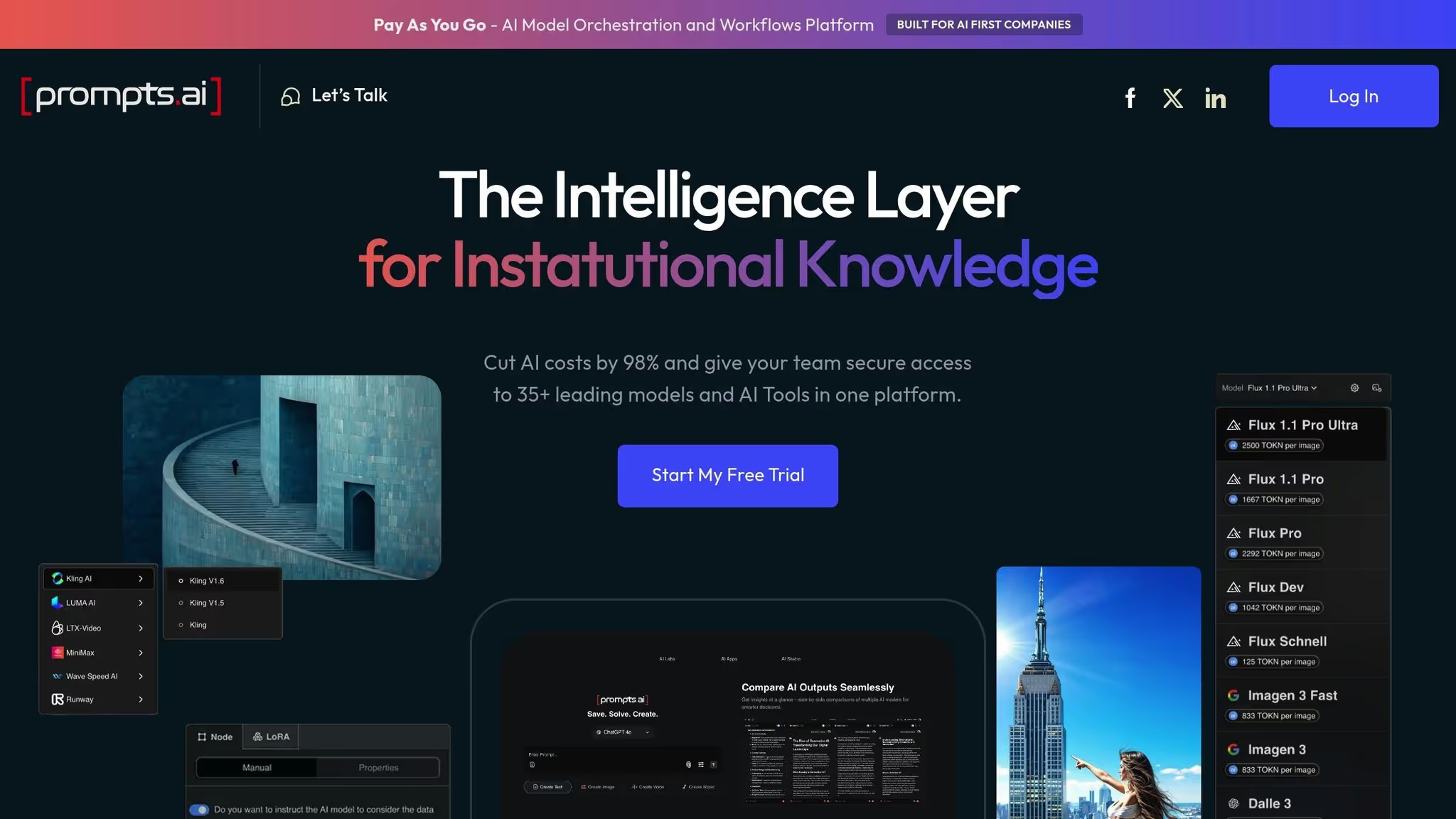
Prompts.ai عبارة عن منصة قوية للمؤسسات تجمع أكثر من 35 طرازًا رائدًا - مثل GPT-5 وكلود ولاما وجيميني وغروك-4 وفلوكس برو وكلينج - في واجهة واحدة آمنة ومبسطة. إنه يزيل متاعب التوفيق بين عمليات تسجيل الدخول المتعددة وأنظمة الفواتير وبروتوكولات الحوكمة. من خلال تركيز الوصول إلى هذه الأدوات وإدارة سير العمل في مكان واحد، تساعد Prompts.ai المؤسسات على تجاوز فوضى انتشار الأدوات مع الحفاظ على معايير الأمان والامتثال العالية التي تتطلبها.
يعد الأمان أولوية قصوى لـ Prompts.ai، وقد تم تصميم النظام الأساسي لتلبية حتى متطلبات المؤسسة الأكثر صرامة. يتبع أفضل الممارسات الموضحة في أطر مثل SOC 2 من النوع الثاني وHIPAA واللائحة العامة لحماية البيانات، مما يضمن حماية البيانات الحساسة عبر جميع عمليات سير العمل. في يونيو 2025، بدأت Prompts.ai تدقيق SOC 2 Type II، مما يشير إلى تفانيها في الحفاظ على الأمان على مستوى المؤسسة. بالإضافة إلى ذلك، تستخدم المنصة فانتا للمراقبة المستمرة، والتي توفر تتبعًا في الوقت الفعلي للالتزام بسياسات الأمان.
لمزيد من الشفافية، تقدم Prompts.ai مركز ثقة يمكن الوصول إليه بشكل عام على https://trust.prompts.ai. هنا، يمكن للمؤسسات مراجعة التحديثات المتعلقة بالسياسات والضوابط والشهادات، مما يسهل على فرق الأمن تقييم المخاطر وإكمال تقييمات البائعين، لا سيما في الصناعات المنظمة.
مع تطبيق تدابير الأمان هذه، يعمل Prompts.ai على توحيد الوصول إلى النماذج الرئيسية ضمن واجهة آمنة واحدة.
يعمل Prompts.ai على تبسيط الوصول إلى جميع النماذج المدعومة، مما يسمح للمؤسسات بإدارة مفاتيح API والمصادقة وتحديثات الإصدار من خلال نظام أساسي واحد. على سبيل المثال، يمكن لفريق الامتثال استخدام نموذج واحد لتحليل المستندات، وآخر للتلخيص، والثالث لإنشاء تقارير التدقيق - وكلها منسقة بسلاسة داخل المنصة. لا يقلل هذا النظام المتكامل من المخاطر فحسب، بل يلغي أيضًا الحاجة إلى عمليات التسليم اليدوية، مما يحسن الأمان والكفاءة.
تتضمن المنصة نظامًا قويًا لإدارة سير العمل يحول أفضل الممارسات إلى تدفقات عمل قابلة لإعادة الاستخدام وقابلة للمشاركة. تساعد عمليات سير العمل هذه على توحيد المخرجات وجعل عملية تأهيل أعضاء الفريق الجدد أسهل بكثير.
ميزة بارزة أخرى هي أداة مقارنة النماذج، التي تختبر المطالبات عبر نماذج متعددة في وقت واحد. هذه الوظيفة لا تقدر بثمن لتحديد النموذج الأفضل أداءً لاحتياجات محددة، مثل خدمة العملاء أو تحليل المستندات القانونية أو الكتابة الفنية. من خلال تقديم رؤى تعتمد على البيانات، تسمح Prompts.ai للمؤسسات باتخاذ خيارات مستنيرة دون الاعتماد فقط على مطالبات البائعين.
لزيادة تمكين الفرق، توفر Prompts.ai برامج تأهيل متعمقة وبرامج تدريب مؤسسية. تساعد هذه المبادرات على بناء الخبرة الداخلية وتقليل الاعتماد على الاستشاريين الخارجيين وتمكين المنظمات من تطوير قدرات الذكاء الاصطناعي المستدامة داخل الشركة.
تم تصميم Prompts.ai للتوسع مع احتياجات الشركات المتنامية. تدعم بنيتها التوسع السريع دون إضافة تعقيد البنية التحتية. من خلال الواجهة الإدارية البديهية للمنصة، يمكن للمؤسسات استيعاب النماذج الجديدة أو المستخدمين أو الفرق بأكملها بسرعة - سواء بدمج وحدة أعمال مكتسبة أو طرح مبادرة إنتاجية على مستوى الشركة.
المنصة نظام ائتمان TOKN للدفع أولاً بأول يعمل على مواءمة التكاليف مع الاستخدام الفعلي، مما يوفر بديلاً مرنًا للرسوم الشهرية الثابتة. من خلال شراء الائتمانات مقدمًا واستخدامها في تنفيذ عمليات سير العمل، تكتسب فرق التمويل رؤية واضحة للإنفاق. يضمن هذا النهج أن تدفع المؤسسات فقط مقابل ما تستخدمه، مما يجعل إعداد الميزانية أكثر قابلية للتنبؤ والكفاءة.
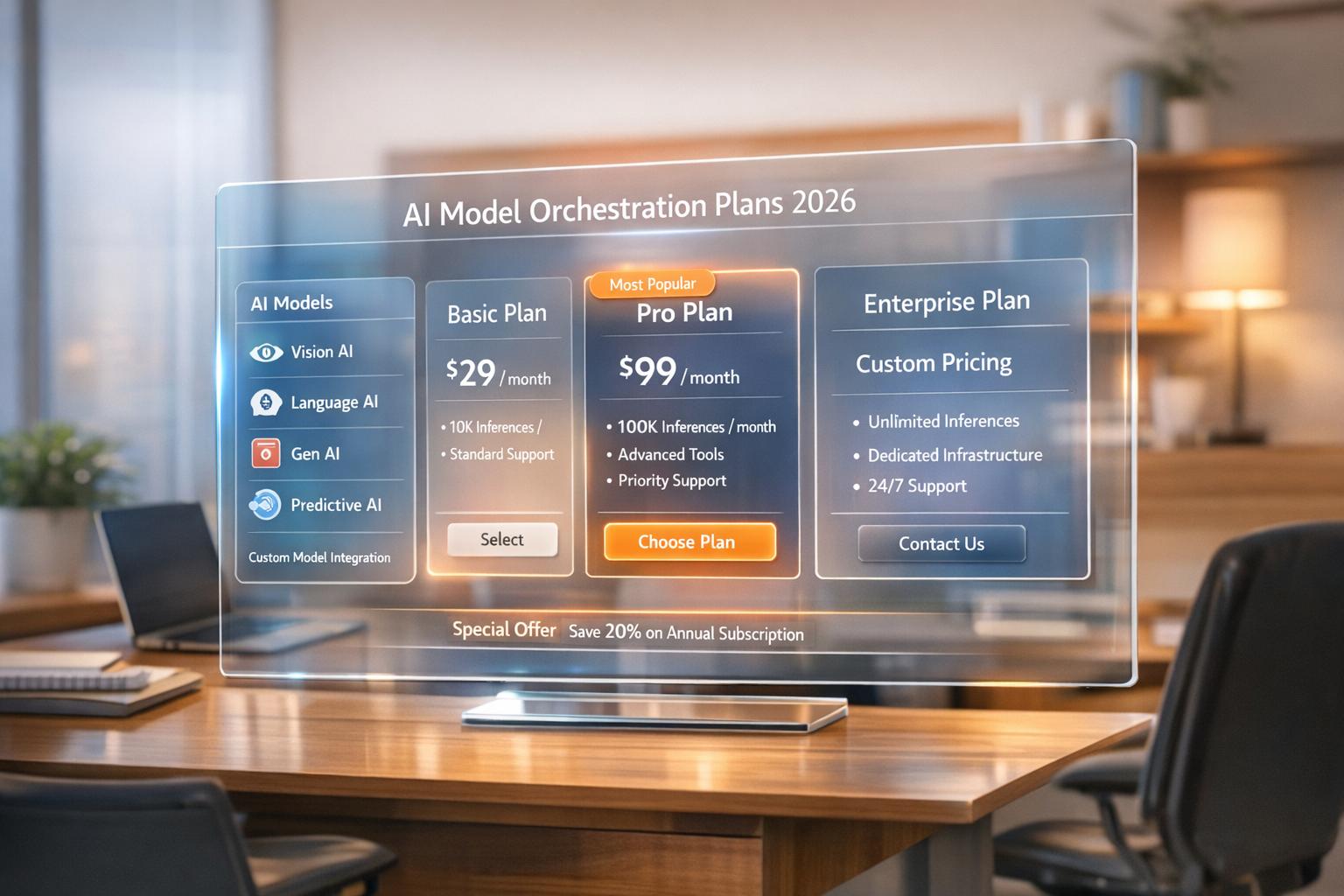
تم تصميم Prompts.ai مع مراعاة التحكم في التكلفة والكفاءة. من خلال تعزيز علاقات البائعين واستخدام نظام TOKN للدفع أولاً بأول، يمكن للمؤسسات تقليل نفقات برامج الذكاء الاصطناعي بنسبة تصل إلى 98٪. تبدأ مستويات التسعير من 99 دولارًا لكل عضو شهريًا للخطة الأساسية، والتي تعد مثالية لأتمتة سير العمل القياسية. خطة Pro، التي تبلغ 119 دولارًا لكل عضو شهريًا، تلبي احتياجات العاملين في مجال المعرفة الذين يحتاجون إلى الوصول إلى النماذج المتقدمة، في حين أن خطة Elite، بسعر 129 دولارًا لكل عضو شهريًا، مصممة للفرق الإبداعية التي تستفيد من أدوات الذكاء الاصطناعي التوليدية المتقدمة.
توفر لوحة معلومات تتبع التكاليف في الوقت الفعلي لفرق التمويل رؤى مفصلة حول أنماط الإنفاق، مما يساعد على تحديد مجالات التحسين. يدعم هذا المستوى من الشفافية المالية تخصيص الميزانية بشكل أكثر ذكاءً والاستثمار المستمر في مبادرات الذكاء الاصطناعي.
من خلال الإعداد الشامل وقابلية التوسع المضمنة في تصميمه، يضمن Prompts.ai عملية نشر سلسة، مما يمكّن الفرق من البدء في العمل بأقل قدر من الاحتكاك.
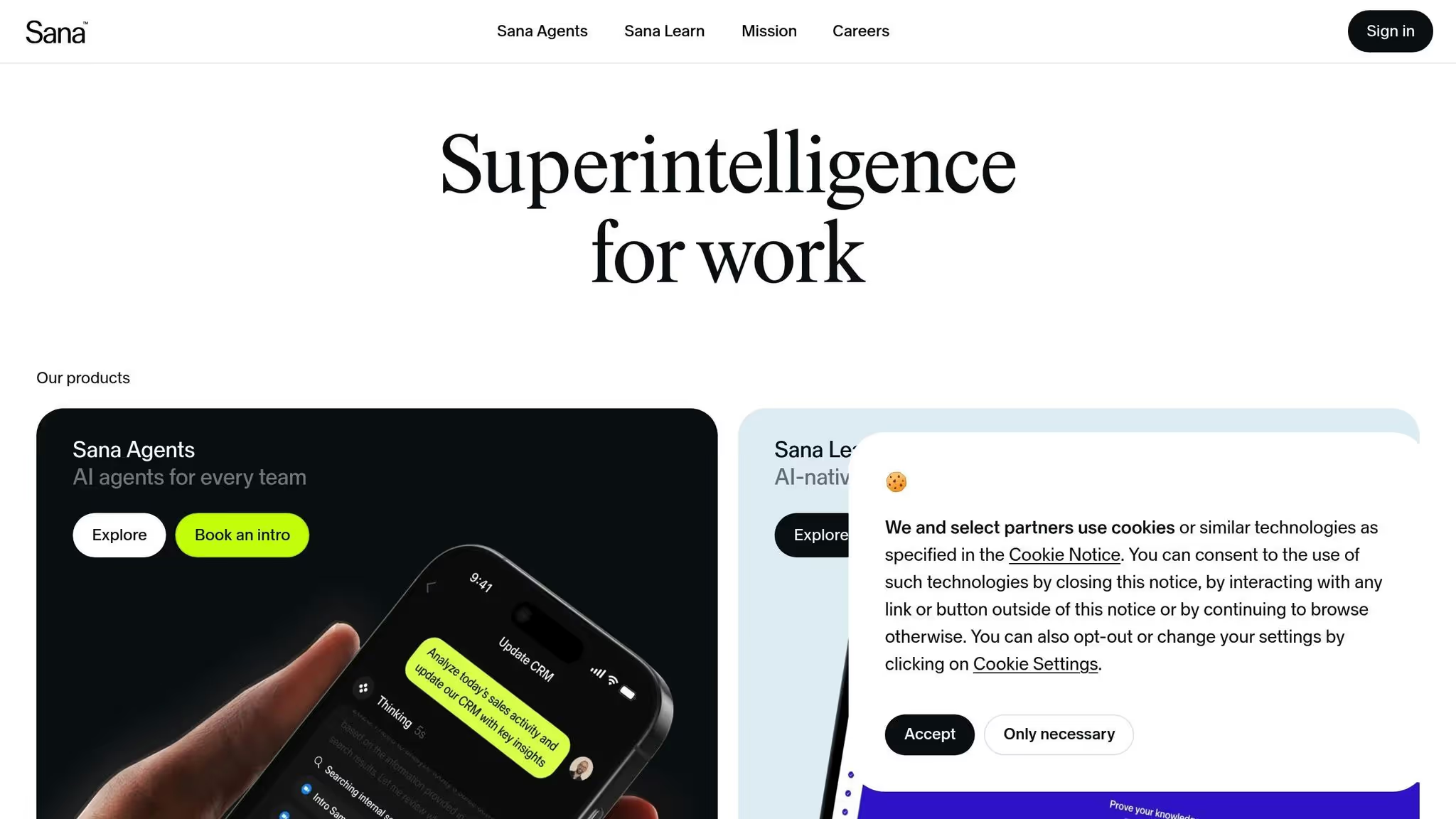
يقدم وكلاء سانا منصة تعتمد على الذكاء الاصطناعي مصممة لتبسيط المهام الروتينية وتحسين كيفية إدارة المؤسسات لمعارفها. على الرغم من أن التفاصيل المحددة - مثل طرق التكامل ووظائف الذكاء الاصطناعي وخيارات النشر - لم يتم توضيحها على نطاق واسع، فمن الضروري للشركات تقييم موارد البائع لتحديد ما إذا كانت تتوافق مع متطلبات الأتمتة الخاصة بهم. نظرًا لأهمية الرؤى التفصيلية في اتخاذ قرارات مستنيرة، فإن فهم نطاق المعلومات المقدمة يمكن أن يؤثر بشكل كبير على عملية الاختيار. هذا يسلط الضوء على درجات الشفافية المختلفة بين أدوات سير عمل الذكاء الاصطناعي للمؤسسات.
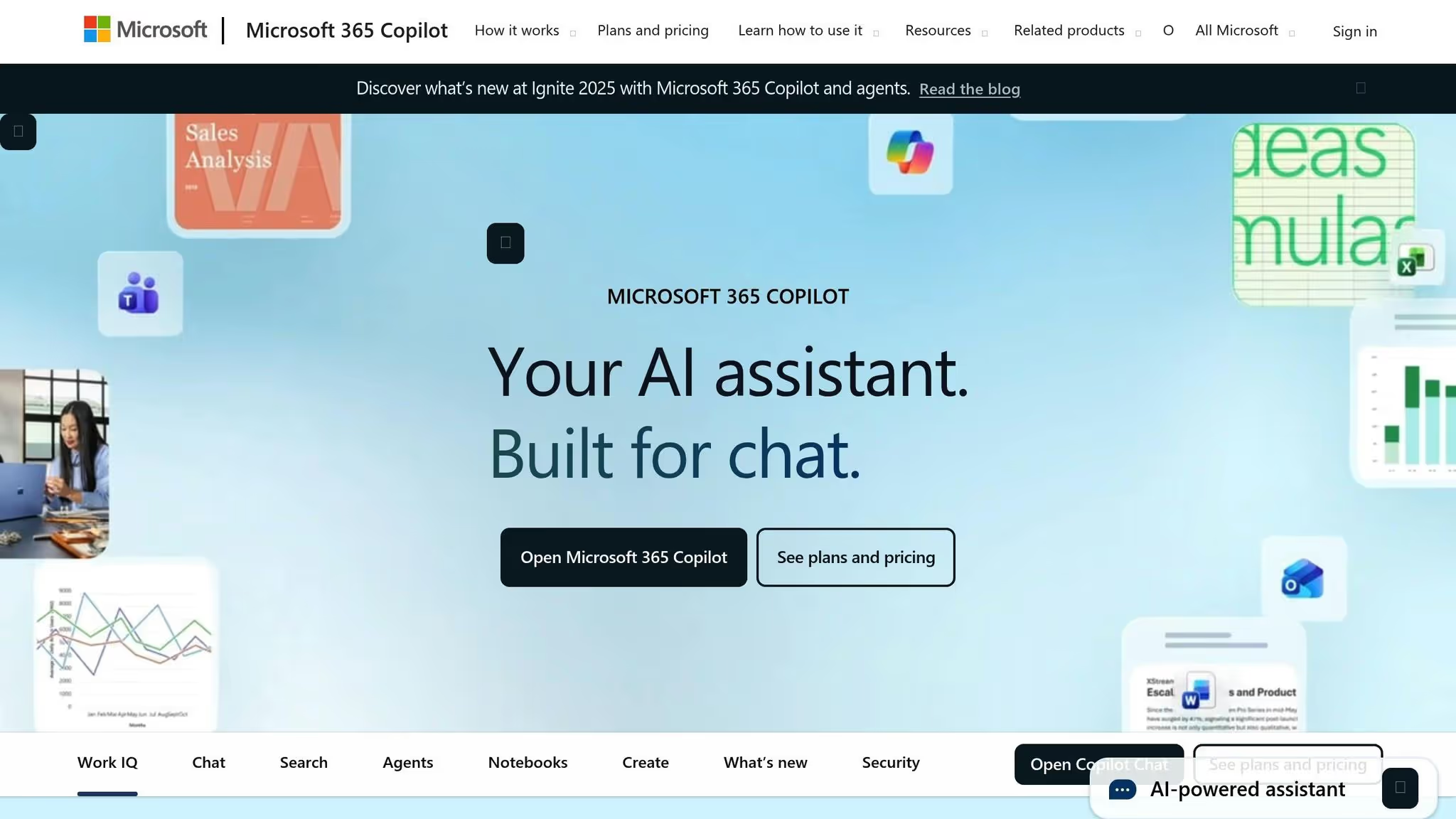
تعيد Microsoft Copilot تعريف كيفية تعامل المؤسسات مع التشغيل الآلي لسير العمل. فهو مدمج بسلاسة في نظام Microsoft 365 البيئي، وهو يوفر إمكانات تعتمد على الذكاء الاصطناعي للأدوات التي يعتمد عليها الموظفون بالفعل يوميًا - مثل Word وExcel وTeams وOutlook. بدلاً من مطالبة الشركات بتبني منصات غير مألوفة، تدمج Copilot الأتمتة الذكية في التطبيقات التي يعرفها الناس بالفعل، مما يجعلها إضافة سهلة لسير العمل الحالي.
يعمل برنامج Copilot أصلاً مع Microsoft 365، حيث يستمد الأفكار من أدوات مثل نقطة مشاركة، ون درايفوالبورصة والفرق. كما أنه يتصل بأنظمة خارجية، مثل سالسفورس و SAP، من خلال موصلات ميكروسوفت غراف. وهذا يلغي الحاجة للتنقل بين التطبيقات، مما يتيح للمستخدمين الوصول إلى البيانات من مصادر متعددة في مكان واحد. من خلال تبسيط الوصول إلى المعلومات، يقلل برنامج Copilot من اضطرابات سير العمل ويحافظ على تركيز الموظفين على مهامهم.
يعمل برنامج Copilot على تبسيط المهام المتكررة عبر مجموعة Microsoft 365:
توفر هذه الميزات ساعات من الجهد الإداري للموظفين، مما يسمح لهم بالتركيز على المهام التي تضيف المزيد من القيمة إلى الأعمال. وعلى الرغم من أن برنامج Copilot يعزز الإنتاجية، فإنه يعطي الأولوية أيضًا لأمن البيانات.
قامت Microsoft بتصميم برنامج Copilot للعمل ضمن إطار الأمان القوي لـ Microsoft 365. تلتزم الأداة بنفس الأذونات وعناصر التحكم في الوصول الموجودة بالفعل، مما يضمن للمستخدمين رؤية البيانات المصرح لهم بالوصول إليها فقط. هذا التوافق مع سياسات الحوكمة الحالية يلغي الحاجة إلى تكوينات إضافية.
بالنسبة للصناعات ذات المتطلبات التنظيمية الصارمة، تدعم Copilot معايير الامتثال مثل GDPR و HIPAA و SOC 2. تظل البيانات التي تتم معالجتها بواسطة الذكاء الاصطناعي ضمن مستأجر المؤسسة ولا يتم استخدامها لتدريب نماذج اللغات الأوسع لشركة Microsoft. وهذا يضمن بقاء المعلومات الحساسة آمنة مع تمكين الأتمتة لتبسيط عمليات سير العمل.
يمكن للمؤسسات طرح Copilot تدريجيًا، بدءًا من أقسام محددة لاختبار وتحسين استخدامه قبل التوسع. يتم تقديم الترخيص على أساس كل مستخدم، مما يمنح المؤسسات التحكم في التكاليف من خلال استهداف النشر في الأدوار حيث يوفر دعم الذكاء الاصطناعي أكبر الفوائد.
تقوم Microsoft بإدارة التحديثات والبنية التحتية، لذلك لا داعي للقلق بشأن التحكم في الإصدار أو متطلبات الأجهزة. يضمن هذا النموذج القائم على السحابة تحسين قدرات Copilot باستمرار دون إضافة أعباء عمل تقنية المعلومات.
لاستخدام Copilot، تحتاج الشركات إلى ترخيص Microsoft 365 E3 أو E5، بالإضافة إلى 30.00 دولارًا إضافيًا لكل مستخدم شهريًا. بالنسبة للشركات التي استثمرت بالفعل في نظام Microsoft البيئي، تعد هذه تكلفة مباشرة وليست إصلاحًا كبيرًا. غالبًا ما يبرر الوقت الذي يتم توفيره في مهام مثل إدارة البريد الإلكتروني وإنشاء المستندات وتحليل البيانات التكلفة المضافة.
ومع ذلك، يتطلب تحقيق القيمة الكاملة أكثر من مجرد شراء الأداة. يحتاج الموظفون إلى التدريب للاستفادة بشكل فعال من مساعدة الذكاء الاصطناعي، ويجب على المنظمات ضمان تنظيم بنية البيانات الخاصة بهم بشكل جيد. على سبيل المثال، يمكن أن تؤدي مواقع SharePoint التي تتم صيانتها بشكل سيئ أو تسمية الملفات غير المتسقة إلى إعاقة أداء الذكاء الاصطناعي. عند تنفيذه بعناية، يصبح Copilot حلاً فعالاً من حيث التكلفة يعزز الإنتاجية ويدعم عمليات سير العمل المبسطة المدعومة بالذكاء الاصطناعي.
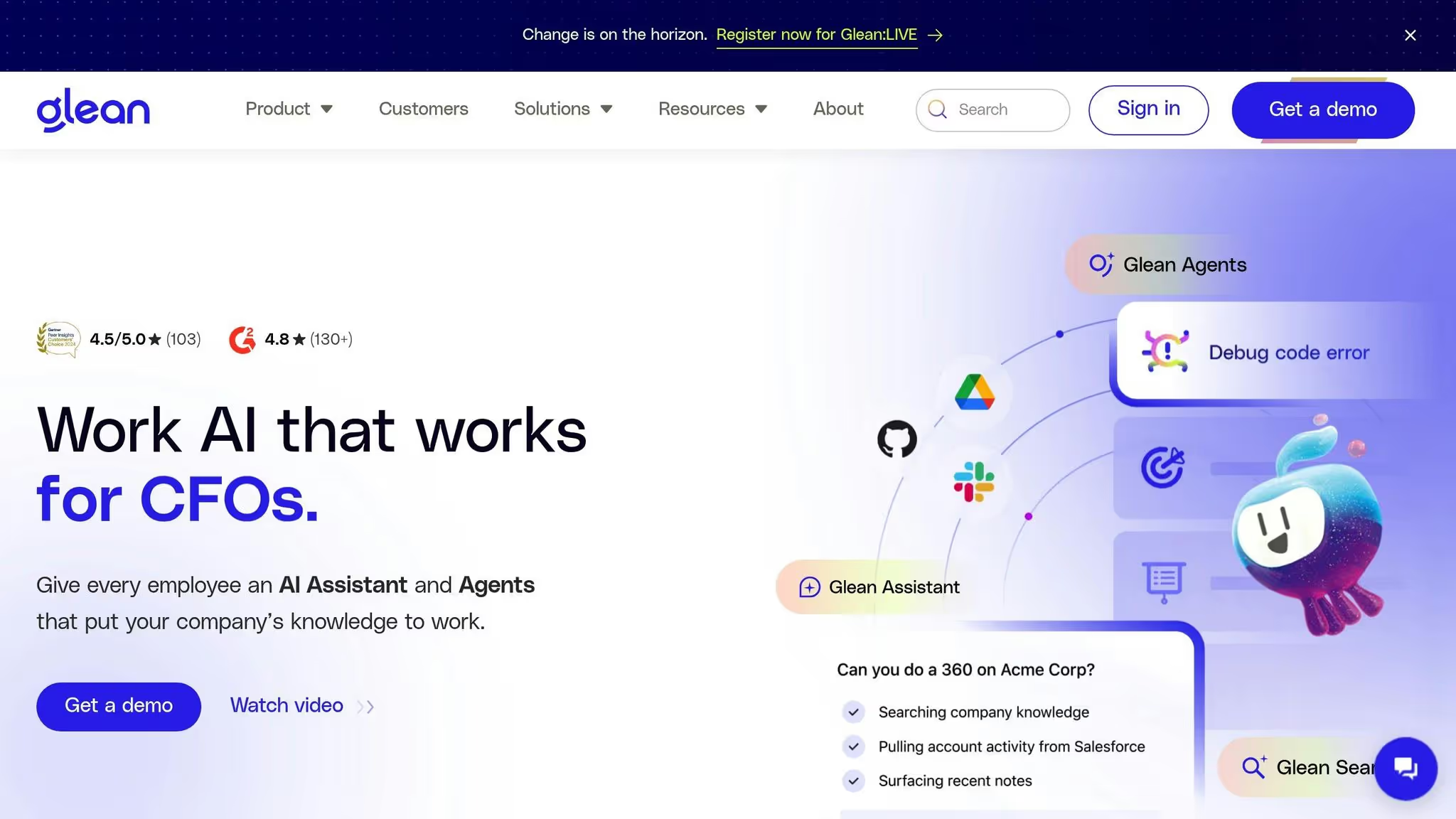
تتبنى Glean نهجًا فريدًا من خلال التركيز على الوصول السريع والفعال للبيانات بدلاً من أتمتة عمليات سير العمل بأكملها. يقوم بدمج بيانات المؤسسة المتناثرة - مثل الملفات من سلاك، جوجل درايفوالبريد الإلكتروني - في مركز واحد يمكن البحث فيه. وقد اكتسبت قدرة البحث المبسطة هذه ثقة أكثر من 500 شركة، مما سمح للفرق بقضاء وقت أقل في تعقب المستندات والمزيد من الوقت في معالجة المهام ذات المغزى. بينما تعطي المنصات الأخرى الأولوية لأتمتة العمليات، تتألق Glean في تنظيم واسترجاع المعلومات التي تدفع إلى اتخاذ قرارات أكثر ذكاءً.
يتصل Glean بسلاسة مع أكثر من 100 تطبيق مؤسسي، بما في ذلك Salesforce و SharePoint و ندفة الثلج. يقوم بفهرسة البيانات من محركات الأقراص السحابية وأنظمة البريد الإلكتروني وأدوات التعاون، مما يوفر بحثًا موحدًا دون الحاجة إلى عمليات ترحيل البيانات على نطاق واسع. تعمل المنصة مع كل من مصادر البيانات المستندة إلى السحابة والمحلية، وتقوم بمزامنة الأذونات في الوقت الفعلي لضمان توافق نتائج البحث مع عناصر التحكم في الوصول الحالية. يلتزم هذا النسخ المتطابق للأذونات في الوقت الفعلي بسياسات التحكم في الوصول المستند إلى الأدوار (RBAC). ومع ذلك، فإن توافقه مع الأنظمة القديمة أو المتخصصة للغاية لا يزال محدودًا إلى حد ما.
تتيح ميزة «Ask Glean» المدعومة بالذكاء الاصطناعي من Glean للموظفين التفاعل مع البيانات من خلال استعلامات اللغة الطبيعية، وتقديم إجابات دقيقة تدرك السياق. من خلال استخدام الجيل المعزز للاسترجاع، فإنه يتفوق في سحب المعلومات ذات الصلة وتلخيصها بشكل فعال. تعمل إمكانات البحث الدلالي الخاصة به على تعزيز قابلية الاستخدام، مما يتيح للاستعلامات مثل «تحليل تقلبات العملاء» عرض المستندات والمناقشات ذات الصلة، حتى بدون مطابقة الكلمات الرئيسية الدقيقة. في حين تعمل Glean على تحسين كيفية الوصول إلى المعلومات وفهمها بشكل كبير، إلا أنها لا تتعامل مع عمليات سير العمل متعددة الخطوات أو التشغيل الآلي لعمليات الأعمال على نطاق أوسع.
يمثل الأمان نقطة تركيز أساسية لـ Glean، مع مزامنة الأذونات في الوقت الفعلي وعناصر التحكم في الوصول القائمة على الأدوار التي تضمن للمستخدمين رؤية البيانات المصرح لهم بالوصول إليها فقط. ومع ذلك، تحتفظ المنصة ببعض البيانات داخل بنيتها التحتية لتشغيل وظائف البحث الخاصة بها. بالنسبة للشركات التي لديها قواعد أو سياسات صارمة تتعلق بوضع البيانات ضد التخزين الخارجي للبيانات، قد يمثل ذلك تحديًا للامتثال يحتاج إلى تقييم دقيق.
تم تصميم Glean مع وضع المؤسسات في الاعتبار، ويتم تقديمه بشكل أساسي كحل قائم على السحابة ولكنه يدعم أيضًا عمليات النشر السحابية المحلية أو الخاصة. تسمح هذه المرونة للمؤسسات بالبدء على نطاق صغير - ربما ببرنامج تجريبي لفرق محددة - قبل توسيع الاستخدام عبر الشركة. يساعد هذا النهج الشركات على تقييم توافق المنصة مع بيئة تكنولوجيا المعلومات الحالية مع التوسع وفقًا لسرعتها الخاصة.
تعمل Glean على نموذج تسعير مخصص قائم على عروض الأسعار، مع التركيز على توفير الوقت من خلال تقليل الجهد المبذول في البحث عن المعلومات. ومع ذلك، تتوقف فعاليتها على جودة مستودعات بيانات المؤسسة. نظرًا لأن Glean تركز على تحسين البحث بدلاً من أتمتة عمليات سير العمل، يجب على الشركات تقييم مدى ملاءمتها جنبًا إلى جنب مع استراتيجيات التشغيل الآلي الأوسع. لتحقيق أقصى قدر من إمكاناتها، قد يكون من الضروري الاستثمار في الحفاظ على مستودعات بيانات نظيفة ومنظمة جيدًا.
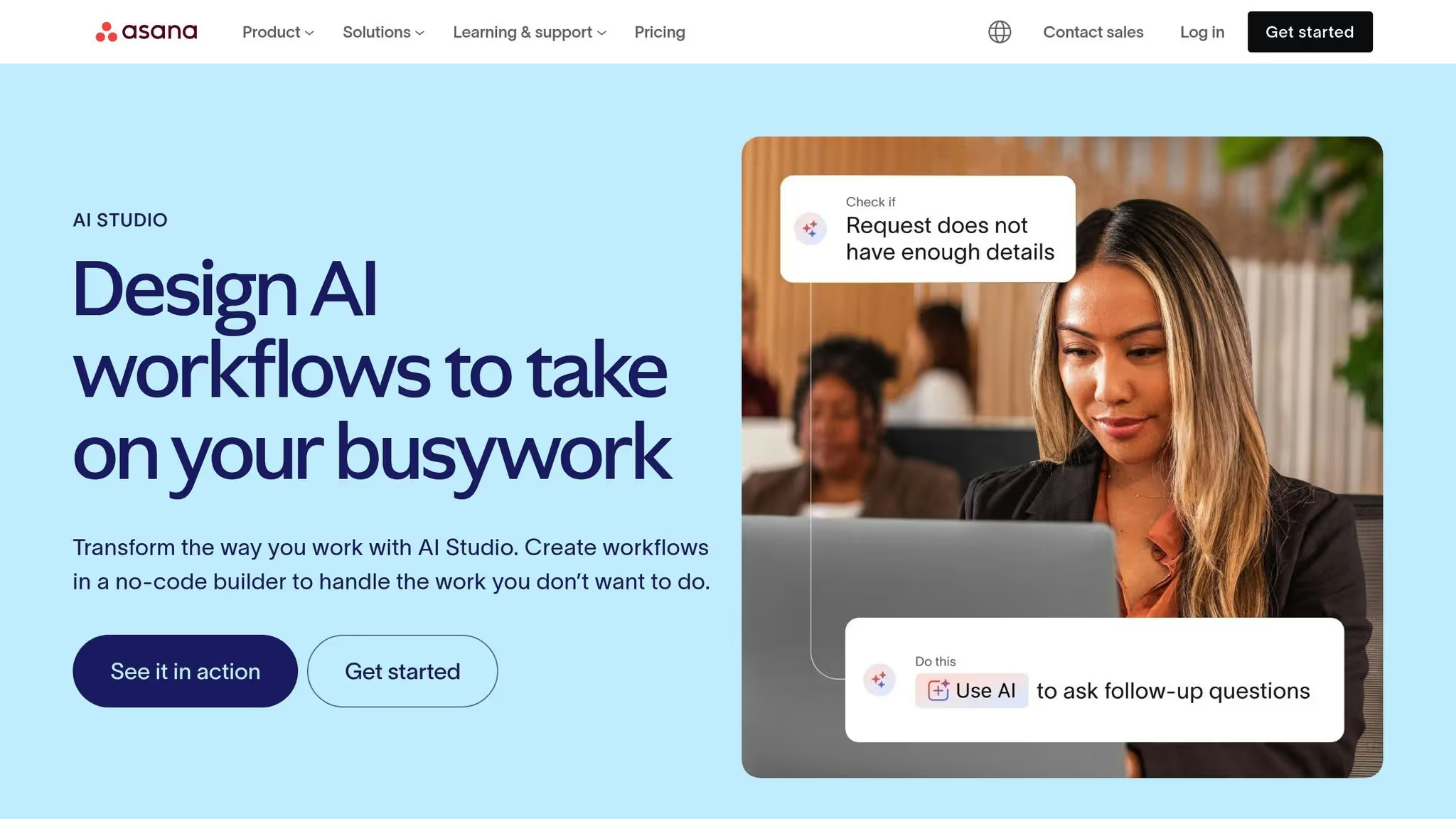
يتبع Asana AI Studio نهجًا يركز على المشروع لإدارة سير العمل في المؤسسة، ويصمم ميزاته لتلبية احتياجات الفرق التي تزدهر في تنفيذ المشروع المنظم والفعال. من خلال الاستفادة من الذكاء الاصطناعي، تعمل المنصة على تحسين رؤية الفريق وتسريع عملية صنع القرار وأتمتة المهام المتكررة. يسلط اعتمادها من قبل شركات Fortune 500 الضوء على قدرتها على إدارة الهياكل التنظيمية المعقدة والعمليات واسعة النطاق بفعالية. يميز هذا التركيز الخاص بالمشروع Asana AI Studio عن المنصات التي تعطي الأولوية لأتمتة العمليات العامة.
يعمل Asana AI Studio على تبسيط إدارة المشاريع من خلال ميزات مثل ملخصات حالة المهام التلقائية ومنشئ سير العمل بالذكاء الاصطناعي بدون كود. تعمل هذه الأداة على تمكين الفرق من صياغة عمليات تلقائية مخصصة دون الحاجة إلى خبرة فنية. يتعامل مع الإشعارات وتحديثات المشروع وإعادة تعيين المهام من خلال عمليات مباشرة متعددة الخطوات. ومع ذلك، فإن قدراته مصممة خصيصًا لإدارة المشاريع والمهام، ولا تمتد إلى الوظائف المتقدمة مثل التوليد المعزز للاسترداد أو البحث الدلالي أو إدارة المعرفة على مستوى المؤسسة.
تم تصميم عمليات تكامل المنصة لتكمل تركيزها على إدارة المشاريع. وهو يتصل بسلاسة بأدوات المؤسسة الأساسية، بما في ذلك التعاون وتخزين الملفات وتطبيقات الاتصال. في حين أن خيارات التكامل الخاصة بها أكثر استهدافًا مقارنة بالمنصات الأوسع، إلا أنها مصممة لتحقيق الموثوقية والكفاءة في عمليات سير العمل المتعلقة بالمشروع.
يعطي Asana AI Studio الأولوية لأمن البيانات من خلال الامتثال لـ SOC2 Type II والتحكم في الوصول القائم على الأدوار. تضمن هذه الإجراءات بقاء بيانات المشروع الحساسة متاحة فقط للمستخدمين المصرح لهم، مما يوفر راحة البال لفرق المؤسسة التي تتعامل مع المعلومات الهامة.
تم تصميم Asana AI Studio مع وضع المؤسسات الكبيرة في الاعتبار، وهو يدعم قابلية التوسع للمؤسسات ذات الفرق المتنوعة ومحافظ المشاريع المعقدة. يمكّن مُنشئ سير العمل بدون تعليمات برمجية الفرق من إطلاق عمليات نشر تجريبية وتوسيع نطاق الاستخدام بشكل تدريجي، كل ذلك دون الحاجة إلى تدريب تقني مكثف أو مشاركة مكثفة في مجال تكنولوجيا المعلومات. هذه المرونة تجعلها خيارًا عمليًا للمؤسسات التي تهدف إلى دمج إدارة المشاريع القائمة على الذكاء الاصطناعي عبر الأقسام المختلفة.
يعمل Asana AI Studio وفقًا لنموذج تسعير مخصص، ويقدم عروض أسعار مخصصة لتتناسب مع الاحتياجات التنظيمية. تتميز المنصة بتحسن بنسبة 25٪ في سرعة تسليم المشروع، ويتم تحقيقه من خلال تحديثات الحالة الآلية وتحديد أولويات المهام وسير العمل متعدد الخطوات. من خلال تقليل عبء العمل الإداري على مديري المشاريع، فإنه يساعد الفرق على توفير وقت كبير عبر مشاريع متعددة. يجب على الشركات تقييم ما إذا كان هذا النهج الذي يركز على المشروع يتوافق مع أهداف الأتمتة الشاملة والاستراتيجيات التشغيلية.
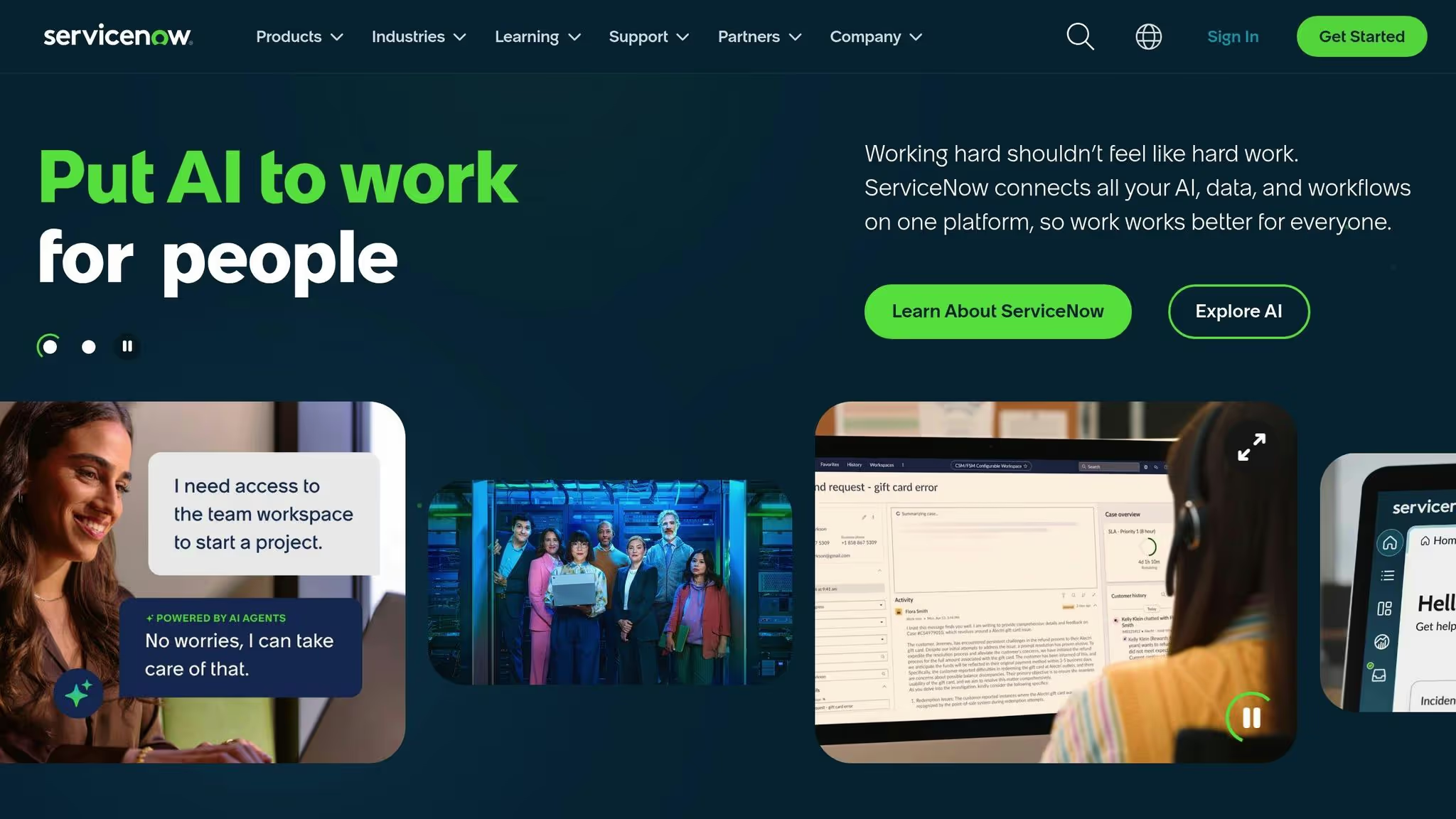
نمت ServiceNow من أداة إدارة خدمات تكنولوجيا المعلومات المباشرة (ITSM) إلى منصة متطورة مدعومة بالذكاء الاصطناعي، مصممة لتبسيط سير العمل عبر تكنولوجيا المعلومات والموارد البشرية وخدمة العملاء. يؤكد هذا التحول على الحاجة المتزايدة للحلول الموحدة التي يمكنها التعامل مع العمليات المعقدة عبر الإدارات مع الحفاظ على معايير الحوكمة والامتثال الصارمة.
تستفيد ServiceNow من الذكاء الاصطناعي لتبسيط سير العمل وتحسينه. يمكنه تلخيص تقارير الحوادث والتوصية بالحلول وصياغة المقالات المعرفية. يوفر وكلاؤها الافتراضيون، المزودون بمعالجة اللغة الطبيعية، ردودًا ذكية على استفسارات العملاء. بالإضافة إلى ذلك، يقوم وكلاء الذكاء الاصطناعي المتخصصون بتصنيف طلبات الخدمة وتوجيهها وتحديد أولوياتها، مما يقلل من التدخل اليدوي ويمكّن الفرق من اتخاذ قرارات مستنيرة بشكل أفضل.
تكمن القوة الحقيقية للمنصة في قدرتها على الاندماج بسلاسة مع أنظمة المؤسسات الحالية. تتصل ServiceNow بمجموعة واسعة من التطبيقات، بما في ذلك Salesforce، يوم العمل، و Slack، مما يتيح عمليات سير العمل الآلية التي تنقل البيانات دون عناء عبر المؤسسة. يضمن هذا التكامل عمليات سلسة ويضع الأساس لتدابير أمنية وحوكمة قوية.
تعالج ServiceNow تحديات الأمن والحوكمة من خلال برج التحكم بالذكاء الاصطناعي، وهو نظام مركزي يوفر إمكانات الحوكمة والامتثال والتدقيق. وهو يدعم التنسيق متعدد النماذج لوكلاء وسياسات الذكاء الاصطناعي، مما يوفر للمؤسسات واجهة واحدة لإدارة نماذج الذكاء الاصطناعي المتعددة. يضمن هذا الإطار المركزي تطبيق السياسات بشكل متسق ويحسن الرؤية في عمليات الذكاء الاصطناعي في جميع أنحاء المؤسسة.
تم تصميم منصة الذكاء الاصطناعي الخاصة بـ ServiceNow للتوسع ودعم مجموعة متنوعة من تدفقات عمل المؤسسة عبر تكنولوجيا المعلومات والموارد البشرية وخدمة العملاء. من خلال ربط وكلاء الذكاء الاصطناعي ومنطق الأعمال والبيانات في الوقت الفعلي، تمكّن المنصة المؤسسات من إدارة عمليات سير العمل التي تمتد عبر أقسام وفرق متعددة. هيكلها مناسب بشكل خاص للمؤسسات الكبيرة حيث تكون العمليات معقدة في كثير من الأحيان وتتطلب التنسيق عبر أنظمة متنوعة.
تتيح أتمتة المهام مثل التصنيف والتوجيه وتحديد أولويات طلبات الخدمة لـ ServiceNow تقليل عبء العمل اليدوي بشكل كبير. يؤدي تبسيط العمليات هذا إلى التخلص من المهام المتكررة وتحسين الكفاءة التشغيلية وتمكين المؤسسات من تلبية متطلبات الخدمة المتزايدة. يجب على الشركات التي تقوم بتقييم ServiceNow أن تنظر في كيفية توافق جذور ITSM الخاصة بها مع أهداف الأتمتة المحددة الخاصة بها، مما يجعلها مكونًا قيمًا لاستراتيجية التشغيل الآلي الشاملة للمؤسسات.
يعمل Workato كمنصة أتمتة تركز على التكامل، حيث تجمع بين التطبيقات والبيانات والذكاء الاصطناعي لتمكين عمليات التشغيل الآلي السلسة. في بيئات التكنولوجيا المتنوعة والمعقدة، تعمل على تبسيط سير العمل من خلال ربط الأنظمة الأساسية وضمان بقاء البيانات متزامنة بشكل فعال. لمزيد من المعلومات حول ميزاته وبروتوكولات الأمان وقدرات النشر، راجع وثائق Workato الرسمية.
يساعد تقييم نقاط القوة والضعف في كل منصة المؤسسات على اتخاذ قرارات مستنيرة. تختلف هذه الأدوات بشكل كبير في كيفية تعاملها مع الأتمتة والتكامل والنشر.
تسلط هذه المقارنة الضوء على المقايضات بين هذه المنصات. تشمل الاعتبارات الإضافية التكلفة والأمان والتكامل واعتماد المستخدم.
بالنسبة للمؤسسات التي تعطي الأولوية للتشغيل الآلي السلس لسير العمل بالذكاء الاصطناعي، فإن موازنة هذه العوامل أمر أساسي. تبرز كفاءة التكلفة كعامل حاسم. على عكس المنصات ذات رسوم الاشتراك الثابتة، Prompts.ai يقدم نموذج الدفع أولاً بأول، حيث يتم تحصيل الرسوم فقط مقابل استخدام الرمز المميز، مما يحافظ على ربط النفقات مباشرة بالطلب الفعلي.
يلعب الأمان والامتثال أيضًا دورًا مهمًا. تحتاج الشركات التي تتعامل مع البيانات الحساسة إلى منصات توفر الحوكمة ومسارات التدقيق والأمان على مستوى المؤسسة منذ البداية. بينما تتطلب بعض الأدوات تكوينًا شاملاً لتحقيق ذلك، فإن البعض الآخر، مثل Prompts.ai، تحتوي على هذه الميزات المضمنة في بنيتها.
تختلف إمكانات التكامل اعتمادًا على مجموعة التقنيات الحالية للمؤسسة. قد تستفيد الشركات التي تستثمر بكثافة في النظم البيئية مثل Microsoft أو Asana أو ServiceNow في البداية من راحة الأدوات الأصلية. ومع ذلك، يمكن لهذه الراحة أن تحد لاحقًا من المرونة إذا تجاوزت الاحتياجات المتطورة قدرات تلك النظم البيئية.
أخيرًا، يعتمد اعتماد المستخدم بشكل كبير على البساطة. تعمل المنصات ذات الواجهات البديهية وعمليات الإعداد الفعالة على تمكين الفرق من تحقيق القيمة بسرعة أكبر.
يعود اختيار أفضل أداة لسير عمل الذكاء الاصطناعي إلى فهم الأولويات الفريدة لمؤسستك. إذا كانت مؤسستك مدمجة بعمق في الأنظمة البيئية مثل Microsoft 365 أو Asana أو ServiceNow، فقد توفر الأدوات الأصلية سهولة النشر السلس. وفي الوقت نفسه، غالبًا ما تواجه الفرق التي تتعامل مع اكتشاف المعرفة أو التعامل مع عمليات الدمج المعقدة مجموعة العقبات الخاصة بها.
عندما إدارة التكاليف والأمان والقدرة على التكيف في المقدمة، يصبح القرار أكثر وضوحًا. تعتمد العديد من منصات المؤسسات على الاشتراكات المكلفة لكل مقعد، والتي يمكن أن تزيد النفقات بسرعة مع نمو الفرق - خاصة عندما يصل العديد من المستخدمين إلى أدوات الذكاء الاصطناعي بشكل متقطع فقط.
هذا هو المكان Prompts.ai يتفرد ويتصدى بشكل مباشر للتحديات المتعلقة بالتكلفة والأمن والتكامل. يوفر نظام TOKN الائتماني للدفع أولاً بأول نهجًا أكثر ذكاءً، حيث يقلل نفقات برامج الذكاء الاصطناعي بنسبة تصل إلى 98٪ عن طريق فرض رسوم على الاستخدام الفعلي فقط. من خلال الوصول الموحد إلى أكثر من 35 شركة LLM رائدة وتتبع FinOps في الوقت الفعلي، يضمن Prompts.ai توافق الإنفاق مع أهداف العمل مع توفير الشفافية الكاملة لفرق التمويل.
الأمن منسوج في أساسه. تعمل ميزات مثل الحوكمة على مستوى المؤسسة ومسارات التدقيق التفصيلية وبروتوكولات حماية البيانات القوية على حماية المعلومات الحساسة، مما يجعلها خيارًا مثاليًا للصناعات ذات متطلبات الامتثال الصارمة.
بالإضافة إلى إطار الأمان الخاص بها، تعمل Prompts.ai على تعزيز التبني بشكل أسرع من خلال برنامج شهادة المهندس الفوري وسير العمل المصمم بخبرة. بدلاً من جعل كل فريق يبدأ من الصفر، يمكن للمؤسسات تنفيذ عمليات سير العمل المجربة والمختبرة على الفور وتدريب القادة الداخليين لزيادة إمكانات الذكاء الاصطناعي عبر الأقسام.
بالنسبة للمؤسسات التي تستكشف أدوات سير العمل بالذكاء الاصطناعي، يقدم السوق حلولًا متنوعة ومتخصصة. ومع ذلك، بالنسبة لأولئك الذين يبحثون عن منصة تجمع بسلاسة بين التحكم في التكاليف والأمان وتعدد استخدامات النماذج والنشر السريع، Prompts.ai يبرز كخيار أكثر اكتمالاً. يعمل تصميمه على التخلص من انتشار الأدوات مع توفير الحوكمة والشفافية التي يطلبها صانعو القرار.
لم يعد تبني التشغيل الآلي لسير العمل بالذكاء الاصطناعي أمرًا اختياريًا - إنه ضروري. يكمن التحدي في إيجاد حل يوازن بين إمكانية الوصول والأمان والتكاليف المتوقعة. باستخدام Prompts.ai، يمكن للمؤسسات إطلاق العنان لإمكانات الذكاء الاصطناعي في جميع أنحاء المؤسسة دون المساومة على التحكم أو الميزانية.
يركز Prompts.ai بشدة على حماية بيانات مؤسستك من خلال التوافق معها SOC 2 من النوع الثاني، هيبا، و GDPR المعايير. تضمن هذه الأطر المعترف بها في الصناعة التعامل مع بياناتك بعناية ووفقًا للوائح الأساسية.
لتوفير الإشراف الأمني المستمر، تتعاون Prompts.ai مع Vanta للمراقبة في الوقت الفعلي لضوابط الأمان الخاصة بها. علاوة على ذلك، بدأت الشركة عملها عملية تدقيق SOC 2 من النوع الثاني في 19 يونيو 2025، مما يعزز تفانيها في حماية المعلومات الحساسة.
ال نظام ائتمان TOKN للدفع أولاً بأول يوفر طريقة عملية لإدارة التكاليف من خلال فرض رسوم على الخدمات التي تستخدمها فقط، دون تقييدك باشتراكات شهرية أو سنوية. يساعدك هذا الإعداد على تجنب النفقات الإضافية، مما يجعله خيارًا رائعًا للشركات ذات الاحتياجات المتقلبة.
من خلال هذا التسعير القائم على الاستخدام، يمكن للشركات التحكم بشكل أفضل في ميزانياتها، وتوسيع نطاق الخدمات لأعلى أو لأسفل حسب الحاجة دون قيود الخطط الثابتة. أنت تدفع فقط مقابل ما يقدم قيمة، مما يوفر نهجًا فعالاً من حيث التكلفة ومباشرًا لإدارة الموارد.
تعمل Prompts.ai على التخلص من تعقيد دمج الذكاء الاصطناعي في مؤسستك من خلال توفير عملية تأهيل مباشرة وأدوات سهلة الاستخدام لتسهيل التنفيذ. من خلال الوصول إلى أكثر من 35 نموذجًا لغويًا كبيرًا، فإنه يسمح لك بمقارنتها جنبًا إلى جنب، مما يسهل تحديد التطابق المثالي لمتطلباتك الفريدة.
باستخدام Prompts.ai، يمكن للفرق إدارة سير العمل السريع والمخرجات والأداء العام بشكل كامل، مما يضمن توافق حلول الذكاء الاصطناعي تمامًا مع أهدافها. لا يؤدي هذا الإعداد الفعال إلى تعزيز الإنتاجية فحسب، بل يعزز أيضًا تعاونًا أقوى عبر الأقسام المختلفة.