Pay As You GoPrueba gratuita de 7 días; no se requiere tarjeta de crédito



Las herramientas de inteligencia artificial están transformando las operaciones empresariales al automatizar las tareas repetitivas, reducir los costos y mejorar la eficiencia. Empresas como Chobani y Cooperativa Western Sugar ya han logrado importantes ahorros de tiempo y costos mediante Automatización impulsada por IA. Dado que más del 75% de las organizaciones integran la IA en al menos una función y que se prevé que los agentes de IA autónomos gestionen el 40% de las tareas empresariales de aquí a 2027, el cambio hacia flujos de trabajo más inteligentes se está acelerando.
He aquí un vistazo rápido a las principales plataformas de IA para la automatización:
Cada plataforma ofrece distintas funciones, precios y opciones de escalabilidad. Si busca optimizar los flujos de trabajo, integrar sistemas desconectados o automatizar tareas complejas, hay una solución que se adapta a sus necesidades. Elija en función de sus herramientas actuales, su presupuesto y sus objetivos de automatización específicos.

Comparación de plataformas de automatización de IA: características, precios y mejores casos de uso

Prompts.ai reúne el acceso a más de 35 modelos principales de lenguajes de IA, incluidos GPT, Claude, LLama y Gemini, en una plataforma segura diseñada para las operaciones empresariales. Al eliminar la necesidad de múltiples suscripciones e inicios de sesión, los equipos pueden activar fácilmente flujos de trabajo automatizados con herramientas en las que ya confían, como Slack, Gmail y Trello. La plataforma incluye «Time Savers», una herramienta que permite a los responsables de operaciones crear plantillas de avisos reutilizables para tareas repetitivas, como redactar el seguimiento de los clientes, resumir las notas de las reuniones o generar informes de rendimiento semanales. Esto reduce el trabajo manual y, al mismo tiempo, mantiene resultados profesionales y consistentes. Prompts.ai sienta las bases para unas operaciones optimizadas basadas en la IA, tal y como se explica en este artículo.
Prompts.ai transforma las instrucciones en lenguaje natural en flujos de trabajo procesables que se conectan sin problemas con los sistemas CRM, las plataformas de gestión de proyectos y las herramientas de comunicación. Por ejemplo, un equipo de ventas puede usar la plataforma para redactar correos electrónicos de seguimiento personalizados basados en notas de CRM, mientras que los equipos de operaciones pueden automatizar la extracción de datos de los paneles de control para producir resúmenes listos para los ejecutivos con información útil. La plataforma también incluye una función de comparación de la LLM en paralelo, que permite a los equipos evaluar modelos para tareas como el resumen de documentos frente a la redacción creativa de textos. Este enfoque puede aumentar la productividad hasta 10 veces.
«En lugar de perder tiempo configurándolo, usa Time Savers para automatizar las ventas, el marketing y las operaciones, lo que ayuda a las empresas a generar clientes potenciales, aumentar la productividad y crecer más rápido con estrategias impulsadas por la inteligencia artificial». — Mohamed Sakr, entusiasta de la IA
Prompts.ai funciona con un modelo de pago por uso que utiliza créditos TOKN. Los precios comienzan en 29$ al mes para el plan Creator y 99$ por miembro/mes para el plan Business. Al consolidar más de 35 suscripciones a herramientas en una sola plataforma, las empresas pueden reducir los costos de inteligencia artificial hasta en un 98%. Para quienes opten por planes anuales, se ofrece un descuento del 10% si se paga por adelantado.
Tanto si es un emprendedor independiente como si administra una empresa, Prompts.ai se adapta a sus necesidades. Ofrece bibliotecas compartidas, acceso basado en roles y agrupación de TOKN para optimizar la asignación de recursos. La infraestructura de API de la plataforma permite a las empresas integrar las indicaciones directamente en los sistemas internos, mientras que los análisis de uso proporcionan a los líderes información sobre las tendencias de adopción y carga de trabajo a medida que crecen las operaciones.
Prompts.ai prioriza la seguridad de los datos y cumple con los estándares SOC 2 tipo II, HIPAA y GDPR. Utiliza Vanta para una supervisión continua del control y ofrece un centro de confianza dedicado en trust.prompts.ai, donde las organizaciones pueden acceder a las políticas de seguridad y a las actualizaciones de cumplimiento en tiempo real. Las funciones de gobierno centralizadas, como los permisos basados en roles, los registros de auditoría y la compatibilidad con el inicio de sesión único (SSO), garantizan que solo el personal autorizado pueda modificar los flujos de trabajo. Estas medidas hacen que la plataforma sea especialmente adecuada para sectores con requisitos normativos estrictos, como el sanitario y el financiero.
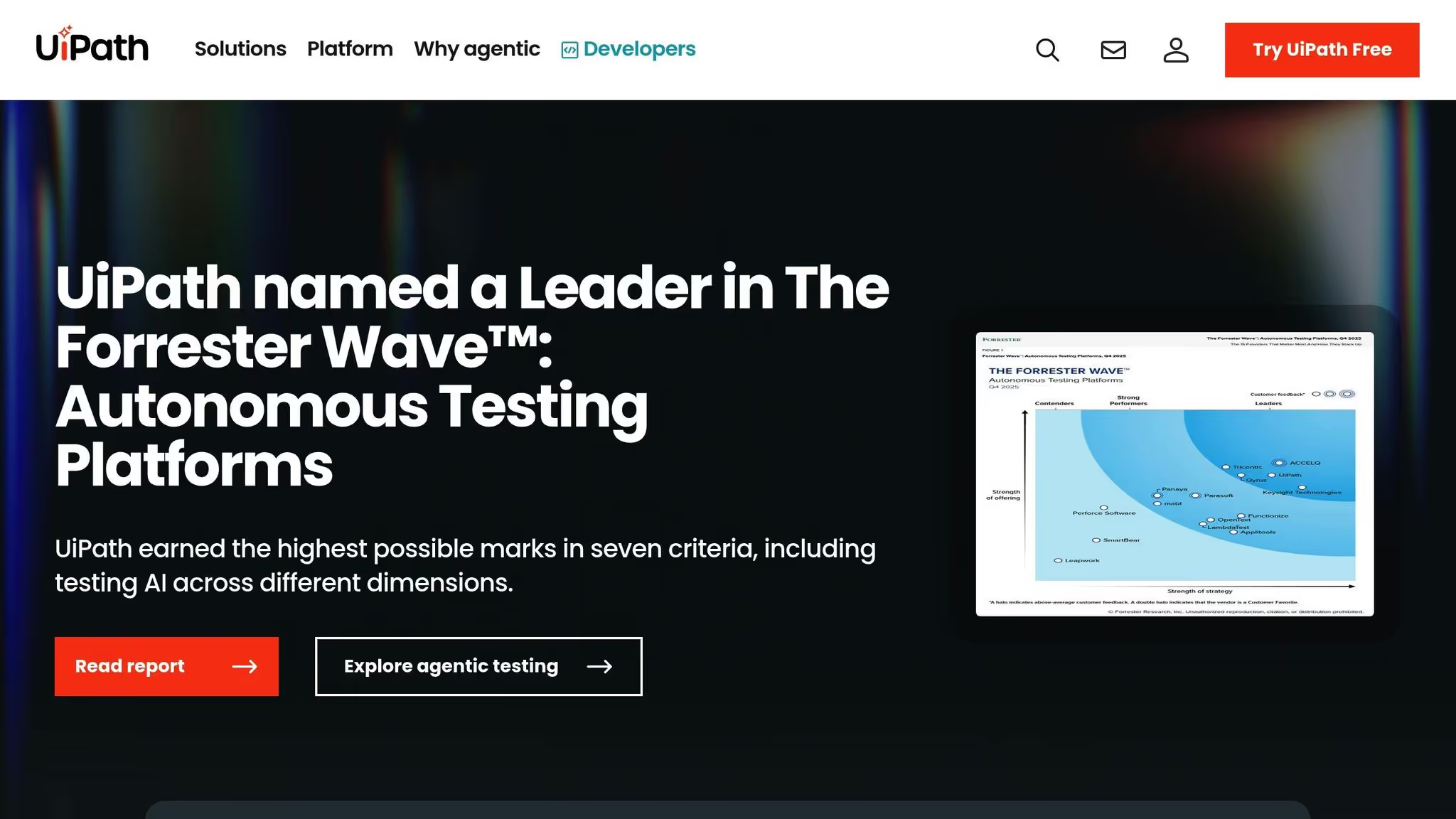
UiPath combina la automatización robótica de procesos (RPA) con tecnologías de inteligencia artificial y aprendizaje automático, como la visión artificial, el procesamiento del lenguaje natural y la lógica difusa, para abordar los desafíos que los sistemas tradicionales a menudo no pueden manejar. Sus herramientas de minería de procesos analizan las operaciones actuales para identificar las oportunidades de automatización más prometedoras antes de crear flujos de trabajo. Esta estrategia basada en datos ayuda a los equipos a concentrarse en las áreas que generan el mayor impacto.
La interfaz de arrastrar y soltar fácil de usar de UiPath permite que incluso los usuarios no técnicos diseñen e implementen flujos de trabajo impulsados por la IA sin necesidad de escribir código. Puede procesar datos no estructurados y adaptarse a entornos dinámicos, lo que la hace especialmente útil en sectores como las finanzas, la sanidad y la fabricación. La plataforma también incorpora inteligencia artificial conversacional, lo que permite una comunicación fluida entre empleados y clientes, al tiempo que mejora las interacciones departamentales. Las empresas que utilizan estas herramientas han registrado aumentos de productividad de hasta un 40%.
Con sus capacidades de automatización integradas, UiPath escala sin esfuerzo las operaciones en varios departamentos. Diseñada para gestionar la automatización a gran escala, la plataforma apoya el crecimiento sin requerir un aumento proporcional de los recursos. Mantiene un rendimiento fiable incluso a medida que aumentan las cargas de trabajo y las demandas de los usuarios. Dado que se espera que el gasto mundial en automatización de la IA supere los 630 000 millones de dólares en 2028, la necesidad de soluciones escalables como UiPath es cada vez más importante.
UiPath prioriza la seguridad de nivel empresarial a medida que las empresas crecen. La plataforma cumple con los estándares SOC 2 y GDPR, lo que garantiza una protección de datos sólida. Emplea un cifrado sólido para los datos tanto en tránsito como en reposo, mientras que los controles de acceso restringen la interacción del flujo de trabajo únicamente al personal autorizado. Además, los registros auditables facilitan que las organizaciones de sectores altamente regulados cumplan con los requisitos de cumplimiento y, al mismo tiempo, mantengan la transparencia y la responsabilidad.
Microsoft Power Automate se integra sin esfuerzo con el ecosistema de Microsoft, lo que lo convierte en una opción natural para las organizaciones que ya utilizan herramientas como panorama, SharePoint, Sobresalir, y Dinámica. Al crear flujos de trabajo automatizados en estas plataformas conocidas, se elimina la necesidad de que los equipos se adapten a sistemas completamente nuevos. Esta estrecha integración garantiza un flujo de datos fluido y reduce los obstáculos en la adopción.
Power Automate simplifica los procesos sencillos e intrincados de varios pasos mediante reglas basadas en la lógica. Por ejemplo, puede gestionar automáticamente tareas como enviar las aprobaciones de gastos a los administradores adecuados, sincronizar los datos entre los sistemas CRM y ERP o registrar las actualizaciones de estado en tiempo real. Con su generador de arrastrar y soltar y sus plantillas prediseñadas, incluso los usuarios sin conocimientos técnicos pueden automatizar las actividades repetitivas, como la programación, la coordinación de recursos y las solicitudes de servicio. Dado que el 80% de las empresas aceleran los proyectos de automatización para reducir las cargas de trabajo administrativas, Power Automate destaca por ser una solución práctica y escalable.
La perfecta integración de Power Automate con Microsoft 365 ofrece ventajas financieras para las organizaciones que ya han invertido en las herramientas de Microsoft. Las capacidades avanzadas de la plataforma, como la automatización del flujo de trabajo y la creación de agentes de inteligencia artificial personalizados a través de Microsoft 365 Copilot, cuestan 30$ por usuario al mes. Esta estructura de precios permite a las empresas mejorar sus esfuerzos de automatización sin la complejidad de administrar varios proveedores o invertir en sistemas completamente independientes.
A medida que las empresas crecen, Power Automate se amplía sin esfuerzo para satisfacer las crecientes demandas. La plataforma admite más usuarios, volúmenes de datos más grandes e integraciones adicionales sin necesidad de una revisión completa del sistema. Las organizaciones pueden comenzar con las automatizaciones básicas y ampliar sus capacidades con el tiempo, manteniendo un rendimiento constante en todo momento.
Power Automate está equipado con medidas de seguridad sólidas, que incluyen controles de acceso basados en roles, registros de auditoría y opciones de cifrado, lo que lo hace adecuado para industrias como la salud, el gobierno y la educación. Supervisa activamente los flujos de trabajo para garantizar el cumplimiento, proporciona alertas en tiempo real sobre actividades no autorizadas o posibles violaciones de datos y realiza auditorías periódicas. Es importante destacar que los datos de los clientes permanecen bajo el control de la organización y no se utilizan para entrenar modelos de IA, lo que garantiza tanto la seguridad como la tranquilidad.
Zapier se conecta 8.000 aplicaciones web, que ofrece una amplia plataforma de automatización que conecta los sistemas desconectados. Esta amplia red permite a los equipos vincular prácticamente cualquier combinación de herramientas en las que confíen, desde Gmail y Slack hasta Salesforce y QuickBooks. Con más de 5000 excelentes reseñas de 5 estrellas, Zapier se ha ganado la reputación de ser una de las favoritas de los usuarios. Marketer Milk lo describió acertadamente como «el Lego de la integración tecnológica y de procesos». Estas capacidades de integración proporcionan una base sólida para gestionar los flujos de trabajo impulsados por la IA.
De Zapier Copiloto de IA simplifica la creación de flujos de trabajo mediante el procesamiento del lenguaje natural para generar borradores a partir de descripciones sencillas. Por ejemplo, puedes decir: «Haz un resumen de los nuevos clientes potenciales en Slack cada mañana» y así crearás el flujo de trabajo a tu medida. Mientras tanto, Agentes de Zapier lleve la automatización un paso más allá gestionando tareas de varios pasos en sus herramientas, como redactar correos electrónicos o compilar informes, sin necesidad de una intervención humana constante.
La plataforma también incluye Mesas Zapier, una base de datos similar a una hoja de cálculo para almacenar, organizar y actualizar los datos que impulsan tus automatizaciones. Para aquellos que necesitan más control, Funciones de Zapier permite añadir JavaScript personalizado directamente a los flujos de trabajo. Funciones como la lógica de ramificación y las secuencias de varios pasos permiten gestionar operaciones complejas que van mucho más allá de los desencadenantes básicos del tipo «si esto, luego aquello».
Los precios de Zapier se basan en modelo basado en tareas, donde los costos aumentan con la cantidad de acciones realizadas en los flujos de trabajo. Ofrece un nivel gratuito para explorar las funciones básicas, mientras que los planes de pago comienzan en 19,99$ al mes. Las funciones avanzadas, como las tablas, las interfaces y los chatbots, están disponibles como complementos modulares. Esta estructura de precios funciona bien para las automatizaciones simples, pero las empresas con flujos de trabajo de gran volumen deben revisar periódicamente el uso que hacen de las tareas para evitar costes innecesarios en acciones de baja prioridad. A medida que aumentan tus necesidades, el marco flexible de Zapier se adapta para respaldar la expansión de tus operaciones.
La capacidad de Zapier para escalar lo convierte en una herramienta valiosa para las empresas a medida que crecen y adoptan nuevo software. Sus amplias opciones de integración garantizan que los flujos de trabajo permanezcan ininterrumpidos, incluso cuando se agregan nuevas herramientas a tu oferta tecnológica. Con el tiempo, Zapier ha pasado de gestionar los factores desencadenantes básicos a convertirse en lo que los expertos del sector denominan un Capa de orquestación de IA, coordinando las interacciones entre aplicaciones, datos y modelos de IA. Esta evolución aborda un desafío clave para las empresas, ya que el 78% afirma tener dificultades para integrar la IA con sus sistemas actuales. A partir de plantillas prediseñadas para tareas como la categorización del correo electrónico o el enrutamiento de clientes potenciales, las empresas pueden crear gradualmente flujos de trabajo más avanzados para satisfacer sus crecientes necesidades.
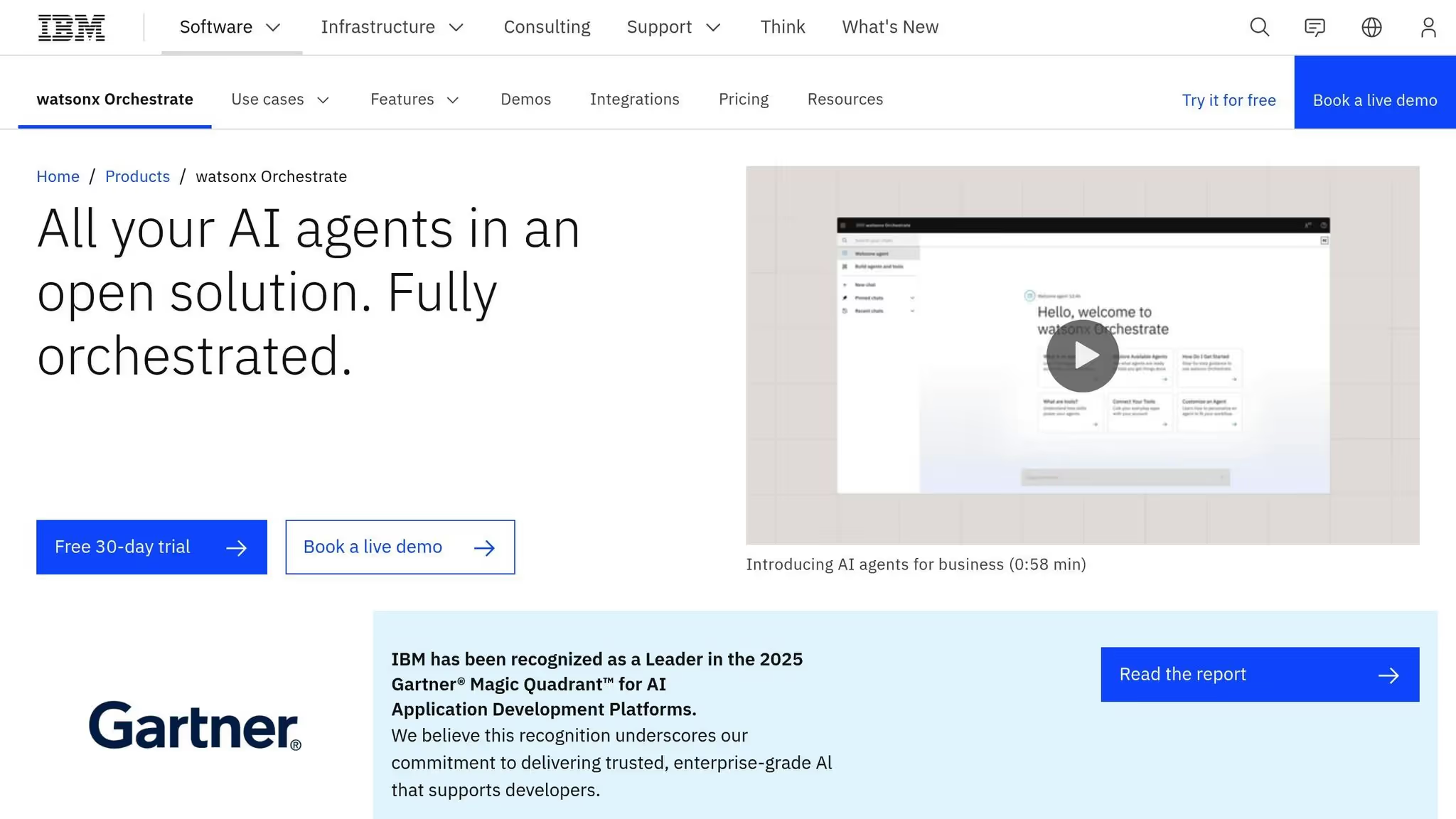
IBM Watson Orchestrate está diseñado para simplificar y mejorar las operaciones empresariales mediante la integración de aplicaciones, datos y herramientas de IA en un sistema unificado. Esta capa de orquestación elimina la molestia de cambiar entre plataformas, lo que permite a los usuarios trabajar de manera más eficiente. Al centrarse en el procesamiento del lenguaje natural, puede describir las tareas en un inglés sencillo y la plataforma se encarga del resto, activando acciones en todos los sistemas sin necesidad de conocimientos técnicos. Logra el equilibrio perfecto entre una potente automatización y un diseño fácil de usar.
Watson Orchestrate emplea un sistema basado en habilidades para gestionar los flujos de trabajo con precisión. Enruta automáticamente las solicitudes, procesa los datos no estructurados y mantiene las actualizaciones sincronizadas en todas las plataformas. Esta automatización permite a su equipo centrarse en tareas de mayor valor que exigen conocimientos humanos, lo que reduce el tiempo dedicado a tareas administrativas repetitivas. Al simplificar los procesos, la plataforma garantiza tanto la eficiencia como una base sólida para operaciones seguras.
Cuando se trata de seguridad, IBM Watson Orchestrate ofrece protección de nivel empresarial mediante funciones como las pistas de auditoría y el cifrado de datos. Para los sectores con requisitos reglamentarios estrictos, como la sanidad, el gobierno y la educación, contribuye al cumplimiento de normas clave como SOC 2 y GDPR. Cada acción se registra, creando un registro transparente y auditable que mejora tanto la responsabilidad como la integridad de los datos.
Watson Orchestrate está diseñado para crecer junto con su empresa. Puede gestionar las crecientes demandas, desde cientos hasta millones de solicitudes, procesando entradas en tiempo real y adaptando los flujos de trabajo de forma dinámica. Ya sea que añada nuevos usuarios o integre herramientas adicionales, la plataforma se ajusta sin problemas y garantiza que las operaciones continúen sin interrupciones.
Automation Anywhere Automatización 360 La plataforma ofrece una automatización de procesos inteligente con un diseño nativo de la nube que se adapta a las demandas de las empresas globales. Al combinar la automatización robótica de procesos (RPA) tradicional con funciones basadas en la inteligencia artificial, es ideal para las empresas que buscan ir más allá de la automatización básica de tareas y pasar a flujos de trabajo más avanzados. Su interfaz conversacional permite a los usuarios interactuar con la plataforma utilizando un lenguaje natural, lo que elimina la necesidad de programar. Esto facilita a los equipos de departamentos como finanzas, recursos humanos y operaciones la automatización de los procesos de forma independiente, sin depender del soporte de TI. A continuación, analizaremos sus principales capacidades, funciones de seguridad y escalabilidad.
Con Bot IQ tecnología, la plataforma aprovecha el aprendizaje automático para procesar datos semiestructurados y no estructurados, lo que la hace experta en el manejo de documentos complejos como facturas, contratos y órdenes de compra. Esta función es especialmente útil en sectores como el financiero y el sanitario, donde el procesamiento de documentos es una parte importante de las operaciones. Además, Automation Anywhere brinda acceso a un mercado de plantillas de automatización prediseñadas, lo que permite a las empresas implementar rápidamente soluciones para tareas comunes. Los usuarios también pueden elegir entre bots atendidos, que son activados por humanos, y bots desatendidos que funcionan de forma independiente, lo que ofrece flexibilidad para adaptarse a las diferentes necesidades de flujo de trabajo.
Automation 360 incorpora medidas de seguridad sólidas, que incluyen controles de acceso basados en funciones, registros de auditoría detallados y cifrado de extremo a extremo. Estas características garantizan que cada acción sea rastreable y segura, lo que la convierte en una excelente opción para las industrias con requisitos reglamentarios estrictos, como las finanzas, la atención médica y el gobierno. La plataforma se integra a la perfección con los sistemas heredados y, al mismo tiempo, mantiene los estándares de seguridad de nivel empresarial. Es despliegue multirregional garantiza una alta disponibilidad, lo que brinda tranquilidad a las empresas que manejan datos confidenciales.
Diseñada como una plataforma de bot como servicio nativa de la nube, Automation 360 puede ampliarse sin esfuerzo para gestionar todo tipo de transacciones, desde cientos hasta millones. Herramientas como Copiloto de automatización y Bot de descubrimiento mejore esta escalabilidad mediante la identificación de oportunidades de automatización de alto valor y la simplificación de la creación de flujos de trabajo. El Copiloto de automatización, impulsado por inteligencia artificial generativa, permite a los usuarios diseñar y perfeccionar las automatizaciones utilizando un lenguaje natural, lo que lo hace accesible incluso para equipos más pequeños con conocimientos técnicos limitados.
Para desarrolladores y pequeñas empresas, Automation Anywhere ofrece Edición comunitaria gratuita, lo que permite a los usuarios explorar y probar la plataforma sin costes iniciales. Las organizaciones más grandes pueden optar por precios personalizados que se ajusten a sus necesidades específicas. Al ofrecer modelos de precios flexibles, la plataforma garantiza que las empresas solo paguen por las funciones y la escala que necesitan. Para obtener información detallada sobre los precios, las empresas pueden ponerse en contacto directamente con el equipo de ventas.
WorkFusion es una plataforma de automatización de IA diseñada específicamente para industrias reguladas como la banca y los seguros. Utiliza trabajadores digitales previamente capacitados para gestionar las tareas de cumplimiento, como la lucha contra el blanqueo de dinero (lucha contra el blanqueo de dinero), el KYC (conozca a su cliente) y la verificación de las sanciones. Al automatizar estos procesos, WorkFusion simplifica los flujos de trabajo normativos y ayuda a las organizaciones a operar de manera más eficiente.
Los trabajadores digitales de la plataforma se hacen cargo de las tareas de cumplimiento que tradicionalmente requieren un gran esfuerzo manual. Esta automatización no solo acelera el procesamiento, sino que también garantiza la precisión en el cumplimiento de las normas reglamentarias. Al integrarse sin problemas en los flujos de trabajo existentes, WorkFusion permite a las organizaciones centrar sus recursos en prioridades más estratégicas.
Para proteger los datos financieros confidenciales, WorkFusion emplea un cifrado de extremo a extremo para la información tanto en reposo como en tránsito. Este sólido marco de seguridad cumple con los estrictos requisitos de protección de datos de las industrias reguladas, lo que garantiza el cumplimiento de los estándares de la industria.
WorkFusion está diseñado para adaptarse a las cambiantes demandas de las empresas. Su infraestructura escalable gestiona el aumento de los volúmenes de datos y la actividad de los usuarios sin necesidad de realizar cambios importantes en el sistema, lo que garantiza unas operaciones normativas fluidas a medida que las organizaciones crecen.
La siguiente tabla destaca las funciones clave, los precios y los casos de uso ideales para las plataformas analizadas, lo que le ayuda a identificar la que mejor se adapta a sus necesidades.
La elección de la plataforma de automatización de IA adecuada depende de factores como los requisitos de flujo de trabajo, el presupuesto y la experiencia técnica. Las siete plataformas que se comparan aquí varían en cuanto a su enfoque de la automatización, las estructuras de precios y la escalabilidad.
Cuando se trata de precios, los modelos difieren significativamente. Zapier comienza en 19,99 €/mes con facturación basada en tareas, mientras Microsoft Power Automate se incluye en las suscripciones a M365. Prompts.ai ofrece un modelo de pago por uso que utiliza créditos TOKN, que pueden reducir los costos hasta en un 98%. Soluciones centradas en la empresa, como UiPath, IBM Watson Orchestrate, Automatización en cualquier lugar, y WorkFusion requieren cotizaciones personalizadas adaptadas a las necesidades comerciales específicas.
Las capacidades de automatización se clasifican en distintas categorías. Zapier y Microsoft Power Automate confían en activadores basados en reglas para los flujos de trabajo, mientras que las plataformas de RPA como UiPath y Automatización en cualquier lugar céntrese en automatizar las tareas repetitivas de la interfaz de usuario mediante la minería de procesos. Prompts.ai se destaca por integrar más de 35 LLM, que incluye GPT-5, Claude, LLama y Gemini, en una interfaz unificada. También incorpora las herramientas de FinOps para la gestión de costos y permite comparar el rendimiento en paralelo. Mientras tanto, IBM Watson Orchestrate y WorkFusion aproveche la toma de decisiones basada en la inteligencia artificial, con WorkFusion diseñado específicamente para industrias que requieren mucho cumplimiento, como la banca y los seguros.
La seguridad y la escalabilidad son fundamentales para el éxito a largo plazo. Microsoft Power Automate y IBM Watson Orchestrate ofrecen seguridad de nivel empresarial, integrándose a la perfección con sus respectivos ecosistemas. WorkFusion garantiza el cumplimiento de los estrictos estándares regulatorios mediante el uso del cifrado de extremo a extremo para los datos en reposo y en tránsito. Prompts.ai prioriza la gobernanza con funciones como los registros de auditoría, los controles de acceso basados en roles y la administración segura de datos en todos los modelos integrados. Zapier, por otro lado, sobresale en sus capacidades de integración, conectándose con más de 8.000 solicitudes para crear flujos de trabajo escalables.
He aquí un resumen de las plataformas:
Esta comparación subraya cómo las fortalezas de cada plataforma se alinean con las necesidades empresariales específicas, ya sea la rentabilidad, las capacidades de integración o las funciones de automatización avanzadas.
Cada una de las soluciones de IA analizadas anteriormente aporta distintas ventajas a la automatización de las operaciones empresariales. La selección correcta depende de sus necesidades de flujo de trabajo, sus capacidades técnicas y sus consideraciones presupuestarias.
Es difícil ignorar los argumentos a favor de la automatización impulsada por la IA. Las empresas han informado aumentos de productividad del 40%, con algunos logros ahorro de costes de hasta un 70% y mejoras en la entrega de contenido del 400%.
Antes de comprometerse con una plataforma, tómese el tiempo para planificar los procesos que desea automatizar e identificar los cuellos de botella existentes. Es importante recordar que la IA no solucionará un flujo de trabajo ineficaz, solo acelerará lo que ya está en marcha. Concéntrese en soluciones que se integren directamente con sus herramientas de CRM, ERP y comunicación, como El 78% de las empresas se enfrentan a desafíos a la hora de conectar la IA con sus sistemas tecnológicos actuales. Comience de a poco centrándose en un problema único y claramente definido, y lleve a cabo programas piloto para probar la adopción y realizar un seguimiento de los resultados mensurables antes de seguir escalando.
Para elegir la plataforma de IA adecuada para su empresa, comience por identificar sus objetivos principales. ¿Su objetivo es automatizar las tareas repetitivas, aumentar la productividad o simplificar los flujos de trabajo? Conocer tus objetivos te ayudará a centrarte en las plataformas que satisfagan tus necesidades específicas.
A continuación, priorice las soluciones que se integren sin problemas con sus sistemas existentes y que ofrezcan funciones clave como la automatización, el análisis de datos y las herramientas de IA personalizables. Además, evalúe factores como la facilidad de uso, la escalabilidad, la seguridad y la calidad de la atención al cliente. Seleccione una plataforma que se adapte al tamaño de su empresa y que tenga la flexibilidad de crecer junto con sus operaciones, garantizando que siga siendo una herramienta valiosa y eficiente a lo largo del tiempo.
El costo de adoptar soluciones de IA puede abarcar una amplia gama, influenciado en gran medida por el alcance y la complejidad del proyecto. En el caso de tareas de automatización más pequeñas, los gastos pueden comenzar en aproximadamente 10.000 dólares, mientras que las iniciativas de IA empresarial a gran escala pueden superar 10 millones de dólares.
Hay varios factores que impulsan estos costos:
Al evaluar cuidadosamente los objetivos de su negocio y planificar estratégicamente, puede controlar estos gastos de manera efectiva y, al mismo tiempo, optimizar el rendimiento de su inversión.
La automatización de la IA transforma la forma en que operan las empresas al gestionar tareas monótonas como la entrada de datos y la programación. Este cambio permite a su equipo concentrarse en iniciativas estratégicas y proyectos creativos, lo que aumenta la productividad general.
Con flujos de trabajo optimizados e información instantánea a partir del análisis de datos, la IA reduce los retrasos y contribuye a una mejor toma de decisiones. También garantiza la coherencia de los procesos, reduce los errores y ofrece una operación más fluida y eficiente diseñada para alinearse con los objetivos de su organización.