Pay As You Go - AI Model Orchestration and Workflows Platform



Your prompts are everywhere - Slack, Google Docs, code repositories - and it's costing you time, money, and security.
Centralized prompt management is no longer optional. Teams waste hours recreating prompts, face compliance risks from scattered workflows, and overspend on duplicate tools. Without a unified system, inefficiencies pile up: 40% of employee time is spent on manual tasks, and a single misplaced prompt can derail production.
Prompts.ai simplifies this chaos.
Teams save 10+ hours weekly, cut AI costs by 98%, and boost productivity with shared prompt libraries. Whether you're managing marketing templates or engineering workflows, Prompts.ai ensures every prompt is secure, accessible, and optimized for results.
You’re one prompt away from clarity, control, and cost savings.

Prompts.ai Cost Savings and Productivity Benefits for Team Prompt Management
Scattered prompts not only waste resources but also increase risks.
When prompt versions are scattered, teams often find themselves in disarray. Engineers can lose hours trying to track down the correct prompt version, especially since even small updates often require full software redeployments.
"When an AI feature breaks in production, engineers often spend hours trying to identify which version is actually running." - Braintrust Team
Static prompts add to the issue by excluding non-technical team members - like marketers or customer success managers - from making direct updates. This limitation forces teams to repeatedly recreate instructions and guidelines, as existing versions are either inaccessible or outdated. These version control headaches highlight the need for centralization.
Unregulated prompt sharing poses serious risks for audits and compliance. Prompts can contain sensitive information, such as customer data, proprietary code, or trade secrets. Once entered into an AI model, this data might stay in logs or caches for months, potentially appearing in outputs for other users.
Without centralized management, maintaining audit trails and adhering to regulations like HIPAA, PCI-DSS, or the EU AI Act becomes difficult. The situation worsens when employees use external AI tools outside enterprise oversight, leading to a loss of essential security controls.
"AI models cannot inherently protect the sensitive data users provide to them." - Cloud Security Alliance
These security gaps make a strong case for unified prompt management.
Small prompt changes can drastically increase token usage, yet these cost spikes often go unnoticed until the bill arrives. Without visibility into prompt-level expenses, teams remain unaware of what’s driving up costs. A single extra sentence in a prompt, repeated thousands of times daily, can quickly add up.
Additionally, organizations may overspend by duplicating AI tool subscriptions across departments. For example, if marketing, sales, and support each purchase their own tools due to a lack of effective prompt-sharing systems, the company ends up paying multiple times for similar functionalities. High-performance AI gateways, capable of handling over 350 requests per second on a single vCPU, could consolidate these efforts and reduce costs.
Together, these issues emphasize the importance of a centralized, secure, and cost-efficient prompt management approach.
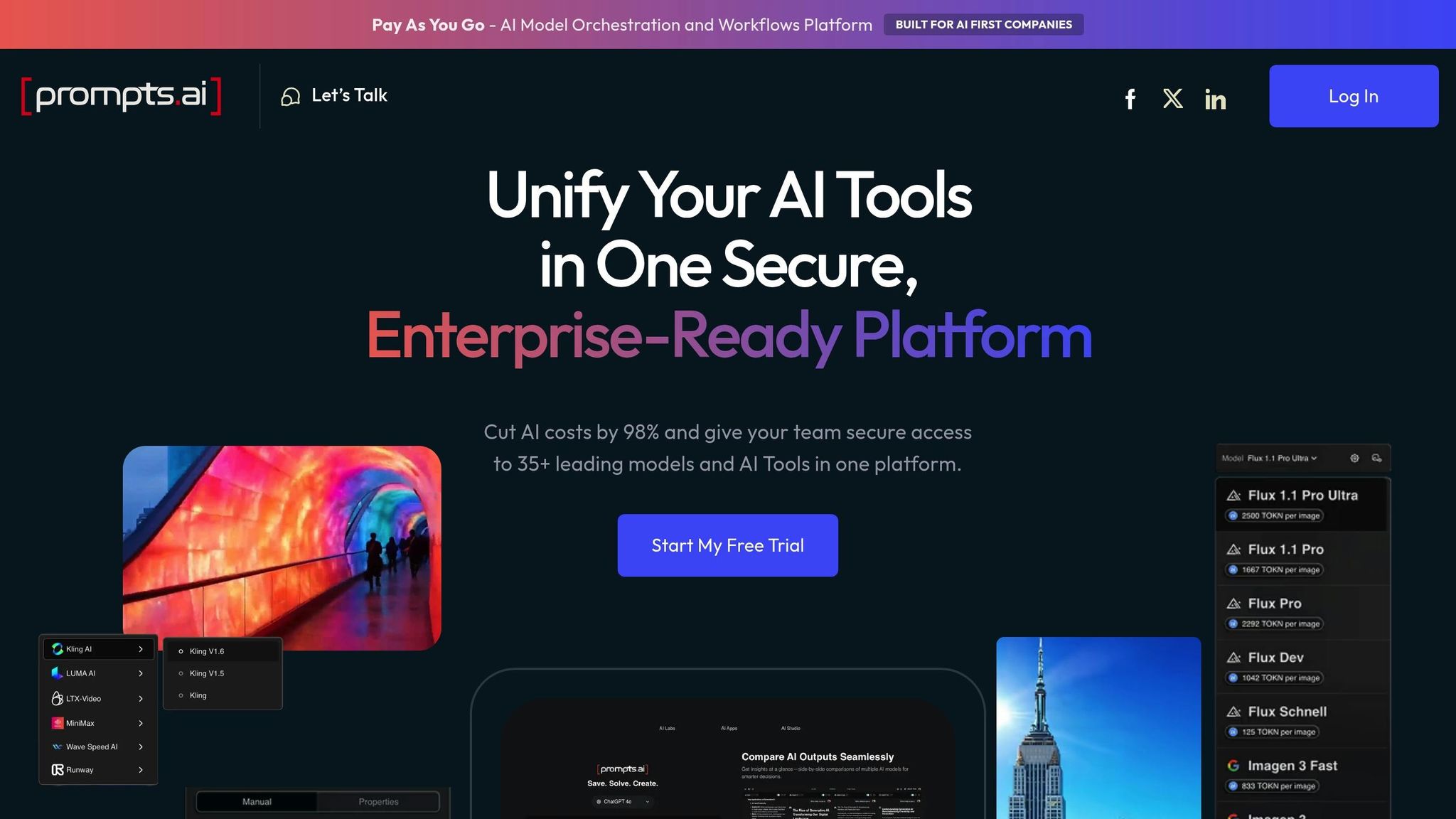
Prompts.ai tackles the common challenges of managing and sharing prompts by offering a centralized, secure, and cost-efficient solution. Instead of dealing with scattered subscriptions and disorganized files, teams can collaborate in a single, streamlined workspace with full visibility into expenses. Let’s explore how its features directly address these issues.
Prompts.ai brings together GPT-5, Claude, Gemini, LLaMA, and more than 30 other top-tier language models under one roof. This integration eliminates the need for multiple tools across departments, allowing teams to consolidate over 35 disconnected AI tools in less than 10 minutes. By doing so, software costs can be reduced by as much as 98%. The platform also includes a side-by-side model comparison tool, enabling users to test outputs from various models instantly. This ensures teams can select the most suitable model for any given task without switching between platforms.
The platform is equipped with advanced governance tools to ensure security and compliance. Administrators can assign role-based permissions to control access to sensitive workflows. Shared libraries allow teams to centralize and reuse expert-vetted prompts, making collaboration seamless while maintaining strict security standards. These features ensure that workflows remain protected and fully auditable, supporting efficient and secure team operations.
Prompts.ai provides real-time analytics to monitor token usage and allocate costs to specific projects. With the TOKN Pooling feature, organizations can distribute credits effectively across teams or workspaces, preventing budget overruns. The platform also flags unexpected spikes in token usage right away, addressing potential cost issues long before the monthly bill arrives. This proactive approach directly solves the hidden cost challenges many teams face when managing AI tools.
Getting started with prompt sharing is surprisingly quick - your team can shift to a centralized workspace in just minutes. The trick is to design a structure that reflects how your organization operates.
Instead of trying to create an extensive library right away, focus on developing 10–15 essential prompts that address your core functions. Think about the prompts your marketing team uses daily, the standard customer service replies, or the data queries your finance team runs repeatedly. These will serve as your starting point.
Organize your prompts in a way that aligns with your workflow - by department, project, or specific use cases. Adding tags to each prompt can help identify which AI model it’s optimized for, whether it’s GPT-5, Claude, or another. This ensures compatibility and improves usability across teams.
For efficiency, use bulk import options to upload CSV or JSON files. Assign permissions to control access - keep sensitive prompts restricted to specific teams while making general templates available company-wide. Version control is another critical feature, allowing you to track changes and revert to the most effective versions when needed.
Once your collections are set up, your team can start collaborating immediately, streamlining workflows and improving productivity.
With Prompts.ai, multiple users can refine the same prompt at the same time, avoiding delays caused by email threads or file sharing. For instance, if someone updates a customer support prompt, the changes are instantly visible to the entire team. This real-time collaboration eliminates confusion over outdated versions and boosts efficiency.
The platform’s side-by-side model comparison tool is a game-changer. It lets you test a single prompt across models like GPT-5, Claude, and Gemini in one interface. Instead of guessing which model will deliver the best results, you can compare outputs instantly and choose the most effective one. Teams using shared libraries report a 40% increase in the quality of initial drafts, thanks to starting with tried-and-tested frameworks instead of building prompts from scratch.
Additionally, the "/" command menu speeds up task execution by reducing the need to switch between tools, keeping your team focused on their work.
By following these steps, you can overcome the challenges of disjointed prompt management while ensuring updates remain secure, accessible, and cost-effective.
After setting up your prompt-sharing system, it’s time to choose a plan that fits your team’s needs and growth.
Prompts.ai offers three business tiers to suit different requirements. The Core plan, at $99 per member per month, is ideal for teams needing access to over 35 models, shared libraries, and basic collaboration tools. The Pro plan, priced at $119 per member per month, includes advanced analytics and custom integrations, making it perfect for those who need deeper insights into prompt performance and cost tracking. The Elite plan, at $129 per member per month, caters to creative teams requiring maximum flexibility and priority support.
The key differences between these plans lie in team size limits and additional features. Smaller teams may find the Core plan sufficient, while larger organizations might benefit from Pro’s analytics or Elite’s premium support. For added flexibility, Pay-As-You-Go TOKN credits let you avoid subscription waste by charging only for what you use, aligning your costs with actual outcomes.
Once your team has a shared prompt library in place, the next step is streamlining how you manage those prompts and demonstrating their business impact. Think of prompts as structured configurations that require the same level of precision as code.
A centralized prompt library is only as good as its upkeep. With Prompts.ai, every edit is assigned a unique ID and version label, allowing you to track changes down to the individual contributor. This helps prevent "prompt drift", where small, undocumented tweaks degrade performance over time. By adding version tags and short notes, product managers and engineers can collaborate seamlessly, connecting feedback to specific updates without unnecessary back-and-forth.
"Treat prompts like products: version them, test them, and attach numbers to every change. That rhythm turns guesswork into measurable improvement." - The Statsig Team
Prompts.ai also includes a tagging system to organize prompts by department, model type, or use case. Combined with advanced search functionality, this ensures your team can quickly locate proven templates instead of wasting time recreating them. For larger teams or organizations scaling their AI operations, environment tiers - Dev for drafts, Stage for testing, and Prod for stable versions - help maintain quality control. This structured workflow minimizes the risk of deploying subpar prompts that could waste resources or harm user experience.
Prompts.ai’s live cost tracking provides real-time insights into the cost per API call for every prompt version, helping you identify which templates deliver results without overspending. Key performance metrics like latency (response time), failure rates (frequency of unusable output), and win rates from A/B testing allow teams to measure and refine their workflows effectively.
Organizations using Prompts.ai have reported up to 98% cost savings compared to managing multiple AI subscriptions, along with 10× productivity gains by leveraging expert-crafted prompts instead of building from scratch. These figures aren’t just theoretical - they’re pulled directly from the platform’s analytics dashboard. By attaching quality scores to each prompt's metadata, teams can make data-driven decisions. Set evaluation thresholds, and if a new prompt version underperforms, automatic rollbacks can protect your workflows from costly errors.
To scale prompt sharing effectively, establish clear promotion rules and maintain ongoing oversight. Document the reasoning behind every prompt change with a short review process, similar to a code review. Include small diffs and concise explanations to keep the entire team aligned.
Beyond tracking costs and performance, successful prompt sharing extends across departments. Use role-based permissions to control access - marketing teams might need full access to customer-facing prompts, while finance teams require restricted access to sensitive data queries. Before rolling out new prompts organization-wide, conduct A/B tests in a staging environment to ensure every update is backed by data. Centralize all feedback in a unified workspace to avoid "repo sprawl", where prompts become scattered across personal notes or repositories. This structured approach maintains security and oversight while enabling teams across the organization to benefit from shared AI workflows.
"Prompts deserve the same care as code: clear versions, safe environments, and attached metrics." - The Statsig Team
Centralized prompt sharing tackles the challenges of fragmented workflows, redundant efforts, security vulnerabilities, and rising costs. By bringing AI operations under one platform, it eliminates the confusion caused by scattered tools and transforms isolated expertise into a resource that scales across the organization.
This approach addresses key challenges by offering governance through role-based permissions and compliance monitoring, fostering collaboration with shared libraries and real-time tracking, and providing cost transparency with live spend controls. With Prompts.ai, organizations have reported reducing AI costs by up to 98% while increasing productivity tenfold by leveraging expertly crafted prompts instead of starting from scratch.
These solutions align with the growing need for security, efficiency, and scalability. Moving from individual experimentation to enterprise-level prompt management ensures a competitive edge. Treating prompts with the same precision as code - through versioning, testing, and tracking metrics - turns guesswork into consistent, measurable progress.
Whether you're a small startup or a Fortune 500 company, Prompts.ai adapts to your needs. Its unified interface supports GPT, Claude, LLaMA, Gemini, and a variety of other models, enabling teams to deploy secure, compliant workflows quickly. Features like TOKN credits and storage pooling provide the control needed to manage growth effectively.
The real question is: how soon can you implement centralized prompt sharing to achieve these productivity gains and cost savings?
The quickest solution is to leverage a dedicated prompt management platform designed for team collaboration. These platforms allow you to centralize, organize, and share prompts from tools like Slack, Google Docs, or other sources - all within a secure workspace. Key actions include bulk uploading prompts, categorizing them for straightforward access, and enabling team collaboration through features like version control and role-based permissions. This ensures consistency and efficiency across your workflows.
Role-based permissions provide a structured way to protect sensitive prompts by assigning specific access levels to team members. This setup ensures control over who can view, edit, or share the prompts, effectively safeguarding confidential information and aligning with compliance policies. Moreover, these permissions enhance accountability by maintaining detailed activity logs that track who creates, modifies, or accesses prompts. This transparency supports regulatory compliance and ensures all actions are auditable.
You can keep an eye on token spending at the prompt level and avoid unexpected budget spikes with real-time monitoring tools. These tools enable teams to track usage, costs, and performance in real time, helping to spot inefficient prompts and make workflow adjustments as needed. This approach improves cost management and ensures more efficient AI usage throughout your organization.