Pay As You Go7 天免费试用;无需信用卡
获取我的免费试用版
November 22, 2025

Best AI Tools for Operational Efficiency

Chief Executive Officer

December 20, 2025

In today’s fast-paced business environment, cutting costs and boosting productivity are top priorities. AI tools are transforming workflows by automating tasks, improving decision-making, and integrating with existing systems. Here’s a quick look at five standout platforms that can help your team save time and achieve more:

  • Prompts.ai: Centralizes over 35 AI models (e.g., GPT-5, Claude) into one platform. Offers strong compliance, cost transparency, and integrations with 400+ apps. Pricing starts at $99/month per member.
  • Vellum AI: Promises workflow improvements, though detailed features and pricing are pending.
  • Gumloop: Automates complex workflows with multi-agent orchestration. Pricing begins at $500/month for small teams.
  • VectorShift: Simplifies AI coordination with drag-and-drop tools and enterprise-grade compliance. Plans range from $49–$199/month.
  • Zapier: A no-code platform for automating repetitive tasks, starting at $29.99/month.

These tools address challenges like disconnected systems, manual errors, and wasted resources, helping businesses gain measurable results. Whether you’re looking to integrate AI models, reduce costs, or streamline operations, there’s a solution tailored to your needs.

5 BEST AI Tools for Productivity (Double Your Workflow With These Tools)

1. Prompts.ai

Prompts.ai

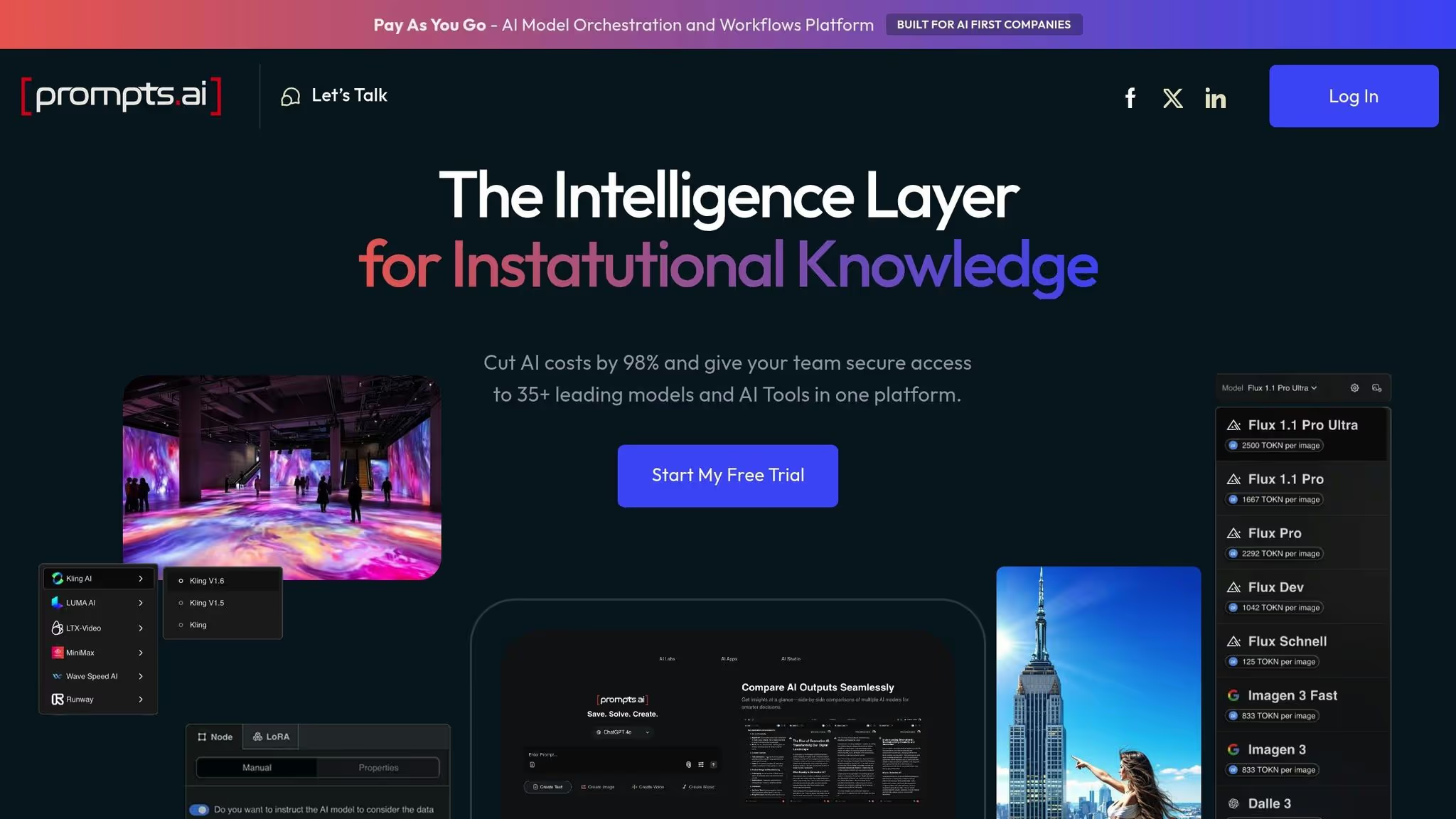
Prompts.ai brings together over 35 large language models, including GPT-5, Claude, LLaMA, and Gemini, into one secure, unified platform. By consolidating these tools, the platform eliminates the inefficiencies of disconnected AI systems while maintaining strong governance and cost management.

AI Orchestration Capabilities

Prompts.ai streamlines automation with an intuitive drag-and-drop workflow builder and customizable conditional rules. For instance, a mid-sized U.S. retailer used Prompts.ai to integrate their ERP and CRM systems, achieving a 60% reduction in manual data entry, cutting support response times by 30%, and saving over $50,000 annually.

The platform also comes with pre-built integrations for more than 400 apps, including Salesforce, Microsoft 365, Slack, and Google Workspace. These integrations simplify deployment, reduce IT workload, and are described as being "ready in seconds."

Governance and Compliance Features

Security and compliance are at the core of Prompts.ai. It meets rigorous standards like SOC 2 Type II, HIPAA, and GDPR (SOC 2 Type II audit began on June 19, 2025). The platform ensures full visibility into AI interactions with features such as audit trails, role-based access controls, and data encryption. A dedicated Trust Center (https://trust.prompts.ai/) provides real-time updates on security measures, policies, and compliance status.

In addition, Compliance Monitoring and Governance Administration tools are available across various pricing tiers, making it easier for organizations of all sizes to meet regulatory requirements. These features enhance the platform’s ability to integrate seamlessly with existing systems while maintaining a high standard of security.

Integration Support

With its API-first, modular design, Prompts.ai supports quick deployment in both cloud and on-premises environments. Businesses can scale automation gradually by adding new integrations and workflows as their needs grow, breaking down data silos and unifying operations.

Cost Transparency and Pricing Model

Prompts.ai follows a clear and straightforward pricing structure tailored to the needs of U.S. businesses. Plans are tiered based on user count, feature access, and integration needs, with pricing displayed in U.S. dollars. Monthly and annual billing options are available, and costs are further aligned with usage through the Pay-As-You-Go TOKN credits system, which can reduce expenses by up to 98%.

A free trial allows businesses to evaluate the platform’s return on investment before committing. Personal plans start at $0 per month, while business plans range from $99 to $129 per member per month, offering flexibility for organizations of all sizes.

2. Vellum AI

Vellum AI

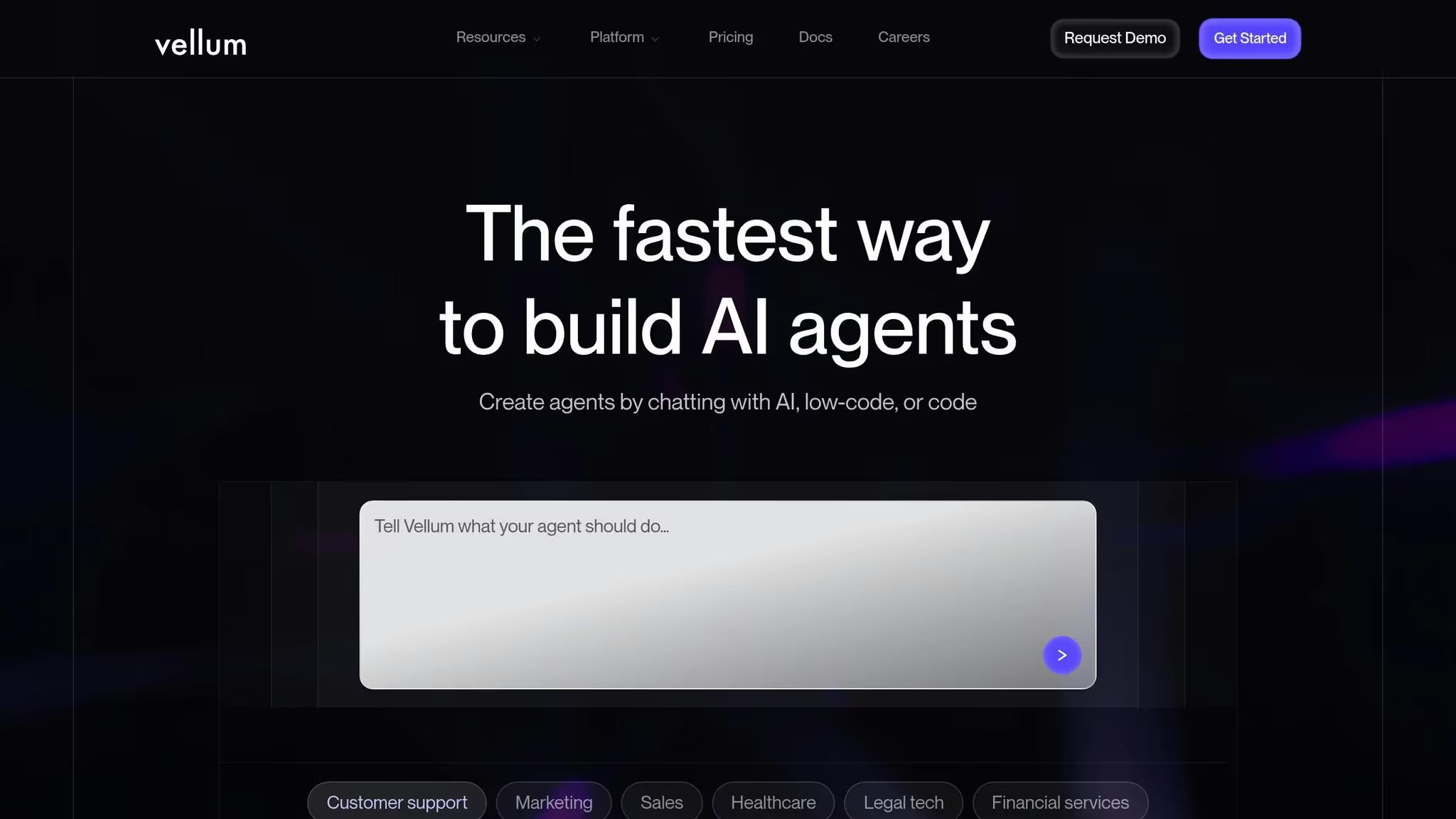
Vellum AI is highlighted for its potential to improve operational workflows, though confirmed details about its features, integrations, governance options, and pricing are yet to be disclosed. As more verified information becomes available, a clearer picture of its capabilities will emerge.

Stay tuned as we delve into the next AI solution and uncover how it can streamline processes and drive efficiency.

3. Gumloop

Gumloop

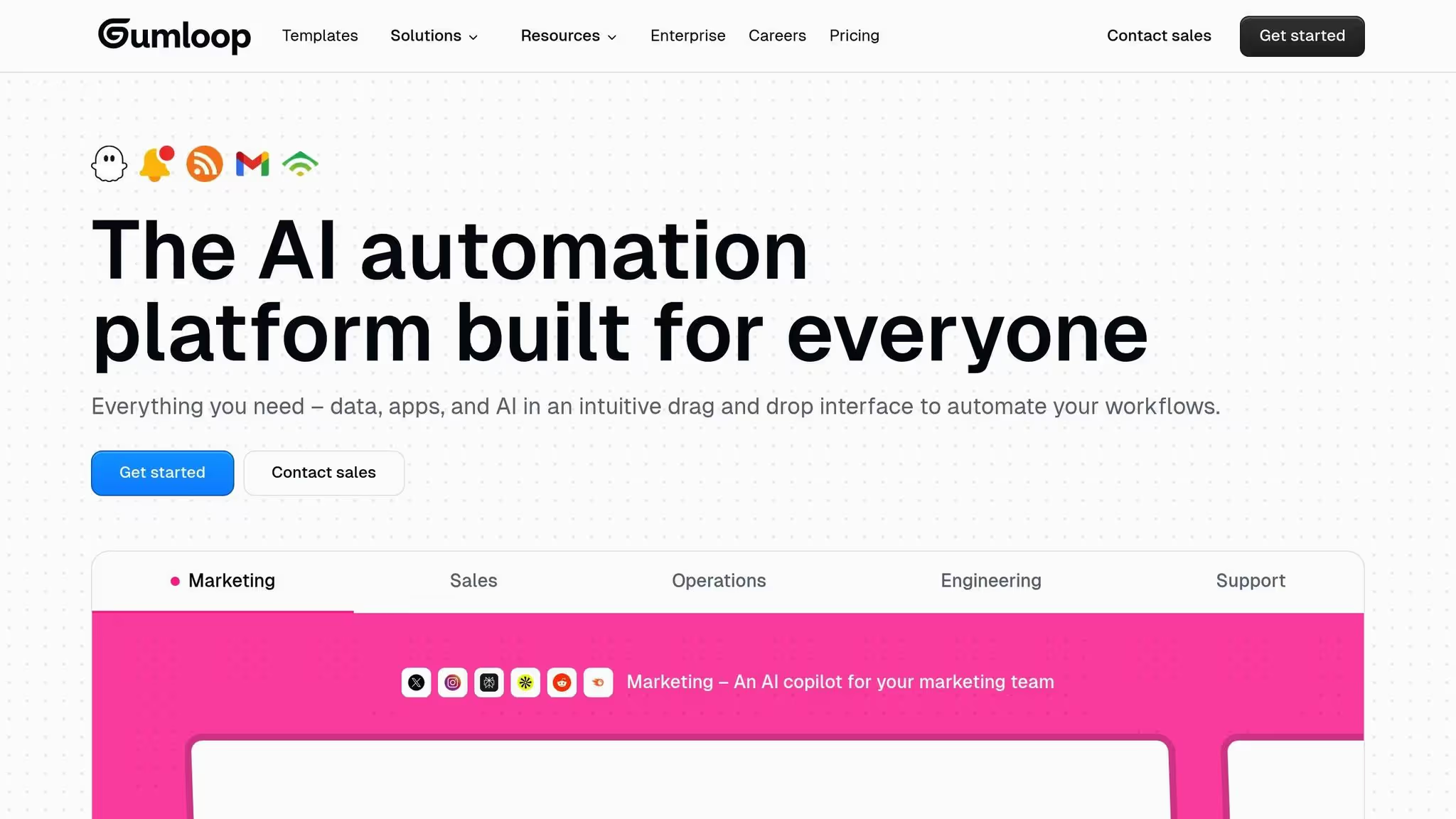
Gumloop is an AI orchestration platform designed to simplify and automate complex workflows across various departments. Unlike basic automation tools, Gumloop allows businesses to coordinate multiple AI agents within a single workflow, enabling seamless automation for tasks ranging from data extraction to decision-making.

AI Orchestration Capabilities

Gumloop's standout feature is its ability to design, automate, and oversee workflows that span across multiple business systems. The platform includes a visual workflow builder with an intuitive drag-and-drop interface, making it accessible even to non-technical users.

By orchestrating multiple AI agents, Gumloop assigns specific roles to each agent, such as extracting data, processing it, or triggering subsequent actions. This reduces the need for manual input while retaining the flexibility to handle intricate business processes. For instance, a mid-sized e-commerce company leveraged Gumloop to streamline its order processing. By integrating their online store, warehouse system, and email platform, they created a workflow that automatically processed orders, updated inventory, and sent customer notifications. This approach cut processing time by 30% and boosted customer satisfaction.

The sections below explore how Gumloop’s features enhance efficiency, from integration to compliance.

Integration Support

Gumloop connects with leading business applications, including Google Workspace, Slack, Salesforce, Microsoft Dynamics CRM, and HubSpot, to streamline operations and unify data flows.

Unlike tools that offer basic point-to-point connections, Gumloop focuses on creating comprehensive, end-to-end automation. For example, when integrated with a CRM system, the platform can automatically trigger follow-up actions, update customer records, and produce real-time reports, ensuring seamless communication across multiple touchpoints.

Governance and Compliance Features

To meet industry standards, Gumloop offers role-based access controls, audit trails, and data encryption. These features are especially critical for industries like finance and healthcare, where strict regulatory compliance is mandatory.

The platform’s audit trails provide complete transparency into every automated action and decision, enabling organizations to track workflow activities in detail. This level of visibility supports compliance reporting and ensures accountability throughout automated processes.

Cost Transparency and Pricing Model

Gumloop offers a tiered pricing structure starting at $500 per month for small teams, with costs scaling based on workflows, users, and data volume. For larger organizations with advanced needs, custom pricing is available. This transparent model ensures businesses can plan expenses confidently, without surprise fees for premium integrations or support.

Research shows that AI orchestration platforms like Gumloop can reduce operational costs by up to 30% and enhance workflow efficiency by 40% in enterprise settings, making it an appealing choice for businesses aiming to scale effectively.

4. VectorShift

VectorShift

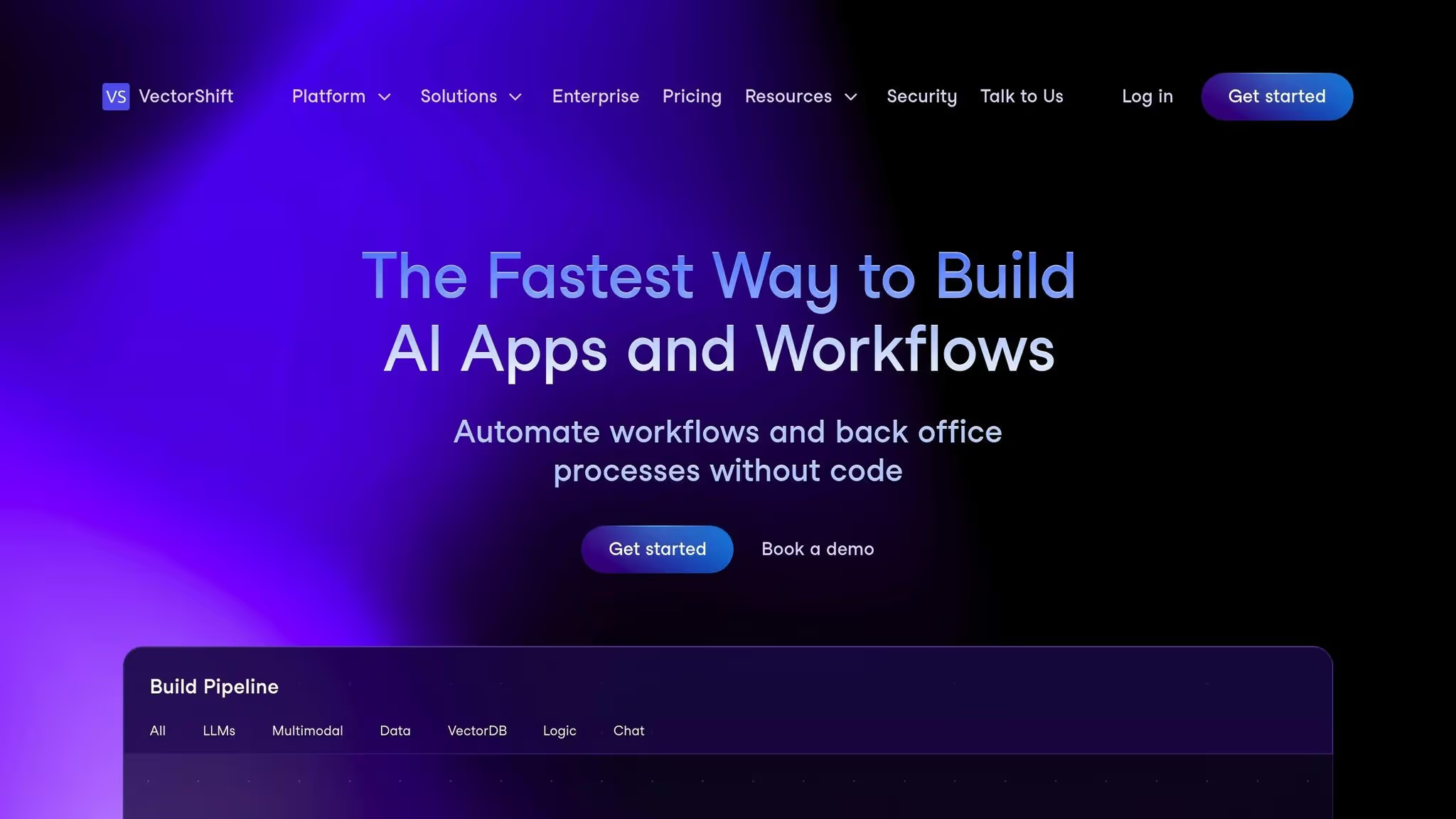
VectorShift is an AI orchestration platform designed to streamline multi-model coordination by connecting various AI services into cohesive workflows. Its intuitive drag-and-drop workflow builder makes it accessible for both technical and non-technical teams, significantly reducing deployment times. For instance, a logistics company leveraged VectorShift to automate its shipment tracking process. By orchestrating AI models to extract data from shipping manifests, generate customer updates, and integrate with their CRM, the company cut manual tracking tasks by 70% and improved customer response times by 50%.

AI Orchestration Capabilities

VectorShift’s orchestration engine enables businesses to design and manage intricate AI workflows that span multiple platforms and models. For example, retail companies can use it to automate customer service by combining chatbots, sentiment analysis to prioritize issues, and CRM integration, which helps streamline case resolution. The platform also includes real-time monitoring, offering visibility into performance and resource usage, which supports ongoing optimization efforts.

Integration Support

VectorShift integrates effortlessly with key business tools such as Salesforce, HubSpot, Microsoft 365, Google Workspace, Snowflake, and AWS. These integrations enable automation across areas like CRM, data processing, and reporting. For example, financial services firms can use VectorShift to extract data from invoices, validate it against internal records, and update accounting software automatically, reducing manual errors and speeding up processing times. Additionally, the platform’s connector library supports both cloud-based and on-premises systems, ensuring compatibility with existing infrastructure.

Governance and Compliance Features

VectorShift addresses enterprise-level security and compliance needs with features like audit trails, role-based access control, and data encryption, helping organizations meet regulations such as GDPR, HIPAA, and CCPA. Healthcare providers, for example, can build compliance workflows that incorporate regulatory checks directly into AI pipelines. This ensures that patient data remains accessible only to authorized personnel and that all AI-driven decisions are logged for audit purposes. The platform also includes multi-factor authentication and regular security audits to further enhance data protection.

Cost Transparency and Pricing Model

VectorShift employs a tiered pricing structure, beginning with a free or low-cost starter plan for basic workflows. Professional plans, priced between $49 and $199 per month, offer increased workflow capacity and advanced integrations. Enterprise customers benefit from custom pricing, which includes unlimited workflows, dedicated support, and enhanced governance features. Businesses can track spending and optimize resource allocation through detailed usage dashboards and cost breakdowns. Companies using platforms like VectorShift have reported operational cost savings of 15–20% within the first year, along with a 30% reduction in manual processing time. This transparent pricing approach underscores VectorShift’s focus on delivering operational efficiency, aligning with the broader benefits of AI orchestration platforms.

5. Zapier

Zapier

Zapier is a no-code platform designed to connect various apps, making it easier to automate repetitive tasks. While it’s not solely focused on AI, its automation features help streamline operations by minimizing manual work and creating seamless workflows across different software tools. Its intuitive interface is particularly appealing for teams without technical expertise.

Integration Support

Zapier boasts an extensive integration library, supporting tools like CRMs (e.g., Salesforce, HubSpot) and communication platforms (e.g., Slack, Microsoft Teams). Using a straightforward trigger-action system, Zapier executes predefined tasks when specific events occur. For instance, marketing teams can automatically move leads from Facebook ads into their CRM, send personalized welcome emails via Mailchimp, and organize follow-up activities in project management tools such as Asana or Trello.

This wide-ranging connectivity makes it a versatile solution for businesses aiming to simplify their workflows.

Cost Transparency and Pricing Model

Zapier uses a tiered pricing approach to accommodate various needs. Its free plan allows users to explore basic functionalities, including unlimited single-step automations. However, advanced features like multi-step workflows require a paid subscription, starting at $29.99 per month. This pricing structure makes it easy to evaluate costs, though expenses can rise with increased usage. While Zapier eliminates the need for custom development, businesses should weigh subscription costs against their growing requirements.

Tool Comparison Table

Selecting the right AI solution to streamline operations requires a platform that excels in governance, cost management, and smooth integration across diverse AI models. The table below provides an overview of Prompts.ai, a platform specifically built to centralize and enhance AI workflows for enterprise-level needs.

Feature Prompts.ai
Primary Focus Enterprise AI orchestration with access to over 35 leading large language models.
AI Models Includes GPT-5, Claude, LLaMA, Gemini, Flux Pro, and Kling.
Governance & Security Enterprise-grade compliance with built-in audit trails for every workflow.
Cost Optimization FinOps layer capable of reducing AI costs by up to 98%.
Integration Capabilities Unified platform for model selection, prompt workflows, and real-time cost monitoring.
Best For Ideal for large enterprises, Fortune 500 companies, and research labs.
Pricing Model Pay-as-you-go TOKN credits; business plans range from $99 to $129 per member per month.
Learning Curve Moderate, with hands-on onboarding and enterprise training available.
Community Support Active community offering a Prompt Engineer Certification program.

Prompts.ai sets itself apart by centralizing AI workflows and integrating over 35 leading large language models. This platform transforms scattered experiments into secure, consistent workflows while providing real-time financial oversight. With its focus on governance, cost efficiency, and seamless integration, Prompts.ai offers a comprehensive solution for enterprises aiming to enhance operational performance.

Conclusion

When selecting an AI tool, it’s crucial to align your choice with your organization’s specific needs. Factors like the scale of operations, your team’s technical expertise, and budget limitations should shape your decision-making process. Here are some key considerations to keep in mind:

Integration with Existing Systems
For organizations with intricate workflows, seamless integration is a must. The platform you choose should connect effortlessly with your current systems to avoid disruptions or downtime.

Governance and Security
If your enterprise handles sensitive data, robust governance and security features are non-negotiable. Strong compliance measures ensure that AI tools can scale safely, especially when multiple teams or departments rely on them.

Cost Efficiency
Cost considerations go beyond the initial price tag. Evaluate the total cost of ownership, including training, maintenance, and operational expenses, while factoring in potential savings from increased productivity. A thorough cost analysis can uncover opportunities to optimize spending that might not be obvious at first glance.

Start Small, Scale Smart
Defining clear objectives is the first step. Consider running pilot programs with shortlisted platforms to test their performance in real-world scenarios before committing to a full-scale deployment. This hands-on approach helps uncover any integration challenges and ensures the tool delivers measurable results.

Future-Ready Solutions
Choose platforms that can scale with your organization’s growth. The fast-changing AI landscape demands solutions with active development roadmaps and strong community support. Tools that adapt to your evolving needs will better equip your organization for long-term success.

FAQs

What’s the best way for businesses to choose an AI tool that fits their operational needs?

Choosing the best AI tool for your business begins with a clear understanding of your operational challenges and objectives. Prioritize tools that provide strong security and compliance measures while offering cost-efficient options to help you manage expenses effectively.

It's also important to ensure the tool works well with your current systems and workflows. Features such as token optimization, observability tools, and rollback controls can make implementation smoother and operations more adaptable. By carefully assessing these aspects, you can choose a solution that simplifies processes and enhances productivity.

What should businesses consider when integrating AI tools into their existing systems?

When incorporating AI tools into your business systems, make sure they align smoothly with your current software and workflows. Opt for tools that integrate effortlessly with your existing platforms to minimize disruptions and avoid unnecessary expenses.

It's also crucial to assess the scalability of the AI solution. Ensure it has the capacity to adapt as your business grows. Take into account factors like how easy it is to set up, the training your team might need, and the level of ongoing support provided by the vendor. Focusing on these elements can help you get the most out of the tool while ensuring it remains effective over time.

How does Prompts.ai ensure data security and compliance with industry standards?

Prompts.ai places a strong emphasis on protecting sensitive data by complying with SOC 2 Type II, HIPAA, and GDPR standards. To maintain these rigorous security measures, they utilize Vanta's continuous monitoring tools to ensure ongoing compliance.

On June 19, 2025, Prompts.ai officially began its SOC 2 Type II audit process, highlighting its dedication to upholding top-tier security and regulatory practices.

Related Blog Posts

SaaSSaaS
Quote

Streamline your workflow, achieve more

Richard Thomas