Pay As You Go7 天免费试用;无需信用卡
获取我的免费试用版
December 1, 2025

Best AI Platforms for Workflow Efficiency

Chief Executive Officer

December 1, 2025

When managing workflows, efficiency is everything. AI platforms can help you automate tasks, reduce tool overload, and centralize operations, saving time and cutting costs. Whether you're a solo user or part of an enterprise team, choosing the right platform depends on your needs: AI orchestration, workflow automation, or app integration. Here's a quick breakdown of eight leading options:

  • Prompts.ai: Centralizes 35+ AI models, reduces AI costs by up to 98%, and offers advanced governance tools. Ideal for teams juggling multiple AI tools.
  • Zapier: Simplifies app integrations with "Zaps" for non-technical users but can get costly with high usage.
  • Make: Visual workflow builder with advanced logic, perfect for custom workflows, though it has a learning curve.
  • Vellum AI: Focused on creating and testing AI agents, best for developers but less suited for general automation.
  • Lindy AI: Builds AI assistants using natural language, great for beginners but limited in advanced features.
  • n8n: Open-source, self-hosted platform offering full customization, ideal for teams with technical expertise.
  • Microsoft Power Automate: Integrates seamlessly with Microsoft 365, offering AI tools like image recognition, but best for those in the Microsoft ecosystem.
  • Workato: Enterprise-grade platform for complex integrations, offering strong compliance tools but at a premium price.

Each platform has strengths and trade-offs. Below is a comparison to help you decide.

Quick Comparison

Platform Best For Pricing Key Feature Limitation
Prompts.ai Teams using multiple AI models Usage-based (TOKN credits) Unified access to 35+ LLMs Overkill for basic automation
Zapier Non-technical users Per-user/workflow-based Easy app integrations Costs rise with high usage
Make Custom workflows Scenario-based pricing Visual builder with advanced logic Steep learning curve
Vellum AI AI agent development Enterprise pricing Advanced prompt testing tools Limited for general automation
Lindy AI Beginners Credit-based AI assistants using plain language Evolving feature set
n8n Data control Free (self-hosted) / Paid Open-source and customizable Requires technical expertise
Microsoft Power Automate Microsoft ecosystem users Per-user/licensing-based Deep Microsoft 365 integration Complex licensing
Workato Large enterprises Enterprise pricing Strong governance and compliance High cost for smaller teams

Choose based on your team's size, technical skills, and whether you need advanced AI integration or simple automation.

7 Best AI Tools for Advanced Automations & AI Agents in 2025

1. Prompts.ai

Prompts.ai

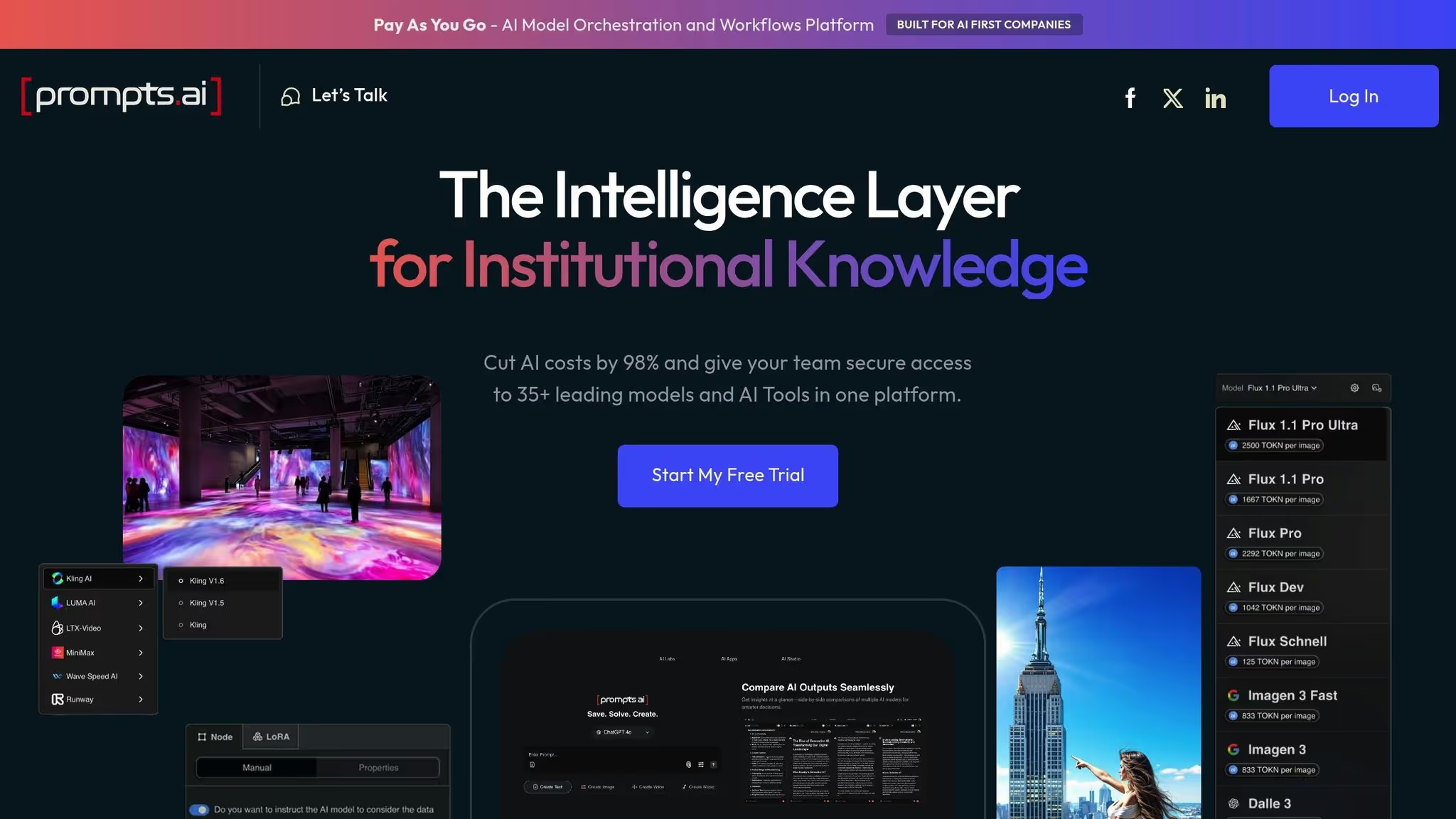
Prompts.ai serves as a centralized platform for enterprise AI, bringing together 35 top-tier language models - like GPT-5, Claude, LLaMA, Gemini, Grok-4, Flux Pro, and Kling - into one secure and streamlined interface. By consolidating tools and eliminating the hassle of managing multiple AI subscriptions, the platform enables organizations, from Fortune 500 companies to research labs and creative agencies, to operate more efficiently while maintaining strict security and governance standards.

The platform’s standout offering lies in its ability to drastically cut costs and improve operational efficiency. Prompts.ai claims to lower AI expenses by as much as 98%, thanks to its scalable, usage-based model powered by TOKN credits, a system that tracks every interaction and directly ties spending to measurable business outcomes.

Integration Ecosystem

Prompts.ai excels at bringing AI models and creative tools together under one roof. It integrates features like MediaGen Models, Image Gallery, and Image Studio Lite/Pro with workflow creation tools, enabling teams to design custom AI-driven processes. This approach simplifies the management of multiple models and supports multi-step automation, allowing tasks such as content generation, translation, and image creation to flow seamlessly within a single platform.

The platform also offers robust workspace management to support team collaboration. Personal plans include a set number of workspaces, ranging from one on the free tier to multiple workspaces in higher tiers, while business plans provide unlimited workspaces. For example, the Problem Solver plan supports up to 99 collaborators, while business plans allow for unlimited team members. This structure ensures teams can effectively collaborate and scale their operations.

AI-Native Features

Prompts.ai goes beyond simply accessing AI models by empowering users to fine-tune LoRAs, create custom AI agents, and build tailored workflows. The Creator plan, for instance, allows limited workflow creation, while the Problem Solver plan offers unlimited workflow capabilities, enabling teams to automate even the most complex, multi-step processes. Additional features include real-time cost controls and usage analytics, helping organizations optimize their AI usage.

To accelerate adoption, the platform offers a Prompt Engineer Certification program and provides pre-built workflows, known as "Time Savers", crafted by experienced users. These tools make it easier for teams to get started and maximize the platform’s capabilities.

Governance & Compliance

Prompts.ai is built with enterprise governance at its core. Its compliance monitoring and governance tools provide the oversight and audit trails needed for large-scale AI deployments. Features like TOKN pooling and storage pooling centralize resource allocation, preventing departmental silos and ensuring sensitive data stays within controlled environments. With unlimited collaborator support in business plans, the platform makes it easy to scale AI adoption across departments while meeting stringent compliance requirements.

Pricing Model

Prompts.ai offers a transparent, tiered pricing structure that combines subscription plans with usage-based TOKN credits:

  • Personal Plans
    • Pay As You Go: A free entry-level option with limited TOKN credits, 1 workspace, and 1GB of cloud storage.
    • Creator: $29/month ($25/month annually) – Includes 250,000 TOKN credits, 5 workspaces, 5 collaborators, and 5GB of storage.
    • Problem Solver: $99/month ($89/month annually) – Includes 500,000 TOKN credits, unlimited workspaces, 99 collaborators, and 10GB of storage.
  • Business Plans
    • Core: $99 per member/month – Offers 250,000 TOKN credits, unlimited teams and workspaces, and 10GB of storage per member.
    • Pro: $119 per member/month – Provides 500,000 TOKN credits and full enterprise features.
    • Elite: $129 per member/month – Includes 1,000,000 TOKN credits per member and all enterprise functionalities.

Business plans include advanced features like interoperable workflows, detailed usage analytics, TOKN pooling, storage pooling, and comprehensive compliance monitoring. This ensures organizations only pay for what they use, rather than being locked into fixed subscription costs. To help businesses evaluate the platform, Prompts.ai offers a free trial - no credit card required - providing a risk-free way to explore its capabilities before committing to a paid plan.

2. Zapier

Zapier serves as a bridge between apps and services, streamlining repetitive tasks through a trigger–action model. When something happens in one app, Zapier automatically triggers corresponding actions in connected apps, making it a cornerstone of workflow automation.

Integration Ecosystem

One of Zapier's standout features is its vast app directory, which spans productivity tools, CRM platforms, marketing software, and communication apps. With these, users can create automated workflows - called "Zaps" - to effortlessly transfer data between apps under specific conditions. Its advanced options, like multi-step workflows and conditional logic, allow users to chain actions or direct them based on defined criteria. Additionally, Zapier includes data formatting tools to ensure consistency across systems.

Governance & Compliance

Zapier caters to enterprise needs with strong security and administrative controls. Features such as user management, single sign-on (SSO), and audit logs provide transparency and control over workflows and data processes. These tools allow organizations to maintain oversight while adhering to stringent security protocols. These safeguards align well with its tiered pricing structure, offering options suitable for businesses of all sizes.

Pricing Model

Zapier's pricing revolves around the number of tasks (automated actions) and the complexity of workflows. It offers a free plan for basic automations, while its paid plans increase task limits and enable multi-step workflows. Each task represents one automated action, and users who exceed their monthly task allowance can either upgrade their plan or purchase additional capacity as needed.

3. Make

Make

Make offers a visual, drag-and-drop approach to workflow automation, making it easier to design and manage complex processes. The platform connects APIs, databases, and SaaS tools, making it particularly well-suited for handling advanced logic and transforming data seamlessly.

Integration Ecosystem

Make's visual interface simplifies the creation of intricate workflows. It includes a robust library of integrations that covers key business applications across categories like CRM, marketing, project management, and communication tools. While the number of connectors is relatively modest, they cover essential tools for most businesses. The standout feature is its visual scenario builder, which represents workflows as easy-to-follow flowcharts, providing a clear view of data movement.

The platform supports advanced features like branching logic and conditional paths, allowing users to create workflows that adapt to specific criteria. For instance, customer inquiries can be routed to different teams based on urgency or product type. Additionally, Make enables users to perform data transformations within workflows, such as filtering, reformatting, or manipulating data as it moves between systems. These capabilities make operations more efficient and align with the broader goal of simplifying workflow management. All of this integrates seamlessly with its flexible, credit-based pricing model.

AI-Native Features

For technical users, Make allows embedding AI calls through HTTP modules, enabling integration with services like OpenAI or Google Cloud APIs. This makes it possible to build workflows that include natural language processing, image recognition, or predictive analytics. While it doesn’t offer as many pre-built AI features as some platforms, the ability to connect custom APIs gives technical teams the freedom to create tailored AI-driven automations.

Additionally, users can extend Make’s functionality with custom webhooks and HTTP requests, making it possible to connect to proprietary systems or niche services that may not be covered by standard integrations.

Pricing Model

Make uses a credit-based pricing structure, where each step in a workflow consumes credits. The platform’s free plan includes 1,000 credits per month, ideal for small-scale testing or light automation. For more robust needs, the Core plan starts at $9 per month (billed annually), offering 10,000 monthly credits, unlimited active scenarios, higher data transfer limits, and API access.

Credit consumption is an important consideration. Each workflow step typically uses one credit, but AI-related actions may consume multiple credits. Even error handling counts toward credit usage, so poorly optimized workflows can quickly drain monthly allocations. With annual billing, the entire year’s credit allocation is provided upfront, offering more flexibility.

For example, a five-step workflow will cost five times the credits of a single-step workflow, making it essential to design workflows efficiently and monitor credit usage as your automations grow.

4. Vellum AI

Vellum AI

Vellum AI is all about simplifying the creation and deployment of AI agents. By leveraging dynamic, LLM-driven agents that integrate directly with business systems, the platform combines prompt engineering, workflow orchestration, and collaboration tools into a single workspace. This setup allows users to design, test, and launch multi-step AI agents without requiring extensive coding expertise.

AI-Native Features

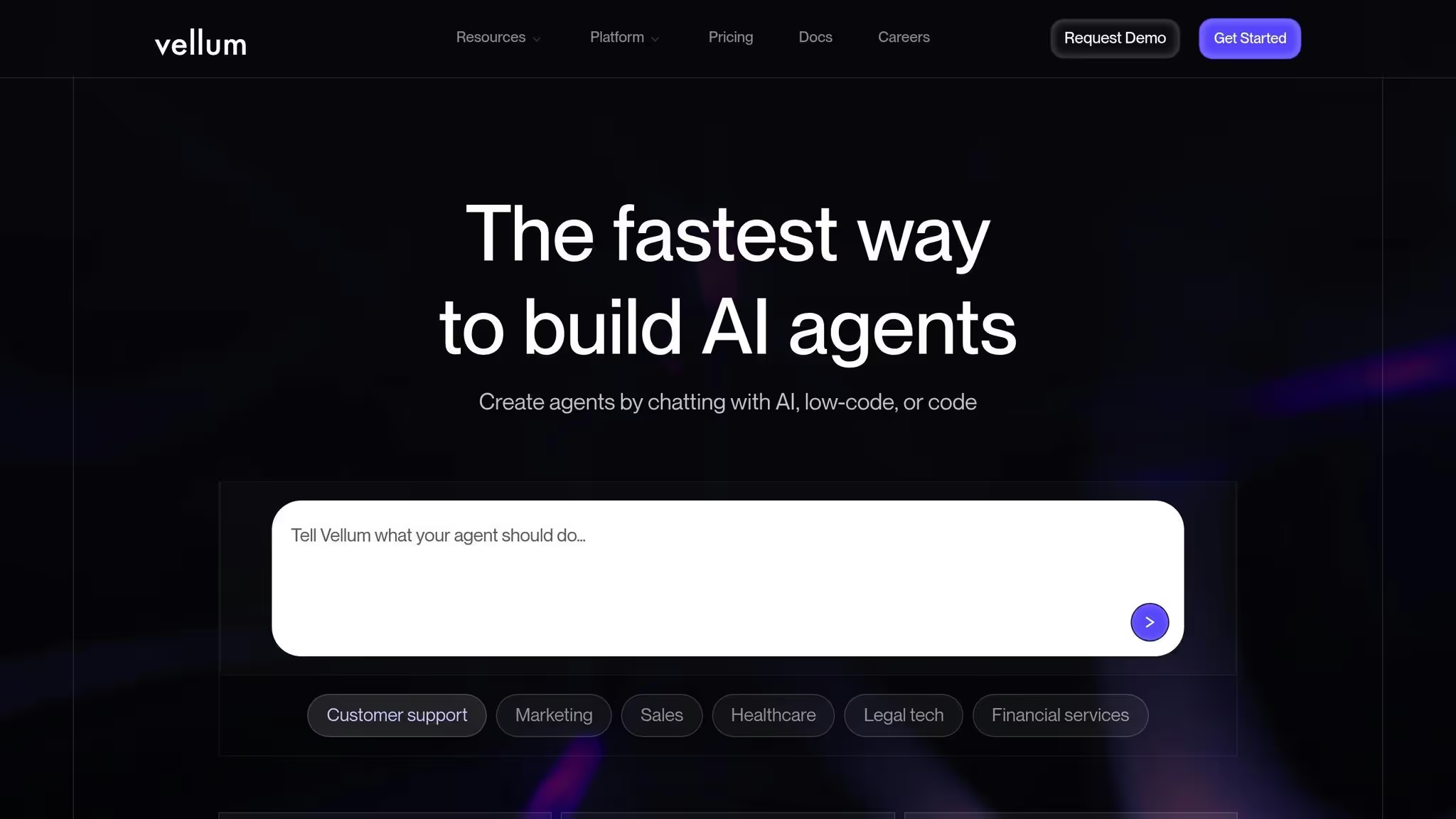
At its heart, Vellum AI empowers users to craft custom AI agents through natural language prompts. With this capability, you can build automations and chatbots simply by describing the actions you want them to perform. One standout feature is the Prompt Builder, which enables teams to design, version, and refine prompts collaboratively and in real time.

"You can chain prompts together, add variables, preview responses across models, and fine-tune outputs before deploying. This makes it easier to go from an idea to a working AI workflow by simply describing what you want it to do." - Whalesync

The Prompt Builder allows users to link multiple prompts, incorporate variables, and preview responses from various AI models before finalizing their workflows. This streamlined process helps transform ideas into functional AI workflows quickly, making it easier for both technical and non-technical team members to collaborate. Additional features like built-in evaluations, versioning, and regression tests ensure that workflows remain consistent and reliable as they evolve.

For more complex tasks, Vellum AI offers a visual builder that simplifies the creation of multi-step workflows. By describing the desired workflow or agent in natural language, users can instantly generate a functional automation. This approach makes advanced AI automation accessible even to teams without deep technical expertise. The platform's robust prompt-building tools also integrate seamlessly with a wide range of external systems, enhancing its versatility.

Integration Ecosystem

Vellum AI is designed to connect effortlessly with APIs, databases, and SaaS applications, ensuring smooth integration across your existing tech stack. Its extensive connector coverage and deep API support enable integration with CRMs, ERPs, data warehouses, and other business-critical systems. This means you can trigger AI-powered processes directly from these systems without writing manual code, creating a cohesive and automated workflow.

For teams with unique needs, Vellum AI offers a TypeScript/Python SDK for creating custom nodes and exportable code. This feature provides the flexibility to meet specific business requirements, whether integrating with proprietary systems or niche services that standard connectors don’t cover. This technical adaptability is further supported by enterprise-level controls, ensuring that the platform aligns with diverse organizational needs.

Governance & Compliance

Vellum AI includes robust governance features to ensure workflows are efficient and compliant at scale. Key features like role-based access control (RBAC), audit logs, and approval workflows help organizations adhere to both internal policies and external regulations. Every workflow is automatically tracked, providing complete visibility and audit trails from the design phase through deployment.

The platform supports compliance with industry standards such as SOC 2, GDPR, and HIPAA, ensuring that it meets rigorous security and data protection requirements. Additional enterprise-level security measures include encryption and Single Sign-On (SSO) capabilities. Vellum AI also offers flexible deployment options, allowing workflows to run in the cloud, a private VPC, or on-premise environments. This flexibility ensures organizations can align their deployments with specific security and data residency needs.

Pricing Model

Vellum AI provides a free plan for teams starting out with AI agent development. For those needing advanced features, paid plans start at $25 per month. This pricing makes the platform accessible for smaller teams while still offering the tools necessary for enterprise-level AI automation. The pricing structure reflects its focus on creating sophisticated AI agents rather than handling basic task automation.

5. Lindy AI

Lindy AI

Lindy AI is a platform designed to simplify business operations by automating tasks, improving team collaboration, and integrating seamlessly with existing tools. Its user-friendly approach highlights its advanced AI capabilities, broad integration options, and adaptable pricing structure.

AI-Native Features

Lindy AI enables you to build custom AI assistants that handle complex, multi-step tasks using natural language. Whether it’s scheduling meetings or managing customer inquiries, these assistants operate without requiring any coding knowledge. Over time, they adapt to your organization’s preferences and can escalate more complicated issues to human team members when necessary. They interact through various channels, including email, chat, and even phone calls, ensuring efficient communication with clients, vendors, and colleagues.

Integration Ecosystem

The platform connects with over 4,000 tools through its Pro plan, covering essential applications like CRMs, project management software, and communication platforms. This extensive integration network ensures data flows smoothly between systems, cutting down on manual work and eliminating data silos. For smaller teams or those just starting out, the Free plan provides access to basic integrations, making it easy to explore the platform’s potential before committing to a larger plan.

Pricing Model

Lindy AI uses a credit-based pricing system tailored to the complexity of tasks. The Free plan includes 400 credits per month, equivalent to around 40 tasks. The Pro plan, priced at $39.99 per month when billed annually, offers 5,000 credits per month - enough for approximately 1,500 tasks and 30 phone calls. For organizations with larger automation needs, there’s an Enterprise option available through custom pricing. This model ensures you only pay for the level of automation your business actually uses.

6. n8n

n8n offers a free self-hosted option, giving teams greater control over their data, ensuring strong privacy protections, and allowing for complete customization to fit specific needs.

For those opting for the managed service, n8n uses a pricing model based on completed workflow executions. This approach simplifies budgeting and makes it easier to forecast costs, while aligning with the platform's adaptable deployment options to support streamlined workflow automation.

7. Microsoft Power Automate

Microsoft Power Automate

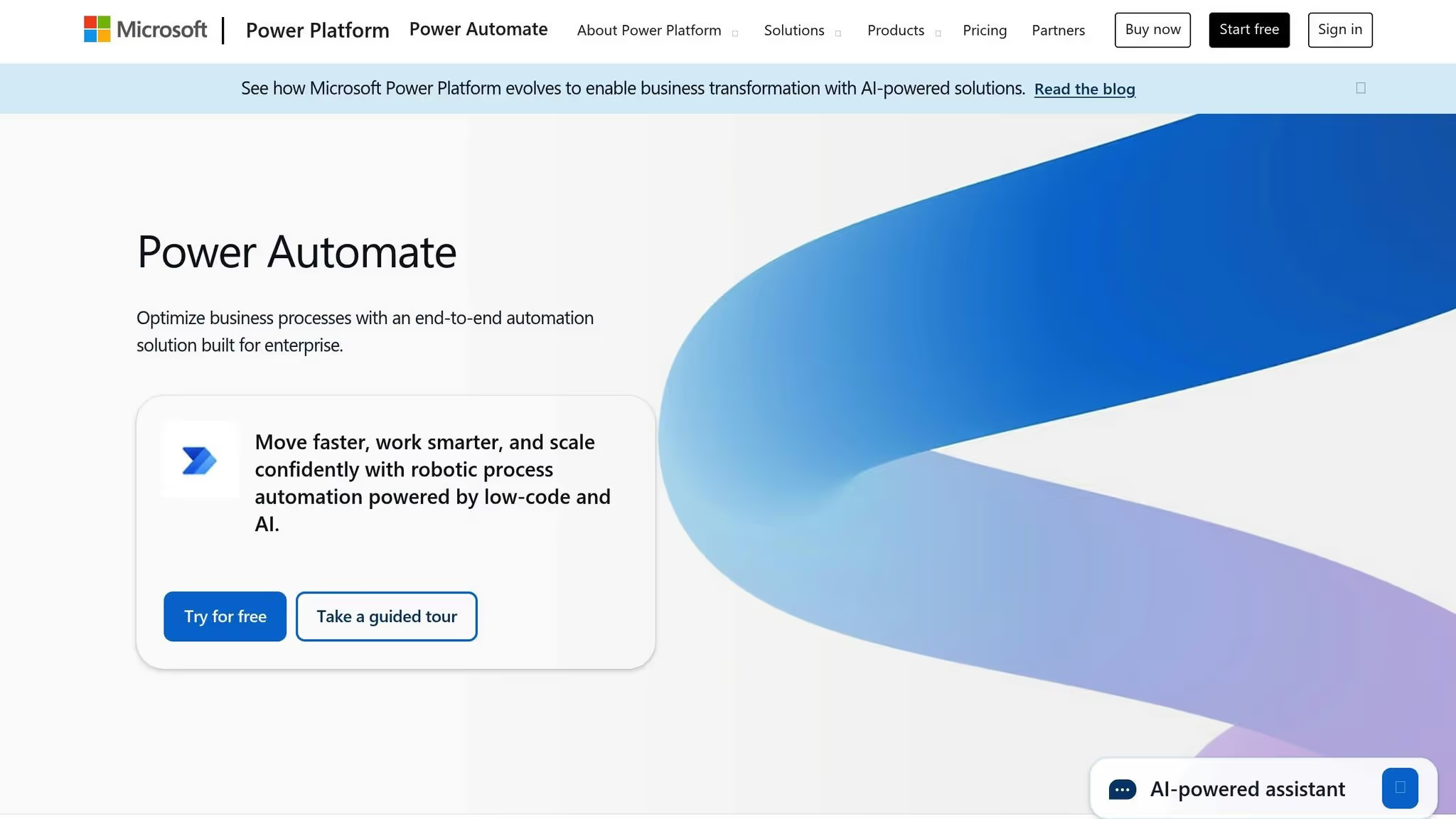
Microsoft Power Automate is a low-code platform tailored for organizations already using Microsoft's ecosystem. Its seamless integration with Microsoft 365 and Dynamics products makes it an ideal choice for teams invested in these tools.

Integration Ecosystem

Power Automate's key strength lies in its ability to work effortlessly with apps like Outlook, Teams, SharePoint, and Excel. This tight integration reduces setup time and speeds up automation processes. With its drag-and-drop builder, it empowers Office teams, analysts, and non-technical users to automate workflows within Microsoft apps and even connect with external tools. These capabilities create a foundation for smarter, AI-powered automation.

AI-Driven Features

The platform features AI Builder, which enhances automation with tools like image recognition, text analysis, and sentiment detection. These tools help teams handle unstructured data and make decisions that once required manual effort. For instance, workflows can automatically sort visual content, extract data from documents, or analyze customer feedback to determine sentiment.

Additionally, its RPA (Robotic Process Automation) capabilities combine traditional task automation with AI-driven assistance. This approach is especially useful for handling repetitive, high-volume tasks while managing exceptions intelligently. However, some advanced features may require additional add-ons, making these tools particularly valuable for businesses scaling their AI-assisted workflows.

Governance and Security

Power Automate prioritizes enterprise-grade security, addressing governance challenges that come with large-scale automation. Its built-in admin tools and analytics provide IT teams with insights into automation performance and potential issues. This level of visibility ensures workflows remain compliant and operate securely within established guidelines.

Pricing Model

The platform starts at $15 per user per month, with a free tier available for teams exploring its capabilities. Its scalable pricing structure accommodates businesses of varying sizes, and desktop RPA features are included for teams needing to automate tasks on local machines alongside cloud-based workflows. This flexibility makes it accessible for organizations at different growth stages.

8. Workato

Workato

Workato is a powerful automation platform designed for enterprises, streamlining complex integrations across key functions like sales, marketing, IT, finance, and operations.

Integration Ecosystem

Workato connects a wide range of applications, from Salesforce CRMs and ERP systems to databases and cloud storage platforms. Its recipe-based system offers pre-built templates to tackle common integration challenges, such as syncing customer data between Salesforce and NetSuite, updating inventory across multiple tools, or triggering Slack alerts based on specific project conditions. With support for both cloud-based and on-premises systems, Workato bridges the gap between legacy software and modern SaaS tools, creating a seamless environment for automation. This extensive connectivity lays the groundwork for advanced, AI-driven processes.

AI-Driven Features

Workato incorporates AI features to enhance automation, including Workbot, which enables users to initiate workflows, approve tasks, and get real-time updates directly within Microsoft Teams or Slack. Additionally, its intelligent data mapping feature simplifies setup by suggesting field connections between applications based on data types and naming conventions, significantly cutting down on manual configuration time.

Governance and Compliance

The platform includes robust governance and compliance tools tailored for enterprise needs. Role-Based Access Control (RBAC) ensures only authorized users can create, modify, or execute workflows, while detailed logs provide transparency for compliance audits and troubleshooting. For industries with strict regulatory requirements, Workato meets standards like SOC 2, HIPAA, and GDPR. It also offers version control, allowing teams to track recipe changes, revert to earlier versions if needed, and safely test updates in sandbox environments before rolling them out.

Pricing Model

Workato uses a custom enterprise pricing model based on factors such as the number of monthly workflow executions, active recipes, and premium features selected. While this approach allows for scalability and efficiency, it can represent a sizable investment for smaller teams or organizations new to automation. However, for enterprises managing a large volume of integrations, the potential efficiency gains can outweigh the costs, making Workato a valuable tool for optimizing workflows.

Strengths and Weaknesses

Understanding the strengths and limitations of each platform is key to choosing the right fit for your team's workflow, technical abilities, and budget. Below, we highlight how these tools compare to help you make an informed decision.

Prompts.ai simplifies AI management by unifying access to over 35 leading large language models in a secure interface, eliminating the hassle of juggling multiple subscriptions. Its pay-as-you-go TOKN credit system offers flexibility and can reduce AI software costs by up to 98%. Real-time FinOps tools provide transparency by linking spending directly to outcomes. Additionally, features like the Prompt Engineer Certification program and community-curated workflows make it easier for teams with varying skill levels to adopt. However, for organizations needing only a single AI model or basic automation, this level of functionality might feel excessive.

Zapier is popular for its intuitive interface and extensive library of pre-built integrations, making it ideal for non-technical users. However, its per-user or per-workflow pricing can become expensive with increased task volume. Complex, multi-step workflows may also hit usage limits, driving costs higher.

Make (formerly Integromat) offers a visual approach to workflow building, giving users granular control for highly customizable setups. Its scenario-based pricing is cost-effective for teams running many automations. However, the visual interface can become cluttered as workflows grow more intricate, and its steeper learning curve may deter users accustomed to simpler drag-and-drop tools.

Vellum AI specializes in LLM application development, offering tools for version control, prompt testing, and deployment. This makes it ideal for teams building customer-facing AI products. However, it’s less suited for general workflow automation, and its enterprise pricing model requires direct sales engagement, which can slow down evaluation for smaller teams looking for quick, self-serve options.

Lindy AI allows users to create workflows in plain English, simplifying the setup process. While this natural language interface lowers the barrier for beginners, it lacks the detailed control offered by visual or code-based builders. As a newer platform, its integration library and features are still evolving.

n8n appeals to technical teams that prioritize self-hosting and data control. Its open-source model eliminates vendor lock-in and allows full customization. While self-hosting is free, it requires advanced DevOps skills to ensure security and scalability. For those who prefer convenience, the cloud-hosted option is available but may lack enterprise-level governance features.

Microsoft Power Automate integrates seamlessly with the Microsoft 365 ecosystem. Its AI Builder adds features like document processing and predictive modeling, all within the familiar Microsoft environment. However, its licensing structure is complex, with some features included in Microsoft 365 subscriptions and others requiring additional fees. For organizations outside the Microsoft ecosystem, other platforms might be more suitable.

Workato is designed for enterprise-scale integration challenges, offering robust governance, compliance certifications, and the ability to connect both cloud and on-premises systems. Its recipe-based approach and intelligent data mapping simplify complex integrations. However, its custom enterprise pricing can be a barrier for smaller teams, though larger organizations may find the efficiency gains worth the investment.

Here’s a quick comparison of these platforms:

Platform Best For Pricing Structure Key Strength Main Limitation
Prompts.ai Teams using multiple AI models Usage-based (pay-as-you-go) Unified access to 35+ LLMs with FinOps tools Overkill for simple automation needs
Zapier Non-technical users Per-user/workflow-based Intuitive interface with many integrations Costs rise with usage growth
Make Users needing custom workflows Scenario-based pricing Granular control with visual design Steep learning curve and interface clutter
Vellum AI Developers creating LLM applications Enterprise pricing Tools for LLM development Not ideal for general workflow automation
Lindy AI Beginners favoring plain language setup Pricing varies Easy setup with natural language interface Limited precision and evolving feature set
n8n Teams prioritizing data control Free (self-hosted) / Paid (cloud) Open-source and customizable Self-hosting demands advanced DevOps skills
Power Automate Microsoft-centric organizations Per-user/licensing-based Deep Microsoft 365 integration Complex licensing; limited appeal outside ecosystem
Workato Large enterprises Enterprise pricing Strong governance and compliance High cost for smaller teams

Cost and Pricing Models

The platforms vary widely in their pricing structures. Prompts.ai and n8n offer transparent, usage-based pricing that scales with consumption. On the other hand, Vellum AI and Workato require enterprise sales engagements, which can delay evaluation. Zapier and Power Automate use per-user or per-workflow pricing, which simplifies budgeting but may become expensive as needs grow. Make strikes a balance with scenario-based pricing, offering affordability with some usage limitations.

Security and Compliance

Security features also differ. Platforms like Workato and Prompts.ai prioritize enterprise-level governance with role-based access control, audit logs, and certifications. Zapier and Make offer enhanced security in higher-tier plans, focusing more on ease of use in their core offerings. n8n, being self-hosted, allows complete control over data policies but requires significant technical expertise for secure implementation.

AI Capabilities

Each platform takes a different approach to AI. Prompts.ai places AI at the core, offering direct access to top models and tools for performance comparison. Workato and Power Automate integrate AI as an assistant to enhance workflows, while Vellum AI focuses on treating LLMs as components for development, emphasizing version control and testing. The right choice depends on whether AI is central to your operations or a supplementary tool.

Conclusion

When evaluating AI workflow platforms, several factors come into play: team size, technical expertise, and the role AI plays in your operations. The right platform can streamline processes, improve efficiency, and integrate AI seamlessly into your workflows.

For teams managing multiple AI models, Prompts.ai stands out with its pay-as-you-go TOKN system and real-time FinOps tools. This combination not only provides full visibility into spending but also slashes AI software costs by up to 98%. Additionally, its Prompt Engineer Certification program and community-driven workflows make enterprise-grade AI orchestration accessible to teams with varying skill levels - without the chaos of juggling multiple tools.

Zapier, with its user-friendly design and wide range of integrations, is ideal for smaller teams and non-technical users. Meanwhile, Make offers granular control through its visual builder, catering to users who need a more hands-on approach.

For those seeking complete customization and data control, n8n’s open-source model is a strong option, though it does require advanced DevOps expertise. On the other hand, Power Automate integrates effortlessly with Microsoft 365, though its licensing structure can be a bit challenging to navigate.

Developers focused on building customer-facing AI applications may find Vellum AI particularly useful. It offers tools for LLM version control, prompt testing, and deployment, though its pricing is geared toward enterprise users. Similarly, Workato is tailored for large enterprises with complex integration needs, offering advanced governance and compliance features that justify its premium pricing.

FAQs

How does Prompts.ai save up to 98% on AI costs, and what are TOKN credits?

Prompts.ai offers a powerful way to slash your AI expenses by as much as 98%. By bringing together more than 35 AI tools into a single, streamlined platform, it eliminates the hassle and cost of juggling multiple subscriptions. This not only simplifies your workflow but also saves both time and money.

At the heart of the platform are TOKN credits, a universal currency designed to give you access to a wide range of AI-driven services. Whether you need to create text, images, videos, or more, TOKN credits ensure you only pay for what you use. This flexible system keeps your operations efficient while catering to diverse needs.

What should I look for when selecting an AI platform to improve workflow efficiency?

When selecting an AI platform to improve workflow efficiency, start by assessing the size of your business, your compliance needs, and your budget. Equally important is determining how seamlessly the platform integrates with your current tools and whether its features align with your unique workflow requirements.

If your business is expanding, look for a platform that can scale alongside your growth. Prioritize solutions with intuitive interfaces and dependable customer support to ensure smooth adoption. By weighing these factors, you can choose a platform that boosts productivity and supports your operational objectives.

How does Prompts.ai ensure data security and compliance for large-scale AI implementations?

Prompts.ai adheres to rigorous compliance standards such as SOC 2 Type II, HIPAA, and GDPR, ensuring user data remains protected and operations stay secure. To strengthen these measures, they collaborate with Vanta for continuous monitoring, reinforcing strong governance practices.

On June 19, 2025, Prompts.ai began their SOC 2 Type II audit process, showcasing their dedication to upholding top-tier data security and meeting regulatory requirements for scalable AI solutions.

Related Blog Posts

SaaSSaaS
Quote

Streamline your workflow, achieve more

Richard Thomas