Pay As You Go7 दिन का फ़्री ट्रायल; किसी क्रेडिट कार्ड की आवश्यकता नहीं



Simplify Your AI Workflows Today
In the ever-evolving world of business, AI workflow solutions are transforming how organizations operate by automating repetitive tasks, integrating tools, and reducing costs. Whether you're a small team or an enterprise, these platforms offer scalable options to streamline processes and improve efficiency. Here's a quick look at nine standout solutions:
Quick Comparison
| Platform | Best For | Starting Price | Highlight |
|---|---|---|---|
| prompts.ai | Enterprises | Custom Pricing | 35+ LLMs and cost tracking |
| Vellum AI | AI Agents | $25/month | Multi-model workflows |
| Zapier | Beginners | Free | Simple app connections |
| Make | Technical Teams | $9/month | Advanced workflow control |
| n8n | Privacy-Focused | Free (Self-Hosted) | Self-hosted automation |
| Gumloop | No-Code Users | $30/month | Browser action automation |
| Lindy AI | Custom AI | $49/month | AI-first automation |
| StackAI | Knowledge Bases | Custom Pricing | Document-driven AI |
| Workato | Enterprises | Custom Pricing | Enterprise-grade compliance |
Choose the Right Solution for Your Needs
Pick a platform that aligns with your goals, technical expertise, and budget to unlock the full potential of AI in your workflows.
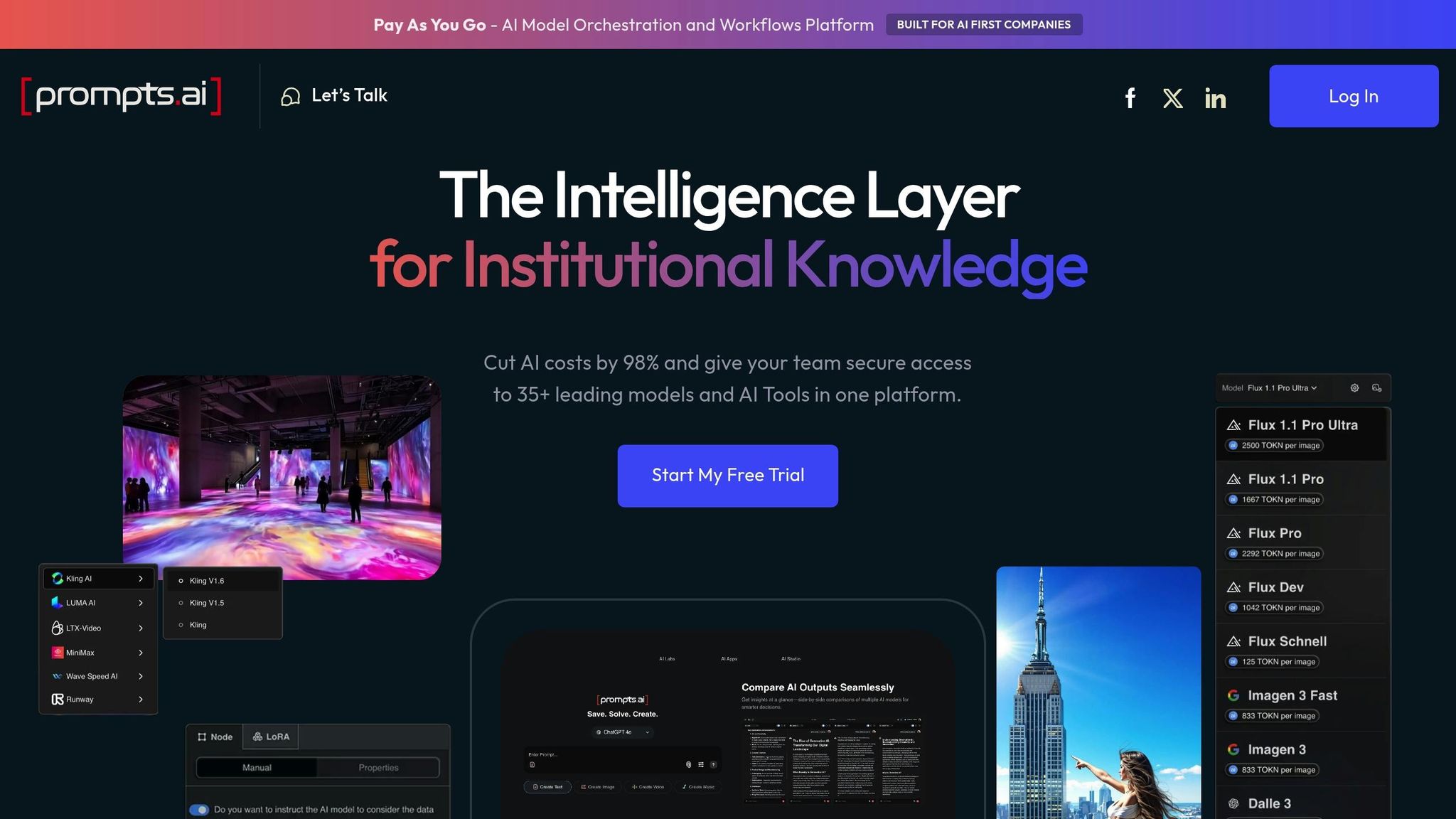
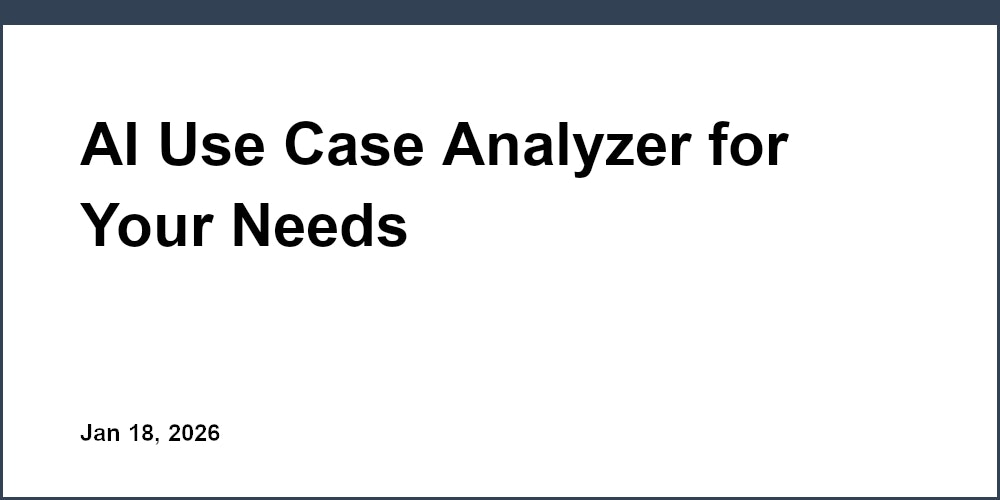
Prompts.ai is a platform tailored for enterprises to simplify and centralize their AI operations. By offering access to over 35 leading language models, including GPT-5, Claude, and LLaMA, through a single secure interface, it addresses challenges like scattered tools, hidden expenses, and gaps in governance. With its "Intelligence Layer for Institutional Knowledge", users can compare, deploy, and manage AI workflows efficiently from one unified hub.
The platform aims to replace the disarray of managing disconnected AI tools. By consolidating models and workflows, it enhances operational efficiency for diverse teams. Beyond just model access, prompts.ai focuses on key features like real-time cost tracking, governance controls, and compliance monitoring.
Prompts.ai integrates seamlessly with popular enterprise tools such as Slack, Gmail, and Trello, allowing teams to incorporate AI into their workflows without leaving familiar environments. The "Interoperable Workflows" feature, available with Business and Enterprise plans, enables organizations to embed AI functionality directly into their existing tech stack. This ensures teams can continue using tools they rely on daily while benefiting from enhanced AI capabilities.
This approach turns one-off AI tasks into repeatable, scalable processes, bridging the gap between advanced AI models and everyday business applications. By doing so, it supports enterprise-wide AI adoption in a practical and scalable way.
Designed to grow alongside organizations, prompts.ai accommodates businesses of all sizes. Its Business plans include unlimited workspaces and collaborators, removing the typical limitations that might force upgrades or platform changes. The pay-as-you-go TOKN credit system ensures flexibility, allowing teams to purchase credits upfront and use them as needed, avoiding unnecessary costs.
For larger enterprises managing multiple departments or global teams, prompts.ai offers centralized governance. Features like role-based permissions and audit trails ensure secure and compliant deployment, even for thousands of users across various locations.
One of the standout features of prompts.ai is its access to over 35 leading language models, including GPT-5, Claude, and LLaMA, as well as specialized tools for image and video workflows. The platform’s side-by-side comparison tool allows users to test identical prompts across multiple models simultaneously. This feature provides real-time insights into factors like response quality, speed, and cost, helping teams choose the best model for specific tasks.
Prompts.ai is built to help organizations drastically cut AI expenses. The platform claims it can reduce costs by up to 98% compared to maintaining separate subscriptions for multiple AI tools. Its built-in FinOps layer tracks token usage in real time, offering teams full transparency into their spending. This visibility makes it easier to identify and optimize costly workflows before they become a financial burden.
The pay-as-you-go TOKN credit system also contributes to cost savings, offering scalable options that align with an organization's usage needs. This system ensures teams only pay for what they use, helping to avoid unexpected budget spikes.

Vellum AI serves as a platform for developing AI agents, enabling the creation of chatbots and automation solutions through natural language prompts. It’s specifically designed to support dynamic, LLM-powered agents and workflows that seamlessly integrate with real-world business systems.
The platform provides a unified workspace that brings together tools for prompt engineering, workflow orchestration, and team collaboration. This setup allows both technical and non-technical users to design, test, and deploy AI agents, refine their prompts, and configure logic with ease. Much like Prompts.ai, Vellum AI simplifies the process of automating workflows without requiring advanced coding skills, aligning with the pursuit of more efficient AI-driven solutions.
Vellum AI’s architecture is optimized for connecting AI agents to existing business systems, ensuring smooth integration. The shared workspace fosters collaboration between developers and business teams, making it easier to align technical execution with business objectives. This integration framework supports effective multi-model workflows, enhancing operational efficiency.
One standout feature of Vellum AI is its Prompt Builder, which enables teams to work across multiple language models. This tool allows users to design and refine prompts in real time, all without needing to write code. Key functionalities include chaining prompts, incorporating variables, previewing responses across different models, and fine-tuning outputs before deployment. These capabilities make it easier to ensure accuracy and relevance in AI agent responses.
For teams just starting their journey into AI agent development, Vellum AI offers a free plan. For those requiring advanced features, paid plans begin at $25 per month, providing scalable options for a variety of organizational needs.
Zapier has built a strong reputation as a go-to platform for automating workflows and connecting apps, all without requiring any coding skills. Its straightforward trigger-and-action setup makes it particularly appealing to small businesses, startups, and teams just beginning their journey into automation.
Zapier provides a wide array of pre-built integrations, allowing users to effortlessly connect their business tools with AI services. This simplicity is ideal for tasks like categorizing customer emails, creating summary reports, or transferring data between systems. With just a few clicks, users can streamline these basic operations.
While Zapier shines in handling simple automations, it faces challenges when dealing with more intricate, long-running AI processes. The platform is best suited for straightforward app-to-app connections. However, for more advanced needs - such as managing complex AI workflows or agent-driven processes - users might find its capabilities limited and may need to explore platforms designed for deeper orchestration.
Zapier has embraced AI through its built-in tools and collaborations with AI providers, making it an accessible option for small teams looking to incorporate generative AI. These features enable tasks like text generation, content summarization, and sentiment analysis. However, its functionality is centered on specific, task-based actions rather than managing entire workflows. This makes it a great starting point for automation, though teams with more sophisticated needs may need to look into platforms that cater to advanced orchestration.

Make stands out as a robust automation platform designed for technical teams that require detailed control over their workflows. However, its advanced features often necessitate technical expertise to unlock its full potential.
Make connects to thousands of apps, offering a broad range of options for building workflows. Its visual builder provides a clear view of how data flows between nodes, simplifying the process of mapping information across different systems. Additionally, its dashboard includes performance tracking tools to monitor connected applications effectively.
The platform integrates machine learning algorithms directly into its workflow builder, with providers like OpenAI featured as key components. This allows users to incorporate AI functionality seamlessly into their automations without switching between tools. These integrations enable Make to deliver advanced, scalable automation solutions.
Make is particularly suited for teams with automation specialists who can navigate its technical setup requirements. It offers robust data transformation tools and detailed scenario-building capabilities, appealing to those who need precise control over their workflows.
For enterprise users, Make introduces the "Grid" feature for AI orchestration. This tool provides a high-level view of agents, apps, and workflows, aiding in performance monitoring, debugging, and maintaining observability across complex automation chains.
Although the platform's visual editor simplifies understanding workflows once they’re built, setting them up often requires significant technical knowledge.
Make’s scalable framework includes seamless integration with various LLM providers, enabling users to incorporate AI steps into their workflows. This allows for the creation of advanced automations that combine traditional app connections with generative AI capabilities.
The visual editor not only helps in designing these AI-enhanced workflows but also includes reporting tools. These tools leverage AI to offer deeper insights into workflow performance, making it easier to optimize processes.
Make’s pricing model can be challenging to predict as usage scales. The platform offers a Free plan with 1,000 credits per month, while paid plans start at $9/month (billed annually), providing 10,000 credits per month along with features like unlimited active scenarios and higher data transfer limits.
For annual subscriptions, Make allocates the entire year’s credits upfront, allowing users to manage their usage more flexibly rather than being restricted by monthly limits.
However, Make’s step-based pricing structure can complicate cost forecasting. Each workflow step, including error handling, consumes credits, and AI operations may use multiple credits at a time. This credit system ties costs directly to workflow complexity, making expenses harder to predict as automations scale.
Unlike platforms that charge per workflow execution, Make’s approach means costs can rise unpredictably with intricate workflows. This requires careful monitoring, especially when building AI-driven processes. Additionally, the platform offers limited role-based access control and secret management, which could be a consideration for organizations with stringent security needs.
n8n stands out as a self-hosted automation platform designed for those who prioritize control and privacy. Unlike cloud-only solutions, n8n allows businesses to host their workflows on their own servers, making it an appealing choice for organizations with strict data privacy or regulatory needs. This setup empowers teams to manage their workflow infrastructure independently, ensuring greater control over their operations.
n8n supports over 400 pre-built integrations, connecting seamlessly with popular business tools and services. Its intuitive, node-based visual editor enables users to create workflows without writing code, using a simple drag-and-drop interface to link applications.
For scenarios where standard integrations don’t meet specific needs, n8n’s open-source framework allows developers to build custom nodes. This feature is especially useful for teams working with proprietary systems or specialized tools that aren’t commonly supported by other platforms. Additionally, n8n benefits from an active community that regularly contributes new integrations, broadening its functionality beyond the core offerings.
The platform also provides native support for HTTP requests and webhooks, enabling connections to virtually any API-enabled service. This flexibility makes it easy to integrate modern cloud-based applications as well as older, legacy systems that may lack direct automation connectors.
With its self-hosted model, n8n’s scalability is tied to the infrastructure an organization deploys. Teams can scale vertically by upgrading server resources or horizontally by distributing workflows across multiple servers. This flexibility ensures technical teams have fine-tuned control over performance as automation demands grow.
n8n includes features like workflow versioning and execution history, which are invaluable for managing complex automations. These tools allow teams to track changes, troubleshoot issues, and maintain clarity as workflows evolve.
The platform also supports concurrent workflow executions, but achieving optimal performance often requires technical expertise. Teams must monitor infrastructure usage and adjust configurations to handle increasing workloads effectively.
n8n integrates with leading large language model (LLM) providers, enabling teams to incorporate AI-driven capabilities into their workflows. With dedicated nodes for services like OpenAI, users can automate tasks involving natural language processing, text generation, and other AI functionalities.
Its visual workflow builder simplifies combining AI with traditional automation steps. For instance, data can flow from business applications into LLM processing and then back into other systems, all within a single workflow. This seamless integration makes it easy to enhance automations with AI-powered tools.
Because n8n operates on self-hosted infrastructure, organizations retain complete control over data sent to LLM providers. This approach addresses privacy concerns by allowing teams to implement their own security measures and protocols for handling sensitive information.
n8n’s open-source foundation significantly reduces automation costs. The community edition is free, offering unlimited workflow executions for teams capable of managing their own hosting. This makes it an economical option for organizations with existing infrastructure and technical expertise.
The primary costs for self-hosted users are related to server hosting, maintenance, and resources. For teams already running their own servers, this can result in substantial savings compared to platforms with per-execution or per-user pricing models.
For those who prefer a managed solution, n8n offers a cloud-hosted plan starting at $20/month, which includes 2,500 workflow executions. Additional executions are available at a fixed rate, providing predictable costs. This option eliminates the need for infrastructure management while retaining the same workflow-building capabilities as the self-hosted version.
n8n’s straightforward pricing model makes budget planning easier. Unlike credit-based systems where costs can vary based on workflow complexity, n8n charges based purely on the number of executions. This transparency ensures teams know exactly what they’re paying, regardless of the complexity of their workflows.
For organizations with development resources, the self-hosted option remains the most cost-effective. It allows thousands of workflows to run without recurring software fees, with costs limited to the infrastructure the team chooses to deploy.
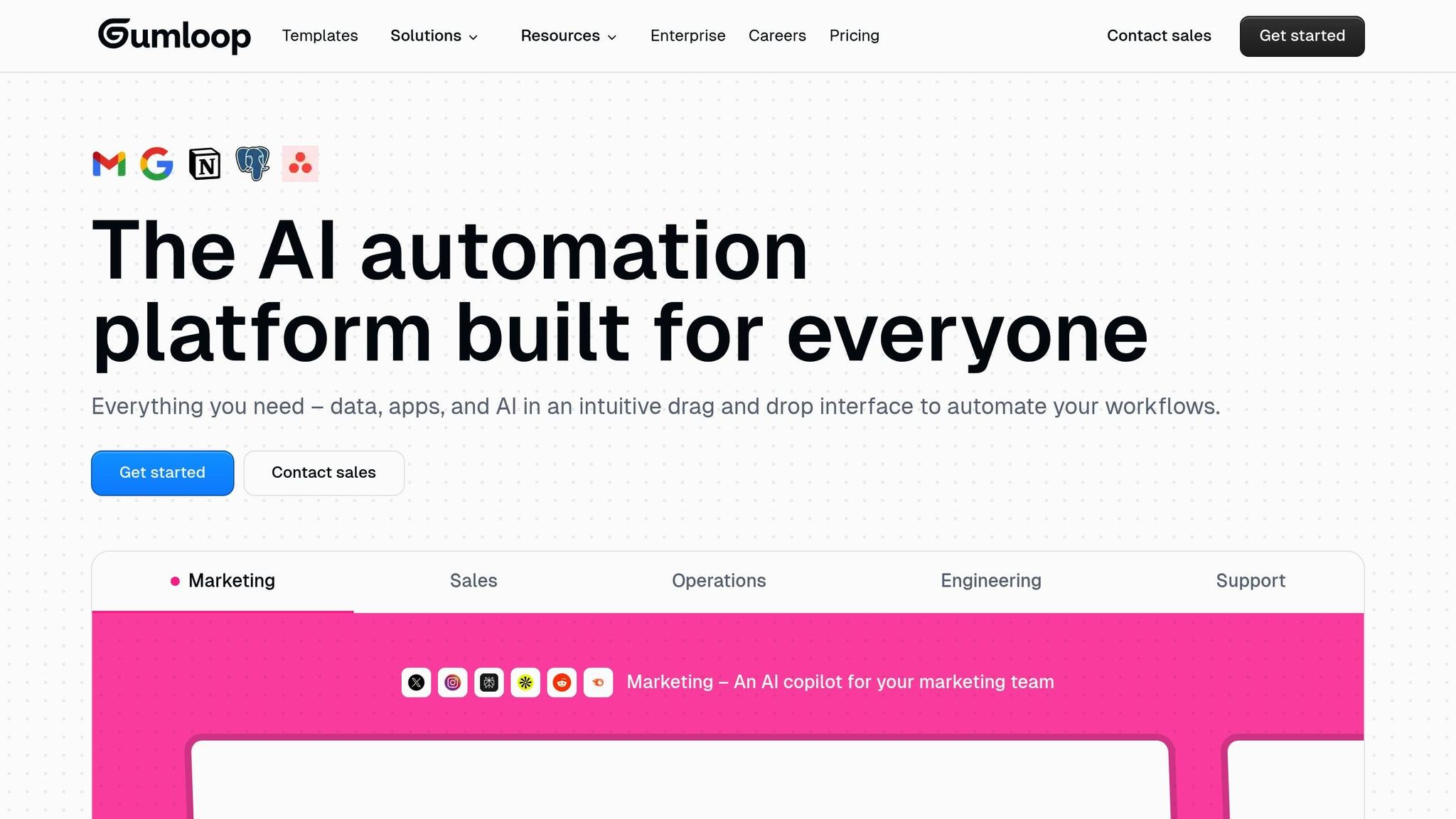
Gumloop is a no-code platform designed to simplify the creation of AI-powered business automations. Using a drag-and-drop interface and modular nodes, it empowers users - technical experts and non-programmers alike - to build workflows that handle even complex processes. Positioned as a versatile tool, Gumloop competes with platforms that support intricate automation needs.
Gumloop connects seamlessly with a wide range of tools, offering over 100 built-in integrations and the ability to create custom ones. These integrations make it easy to link Gumloop with popular business applications or niche systems tailored to specific industries.
The platform supports webhooks, enabling external systems to trigger workflows. It also features Multi-Cloud Platform (MCP) functionality, allowing users to operate across multiple cloud environments without being tied to a single provider.
One standout feature is the Chrome extension, which records browser actions and transforms them into repeatable automations. This is particularly useful for tasks like web scraping or interacting with websites that lack APIs. Instead of writing code, users can perform actions directly in their browser, and Gumloop captures the steps to create automated workflows.
To help users get started quickly, Gumloop provides a library of 90 pre-built workflows and templates. These templates address common automation scenarios and can be customized to meet specific needs, cutting down the time required to build workflows from scratch.
With these integration options, Gumloop lays the groundwork for scalable and efficient automation across industries.
Gumloop is built to handle enterprise-level automation demands. Its architecture includes subflows, which break down complex tasks into reusable components, and interfaces that let external partners trigger workflows.
For teams managing heavy automation loads, Gumloop offers concurrent runs on its paid plans, enabling multiple workflows to execute simultaneously. The Solo plan, for instance, includes 4 concurrent runs. This parallel processing capability ensures tasks are completed faster, especially as automation needs grow.
Gumloop is designed to integrate AI seamlessly into workflows. With native support for large language models (LLMs), users can easily incorporate AI-driven steps into their processes. The platform’s node-based interface allows for combining AI tasks - like data analysis or decision-making - with traditional automation steps such as API calls or data manipulation.
Users can also bring their own API keys for LLM services, giving them control over which AI providers they use. This flexibility ensures organizations can align their automation strategies with their technical needs, budget, and data privacy policies.
Gumloop uses a credit-based pricing system, where the complexity of workflow actions determines the number of credits consumed. This structure allows users to tailor costs to their specific automation needs.
Because credit usage varies based on the nodes and complexity of workflows, teams need to monitor their consumption to manage costs effectively. Unlike fixed pricing models, Gumloop’s system benefits teams with predictable workflows. Additionally, the option to use your own API keys helps reduce expenses by allowing direct payments to AI providers instead of incurring platform markups.
This pricing model, paired with its robust features, ensures Gumloop remains a flexible and cost-conscious solution for businesses of all sizes.
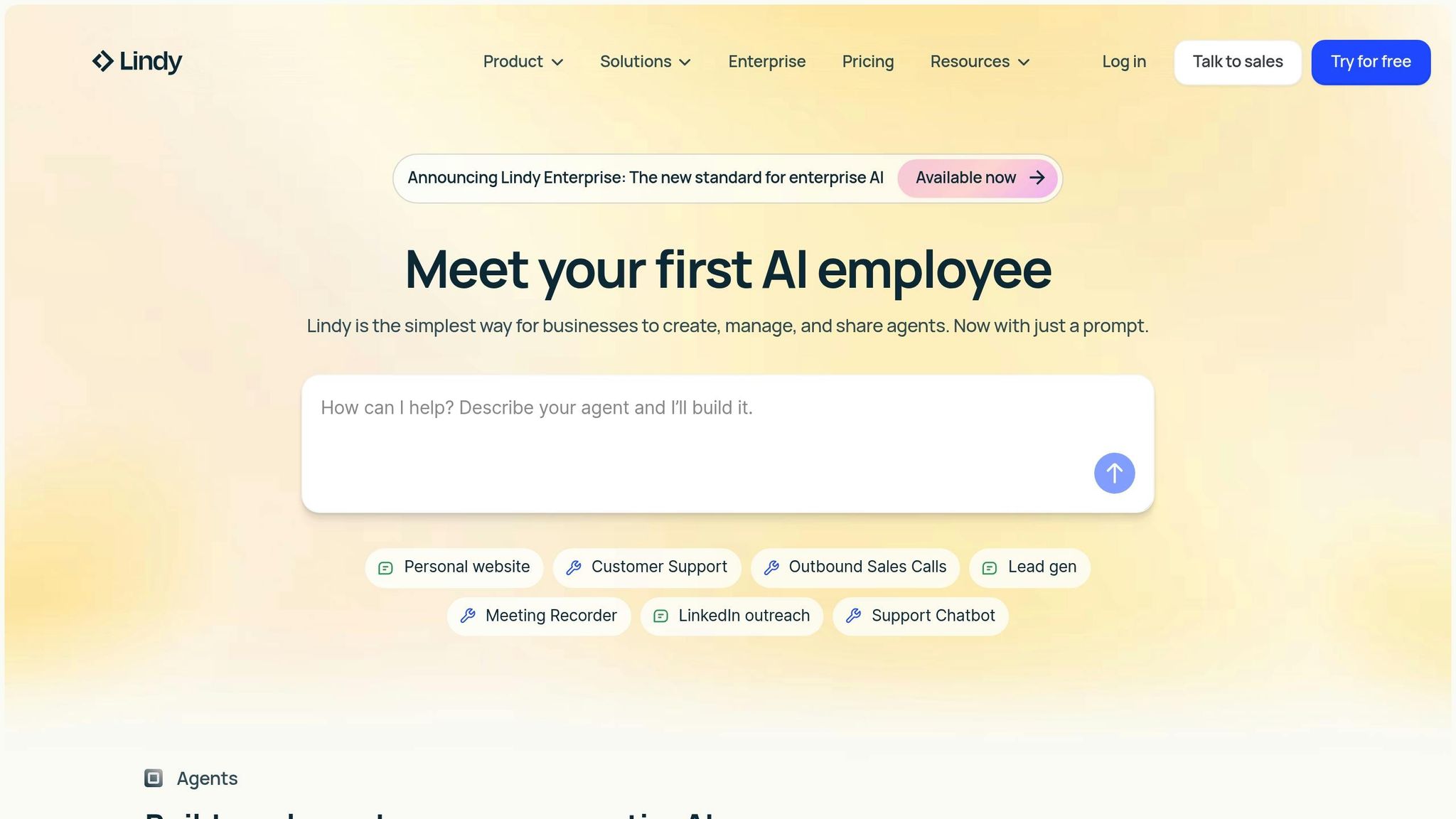
Lindy AI is a no-code platform built specifically for AI, allowing users to design custom AI agents known as "Lindies" to streamline business workflows. Unlike traditional tools that treat AI as a secondary feature, Lindy AI integrates AI directly into the core of workflow creation, enabling the system to determine when to initiate automations.
Lindy AI includes a trigger/action canvas that simplifies automation. With AI triggers, the platform doesn’t just start automations - it allows Lindies to communicate and trigger one another, making it possible to handle intricate, multi-step workflows. Additionally, users can access a library of over 100 pre-built Lindies to accelerate setup.
The platform gives users control over AI configurations for each Lindy. This includes selecting specific models and tailoring contextual instructions to fit unique needs.
Plans start at $49 per month, making it an accessible option for businesses.
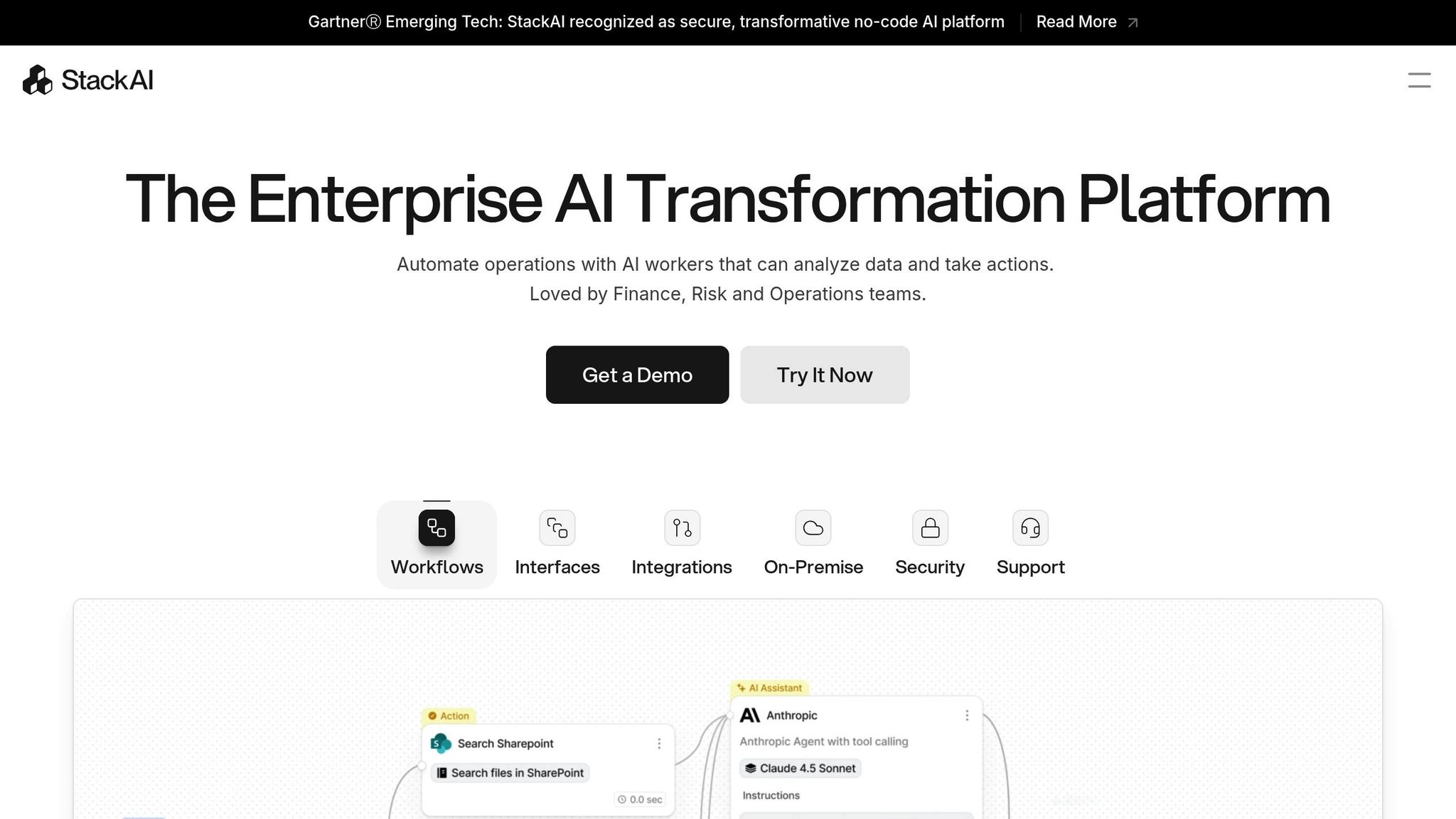
StackAI focuses on turning existing documents into actionable knowledge bases, making it easier to automate AI workflows. By using a retrieval-driven approach, the platform transforms document collections into rich, searchable resources. This ensures that AI-generated answers are not only accurate but also backed by verifiable citations, which helps build trust in the responses.
The platform seamlessly integrates large language models (LLMs) with vector databases and foundation models to embed knowledge effectively.
"One of the key approaches for embedding knowledge is to combine a vector database filled with documents with a foundation model. StackAI specializes in delivering these kinds of retrieval-driven solutions so an enterprise can build a knowledge base with their document collections. Full citations build trust in the answers that come from the web apps or AI copilot." - Peter Wayner, Contributing Writer, CIO.com
StackAI excels at converting document collections into queryable knowledge bases. Using vector databases and foundation models, it powers AI-driven responses that include full citations, allowing users to quickly verify the source material. This capability ensures reliable and transparent information retrieval.
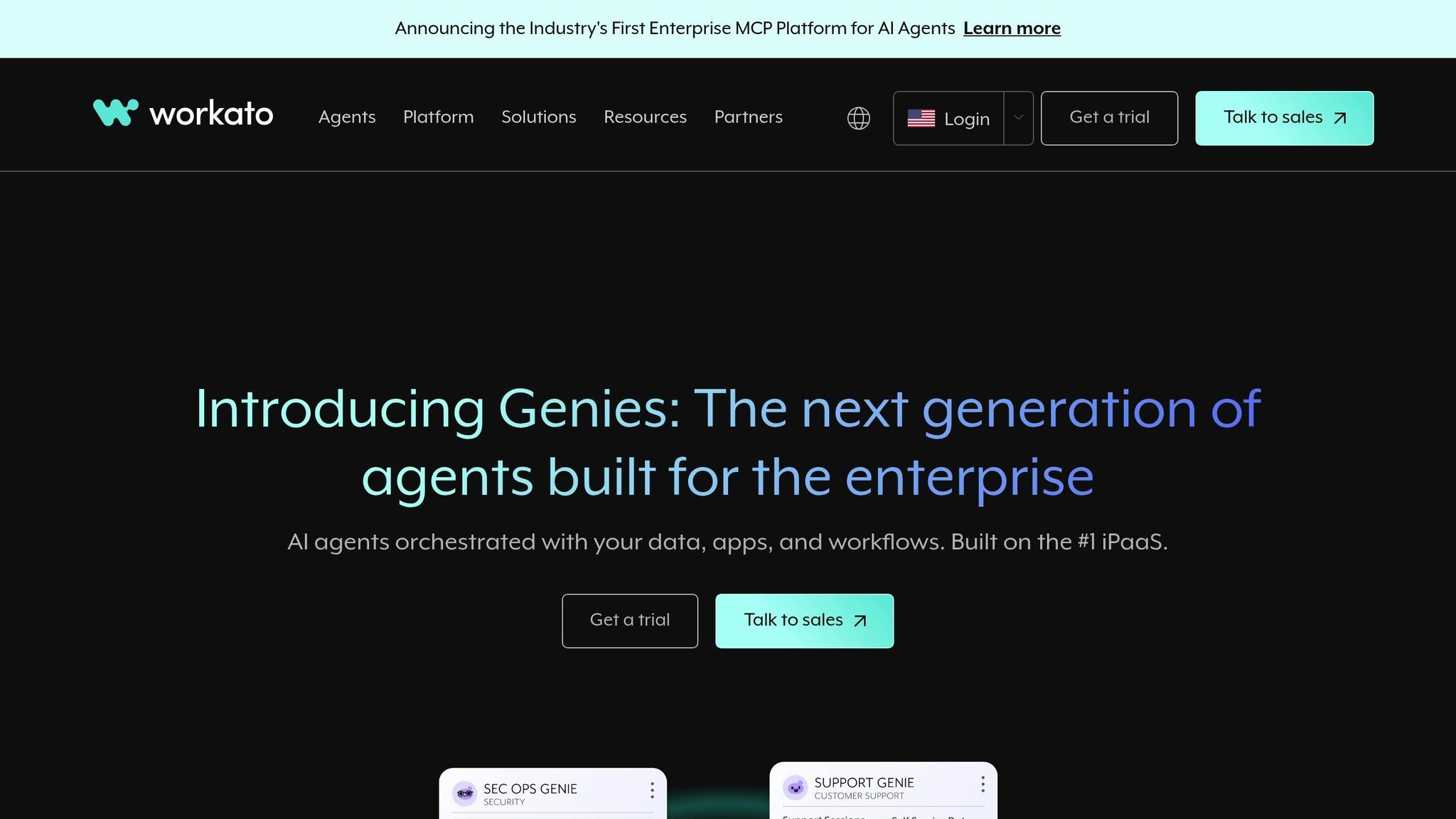
Workato is an enterprise-grade iPaaS platform designed to streamline automation across IT, finance, HR, and marketing workflows. Its no-code visual interface enables teams to create event-driven automations while upholding strict security and compliance standards. Let’s explore how Workato stands out in terms of integration and scalability.
Workato boasts a library of over 1,200 pre-built connectors, making it easy to link various systems. Its prebuilt automation recipes allow teams to quickly connect and automate workflows across major enterprise tools. These include widely used applications like Salesforce, Slack, HubSpot, Marketo, ServiceNow, NetSuite, QuickBooks, Microsoft Dynamics 365, Zendesk, Jira, and Workday.
The platform leverages MCP to enhance AI interoperability and incorporates advanced tools like AIRO, an AI copilot, and a library of prebuilt "Genies" to simplify automation even further. This extensive connectivity highlights Workato's focus on creating seamless, interconnected workflows.
"Workato is a flexible and scalable platform that allows us to build tailored automation solutions with ease. The user-friendly interface makes it simple to work with, even for intricate processes." – Christoffer A.
Built with enterprise needs in mind, Workato ensures high levels of security and compliance, adhering to standards like SOC 2, HIPAA, and GDPR. It is capable of handling high-volume transactions and scaling from simple automations to complex, multi-layered workflows. Its 4.7/5 rating on G2 reflects its reliability and performance.
While Workato offers robust enterprise-grade support and maintenance, it does come with some limitations in inline code customization. Despite this, its ability to scale and integrate effectively makes it a powerful solution for businesses seeking efficient AI-driven workflow automation.
When choosing an AI workflow solution, ease of deployment is a critical factor to consider. The table below highlights the strengths and challenges of various platforms in terms of deployment, offering a clearer picture of what each brings to the table.
Platforms range from simple, quick setups requiring minimal technical knowledge to more complex configurations that demand advanced expertise. Here's how they compare:
| Platform | Deployment Strength | Deployment Challenge |
|---|---|---|
| prompts.ai | Enables quick deployment with secure and compliant workflows. | Primarily focuses on LLM orchestration, which might limit broader workflow automation capabilities. |
| Vellum AI | Simplifies initial workflow testing with a streamlined setup. | Advanced configurations may require technical expertise during deployment. |
| Zapier | Features a user-friendly, no-code interface for quick deployment of basic automations. | Struggles with handling complex automation logic. |
| Make | Offers an intuitive drag-and-drop visual builder for setting up multi-step workflows efficiently. | A steeper learning curve can delay initial deployment compared to simpler no-code tools. |
| n8n | Provides flexible, self-hosted, open-source deployment options for tailored setups. | Requires additional technical expertise and infrastructure management for self-hosting. |
| Gumloop | Delivers a straightforward interface for fast deployment of basic automated workflows. | Limited scalability for more complex, enterprise-level scenarios. |
| Lindy AI | Leverages natural language processing to simplify workflow creation. | Early deployments may need manual adjustments as the technology evolves. |
| StackAI | Streamlines AI model deployment, ideal for teams building custom AI applications. | Its specialized focus on AI model orchestration may limit broader automation options. |
| Workato | Includes pre-built connectors and enterprise-grade features for rapid deployment in complex environments. | A more comprehensive setup may challenge smaller teams with fewer resources. |
Deployment timelines can vary significantly, from a matter of minutes to several weeks. Assess your team's technical skills and long-term scalability needs to determine the platform that best aligns with your goals.
When selecting the right AI workflow solution, it's essential to weigh three critical factors: the size of your organization, the technical expertise of your team, and the complexity of the workflows you aim to automate.
For smaller teams or individuals venturing into AI automation, simplicity is key. Platforms with user-friendly interfaces and minimal setup are ideal, especially if your focus is on basic task automation without requiring extensive customization. These solutions allow you to get started quickly and efficiently.
Mid-sized organizations often require a more adaptable approach. Look for platforms that strike a balance between ease of use and the ability to manage multi-step workflows while integrating seamlessly with your existing tools. If your team has strong technical skills, open-source or self-hosted options can provide the customization you need. On the other hand, if technical resources are limited, prioritize platforms that handle infrastructure management and offer intuitive visual builders or natural language interfaces.
For enterprise teams, the stakes are different. At scale, priorities shift to governance, security, and cost management. You'll need solutions that provide detailed access controls, comprehensive audit trails for compliance, and transparent cost tracking across departments. The ability to deploy workflows swiftly without compromising on enterprise-grade security is a must-have for large-scale operations.
Another critical consideration is the cost structure. Some platforms offer flat monthly fees, while others use pay-as-you-go pricing that adjusts based on usage. For teams with fluctuating AI needs, flexible pricing models can help align costs with actual business value, avoiding unnecessary expenses during slower periods.
Think about your specific workflow needs. Are you primarily focused on orchestrating large language models, or do you require broader automation across various business tools? Some platforms specialize in AI model integration, while others excel at connecting diverse software applications. It's crucial to choose a solution that aligns with your primary objectives.
Start by mapping out your immediate workflow requirements, evaluating your team's technical capabilities, and identifying must-haves like security, compliance, and cost control. Select a platform that fits your current needs while offering the flexibility to grow alongside your business. With careful consideration, you can implement a solution that not only optimizes operations today but also adapts to future challenges and opportunities.
Prompts.ai is built to ensure businesses meet critical regulatory standards such as SOC 2 Type II, HIPAA, and GDPR, guaranteeing that your data is managed with care and security.
The platform also integrates a FinOps layer, offering real-time insights into costs and usage. This feature helps you keep expenses in check while boosting your return on investment. By prioritizing clarity and efficiency, Prompts.ai simplifies workflow management while maintaining budget control.
When choosing an AI automation platform, small teams should focus on a few critical aspects such as usability, integration capabilities, and scalability. It's important to determine if the platform works seamlessly with the tools your team already relies on and whether it allows for creating custom workflows that suit your unique requirements.
Another key factor is deployment options. Does the platform offer cloud-based solutions for easy access and management, or self-hosting options for teams that prioritize control and data security? Evaluating these elements will help you find a platform that matches your team's objectives and resources effectively.
Mid-sized organizations can strike a balance between ease of use and advanced features by opting for AI workflow platforms equipped with low-code or no-code tools. These tools allow non-technical team members to design and modify workflows effortlessly, while still providing the customization options that technical teams might require.
It's also important to choose platforms that integrate smoothly with your current systems and can scale alongside your organization's growth. By focusing on solutions with intuitive interfaces and strong automation capabilities, your team can simplify processes while maintaining both efficiency and adaptability.