Pay As You Go - AI Model Orchestration and Workflows Platform



AI workflow platforms simplify processes, save time, and reduce costs. Choosing the right one depends on your needs - technical flexibility, cost efficiency, or ease of use. Here’s a quick breakdown of four popular platforms:
Quick Comparison:
| Platform | Integration Options | Cost Model | Best For | Key Limitation |
|---|---|---|---|---|
| Prompts.ai | 35+ AI models, SDKs | Pay-as-you-go (TOKN credits) | Cost tracking & compliance | Limited app integrations |
| Zapier | 8,000+ apps, 300+ AI tools | Task-based pricing ($19.99/mo) | Non-technical teams | Costs rise with scale |
| n8n | 1,000+ apps, API support | Per-execution billing | Developers | Steeper learning curve |
| Make | 2,500+ apps, 400+ AI tools | Credit-per-step pricing ($9/mo) | Complex workflows | Requires cost oversight |
Each platform offers unique strengths - Prompts.ai excels in AI orchestration, Zapier simplifies app connections, n8n provides technical flexibility, and Make supports intricate logic. Your choice should align with your team’s skills, goals, and budget.

AI Workflow Platforms Comparison: Features, Pricing, and Best Use Cases

Prompts.ai serves as a robust AI orchestration platform, bringing together more than 35 large language models, including GPT-5, Claude, LLaMA, Gemini, Grok-4, Flux Pro, and Kling, into a single, unified interface. This eliminates the hassle of juggling multiple vendor accounts and API keys. With its API-first design, the platform acts as a "Prompt-as-a-Service" layer, enabling development teams to seamlessly connect AI capabilities to existing systems via a REST API - no need to hard-code prompts into application logic. To further simplify integration, the platform offers dedicated SDKs for Python and JavaScript, making it easier for teams to work with their preferred programming languages while reducing technical complexity.
Prompts.ai includes a FinOps layer that tracks token usage across all integrated models, providing instant visibility into AI spending. This allows teams to optimize costs at the workflow level, potentially cutting AI software expenses by up to 98% compared to maintaining multiple standalone subscriptions. The platform’s pay-as-you-go TOKN credit system eliminates fixed monthly fees, linking costs directly to usage rather than relying on traditional seat-based pricing. Additionally, teams can compare the performance of different models side-by-side within the same interface, enabling precise task allocation based on cost efficiency or performance metrics.
With its Prompt CMS functionality, Prompts.ai empowers non-technical teams to manage AI workflows without relying on developers. Business users can quickly deploy expert-designed "Time Savers" - pre-built prompt workflows crafted by certified prompt engineers - saving time and effort compared to building workflows from scratch. The platform also offers comprehensive onboarding and enterprise training programs, along with a Prompt Engineer Certification, equipping organizations with in-house experts who can tailor workflows to meet specific business needs.
Prompts.ai is designed to grow alongside your organization, whether you're a small creative team or a Fortune 500 enterprise. Adding new models or users is seamless, and the platform ensures enterprise-grade governance with detailed audit trails for every AI interaction. This makes it easy to maintain compliance as usage expands across departments. Real-time dashboards provide a clear view of AI spending, linking costs to specific teams and measurable business outcomes. This transparency helps leadership make informed decisions about scaling AI adoption while keeping costs under control.
Zapier connects with over 8,000 apps and 300 AI tools, making it a versatile solution for integrating your workflows. It supports models like ChatGPT, Claude, Gemini, Perplexity, and Grok, giving teams the flexibility to choose the best model for tasks such as coding, reasoning, or real-time search. For apps without built-in integrations, Zapier offers webhooks and private app options to link custom APIs or on-premises tools. The Model Context Protocol (MCP) connector takes this a step further, allowing users to trigger any of Zapier’s 30,000+ app actions directly from their preferred AI tools. This unified approach simplifies processes across your tech stack, driving efficiency and reducing costs.
Zapier has processed over 200 million AI tasks, with 23 million tasks running monthly. This includes automating 1,100 support tickets each month, resolving 28% of them, which saved 600 hours and $500,000. Additionally, a lead enrichment system reclaimed 282 working days and unlocked $1 million in potential revenue.
“Because of automation, we’ve seen about a $1 million increase in potential revenue. Our reps can now focus purely on closing deals - not admin.”
With a no-code interface, Zapier empowers non-technical users to set up automations in just hours. The AI Copilot feature allows users to describe workflows in plain language, and the system automatically builds the automation. A visual drag-and-drop Canvas and centralized Tables further simplify creating and managing workflows. Plus, the built-in "AI by Zapier" tool integrates AI steps into automations without needing separate AI accounts, leveraging models like GPT-4o mini directly within the platform.
Zapier supports enterprise-grade scalability with features like Global Variables, SOC 2 Type II compliance, SSO/SCIM integration, and unlimited logs. These capabilities ensure secure, consistent automation as your needs grow. For instance, Okta reduced escalation times from 10 minutes to just seconds, and Marcus Saito shared:
“Zapier makes our team of three seem like a team of ten.”
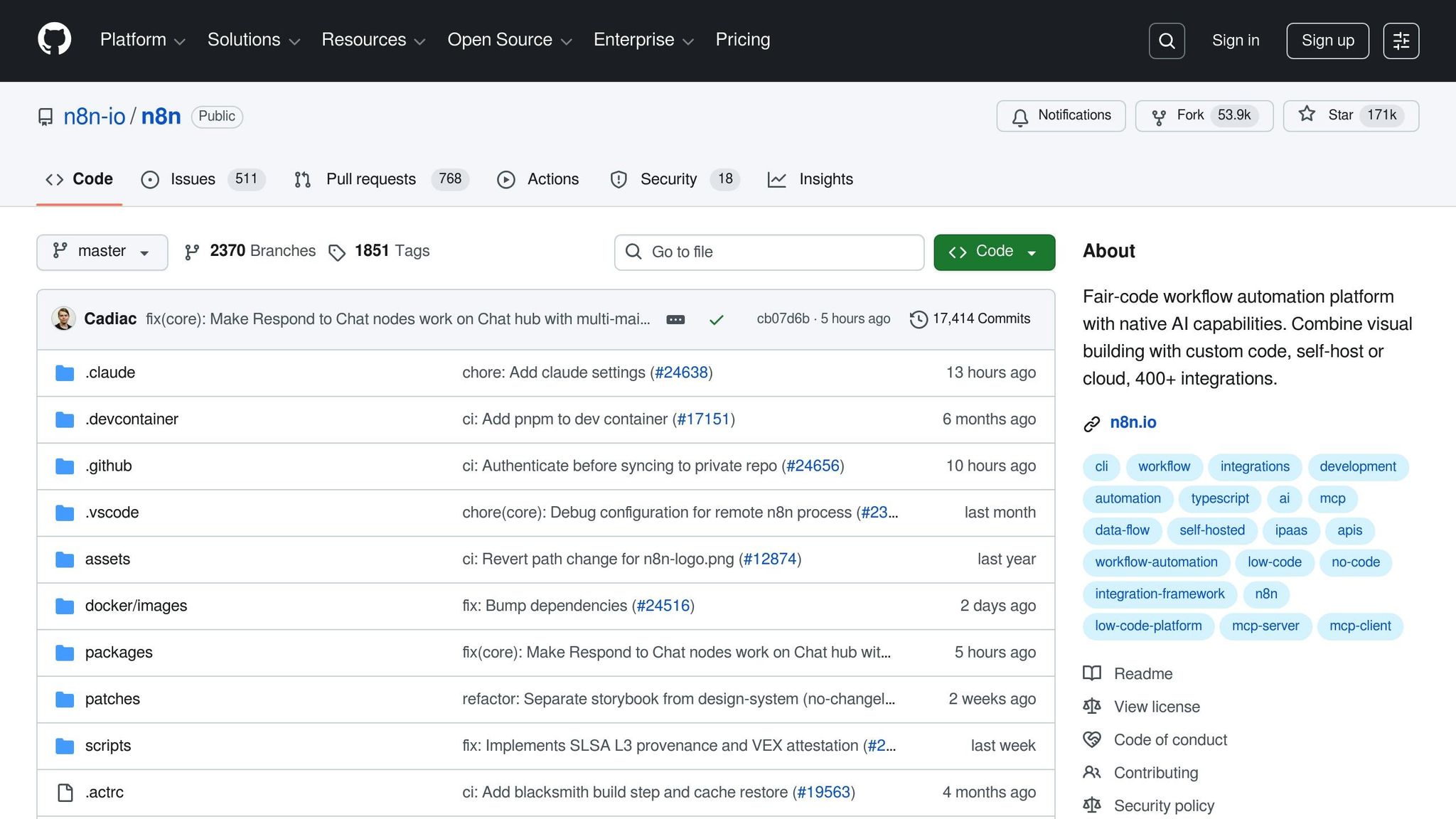
n8n connects with over 1,000 apps through its pre-built integrations and can link to any service with an API using its HTTP Request node. What sets it apart is its 70+ dedicated LangChain nodes, designed to help build modular AI applications, along with support for the Model Context Protocol (MCP) in both client and server roles. The platform includes official nodes for well-known services like OpenAI (GPT-4, DALL-E), Anthropic, Azure, DeepSeek, Mistral, and OpenRouter, as well as local models via Ollama. It also integrates seamlessly with vector databases such as Supabase, Qdrant, Pinecone, and Zep. For services without pre-built nodes, developers have the flexibility to write custom logic directly in JavaScript or Python within the workflow, enabling tailored integrations. This extensive connectivity ensures cost-efficient and scalable operations.
n8n's pricing model is refreshingly simple: one execution equals one workflow run, no matter how many steps it includes. For example, a 10-step workflow costs just 1 credit, whereas task-based platforms would charge for each step, making n8n up to 1,000 times more cost-efficient for complex AI workflows. The platform can handle up to 220 workflow executions per second on a single instance. A real-world example of its impact is Vodafone, which reported saving £2.2 million by adopting n8n for automation, showcasing its effectiveness at an enterprise level. These savings translate directly into increased workflow efficiency and value.
With over 4,000 starter templates, n8n simplifies workflow creation for common scenarios. The platform offers built-in nodes for tasks like merging, looping, filtering, and splitting data, along with "Switch" and "If" nodes for routing data based on AI-generated sentiment or classification. Developers can test and debug workflows more efficiently by executing just the final step in a sequence rather than the entire workflow. Additionally, the "human-in-the-loop" feature allows manual review at critical checkpoints, adding an extra layer of control.
n8n is built for enterprise-level scalability. Its Queue Mode distributes workflow executions across multiple worker instances using Redis, ensuring high performance. Deployment options include Docker and Kubernetes, and the platform supports Git-based source control, making it easy to manage transitions between staging and production environments. For secure operations, n8n integrates with external secrets managers like AWS Secrets Manager, Azure Key Vault, Google Cloud Platform, and HashiCorp Vault. The free self-hosted Community Edition offers unlimited executions, while cloud plans start at $20/month, providing 2,500 workflow executions with no limit on steps.
Make connects with over 2,500 apps and offers a staggering 30,000+ actions across tools like CRMs, databases, and communication platforms. With 400+ pre-built AI app integrations, it seamlessly links to major players like OpenAI, Anthropic, Google AI, Midjourney, and ElevenLabs. For apps without pre-built modules, Make provides an HTTP module for API connections and a Custom Apps SDK for creating tailored integrations. The platform also supports the Model Context Protocol (MCP), enabling Make workflows to interact with external AI systems, whether by calling or being called by them.
Efficiency is at the heart of Make’s design. Its visual "Make Grid" interface displays every module, making it easy to spot and address bottlenecks. Tools like Routers, Iterators, and Aggregators ensure smooth handling of dynamic data. Meanwhile, its AI Agents leverage large language models (LLMs) to determine the most effective route or tool for achieving specific goals, moving beyond rigid, rule-based systems. Built-in error management allows workflows to retry, ignore, or shift to fallback options, ensuring uninterrupted operations. Pricing is based on operations, with the Core plan starting at $9/month for 10,000 operations, offering a cost-effective solution for high-volume needs compared to task-based alternatives.
Make makes integration straightforward with its intuitive drag-and-drop interface. While the platform has a manageable learning curve, its 40+ built-in functions - covering regex, JSON parsing, and math operations - allow users to craft precise workflows. The "Return Output" module ensures AI agents receive the right data to generate accurate responses in tool scenarios. The free tier includes 1,000 operations per month with a 15-minute execution interval, while paid plans, starting at just $9/month, unlock minute-level scheduling and unlimited active workflows.
Designed for enterprise-grade needs, Make includes GDPR and SOC 2 Type II compliance for secure data handling. Its Grid orchestration view offers a high-level overview of agents, apps, and workflows, paired with real-time analytics for easy debugging and performance tracking. Pricing scales flexibly from the free tier to the Core plan ($9/month), Pro plan ($16/month with priority execution), Teams plan ($29/month with team permissions), and custom Enterprise plans offering advanced security features, SSO, and dedicated support. The platform’s visual builder also provides detailed insights into JSON structures and HTTP requests, ensuring full transparency and operational control. This scalability ensures Make can handle everything from small teams to large enterprises with ease.
Examining the platforms' features in detail reveals their respective strengths and trade-offs. Zapier shines in connectivity, offering over 8,000 integrations and an AI Copilot that enables non-technical users to create workflows using natural language. However, its task-based pricing can lead to escalating costs as usage scales.
n8n caters to technical teams by providing self-hosting options, which help maintain predictable costs even for complex, multi-step processes. That said, its flexibility comes with a steeper learning curve, often requiring knowledge of JavaScript or Python.
Make distinguishes itself with a visual, flowchart-based builder, ideal for handling intricate data transformations and multi-branching logic. However, its credit-per-step pricing model demands precise optimization since every action impacts costs.
Prompts.ai focuses on unifying 35+ language models with real-time FinOps tracking. This setup is especially beneficial for regulated industries and teams aiming to control costs. However, its specialization in AI orchestration means it doesn't offer the broader business-app connectivity seen in other platforms.
Here’s a side-by-side comparison of their key features to help guide your decision:
| Platform | Interoperability | Efficiency | Ease of Integration | Scalability |
|---|---|---|---|---|
| Prompts.ai | Unified access to 35+ LLMs | Real-time token tracking and cost control | Single interface for all models | Enterprise compliance; pay-as-you-go |
| Zapier | 8,000+ apps and 300+ AI tools | AI Copilot for natural language builds | No-code drag-and-drop | Costs increase with scale |
| n8n | Flexible integrations | Unlimited steps per execution | Customization using code | Self-hosting option; fair-code licensing |
| Make | Extensive app support | Visual, flowchart-based builder | Intuitive drag-and-drop interface | Credit-per-step model requiring optimization |
These features translate into measurable outcomes. For instance, in 2025, a three-person Remote IT team automated 28% of 1,100 support tickets using Zapier and ChatGPT, saving 600 hours. Similarly, Popl reduced lead routing costs by $20,000 annually.
"n8n is the clear choice for developers because it offers real code fallback in JavaScript and Python in addition to preconfigured integration nodes, plus source-available licensing." - Maddy Osman, Founder, The Blogsmith
Ultimately, the best platform depends on your team's technical expertise and integration needs. Non-technical teams might lean toward Zapier for its extensive integrations and AI Copilot, which enable quick prototyping. Developer-focused organizations, on the other hand, may find n8n's self-hosting and customizable execution model more appealing for managing costs. Meanwhile, Make offers robust visual logic tools, though its pricing requires careful oversight at scale.
Choosing the right AI workflow platform hinges on your team’s expertise, specific needs, and future goals. For non-technical teams, platforms with user-friendly automation tools and extensive app libraries are ideal, though scaling costs can become a concern. On the other hand, operational and technical teams often require more advanced options: operations teams benefit from visual builders capable of handling complex, multi-step logic and data transformations, while technical teams prioritize self-hosting capabilities and JavaScript extensibility to ensure data privacy and tailored solutions.
For organizations juggling multiple AI models under regulatory oversight, platforms offering unified access, real-time cost monitoring, and enterprise-grade compliance are essential. These features help avoid tool sprawl and maintain proper governance. Each platform caters to different priorities, whether it’s simplicity or strict adherence to regulations.
"AI only delivers when embedded in real business workflows. Models and insights must translate into automated actions, approvals, or notifications to drive meaningful impact." – Domo
The use of AI-enabled workflows is projected to expand significantly, growing from 3% to 25% of enterprise processes by the end of 2025. However, it’s worth noting that around 95% of generative AI pilots fail to reach production due to infrastructure challenges. Achieving success requires careful testing, proper versioning, and seamless collaboration between technical and business teams. Aligning your platform choice with long-term process goals is key to generating measurable business results.
When choosing an AI workflow platform, it's important to focus on a few key aspects to ensure it aligns with your needs. Interoperability should be a top priority - the platform must work seamlessly with your existing tools, models, and data sources, allowing for smooth automation and uninterrupted data flow.
Efficiency is another crucial element. The platform should help you make the most of your resources, simplify workflows, cut costs, and ultimately boost productivity.
You’ll also want to look at the ease of integration. A reliable platform should be easy to set up and connect with your current systems, reducing the need for complicated customizations. Additionally, features like strong security measures, compliance with relevant regulations, and the flexibility to handle evolving requirements are vital for ensuring long-term success. Taking these factors into account will help you select a platform that simplifies AI-driven processes and aligns with your objectives.
Prompts.ai takes the hassle out of managing AI expenses with its pay-as-you-go pricing model, allowing you to pay only for the resources you actually use. This flexible approach helps businesses trim costs, making it a smart choice for those looking to prioritize budget efficiency.
The platform also offers real-time cost tracking and governance tools, enabling teams to monitor spending closely and set limits as needed. By pairing affordability with strong financial management features, Prompts.ai gives organizations the tools to fine-tune their budgets while staying in complete control of their AI operations.
n8n and Make take distinct paths when it comes to customization and cost management. n8n stands out as an open-source, self-hosted platform, giving users the ability to deeply customize and control their workflows. This approach makes it a budget-friendly choice for teams with the technical know-how to handle their own infrastructure, as expenses are limited to hosting and maintenance.
In contrast, Make operates on a pay-per-operation pricing model, where costs are tied to the number of workflow steps. It features a no-code interface that’s intuitive and quick to set up, along with pre-built templates for added convenience. However, as workflows become more intricate, the associated costs can rise significantly. Essentially, n8n is a solid choice for organizations seeking extensive customization and lower costs, while Make appeals to those who value simplicity and fast implementation.