Pay As You Go - AI Model Orchestration and Workflows Platform



Transform your workflows with the right AI tools. Collaborative AI platforms unify team efforts, streamline processes, and reduce costs. From accessing 35+ AI models to integrating with tools like Slack and Microsoft Teams, these platforms offer solutions tailored to your needs. Here’s what stands out:
Quick Comparison:
| Platform | Best For | Starting Price | Key Feature | Limitation |
|---|---|---|---|---|
| prompts.ai | AI model orchestration | Pay-as-you-go | 35+ LLMs, cost optimization | AI-specific focus |
| monday.com | Visual project management | $8.00/user/month | Intuitive interface | Limited AI features |
| Slack | Real-time communication | $7.25/user/month | Smart search, summaries | Notification overload |
| Notion | All-in-one workspace | $8.00/user/month | Customizable workflows | Steep learning curve |
| Microsoft Teams | Microsoft 365 users | $6.00/user/month | Ecosystem integration | Focused on MS tools |
Choose the platform that matches your priorities. Whether you need AI orchestration, project management, or communication tools, these platforms offer solutions to boost efficiency and save time.
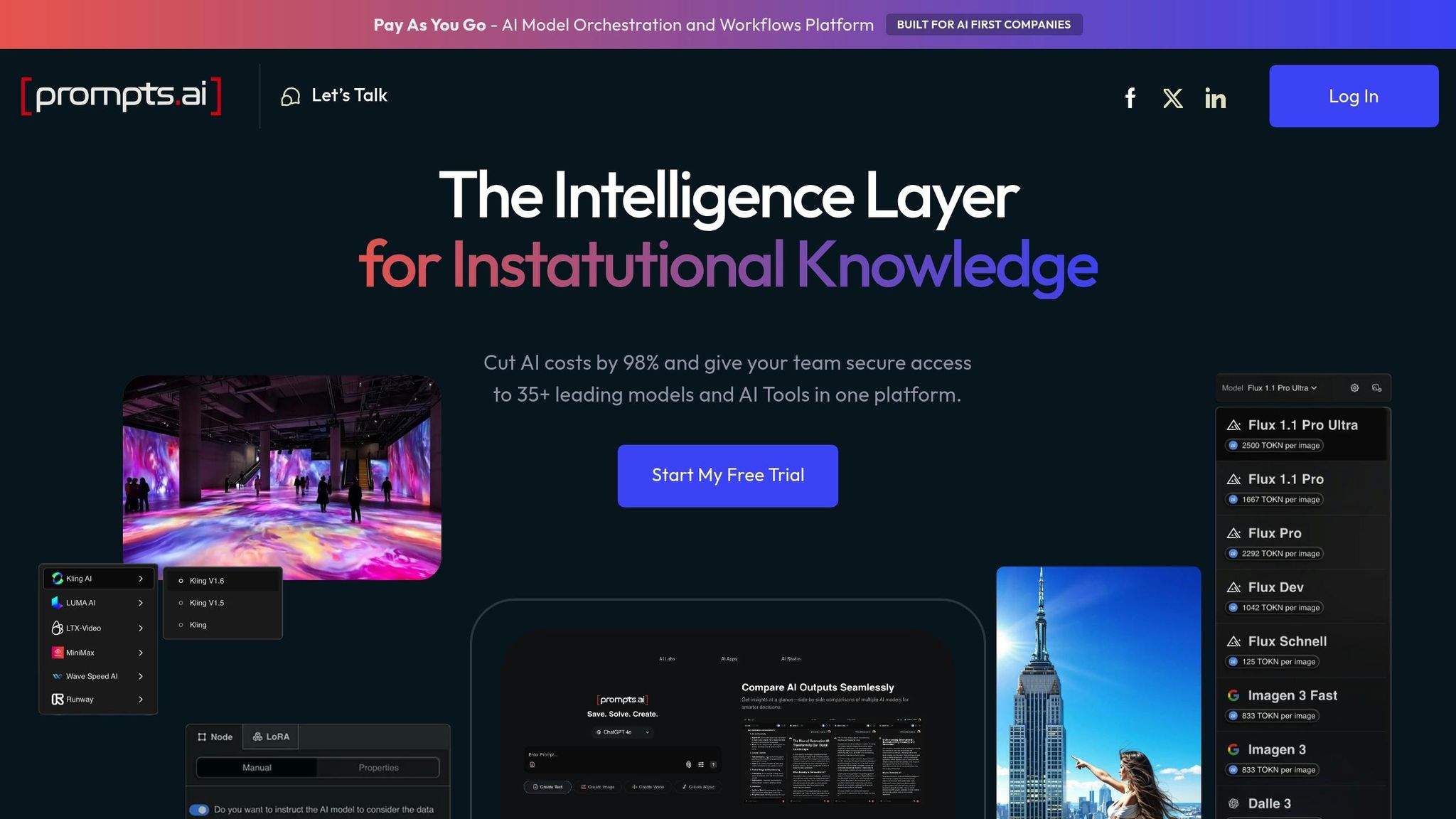
prompts.ai brings together over 35 leading large language models, including GPT-5, Claude, LLaMA, and Gemini, into a single, secure platform. Unlike other AI tools that restrict users to specific models, prompts.ai allows organizations to streamline their workflows while maintaining complete oversight of usage and expenses.
With its flexible, model-agnostic design, prompts.ai lets teams switch seamlessly between AI models to match specific project needs. For instance, a team might use Claude for analytical tasks and GPT for creative projects, comparing their performance side by side. Adding new models is straightforward, ensuring adaptability as requirements evolve.
prompts.ai transforms individual AI tasks into scalable workflows using advanced orchestration tools. Teams can create multi-step prompt chains to automate processes, with built-in assignment and approval flows ensuring smooth task management. According to industry data, over 60% of AI teams now rely on collaborative platforms for prompt engineering and workflow management. These tools can cut prompt development time by 30–50% compared to traditional methods.
The platform’s robust APIs and pre-built connectors for tools like Slack, Notion, Microsoft Teams, and Google Workspace reduce the need for constant context switching. Teams can also import and export prompt libraries, making it easier to share best practices across projects. Real-time data exchange ensures workflows stay updated with the latest information, promoting efficient and cost-effective AI management.
prompts.ai stands out with its transparent pay-as-you-go pricing model, powered by TOKN credits. This eliminates recurring subscription fees, offering plans starting at $29 per user per month for individuals and small teams. Enterprises can opt for enhanced security and compliance features tailored to larger organizations. This pricing structure allows U.S. businesses to budget effectively, potentially reducing AI software costs by up to 98%. Detailed billing dashboards provide clear insights into spending.
Distributed teams benefit from real-time co-editing, comment threads, version history, and role-based access controls. Shared workspaces promote accountability and streamline knowledge sharing, helping teams save up to four hours per week on decision-making and prompt iteration. With a 4.7/5 rating on major software review platforms, users frequently highlight the platform’s intuitive design, detailed analytics, and real-time feedback that simplifies issue resolution and enhances workflow optimization.
monday.com enhances project management by combining collaboration tools with AI capabilities. Its AI-driven features improve planning and provide clear visibility into potential risks across projects and portfolios, helping teams stay on track and manage resources effectively. Additionally, it simplifies workflow management with AI-powered actions and code-based automation, making task coordination seamless - even for those without advanced technical skills.
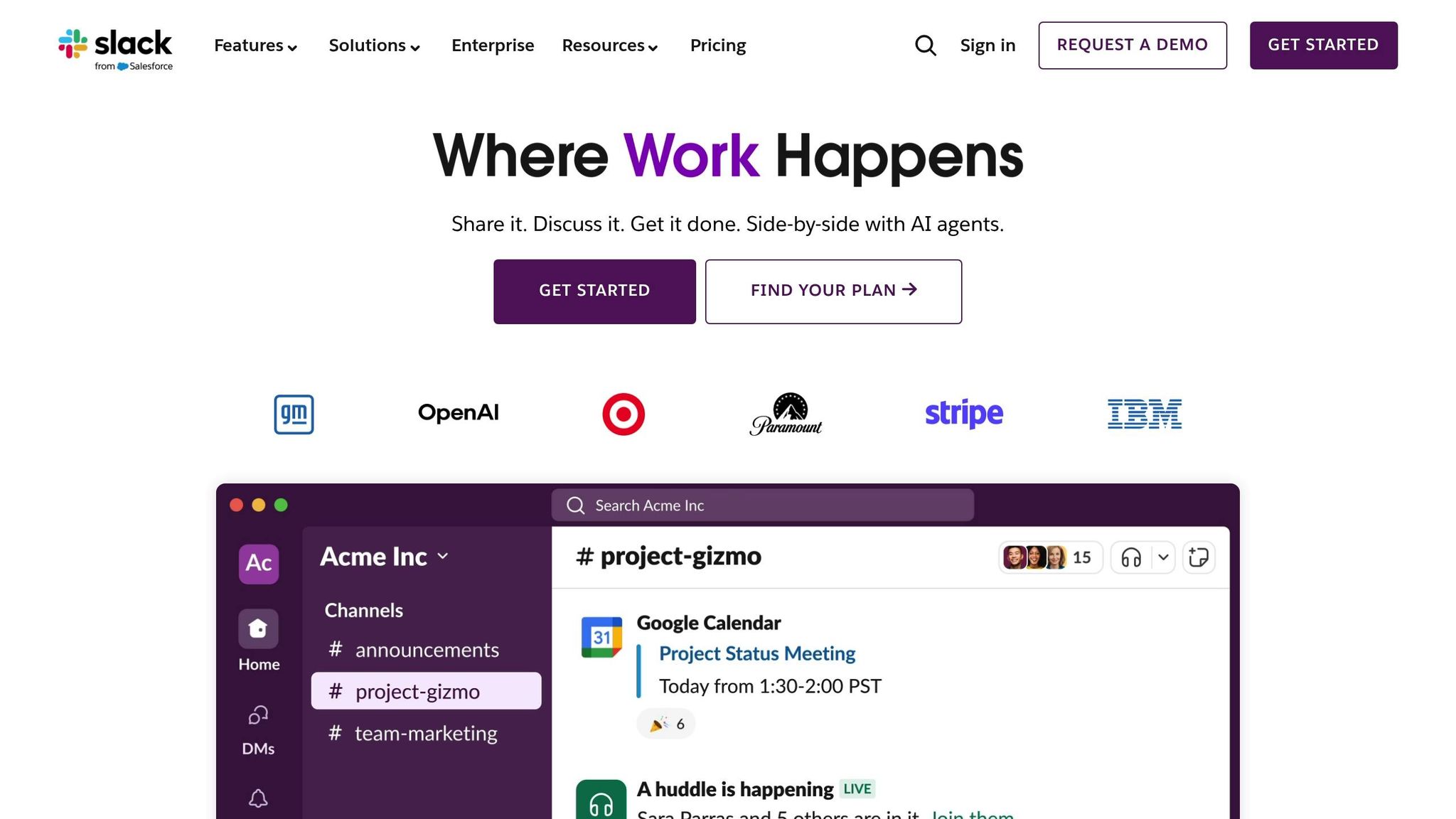
Slack simplifies team communication with AI-powered tools, serving an impressive 38 million active users. These features are designed to boost real-time collaboration, especially for distributed teams.
Slack’s AI tools tackle information overload by offering smart search capabilities and automated thread summaries. These tools make it easier for teams, even across different time zones, to quickly find key conversations, files, or resources. It’s no surprise that 89% of users say Slack has improved their communication experience.
Slack provides transparent pricing options to suit various needs. The Free plan includes essential features, such as a 90-day message history. For more advanced tools, the Pro plan is available at $7.25 per user per month when billed annually, or $8.75 per user per month for monthly billing. Paid plans include core AI features like smart search and message summarization, while higher-tier plans unlock enterprise-level tools and advanced search capabilities.
Notion simplifies team organization by offering a versatile workspace that combines databases, documents, and project management tools. Here's how its collaboration features, integrations, and straightforward pricing make it a go-to platform for teams.
Notion's AI tools are designed to save time and increase efficiency. They help users create meeting notes, summarize lengthy documents, and build project templates with ease. The platform also supports real-time editing, ensuring that everyone stays on the same page.
Its commenting and mention system keeps conversations relevant and contextual. Task assignment, deadline management, and progress tracking are seamlessly integrated into customizable databases, which can handle everything from simple to-do lists to more intricate project workflows.
Beyond collaboration, Notion connects effortlessly with other tools through its API and built-in integrations. You can embed Google Drive files, showcase Figma designs, or link GitHub repositories directly within your workspace. With Zapier, you can automate tasks by syncing Notion with thousands of apps. The web clipper extension is another handy feature, letting users save articles, research, or inspiration straight into Notion. By embedding calendars, spreadsheets, and other external content, Notion becomes a centralized hub for all your project needs.
Notion’s pricing is designed to suit both individuals and teams. Its free plan is ideal for personal use, offering essential features, while premium plans provide extras like higher file upload limits, extended version history, and guest collaboration. For teams and larger organizations, advanced plans include features like enhanced permission controls, bulk export options, stronger security, and dedicated enterprise support to meet professional needs.
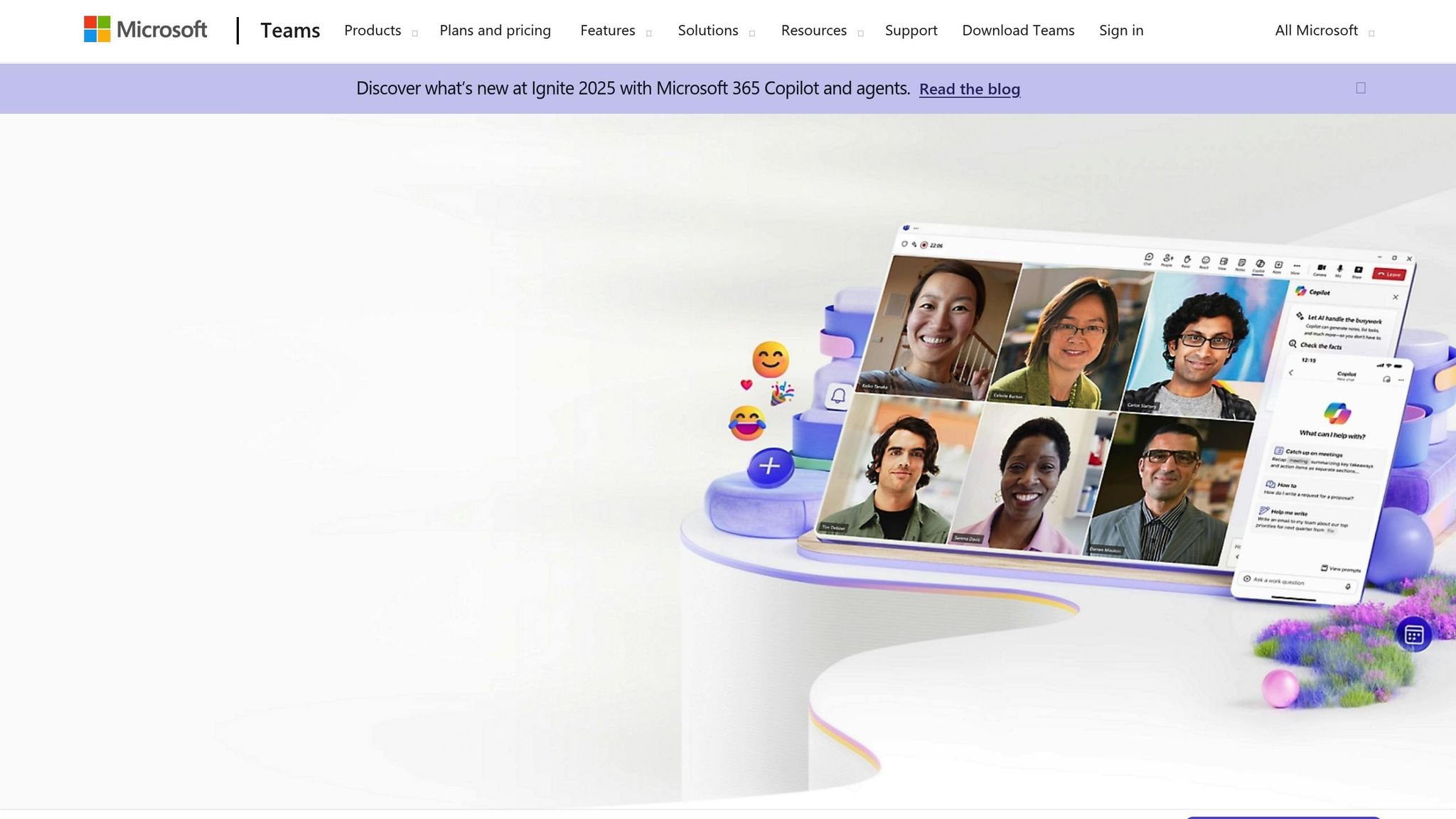
Microsoft Teams revolutionizes workplace communication by blending chat, video conferencing, and file sharing into a single, cohesive platform. With its AI-driven tools and extensive integrations, it’s a go-to solution for organizations aiming to simplify collaboration while ensuring enterprise-level security.
Microsoft Copilot takes meetings to the next level by summarizing recordings, creating action items, and drafting follow-up emails in real time. Features like live transcriptions and document insights ensure every detail is captured and accessible.
The platform’s shared workspaces keep projects organized by channel, where conversations, files, and apps are all in one place. Threaded discussions help maintain clarity, while @mentions and priority notifications make sure critical messages are seen. For visual brainstorming, the whiteboard feature offers tools like AI-driven shape recognition and text conversion, making collaborative sketches more efficient and professional.
Teams works seamlessly within the Microsoft 365 ecosystem, enabling users to edit Word, Excel, and PowerPoint files without leaving the platform. Its app store expands functionality with third-party integrations like Trello, Adobe Creative Cloud, and Salesforce.
For workflow automation, Teams connects with the Power Platform, allowing users to build custom automations through Power Automate. For instance, workflows can be triggered by chat messages, file uploads, or meeting completions. Developers can further enhance functionality with the Microsoft Graph API, enabling custom applications to access Teams data and tools, which naturally supports automated workflows.
Microsoft Teams operates on a subscription-based pricing model, bundled with Microsoft 365 plans. The entry-level Microsoft 365 Business Basic plan, priced at $6.00 per user per month, includes core Teams features. Advanced capabilities, such as cloud recording and phone system integration, are available in higher-tier plans starting at $12.50 per user per month.
For enterprise users, Teams Premium adds advanced features like AI-powered meeting recaps, enhanced security, and custom meeting options for an extra $10.00 per user per month. This pricing structure ensures predictable costs, with volume discounts available for larger organizations.
Teams simplifies workflow management by integrating with Microsoft Project and Planner, syncing tasks and timelines directly across channels.
Approval workflows streamline decision-making by routing documents and requests through designated approval chains. Automated notifications alert users to pending approvals, while AI-driven insights help pinpoint delays in the process. Custom workflows, built with Power Automate, can be triggered by specific activities - such as creating follow-up tasks after meetings or notifying stakeholders when project milestones are achieved. This level of orchestration ensures smoother operations and better productivity.
After diving into the specifics of each platform, here’s a concise comparison of their standout advantages and trade-offs. Collaborative AI platforms bring unique benefits and challenges, influencing decisions based on team priorities, budgets, and operational needs. Below is a side-by-side overview summarizing their strengths and areas for improvement.
prompts.ai stands out for its AI model orchestration, granting access to over 35 top language models through a single interface. Its pay-as-you-go TOKN credit system eliminates recurring subscription costs, potentially slashing AI software expenses by up to 98%. With a built-in FinOps layer for real-time cost tracking and governance, it’s an excellent choice for enterprises managing extensive AI deployments. However, teams focused more on general project management might find its AI-centric design too niche for their needs.
monday.com excels in visual project management, offering an intuitive drag-and-drop interface and color-coded boards. Its automation features simplify repetitive tasks, while its app marketplace supports a variety of workflows. Starting at $8.00 per user per month, it offers transparent pricing, though limited native AI features and the potential for costly premium add-ons may deter some users.
Slack is a leader in real-time communication, with organized channels and a vast array of integrations. Its workflow builder allows teams to create custom automations without coding, while features like huddles and canvas enhance collaboration. However, Slack’s pricing can become steep for larger teams, and the sheer volume of notifications can overwhelm users without proper management.
Notion offers unmatched flexibility as an all-in-one workspace, combining databases, documents, and project management tools. Its AI-powered writing assistance and extensive template library simplify content creation. The platform’s block-based structure supports highly customized workflows, but new users may face a steep learning curve. Additionally, performance can lag with large databases or complex setups.
Microsoft Teams integrates seamlessly with the Microsoft 365 ecosystem, making it a natural fit for organizations already using Office tools. Features like Copilot’s meeting summaries and action item generation boost productivity, while enterprise-grade security ensures compliance. However, its integration capabilities outside the Microsoft ecosystem are less consistent, potentially limiting its appeal to teams using non-Microsoft tools.
| Platform | Best For | Starting Price | Key Strength | Main Limitation |
|---|---|---|---|---|
| prompts.ai | AI model orchestration | Pay-as-you-go | 35+ LLMs, cost optimization | AI-specialized focus |
| monday.com | Visual project management | $8.00/user/month | Intuitive interface | Limited native AI |
| Slack | Real-time communication | $7.25/user/month | Channel organization | Notification overload |
| Notion | All-in-one workspace | $8.00/user/month | Ultimate flexibility | Steep learning curve |
| Microsoft Teams | Microsoft 365 users | $6.00/user/month | Ecosystem integration | Limited outside Microsoft |
The pay-as-you-go TOKN system used by prompts.ai offers a flexible alternative to the subscription-based models of monday.com, Slack, and Microsoft Teams, which provide predictable monthly costs. Notion takes a different approach with its freemium model and reasonably priced paid tiers.
When it comes to workflow orchestration, prompts.ai leads with its AI-driven automation, while monday.com offers a visually appealing workflow builder. Slack and Microsoft Teams excel in communication-focused workflows, and Notion delivers the most adaptable - though sometimes complex - options.
For integration capabilities, each platform has its strengths. Microsoft Teams is ideal for organizations deeply embedded in the Microsoft ecosystem, while Slack boasts the most extensive third-party app marketplace. prompts.ai provides unrivaled AI model interoperability, whereas monday.com and Notion offer solid but less specialized integration options. These distinctions in cost structures and integration capabilities highlight the platforms' suitability for different workflows.
Ultimately, your choice should align with your team’s primary focus: opt for prompts.ai for AI-centric workflows, monday.com for visual project management, Slack for real-time communication, Notion for flexibility, and Microsoft Teams for seamless integration within the Microsoft ecosystem.
This comparison underscores the importance of choosing a collaborative AI platform that aligns with your team's specific needs, budget, and technical setup. Each platform brings unique strengths to the table, and understanding these differences can help U.S.-based professionals save both time and resources in today’s competitive environment.
For AI-focused teams, prompts.ai stands out with its pay-as-you-go TOKN system, offering access to over 35 language models. This approach can cut AI-related costs by up to 98% while maintaining enterprise-level governance and control.
When evaluating platforms, it's essential to weigh the cost structure alongside features. For teams with fluctuating AI demands, prompts.ai’s usage-based pricing provides a flexible and cost-efficient option. Consider taking advantage of the 30-day trial to evaluate how well the platform integrates with your workflows, onboarding processes, and budget.
As the collaborative AI landscape continues to evolve, it’s crucial to choose a solution that not only addresses your team’s current requirements but also adapts seamlessly to future challenges.
Prompts.ai features a FinOps layer that delivers real-time insights into your AI model usage and spending. It monitors every interaction, giving you complete visibility into costs and your return on investment (ROI).
By streamlining workflows and pinpointing opportunities to cut unnecessary expenses, Prompts.ai ensures teams can work efficiently while keeping budgets transparent. This approach simplifies aligning AI initiatives with your financial objectives.
Prompts.ai integrates effortlessly with diverse tools and platforms, making workflows more efficient and fostering better collaboration. Its powerful API and compatibility features allow seamless connections with popular productivity apps, project management software, and AI-based systems.
By prioritizing flexibility, prompts.ai ensures smooth data sharing and works seamlessly with large language models, enabling teams to operate more effectively. Whether you're tackling intricate projects or automating everyday processes, prompts.ai tailors integration to meet your specific requirements.
Prompts.ai equips distributed teams with AI-powered tools that make collaboration easier and workflows more efficient. By integrating seamlessly with large language models, it allows teams to co-create, streamline repetitive tasks, and improve communication - even across different time zones.
This intuitive platform is built to enhance team productivity while ensuring smooth interaction between AI-driven systems. Whether you're coordinating projects or brainstorming innovative ideas, Prompts.ai brings teams together to work smarter and more effectively, no matter where they are.